
Maya Cooks
@mayacooks
48.2K subscribers
Colours
Primary
#FF5A1FSecondary
#FFD23FApplied to every result.
One sentence becomes three polished versions with your picture, name and colours. No designer, no After Effects.
Your first 3 prompts are free. No card needed.
Alerts and overlays for your videos and streams. Promos, posts and end cards for every feed.
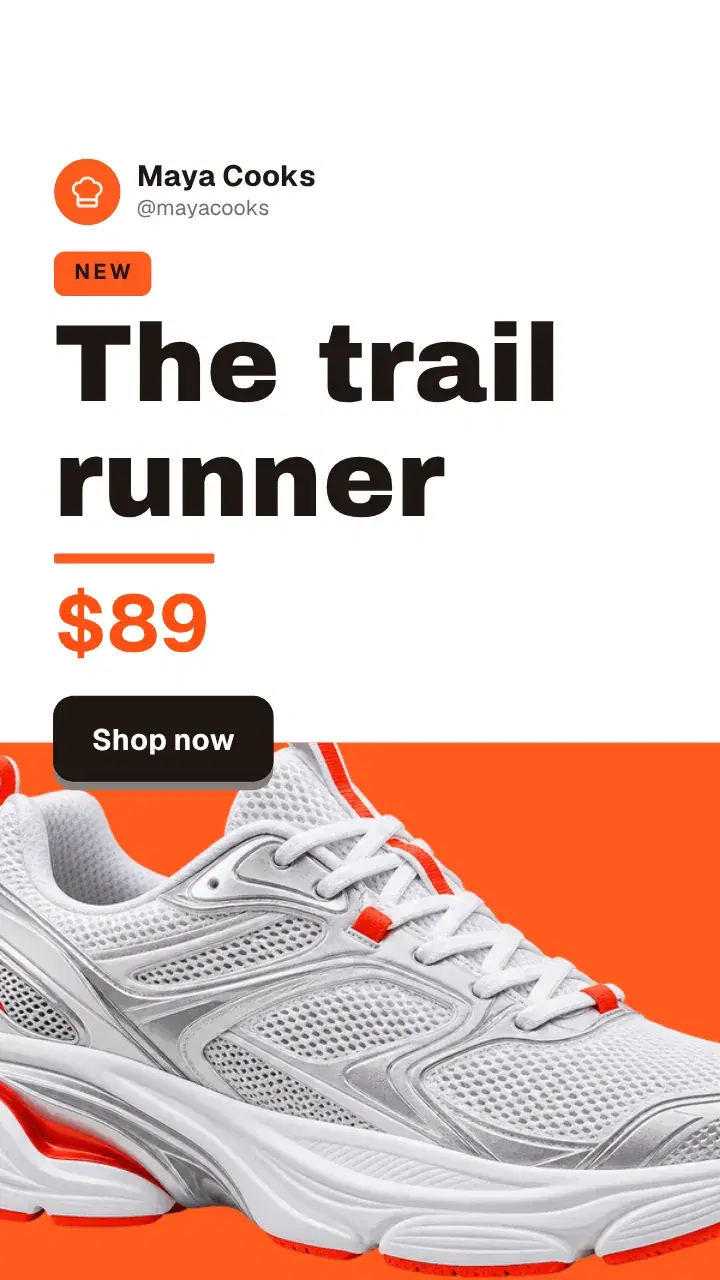
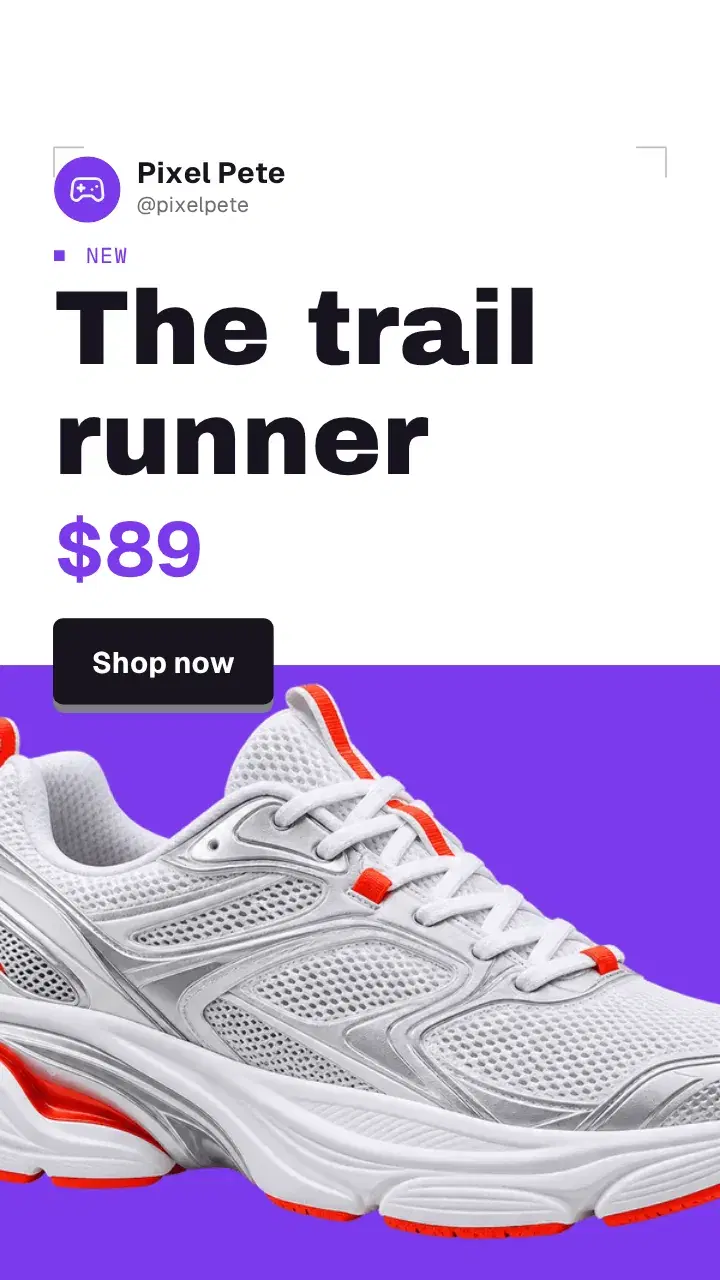
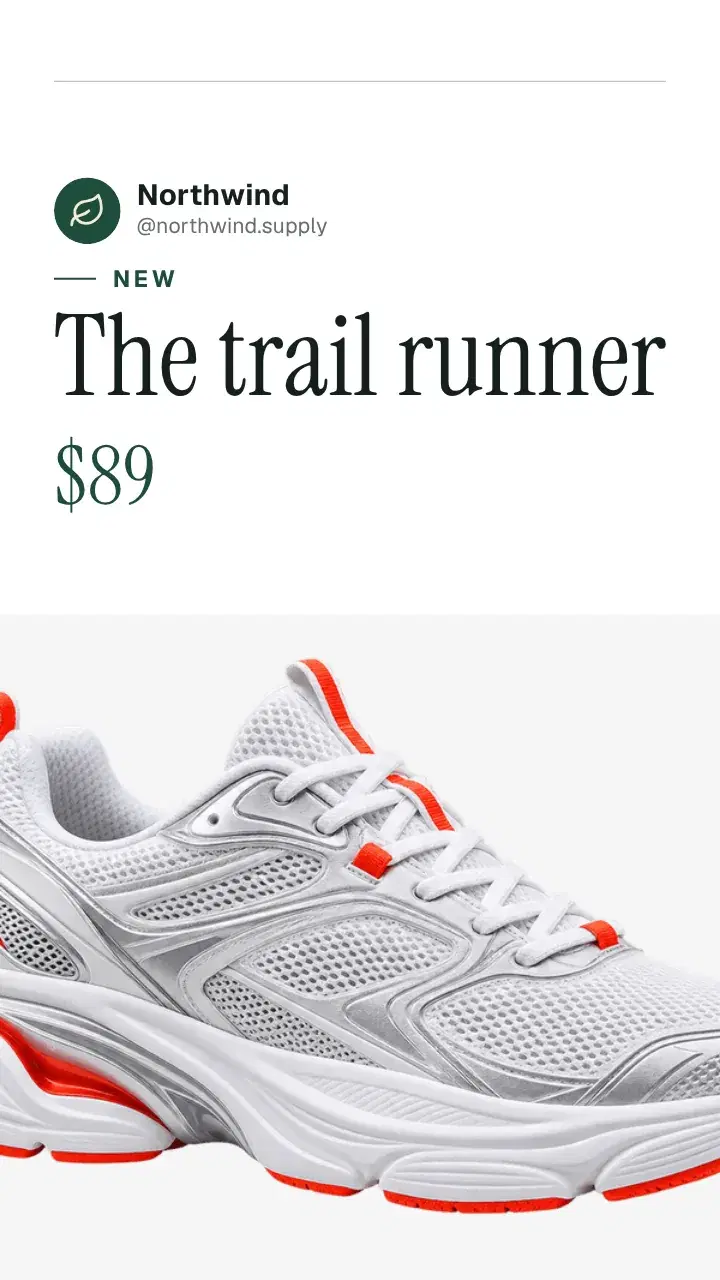
New drop for Reels: the trail runner, $89
 In Northwind9:16
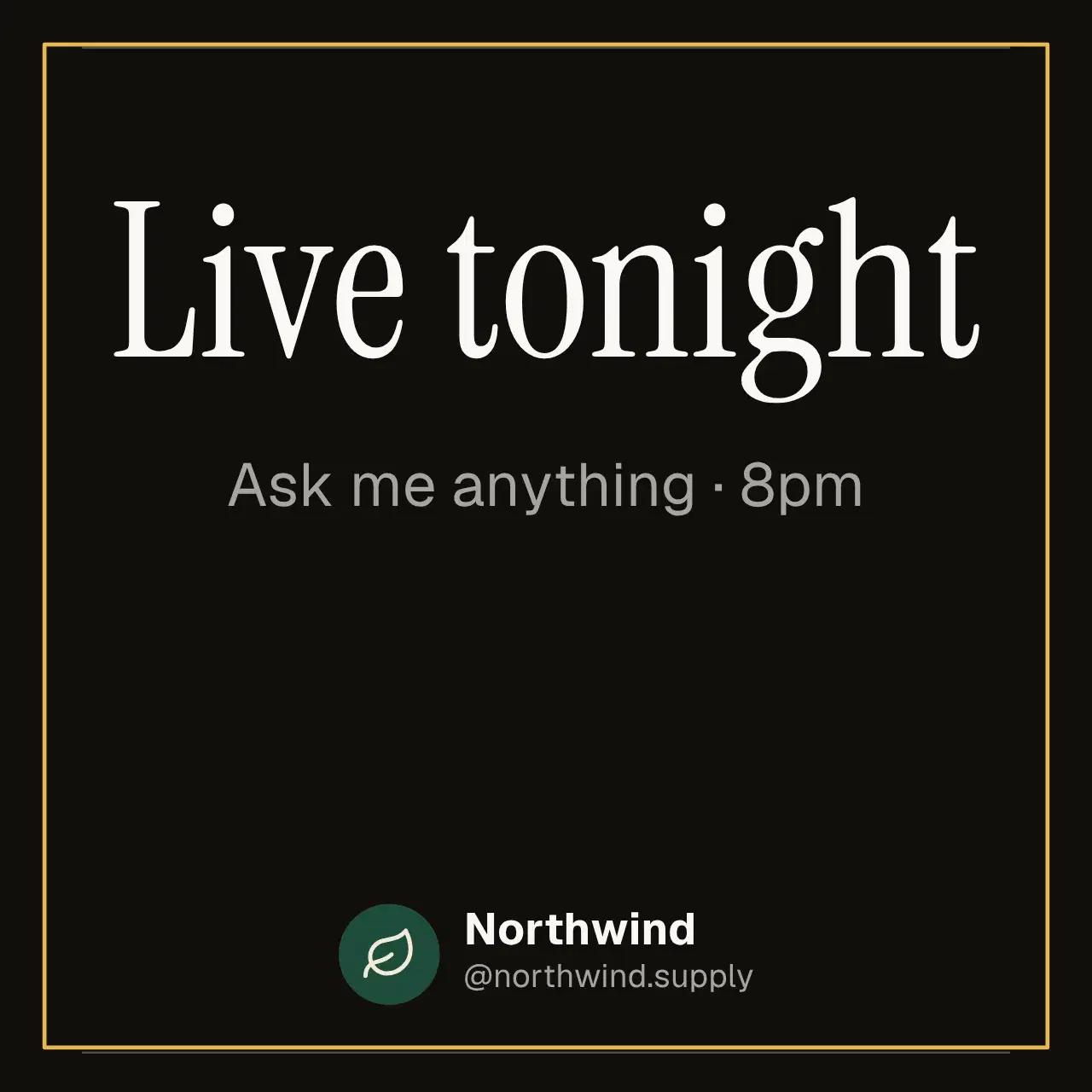
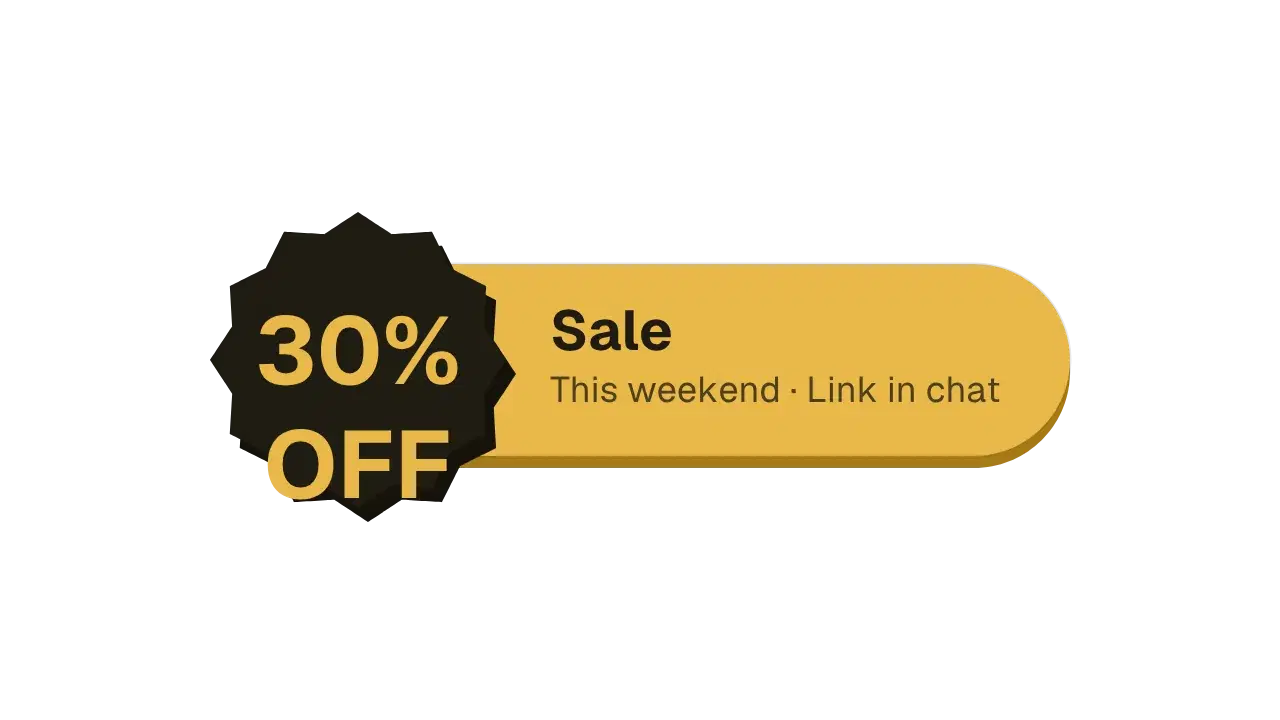
30% off everything this weekend
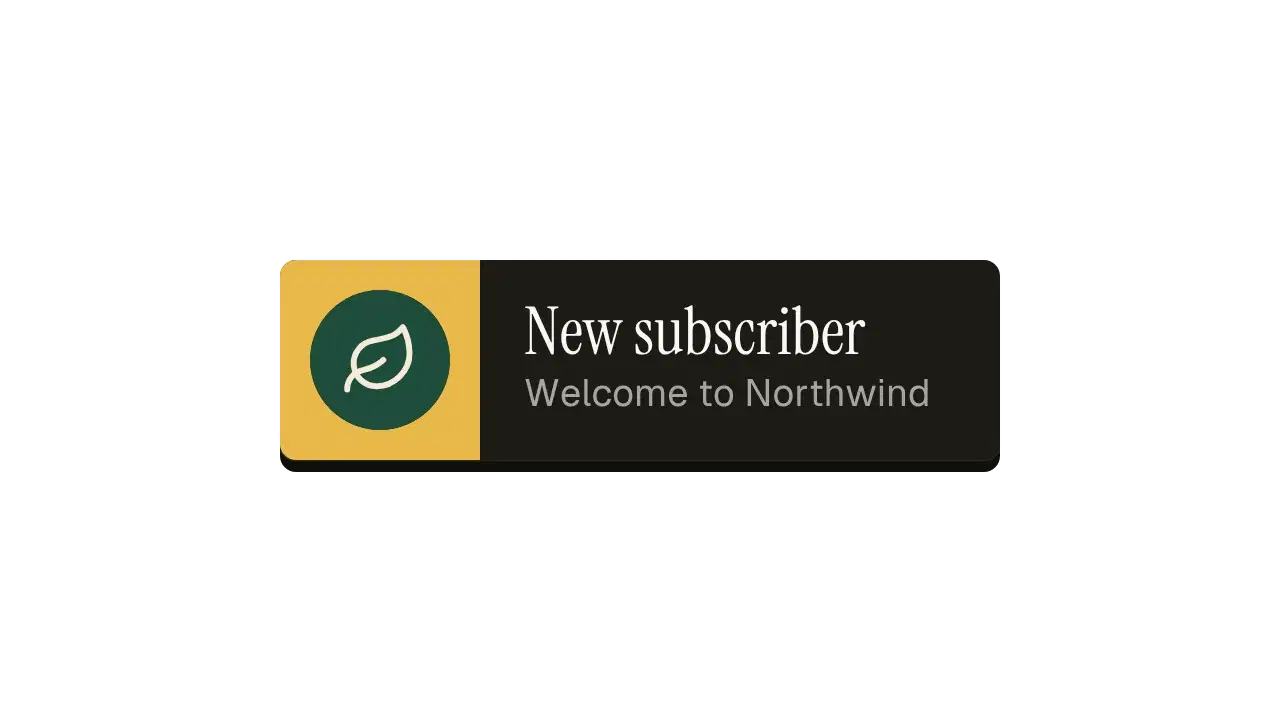
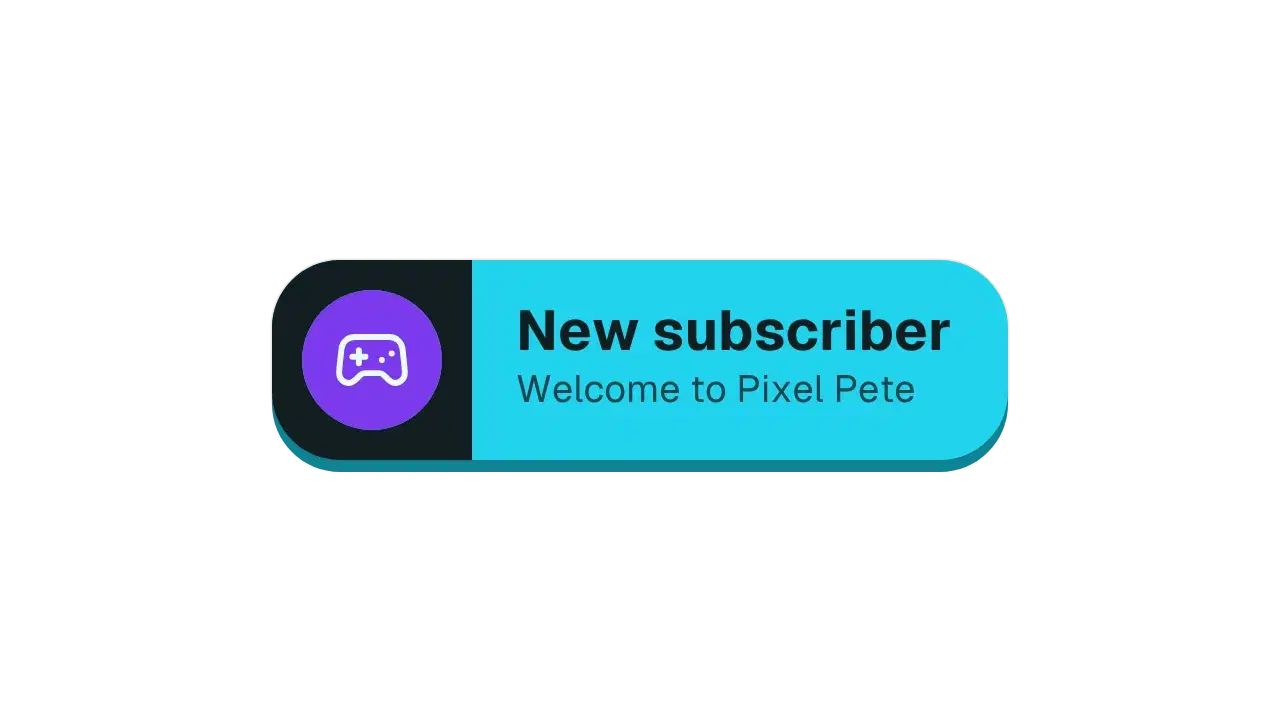
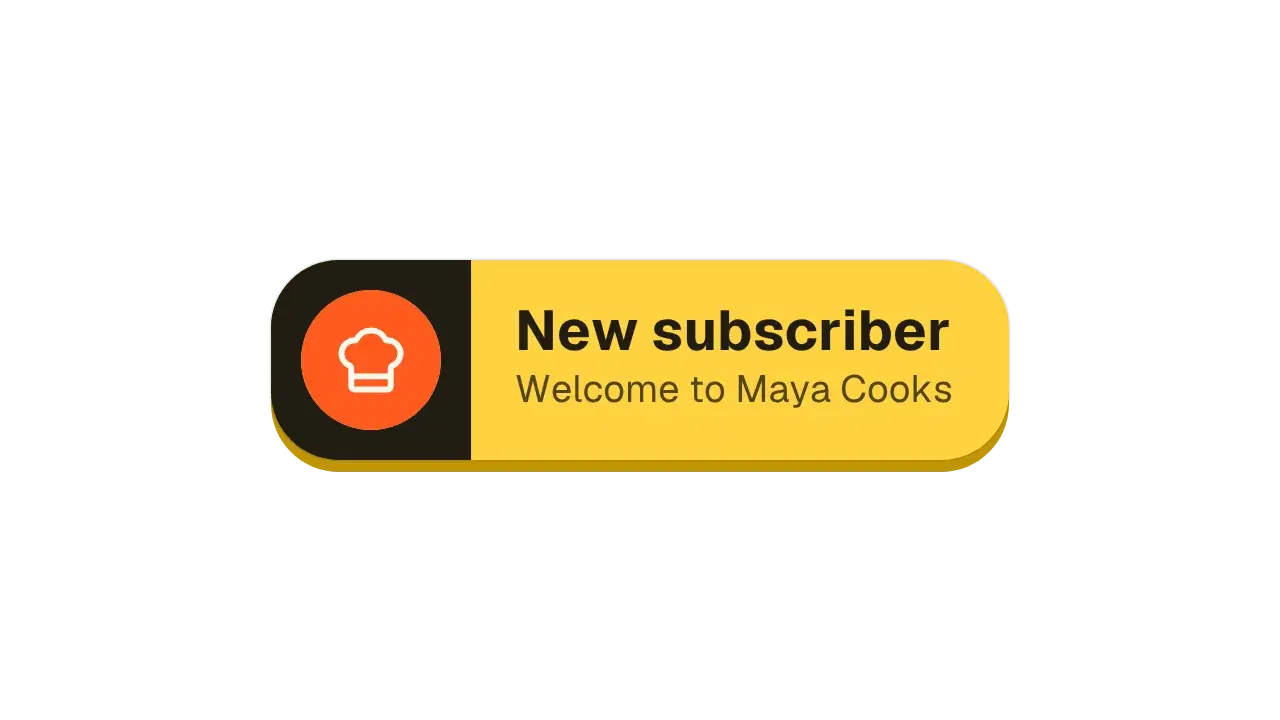
In NorthwindOverlayA "New subscriber" alert for my channel
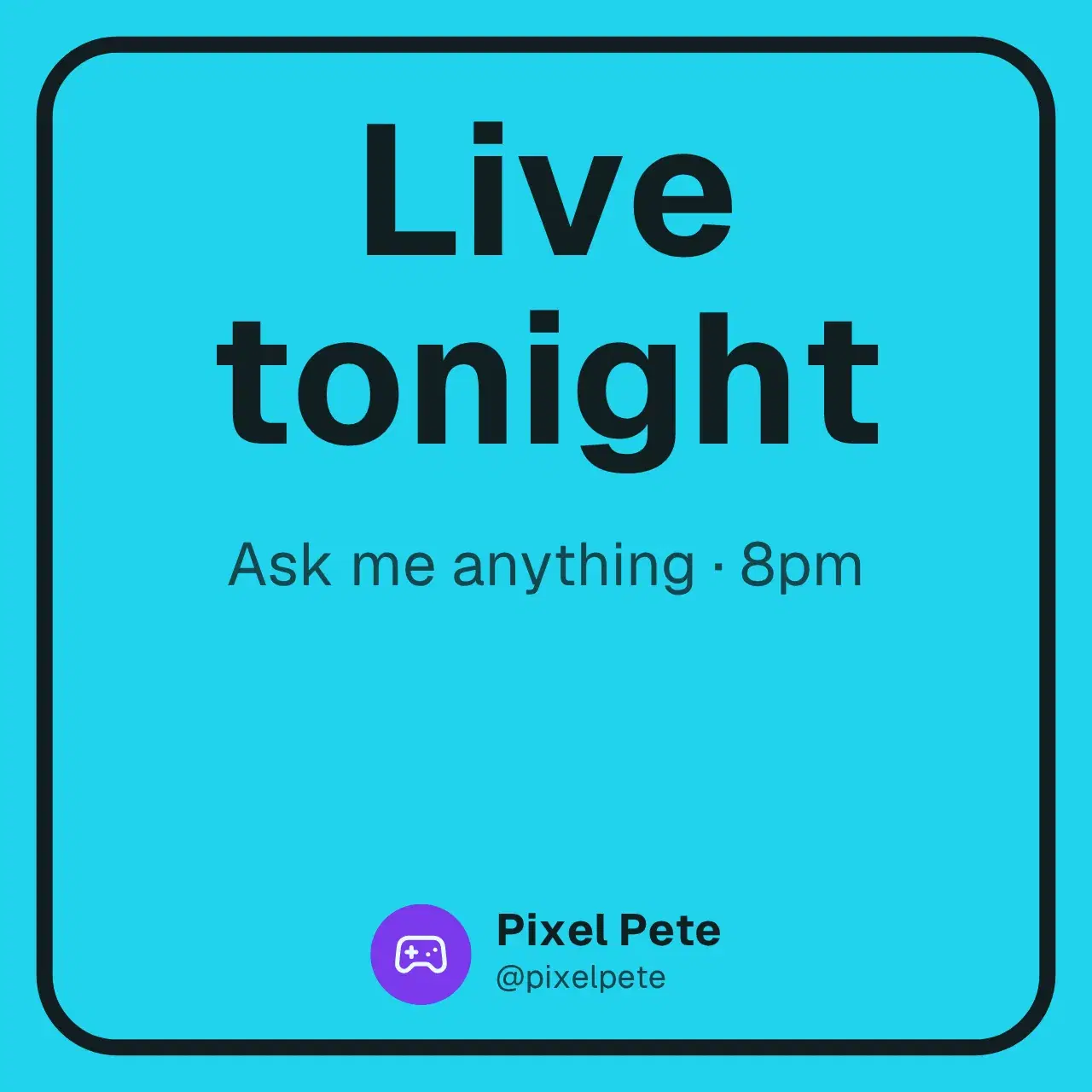
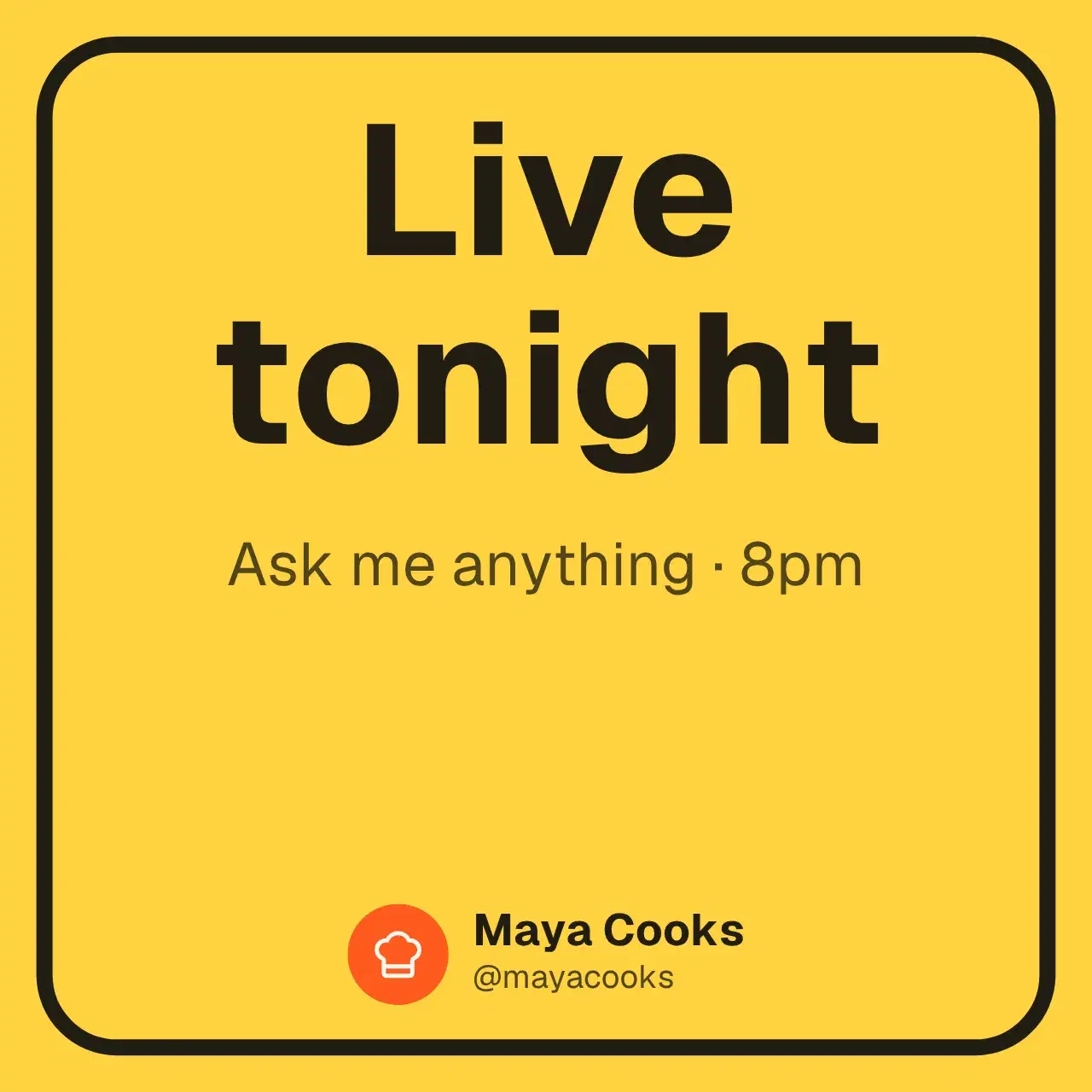
In Maya CooksOverlayGoing live tonight at 8pm, ask me anything
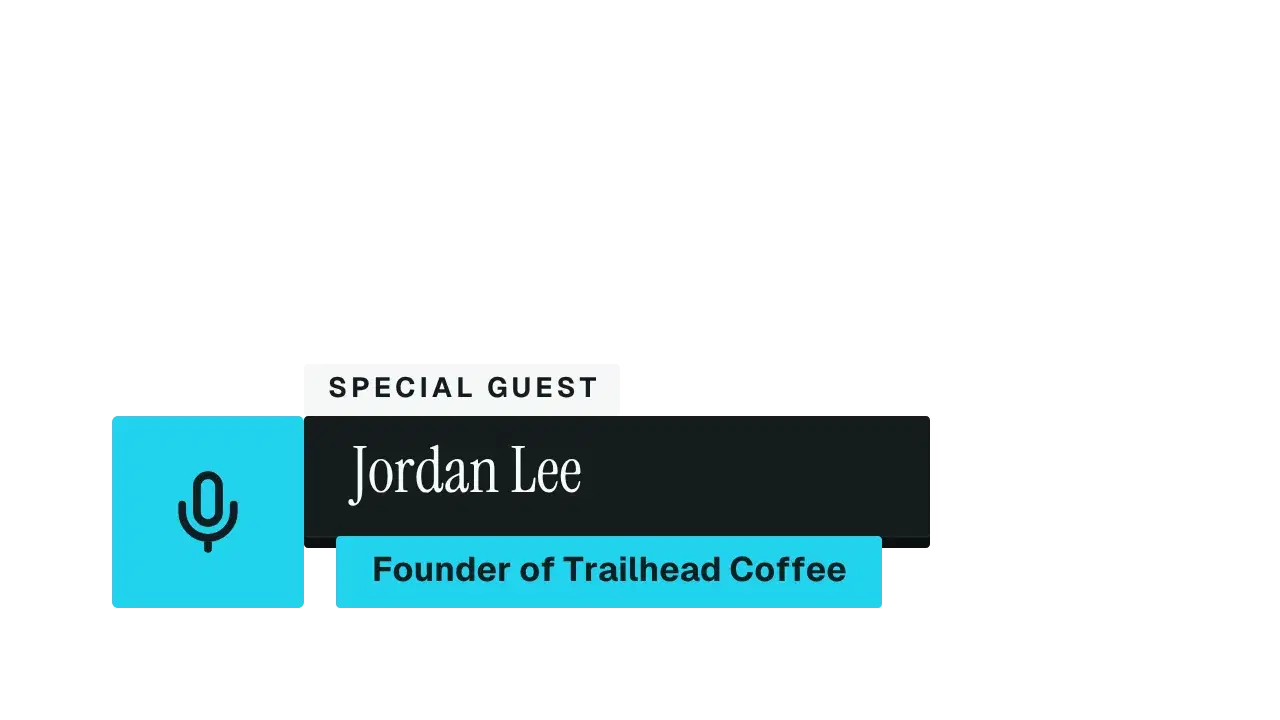
In Maya Cooks1:1Lower third for my podcast guest Jordan Lee, founder of Trailhead Coffee
 In Pixel PeteOverlay
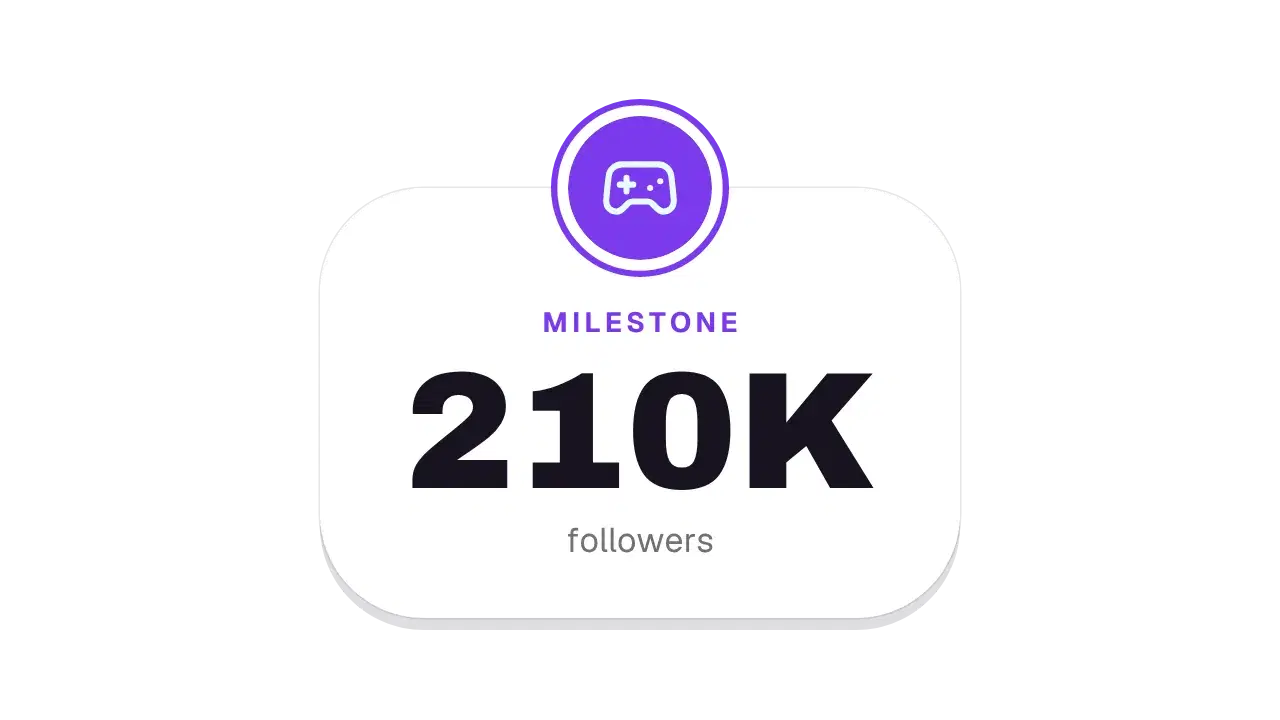
We just hit 210K followers
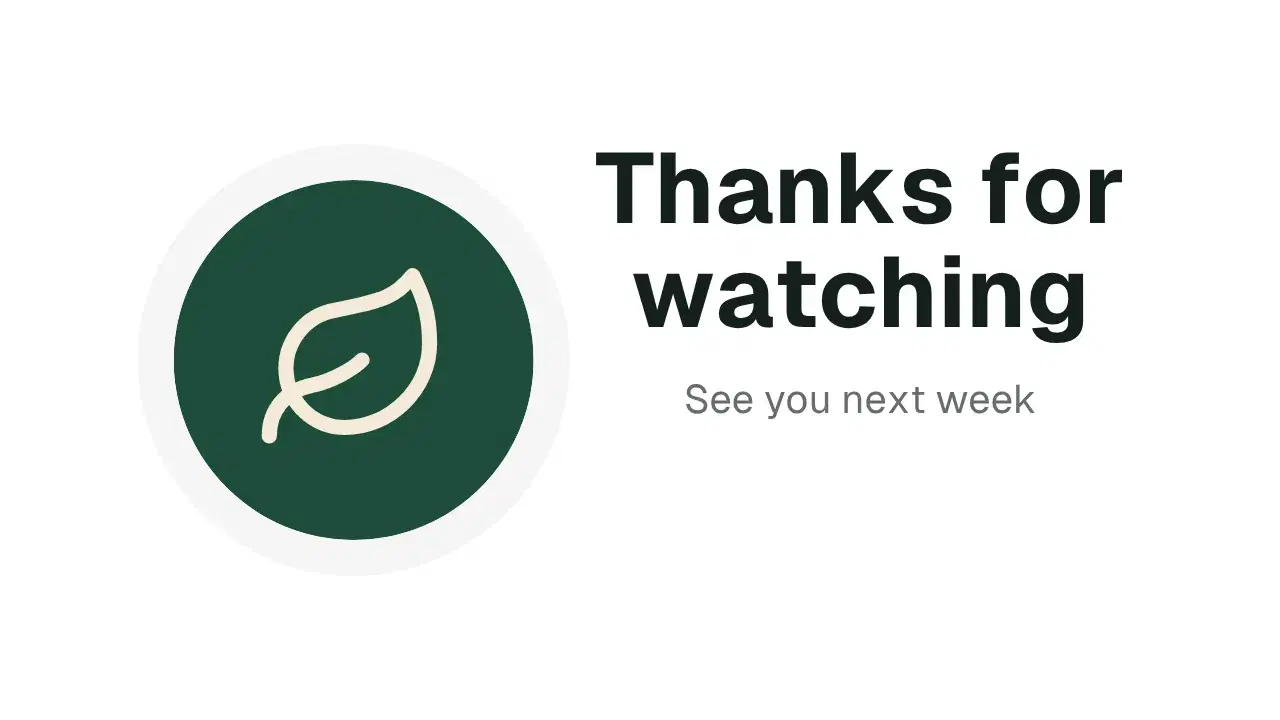
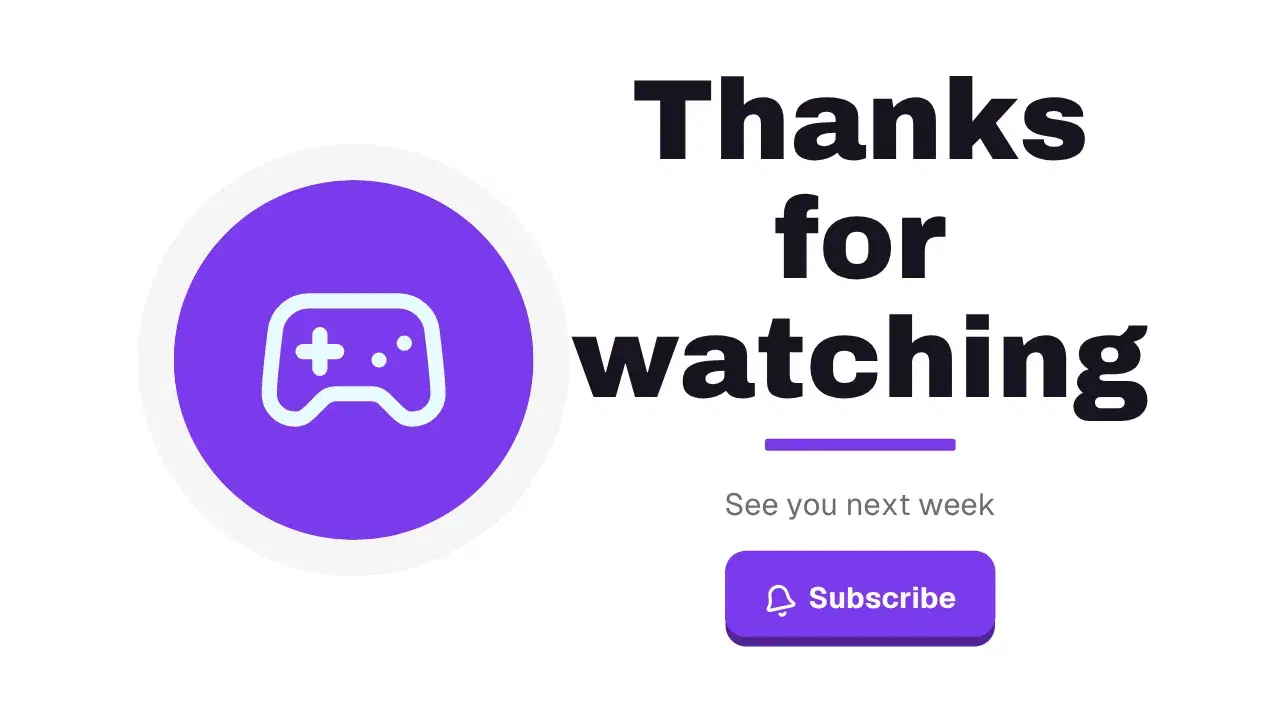
In Pixel PeteOverlayEnd card: "Thanks for watching", see you next week
In Maya Cooks16:9Stream starting in 5 minutes
In Pixel PeteOverlayEach one is a version made from the sentence under it, with no edits.
Your picture, name and two colours go into every result. No brand guide to enforce, no designer to brief.
@mayacooks
48.2K subscribers
#FF5A1F#FFD23FApplied to every result.
Same prompts. A different brand. Every piece follows.
Say what you need in one sentence. The moment, the offer, the format.
Three versions arrive in your brand. Keep one, or ask for a change in plain words.
Change any word or colour. Export MP4, GIF or transparent MOV in every ratio.
A month of campaign creative costs less than one commissioned asset. Pro gives you 15 prompts a day, three versions each, clean exports of everything you create, every size from one edit, and 10 library exports a month.
Every plan starts the day you subscribe. Library exports every month: Pro 10, Studio 25, Business 60. What you create from a prompt exports clean, with no monthly count. Cancel any time from your billing settings, and paid features stay until the end of the period you have paid for. Compare every plan
CaliberVisual turns your products, offers and brand into motion content that gets watched: product ads, sale promos, listing posts, hooks, titles and live graphics. Describe what you need in a sentence and get three finished versions in your brand: your picture, name and colours. Or start from one of 1034 finished designs. Edit the words, export a campaign-ready video in minutes. No designer, no agency and no After Effects.
Plans start the moment you subscribe: every animation, clean exports, every ratio. Cancel any time and it runs to the end of the period. Pro gives you 15 prompts a day, every one of the 1034 designs, and 10 clean exports a month at 1080p, in every ratio and as transparent MOV, for $9.99 a month.
Prompts every day (Pro 15, Studio 60, Business 150), each giving three versions in your brand that export clean. Every library animation, with clean exports each month: Pro 10, Studio 25, Business 60. One edit exports at 16:9, 1:1 and 9:16, so a post covers every placement. MOV with a real alpha channel covers overlays. Your store's products drop into the templates. You keep a brand kit per brand. After the monthly exports, an export carries the watermark until the month resets, or move to a plan with more.
No. You describe the result and the motion is built for you, with the timing and the easing a motion designer would use. There are no keyframes to set and no timeline to learn. Anyone on the team can produce the week's creative, and the result looks like it came from a studio.
MP4 for anywhere a normal video goes, GIF for short looping clips, and MOV with a real alpha channel for overlays that need a transparent background. All three are rendered in the browser and download straight to your machine.
Export the animation as a MOV with an alpha channel and everything outside the artwork stays transparent. Drop that file on a layer above your footage in Premiere Pro, DaVinci Resolve, Final Cut or Vegas, or add it as a browser source in OBS, and your video shows through behind it.
Yes. Save a brand kit once with your picture, logo, name, handle, follower count and two colours. Every version you create from a prompt is built in it, and every library animation you open starts on brand instead of on the template defaults.
Yes. Paste a Shopify or WooCommerce address and the ecommerce library reads the storefront's public catalogue. The product name, price and photo go into the template on their own. Change the line, export again, and every variant takes minutes.
The 1034 animations are split across 23 categories, from alerts and subscribe prompts to promos, commerce, podcast and gaming graphics. They are sized for YouTube, TikTok, Instagram and Twitch, and they drop onto a timeline in any editor that takes an MP4 or a MOV.
Minutes. Most of the time goes on choosing the design and writing the words. That is the difference between one ad a month and ten variations this week, and it is why a campaign no longer waits on a freelancer's queue.
A modern desktop web browser and nothing else. There is no download, no plugin, no After Effects project to open and no render farm to wait on.
Any time, from your billing settings. Your plan stays until the end of the period you have paid for, and you are not billed again.
For anything that repeats, yes. A channel posting weekly needs about 150 small graphics a year: titles, prompts, end cards, sale posts. Commissioned one at a time that is a bill nobody approves twice. A plan is one monthly price with clean exports included.
Your first 3 prompts are free. No card needed.