TikTok follow animation templates
Ask for the follow where the viewer is already looking, in your own colours.


In short
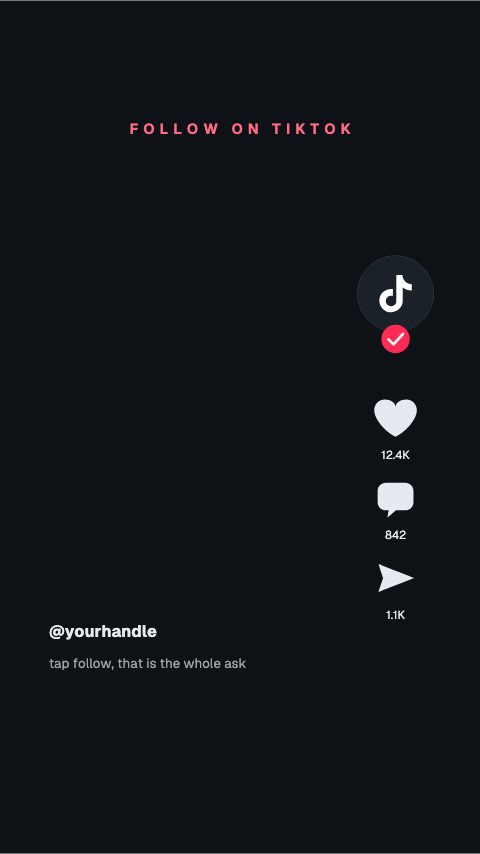
A follow prompt is how a video that did well turns into an audience, and on a vertical video it has to fit around the interface rather than in the middle of it. These are follow animations composed at 1080 by 1920 with the right-hand rail and the caption area kept clear: a button that presses itself, a rail cue pointing at the follow button, a corner plate that runs under your talking head, and an end panel for the last two seconds. Type your handle, set your colours, export.
- 6
- Animations here
- 989
- In the library
- MP4, GIF, MOV
- Export
- 16:9 · 4:5 · 1:1 · 9:16
- Ratios
- 720p to 4K
- Resolution
- In the browser
- Editing
What you get
Laid out around TikTok's interface
The right-hand action rail and the caption block are kept clear, so the prompt is not half-covered on the phone it is watched on.
A prompt for each point in the video
Corner, mid-roll and end panel. Asking once at the right moment beats a badge that sits on screen for the whole clip.
Reads without sound
Most of these are watched muted. The ask is on screen in type large enough to read at a glance.
The same set for Reels and Shorts
9:16 is 9:16. One export covers the other two vertical platforms.
The animations
Follow prompts in your colours, composed around the vertical interface.
How to add a follow prompt to a TikTok
- 01
Pick where in the video it goes
A corner plate runs while you talk. A full press works as a beat between two points. An end panel is the last two seconds before the loop.
- 02
Put your handle in it
The handle is the whole payload. Set the typeface and your accent colour once and every prompt after this matches.
- 03
Export vertical and cut it in
1080 by 1920 MP4, or MOV with alpha to sit over your own footage with nothing behind it.
What comes out of it
Size
1080 by 1920, 9:16, with the action rail and caption area kept clear.
Formats
MP4 for the timeline, MOV with a real alpha channel to composite.
Frame rate
30 or 60 fps.
Length
Two to four seconds, which is as long as a prompt can hold on a short video.
Questions
Where should the follow prompt go in the video?
After the thing that earns it. A prompt in the first second asks people to follow a video they have not watched yet; one placed after the payoff asks somebody who already liked something.
Will the prompt be covered by TikTok's buttons?
Not if you use these as composed. The right-hand action rail and the caption block are left clear, which is the usual reason a prompt made for a landscape frame gets half-hidden.
Can it sit over my footage rather than cutting away?
Yes. Export MOV with a real alpha channel and drop it on a track above your clip, and the areas outside the prompt stay transparent.
Do these work for Instagram Reels?
Yes. The frame is the same, and the wording is the part you type, so the same prompt works with the other platform's word for it.
Nearby
YouTube subscribe animation templates
Subscribe buttons, bells and counters in your channel's colours.
6 animationsYouTube end card templates
Panels that turn the last twenty seconds into the next view.
6 animationsA week of uploads, ready in an afternoon.
Hold the first three seconds, then ask for the subscribe without stopping the video. Hooks, captions, subscribe asks, pull quotes and end cards, edited in your browser and exported as files.
The whole library for content creators
Ask for the follow properly
Your handle, your colours, sized for the frame it plays in, exported transparent and clean.
Start your trial