YouTube end card templates
Twenty seconds at the end of every video, working as hard as the rest of it.
In short
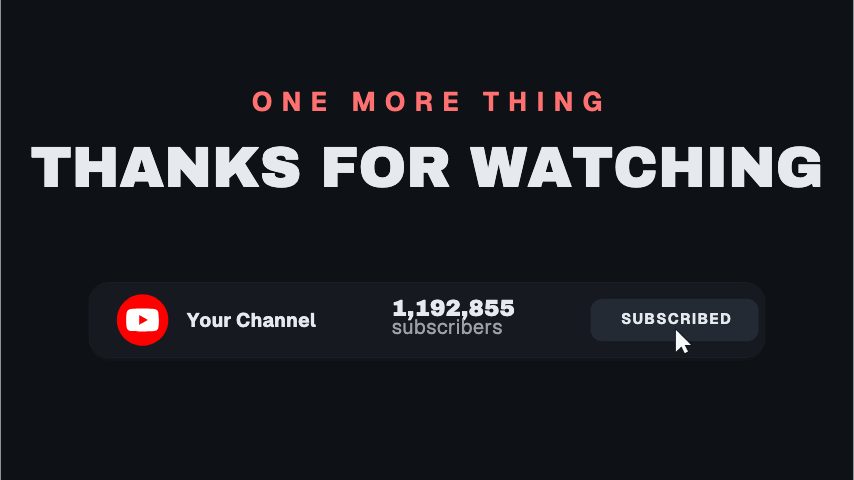
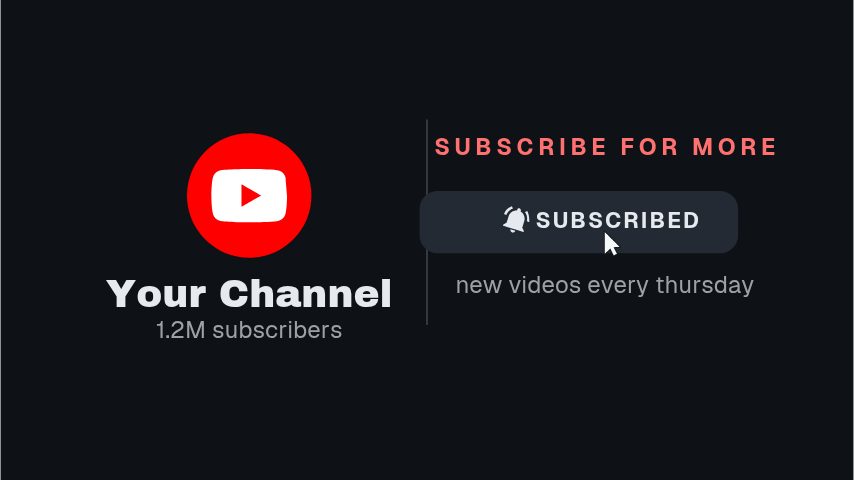
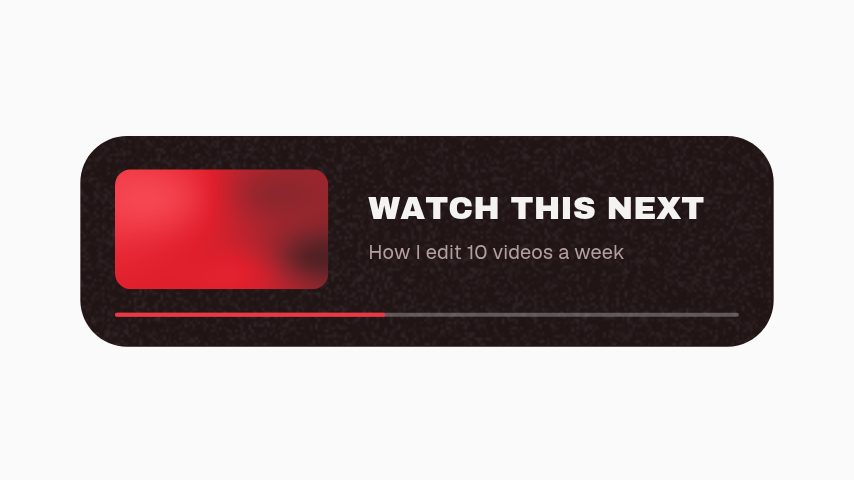
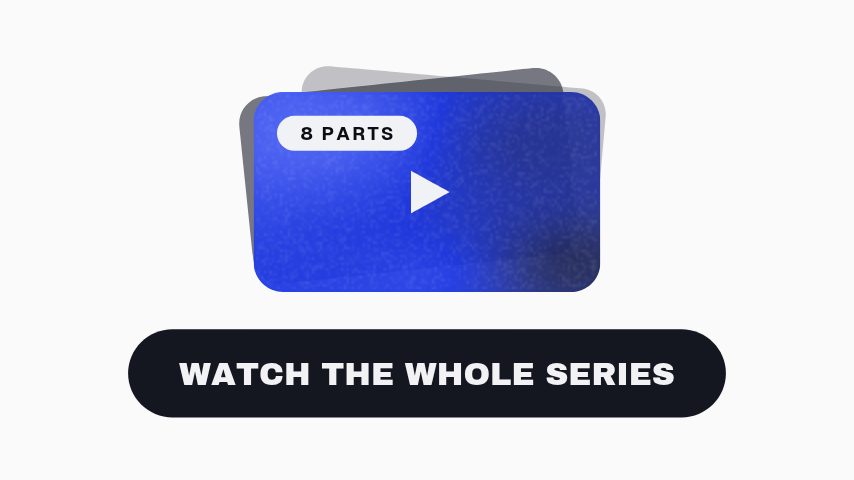
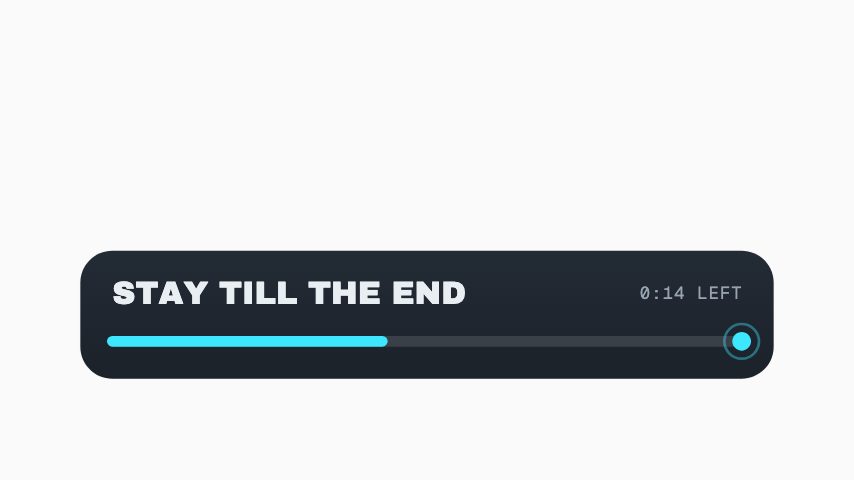
The end of a video is the cheapest place to win the next view, and a YouTube end card is what makes that window look deliberate. These are animated backing plates for it: a panel that frames where YouTube puts its clickable element, a playlist stack, a watch-next prompt and a subscribe bar. You edit the text in the browser and export MP4 or MOV, then place it over the final twenty seconds so the interactive elements land on something designed rather than on a frozen frame of you waving.
- 6
- Animations here
- 989
- In the library
- MP4, GIF, MOV
- Export
- 16:9 · 4:5 · 1:1 · 9:16
- Ratios
- 720p to 4K
- Resolution
- In the browser
- Editing
What you get
Built around YouTube's own element areas
The panels frame the space the clickable elements occupy instead of sitting under them, which is the usual reason an end card looks accidental.
A reason to click, not just a place to
Watch-next and playlist versions carry a title slot, so the viewer sees what they are clicking through to rather than a blank thumbnail.
Vertical versions for Shorts
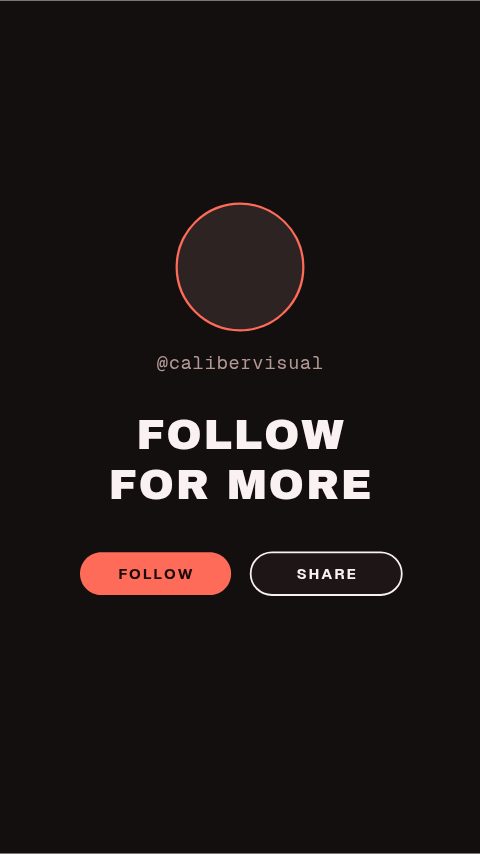
A 9:16 end card for the short, composed for the frame rather than a landscape one squeezed into it.
Twenty seconds you only design once
Export it, keep it, reuse it on every upload. Change the next-video title when it matters and re-export.
The animations
Panels that turn the last twenty seconds into the next view.
How to make a YouTube end card
- 01
Decide what the end is for
One next video, or a playlist, or a subscribe ask. Three asks in twenty seconds is how an end card gets skipped.
- 02
Leave room for YouTube's element
The clickable card sits where YouTube puts it, not where you draw it. These leave that area clear so the two do not stack.
- 03
Export at twenty seconds and place it last
MP4 over your outro, or a transparent MOV if you want your own footage still playing underneath.
What comes out of it
Length
Up to twenty seconds, the window YouTube shows end screen elements in.
Ratios
16:9 for the upload, 9:16 for the Shorts version.
Formats
MP4 to lay over your outro, MOV with alpha to keep your own footage running.
Resolution
1080p on Pro, 4K on Studio.
Questions
Will the end card cover YouTube's clickable elements?
Not if you use these as drawn. The panels are laid out around the areas YouTube places its elements in, so the artwork frames the clickable card rather than sitting underneath it where neither reads.
How long should an end card be?
Twenty seconds is the maximum YouTube will show end screen elements for, and about fifteen is usually enough. What matters more is that the video is still saying something during it. A silent twenty seconds is twenty seconds of people leaving.
Can I keep myself on camera behind it?
Yes. Export MOV with a real alpha channel and the panels composite over your own footage with nothing behind them.
Is there a version for Shorts?
Yes. The vertical end card is composed for a 9:16 frame. Shorts do not carry the same clickable elements, so it works as a plain sign-off with your handle on it.
Nearby
YouTube subscribe animation templates
Subscribe buttons, bells and counters in your channel's colours.
6 animationsInstagram story sticker animations
Story prompts in your own colours, sized for the vertical frame.
6 animationsA week of uploads, ready in an afternoon.
Hold the first three seconds, then ask for the subscribe without stopping the video. Hooks, captions, subscribe asks, pull quotes and end cards, edited in your browser and exported as files.
The whole library for content creators
Design the last twenty seconds
Give the end of your video something to click on, exported clean.
Start your trial