Instagram story sticker animations
Stories that look like your account, not like everybody else's default stickers.
In short
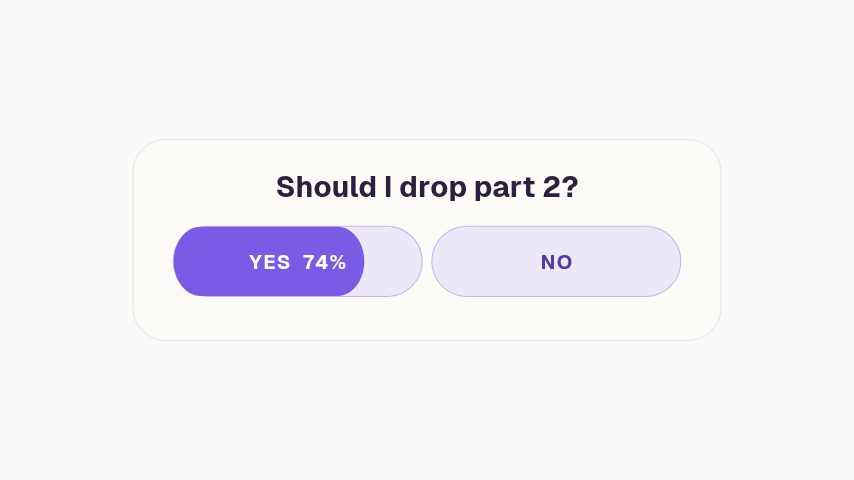
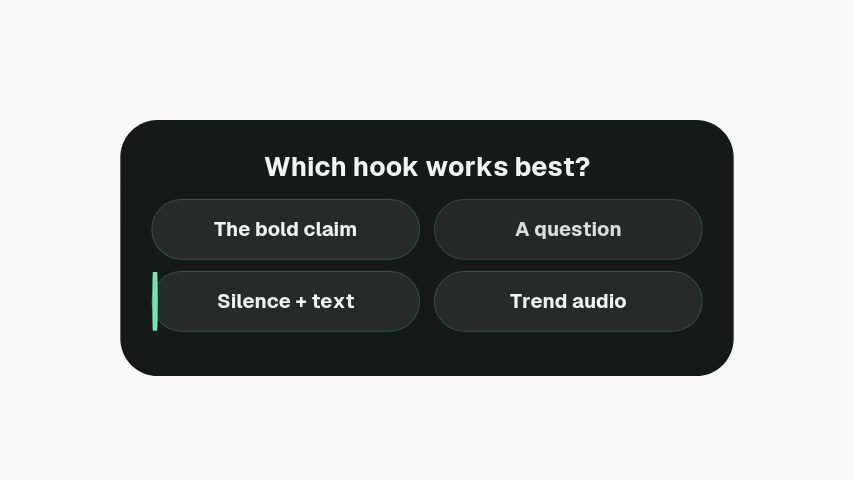
Instagram's own stickers are functional and look like everybody else's, so a story in your own colours is recognised in the two seconds before a thumb moves. These are animated versions of the prompts: a poll bar, a quiz card, a link prompt, a follow ask and a swipe cue, all composed for a 1080 by 1920 story frame. They are artwork rather than working stickers, so the tappable poll still has to be Instagram's and these sit behind or beside it. Use them where the motion is doing the work and the tap is a bonus.
- 6
- Animations here
- 989
- In the library
- MP4, GIF, MOV
- Export
- 16:9 · 4:5 · 1:1 · 9:16
- Ratios
- 720p to 4K
- Resolution
- In the browser
- Editing
What you get
Composed for the frame, not cropped into it
Laid out at 1080 by 1920 with the safe areas at top and bottom kept clear of Instagram's own interface.
Motion that survives being watched at arm's length
Large type, high contrast, one idea per frame. A story gets under two seconds of attention and a busy one gets none.
Your colours, on every prompt
A brand kit applies the same palette and typeface across the whole set, so a week of stories reads as one account.
Also cut for TikTok and Shorts
Same 9:16 frame. One export covers all three vertical surfaces.
The animations
Story prompts in your own colours, sized for the vertical frame.
How to make an animated story sticker
- 01
Pick the prompt
A poll for an opinion, a quiz for a fact, a link cue when there is something to open, a follow ask when the story is reaching people who do not follow you yet.
- 02
Set it in your colours
Two brand colours and a typeface are enough to make a story unmistakably yours in the two seconds before somebody taps past.
- 03
Export at 1080 by 1920
MP4 to post as the story itself, or transparent MOV to lay over your own clip in an editor first.
What comes out of it
Size
1080 by 1920, 9:16, the story and reel frame.
Safe areas
The top and bottom of the frame stay clear of Instagram's own controls.
Formats
MP4 to post directly, MOV with alpha to composite over your own footage.
Length
Under fifteen seconds, which is one story card.
Questions
Are these tappable polls?
No. They are animated artwork, not Instagram's interactive stickers. If you need the vote to register, place Instagram's own poll sticker on top of the posted story and use this as the design underneath it.
What size should an Instagram story be?
1080 by 1920 pixels, 9:16. Anything else is either letterboxed or cropped, and the crop takes the top and bottom, which is where most people put their text.
Can I use the same file for TikTok?
Yes. TikTok and YouTube Shorts use the same 9:16 frame, so one export covers all three. The safe areas differ slightly, which is why these keep the top and bottom clear.
Will there be a watermark?
No. Every paid plan exports without one, at 1080p on Pro or up to 4K on Studio, at up to 60 fps.
Nearby
YouTube subscribe animation templates
Subscribe buttons, bells and counters in your channel's colours.
6 animationsYouTube end card templates
Panels that turn the last twenty seconds into the next view.
6 animationsA week of uploads, ready in an afternoon.
Hold the first three seconds, then ask for the subscribe without stopping the video. Hooks, captions, subscribe asks, pull quotes and end cards, edited in your browser and exported as files.
The whole library for content creators
Make your stories look like your account
Same prompts, your colours, a week of stories in an hour.
Start your trial