End screen maker
The last five seconds are where the next view comes from. Design them once, use them everywhere.
In short
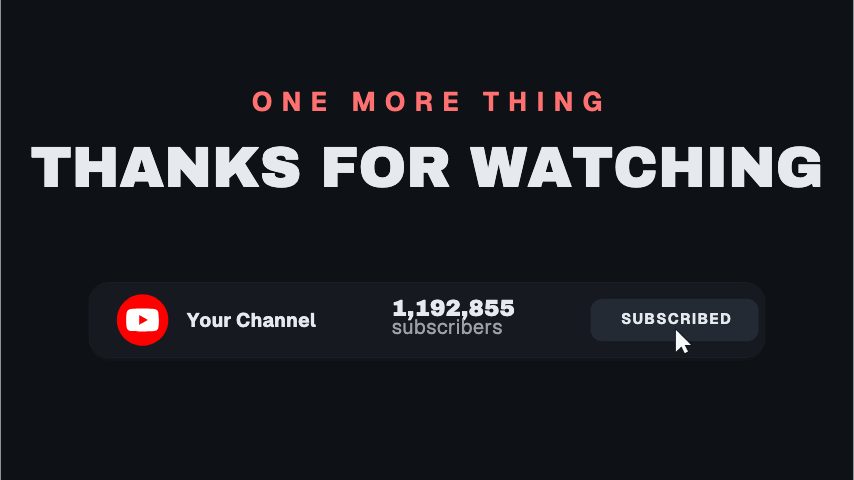
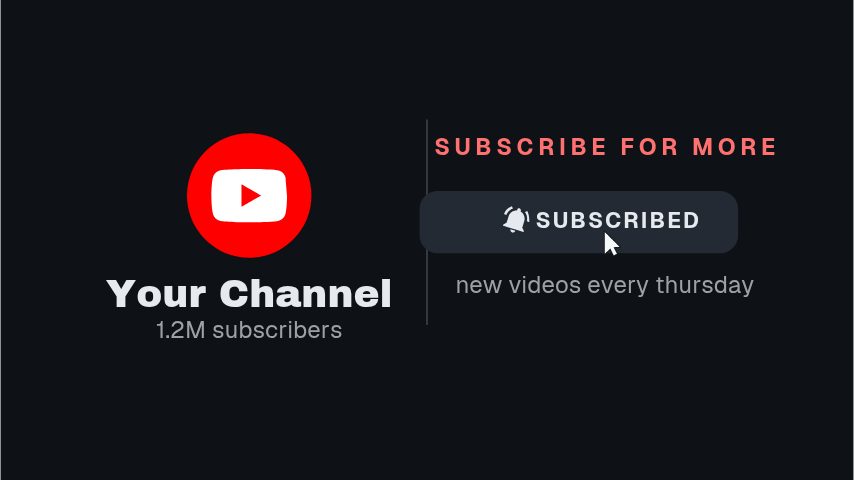
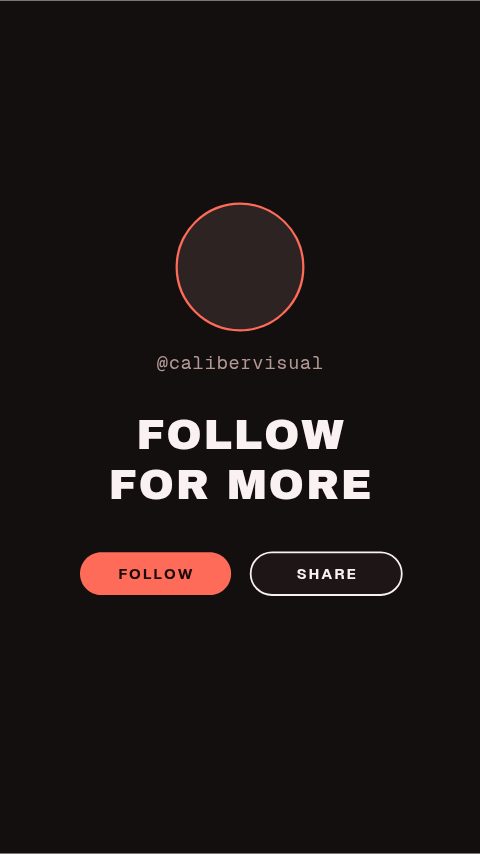
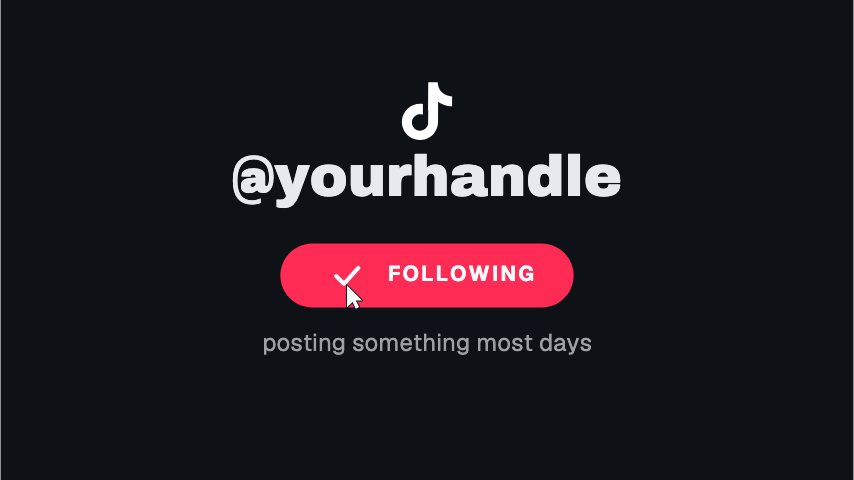
The end of a video is where the next click comes from, and an end screen maker gets you that panel in each platform's shape: a YouTube end card that leaves room for the clickable elements, a vertical end panel for TikTok and Reels, and plain sign-off plates for Facebook and X. Type the next video's title and your handle, set your colours, and export. One design covers the whole channel and re-exports in a minute whenever the next title changes. Every export is clean, and transparent MOV keeps your own footage running underneath.
- 6
- Animations here
- 989
- In the library
- MP4, GIF, MOV
- Export
- 16:9 · 4:5 · 1:1 · 9:16
- Ratios
- 720p to 4K
- Resolution
- In the browser
- Editing
What you get
Laid out around each platform's interface
The YouTube version keeps the clickable element areas clear; the vertical ones keep the caption and action rail clear.
One ask, not three
Every end screen here carries a single call to action, because that is the one that gets acted on.
Reusable across the whole channel
Export it once, re-export when the next-video title changes. The design stays put, which is what makes it recognisable.
Fast enough to change per video
Every upload can point at a different next video without a designer in the loop. Each version exports clean, at every ratio, as often as the channel needs.
The animations
End cards and sign-off panels that earn the next click.
How to make an end screen
- 01
Pick the platform's shape
A 16:9 end card with room for YouTube's elements, or a 9:16 panel for a vertical video where there are no clickable cards to leave room for.
- 02
Say what happens next
One next video, or one ask. Two competing calls to action in the last five seconds get you neither.
- 03
Export and place it last
MP4 over your outro, or a transparent MOV if you want to stay on camera behind it.
What you get
Free trial
Every animation in your brand for 7 days, with clean exports. Cancel before it ends and nothing is charged.
Every paid plan
No watermark, MP4, GIF and MOV with a real alpha channel, up to 60 fps. 4K and 8K on Studio.
Ratios
16:9 for YouTube, 9:16 for TikTok, Reels and Shorts, 1:1 for a feed.
Length
Five to twenty seconds, depending on the platform's end screen window.
Questions
Will it cover YouTube's own end screen elements?
Not if you use the YouTube versions as drawn. They leave the areas YouTube places its clickable elements in clear, so the artwork frames them rather than sitting under them.
Can I stay on camera behind the end screen?
Yes. Export MOV with a real alpha channel and the panel composites over your footage with nothing behind it.
Does a vertical video need an end screen?
It does not get clickable elements, but the last second still decides whether somebody taps your handle or scrolls on. A plain sign-off with your handle is worth the two seconds.
What resolution does it export?
1080p at up to 60 fps on Pro, with no watermark. Studio raises it to 4K and 8K at up to 120 fps.
Nearby
Lower third generator
Animated name plates that make a talking head look broadcast.
6 animationsSubscribe animation maker
A subscribe prompt that looks like your channel, ready in minutes.
6 animationsA week of uploads, ready in an afternoon.
Hold the first three seconds, then ask for the subscribe without stopping the video. Hooks, captions, subscribe asks, pull quotes and end cards, edited in your browser and exported as files.
The whole library for content creators
Design the last five seconds
One ask, your handle, the right shape, exported clean for every upload.
Start your trial