Lower third generator
Every guest named, every video looking like it came from a studio. Two lines of text and the plate is on your timeline.

In short
A name plate is what makes a talking head look like a broadcast rather than a webcam. A lower third generator gets you one without hiring a designer: choose a plate, type the name and the credit line, set your colours and typeface, and export. Six guests is six plates in the time it takes to write the show notes. MP4 works on any timeline; MOV with a real alpha channel composites over your footage with no box behind it. Every export comes out clean, with no watermark, so the plate you check is the plate you get.
- 6
- Animations here
- 989
- In the library
- MP4, GIF, MOV
- Export
- 16:9 · 4:5 · 1:1 · 9:16
- Ratios
- 720p to 4K
- Resolution
- In the browser
- Editing
What you get
Change the name in seconds
A new guest is two lines retyped and exported. No comp to reopen, no render to wait on, no designer to brief.
One design, every name
Six guests is six exports of the same plate with different text, which is what makes a series look like a series.
Sits over your footage, not on a black box
MOV with a real alpha channel. Soft edges stay soft, which is what a GIF's one-bit transparency cannot do.
Works in the editor you already use
It is a video file. Premiere, Resolve, Final Cut and CapCut all take one, with no plugin to install.
The animations
Animated name plates that make a talking head look broadcast.


How to generate a lower third
- 01
Choose the plate
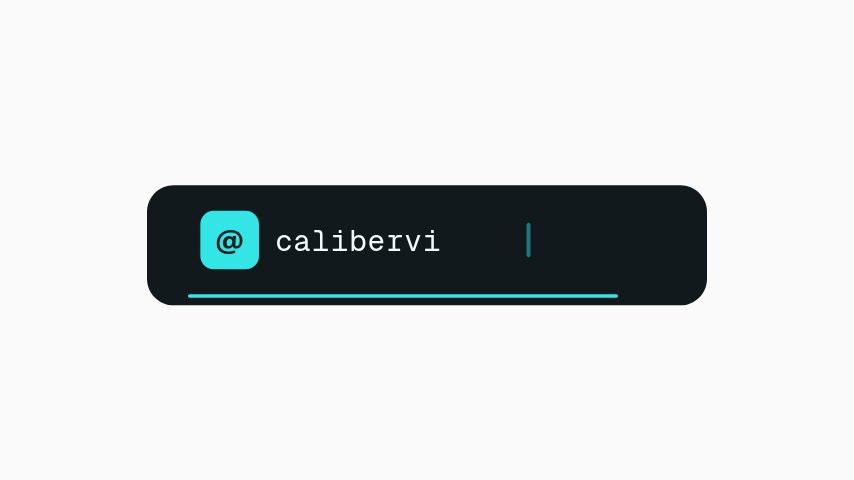
A plain bar for an interview, a cascade for a title sequence, a handle plate where the point is the social account rather than the person.
- 02
Type the two lines
Name and credit. Keep the credit to four or five words — a lower third is read at a glance or not at all.
- 03
Export for your editor
MP4 for a quick drop-in, transparent MOV where the plate has to sit over footage that is not a flat colour.
What you get
Free trial
Every animation in your brand for 7 days, with clean exports. Cancel before it ends and nothing is charged.
Resolution
1080p at up to 60 fps on Pro, 4K and 8K on Studio, with no watermark.
Formats
MP4, GIF and MOV with a real alpha channel, on every paid plan.
Ratios
16:9, 4:5, 1:1 and 9:16 from the same edit.
Questions
What size should a lower third be?
Match the video it goes on: 1920 by 1080 for a landscape edit, 1080 by 1920 for a vertical one. Export at the ratio you are publishing rather than scaling a landscape plate down into a vertical frame.
How do I get rid of the black background?
Export MOV with a real alpha channel instead of MP4. MP4 is a rectangular video and has to fill the frame with something; the MOV carries genuine transparency.
Can I save my colours for next time?
Yes. A brand kit holds your colours, typeface and logo, and applies them to any animation in one step. Every paid plan keeps more than one, so each show or client can have its own.
Is there a watermark on the export?
No. Every export is clean. Pro exports at 1080p and up to 60 fps, and Studio raises the ceiling to 4K and 8K.
Nearby
Subscribe animation maker
A subscribe prompt that looks like your channel, ready in minutes.
6 animationsYouTube intro maker
Short title reveals and channel idents in your own colours.
6 animationsA week of uploads, ready in an afternoon.
Hold the first three seconds, then ask for the subscribe without stopping the video. Hooks, captions, subscribe asks, pull quotes and end cards, edited in your browser and exported as files.
The whole library for content creators
Generate your first plate
Two lines and two colours is the whole job, and the next guest takes a minute. The plate goes on your timeline clean.
Start your trial