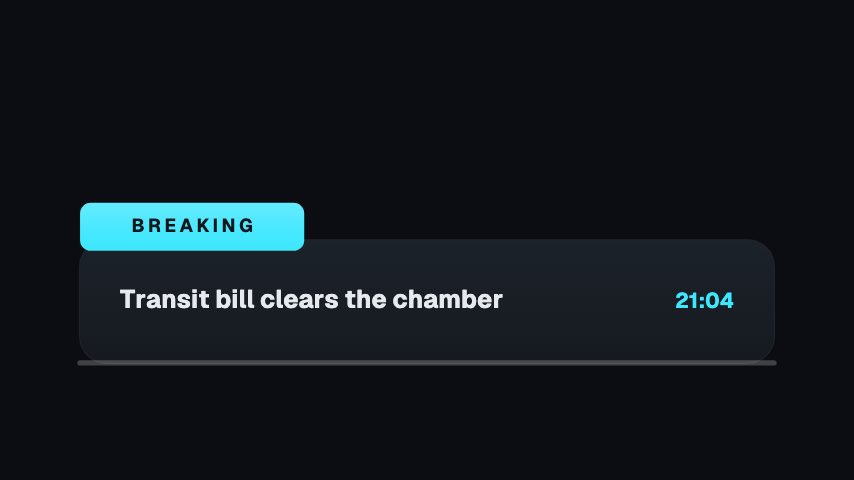
Lower Third is the dependable choice for interviews, webinars, documentaries and customer stories. It gives the name priority, keeps the role secondary and leaves most of the frame untouched. Apply the guest's details, choose your brand accent and place it once the speaker has settled into the shot.
Where it fits
In an interview, appearing the first time the guest speaks and again after a long gap.
On a webinar recording to name each presenter as they take over.
In a customer story video where the speaker's role gives the quote its weight.
Filling it in
Put the name in the first field as the person writes it and the role in caps in the second, PRODUCT DESIGNER rather than a whole job description. Choose an accent that matches the brand of the show, not the guest's company. Cue it a second after the cut to the speaker, once they have settled.
Format and timing
Lower Third is built at 640 × 360, a 16:9 landscape frame, the shape of a YouTube video, a stream layout and most editing timelines, and runs 3 seconds at 30 frames per second. It arrives in 0.7 seconds, holds for 1.3 and clears in 1.0, so cue it a beat before the moment it labels. Export it as an MP4 for a timeline or a feed, a GIF where video will not embed, or a MOV with an alpha channel to lay it over footage with nothing behind it. Renders go up to 4K on a paid plan, and Pro opens it free for the first seven days.
Around three to five seconds. This one holds for a moment and then clears on its own, so let it play through rather than freezing it. Bring it back later if the guest returns after a long stretch.
Will it clash with subtitles?
It sits in the lower left, which is where captions often go. If you burn subtitles in, move the export up a little or place captions higher for the seconds the name is on screen.