
Make the point land the second you make it.
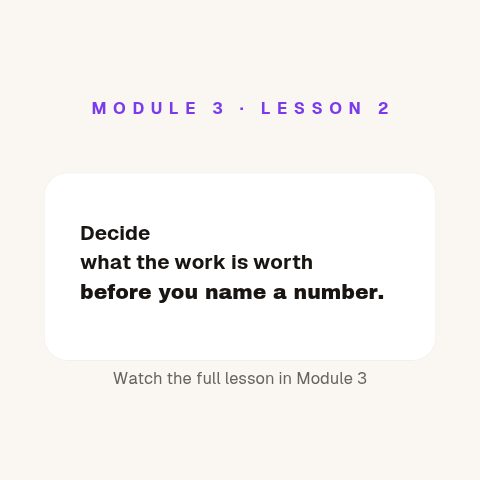
Hold a viewer through the part of a lesson that words alone make longer. Key terms, timelines, comparisons, quiz reveals and citations, one clear graphic at the second it is needed.


In short
Turn a script into an explainer people finish, without building a motion project around every lesson. Channels that teach use CaliberVisual for key-term cards, timelines, Venn overlaps, quiz reveals and source citations. You pick an animation, replace the placeholder copy with your own, apply your channel's colours and typeface, and export a transparent MOV that sits over a talking head, a slide or a screen recording. It is built for explainers that need one clear graphic at the right second, not for building a full motion design project around a lesson.
- 127
- Animations here
- 525
- In the library
- MP4, GIF, MOV
- Export
- 24 · 30 · 60 fps
- Frame rate
- 720p to 4K
- Resolution
- In the browser
- Editing
What educational channels put on screen
Give the lesson a shape
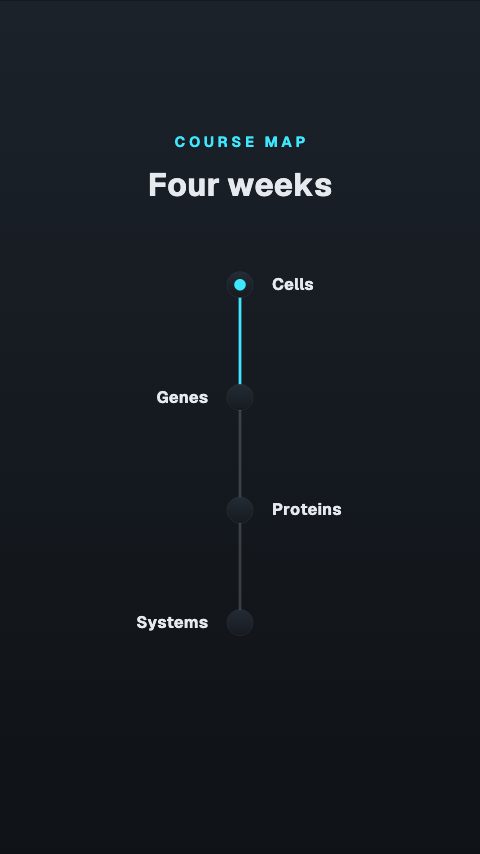
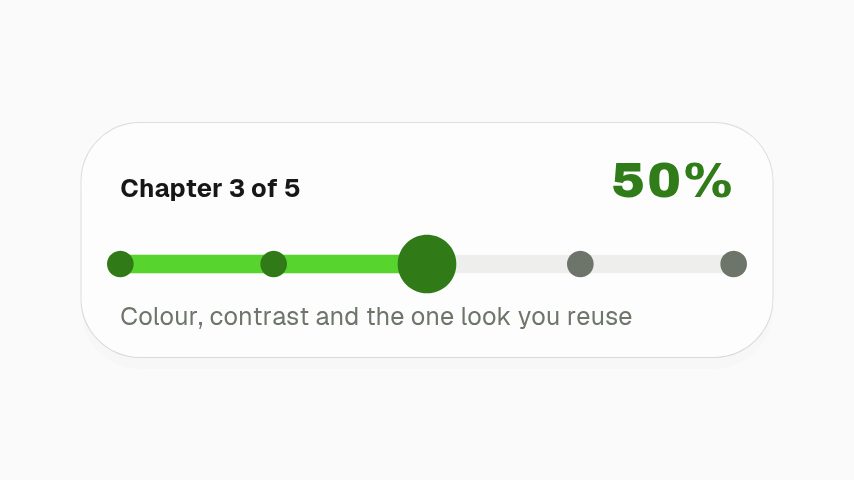
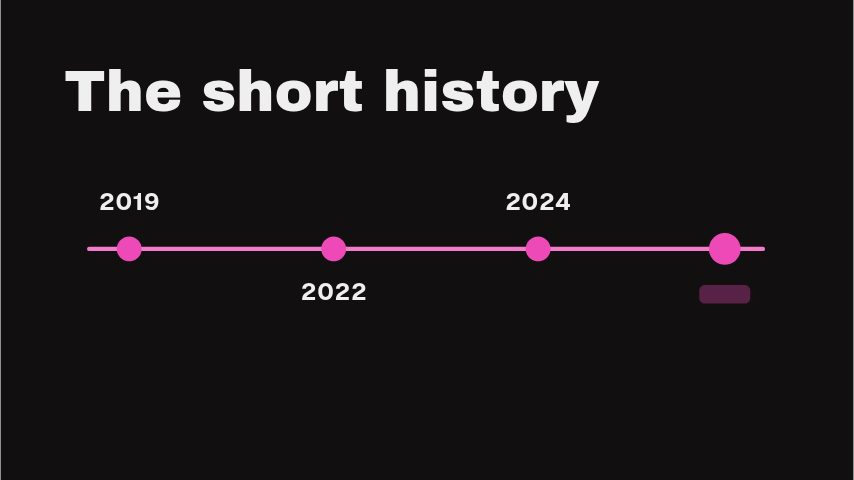
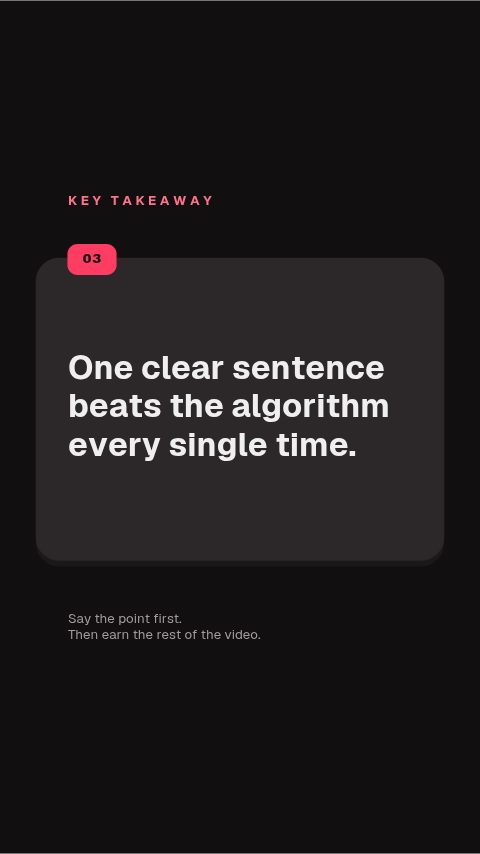
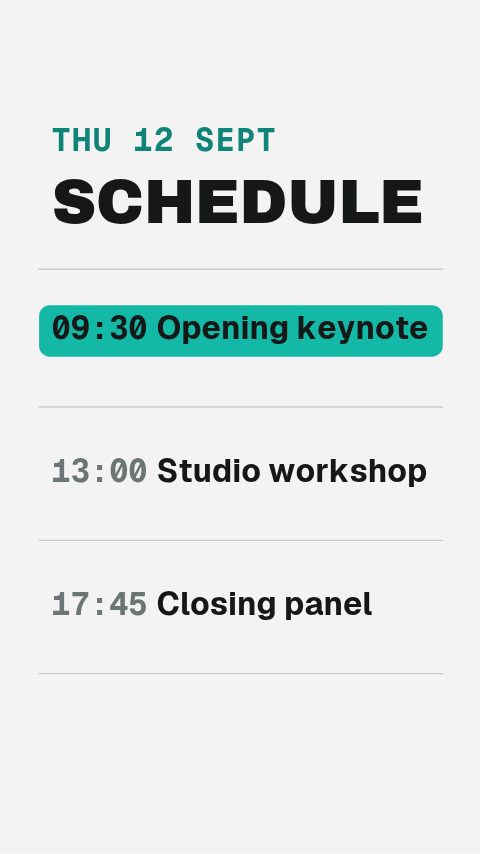
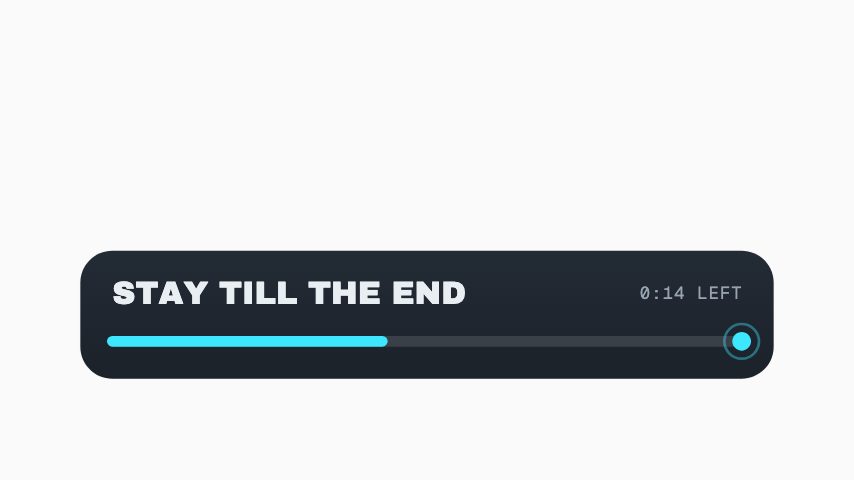
Viewers stay longer when they can see where they are. A timeline, a numbered takeaway list or a progress marker turns twelve minutes of talking into something with a visible structure.
Compare, contrast, check understanding
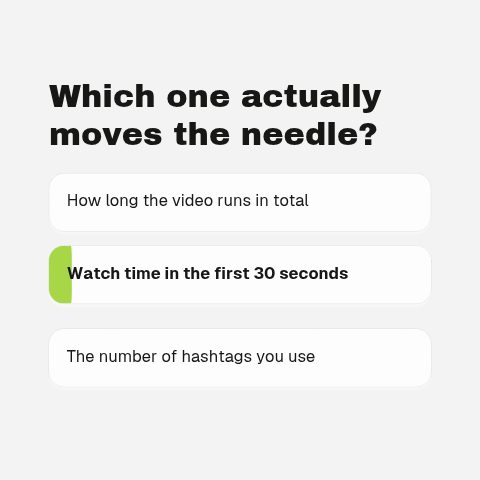
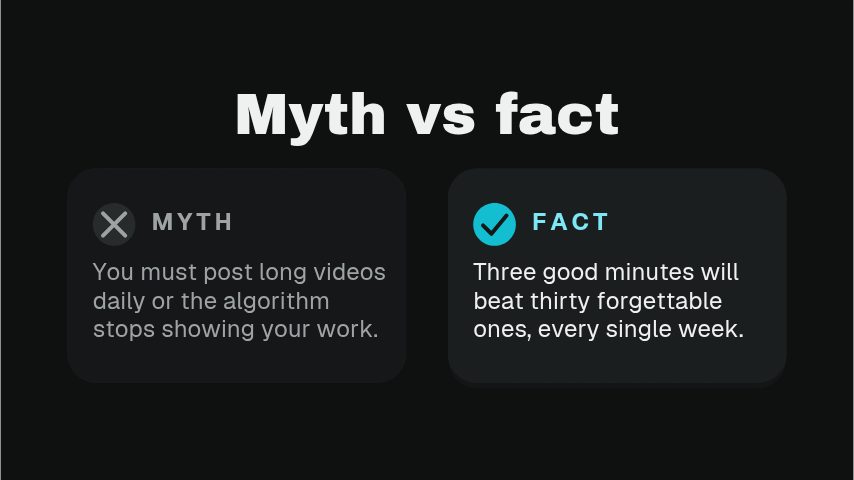
Two things side by side, a scale a viewer can feel, an overlap, a common mistake set against the right answer. These carry the part of a lesson that words alone make longer.
Talking-head furniture
The pieces around the person: who they are, what they just said, where to look on the screen recording. Unglamorous, and used in every video you will make.
Close the lesson properly
The last twenty seconds. Credit the sources, point at the next video in the series, and ask once. A subscribe prompt after a lesson lands better than one over the intro.
How to add an animated graphic to an explainer video
- 01
Find the beat that needs a picture
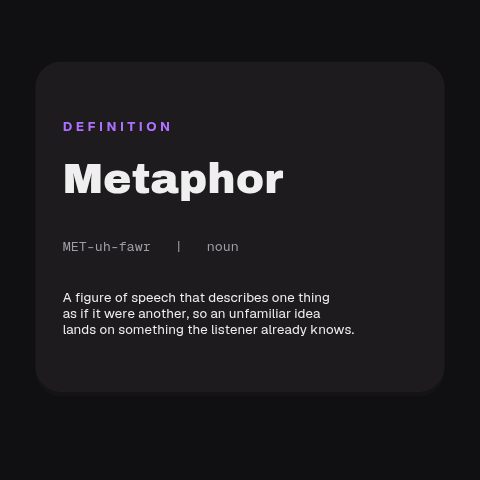
Pick the animation that carries it: a definition, a timeline, a comparison, a citation, a progress marker.
- 02
Write your own copy into it
Replace the placeholder terms with yours and apply your channel's brand kit, so a series shot over six months still looks like one series.
- 03
Export and lay it over your footage
Export MOV for a talking head or a screen recording, or MP4 on a flat colour if it is going straight onto a slide.
How these land in your workflow
Readable at phone size
Type is set to survive a six-inch screen. A graphic that only works full-width on a desktop is a graphic most of your audience never actually reads.
Over footage or over slides
A transparent MOV composites onto a talking head or a screen recording. For a slide deck, export MP4 on a background colour that matches the slide.
Held long enough to read
These rest on screen rather than flashing past. A definition a viewer has to pause for is a definition that cost you a retention dip.
Cite as you go
A citation card is part of the set rather than an afterthought in the description, which is the difference between a claim and a sourced claim.
Questions educational channels ask
Can I use these over slides and screen recordings?
Yes, and it is the main case. Export a MOV and place it on a track above the recording, so the transparent areas stay transparent and the interface underneath is still visible. For a slide that is already a flat colour, an MP4 exported on the same colour is simpler and smaller.
Which editors read the transparent exports?
Any editor that handles a QuickTime file with an alpha channel, including Premiere Pro, DaVinci Resolve, Final Cut Pro and Camtasia. Where an editor cannot, export MP4 with a background colour instead. Every animation offers both.
How long does a graphic stay on screen?
Between two and eight seconds depending on the animation, and the exact length is shown on every animation's page before you open it. Anything carrying a definition or a citation is deliberately at the longer end so it can be read at speaking pace.
Can I keep one look across a whole series?
Yes. A brand kit stores your colours, typeface and logo, and applies to any animation in one step. For a series that runs for months, that consistency is worth more than any single graphic in it.
Is there anything for course material rather than YouTube?
Yes. Lesson progress, chapter markers and quiz reveals are as useful inside a course platform as on a channel, and the exports are ordinary video files, so they upload wherever your lessons live.
Do I have to credit CaliberVisual in the video?
No. Exports are yours to publish without attribution, on a channel, in a course or in a client's project.
Every animation for educational channels
Education
9 education animations, editable in the browser and exported straight from it.
Tutorial
4 tutorial animations, editable in the browser and exported straight from it.
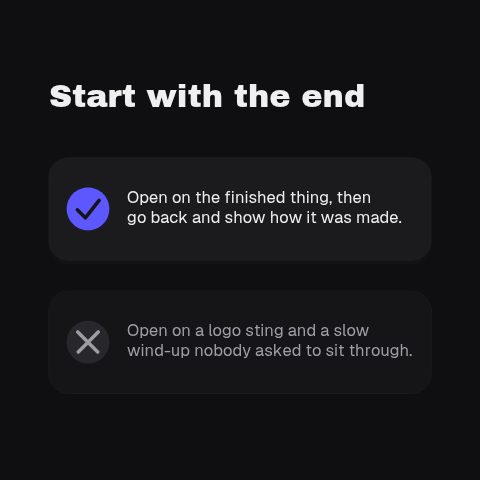
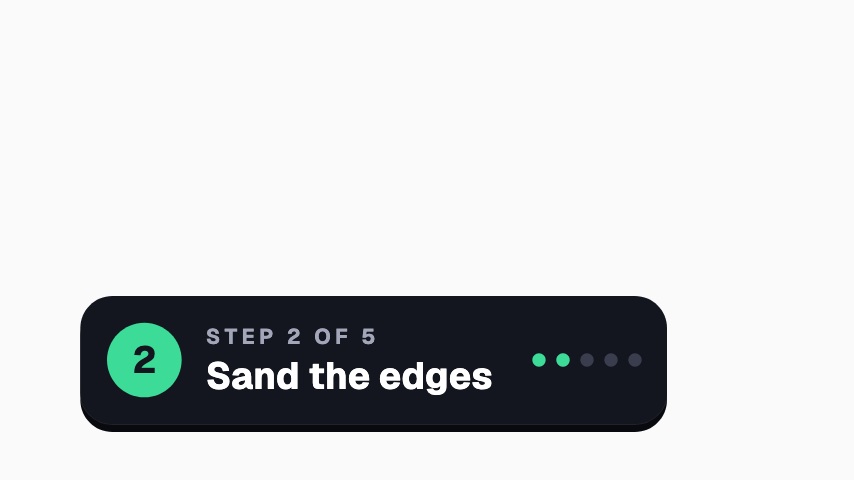
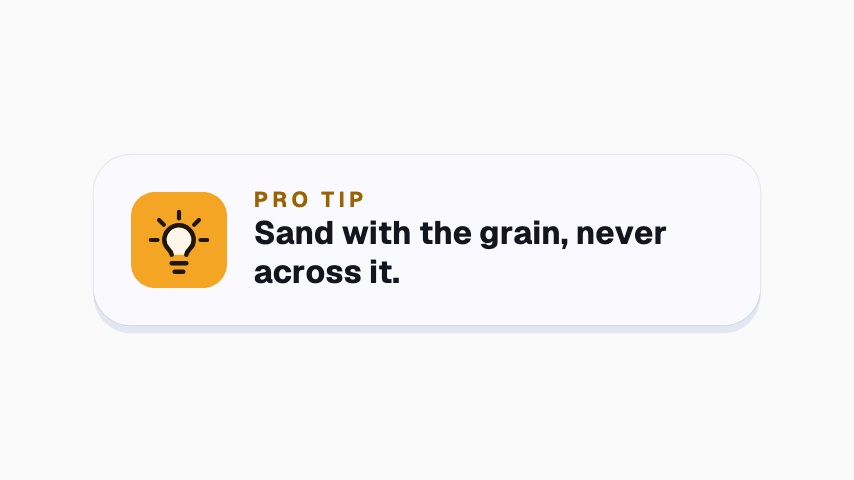
Broadcast
12 broadcast animations, editable in the browser and exported straight from it.
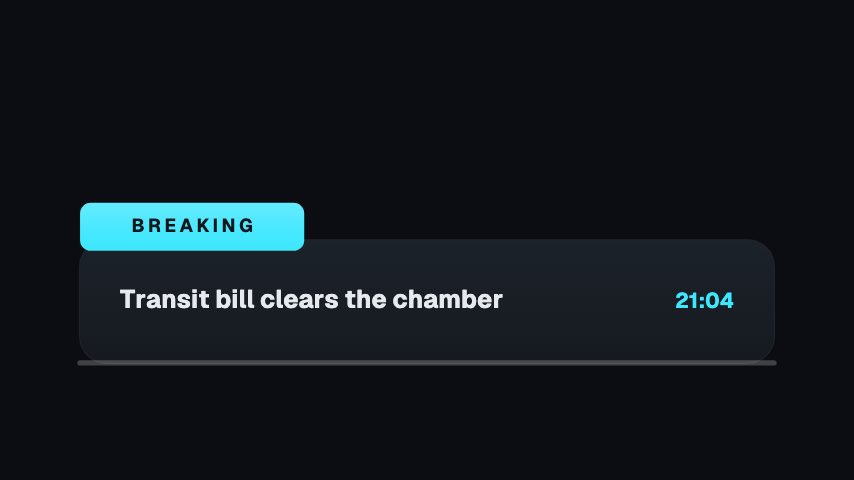

Subscribe
101 subscribe animations, editable in the browser and exported straight from it.
 Subscribe Tap3s
 Goal Meter3s
 Twitch Follow3s
 Twitch Follow (No Card)3s
 Twitch Follow (Side Slide)3s
 Twitch Follow (Lower Third)3s
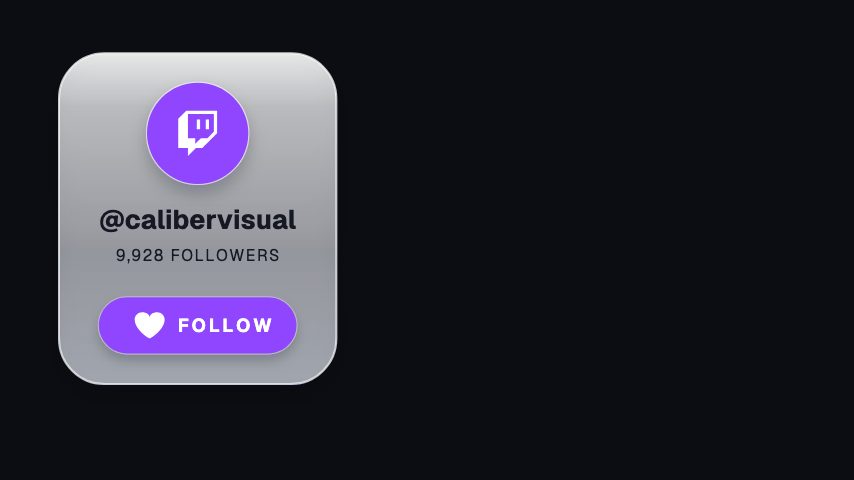 Twitch Follow (Corner Badge)3s
 X Follow3s
 X Follow (No Card)3s
 X Follow (Side Slide)3s
 X Follow (Lower Third)3s
 X Follow (Corner Badge)3s
 Facebook Follow3s
 Facebook Follow (No Card)3s
 Facebook Follow (Side Slide)3s
 Facebook Follow (Lower Third)3s
 Facebook Follow (Corner Badge)3s
 YouTube Subscribe3s
 YouTube Subscribe (No Card)3s
 YouTube Subscribe (Side Slide)3s
 YouTube Subscribe (Lower Third)3s
 YouTube Subscribe (Corner Badge)3s
 TikTok Follow3s
 TikTok Follow (No Card)3s
 TikTok Follow (Side Slide)3s
 TikTok Follow (Lower Third)3s
 TikTok Follow (Corner Badge)3s
 Toggle Switch3s
 Sub Gauge4s
 Subscribe Reason3s
 Subscribed3s
 Subscriber Tally3s
 Notifications On3s
 Membership Active3s
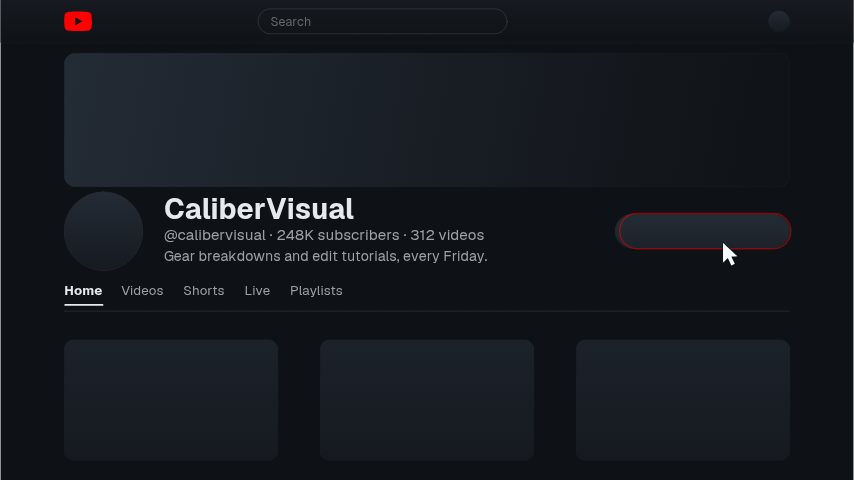 YouTube Channel Page4s
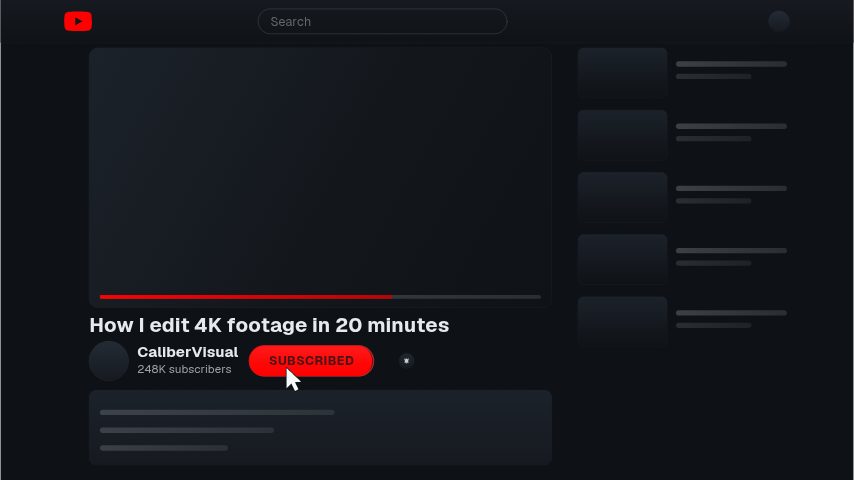 YouTube Watch Page4s
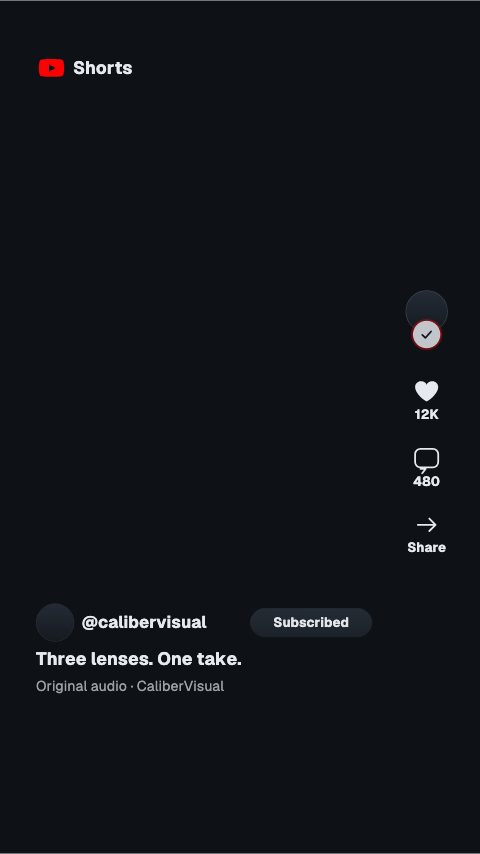 YouTube Shorts4s
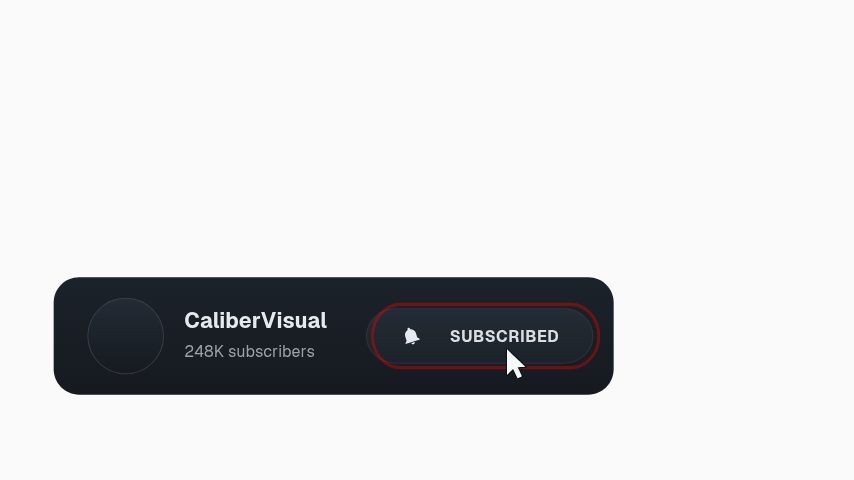 YouTube Subscribe Bar3s
 YouTube Corner Watermark3s
 YouTube Shorts Rail3s
 YouTube Bell Menu3s
 YouTube Subscribe Press3s
 Twitch Hold To Follow3s
 Facebook Notification Toggle3s
 Instagram Story Follow3s
 X Follow Press3s
 YouTube Bell Menu3s
 Subscribe Press3s
 TikTok Live Follow3s
 TikTok Follow Press4s
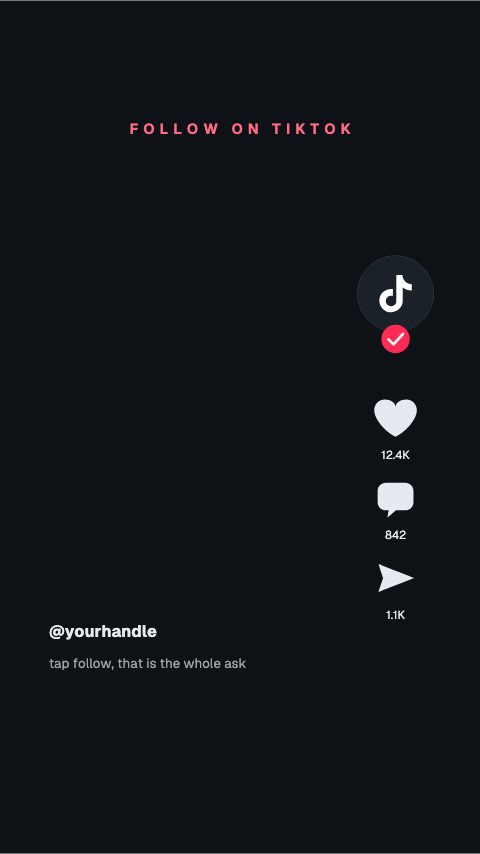 TikTok Rail Follow4s
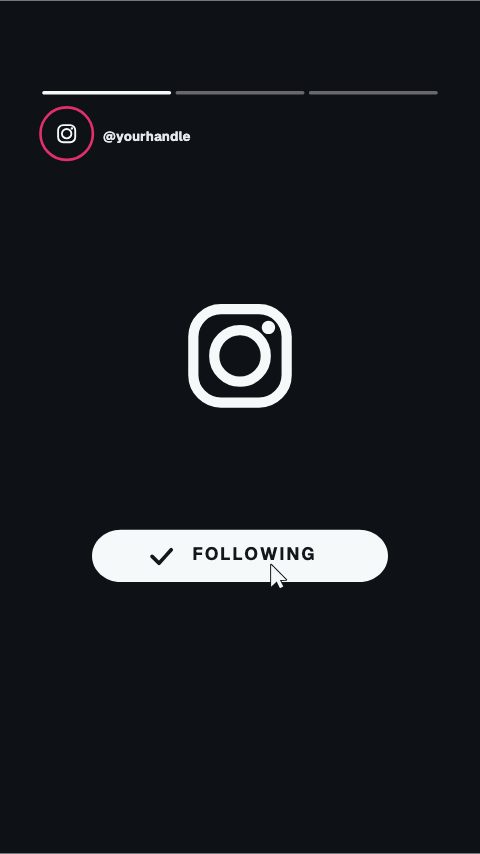 Instagram Story Swipe4s
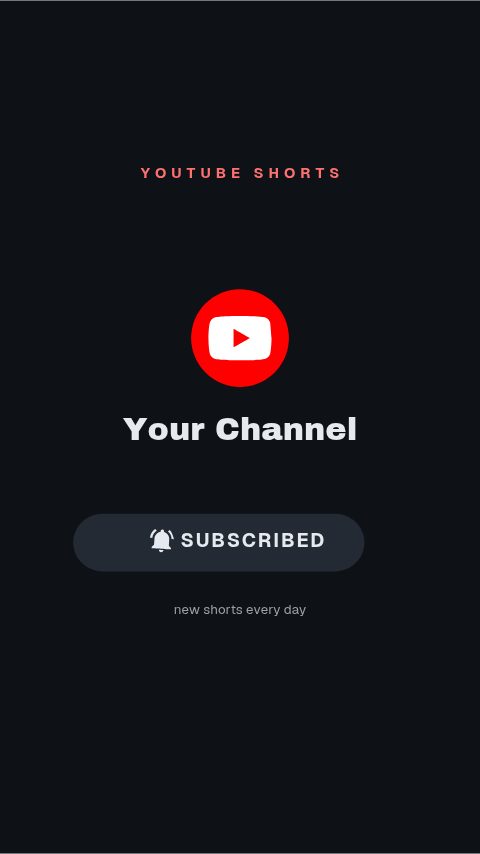 YouTube Shorts Subscribe4s
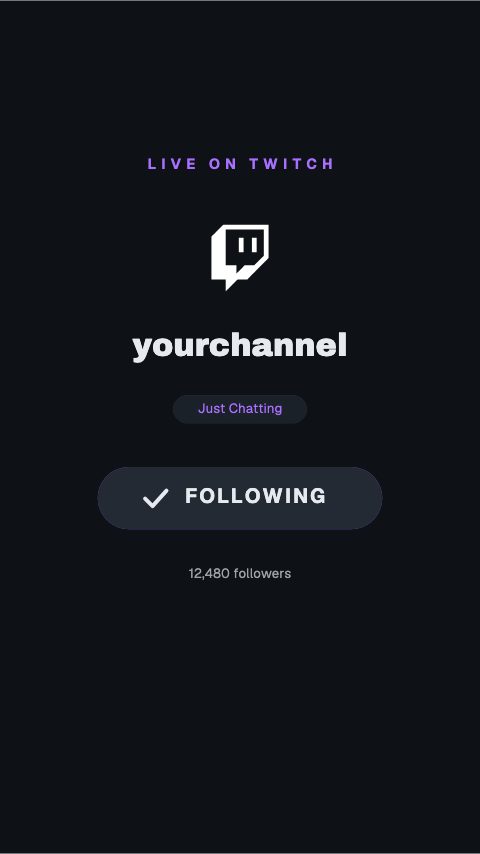 Twitch Mobile Follow4s
 X Profile Follow4s
 Facebook Page Follow4s
 YouTube Bell Vertical4s
 Instagram Hold To Follow4s
 Twitch Follow Press4s
 YouTube Count Press4s
 Instagram Profile Follow4s
 Instagram Page Follow5s
 YouTube Hold To Subscribe4s
 TikTok Follow Square4s
 X Swipe To Follow4s
 Facebook Follow Square4s
 Subscribe And Bell4s
 Instagram Post Notifications4s
 YouTube Subscribe And Bell4s
 X Swipe Follow4s
 YouTube Split End Card4s
 Twitch End Card Follow4s
 TikTok End Card4s
 X End Card4s
 Facebook End Card4s
 YouTube End Card Bar4s
 Follow For Part 23.2s
 Subscribe Percent3s
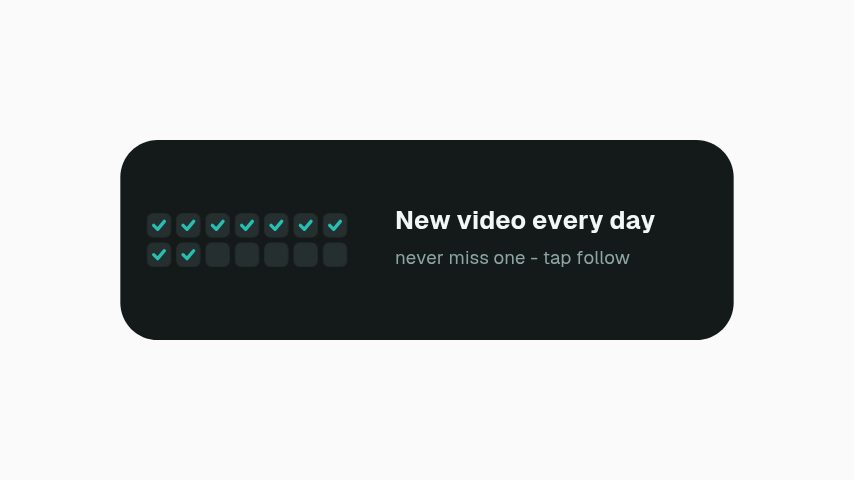 Daily Upload Promise3s
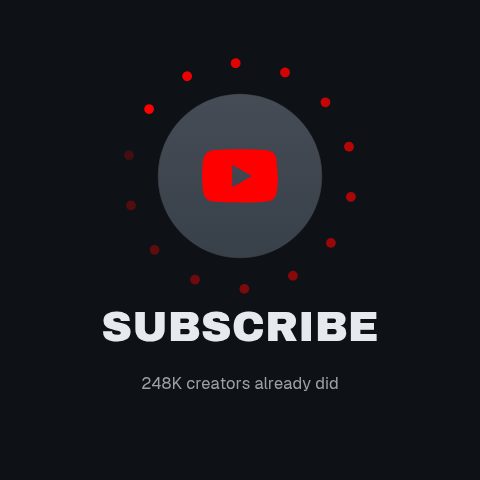 Avatar Orbit Subscribe4s
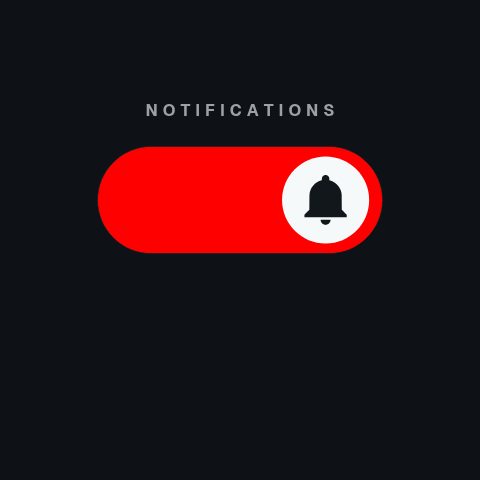 Bell Toggle Switch4s
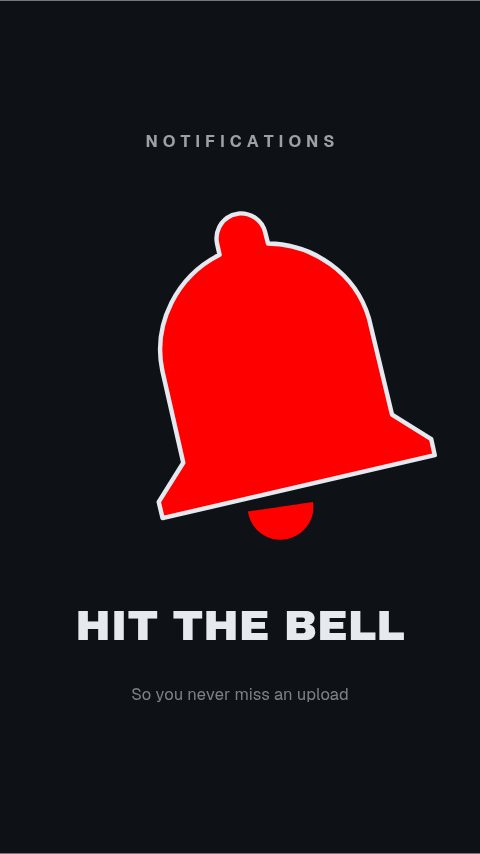 Bell Draw Hero4s
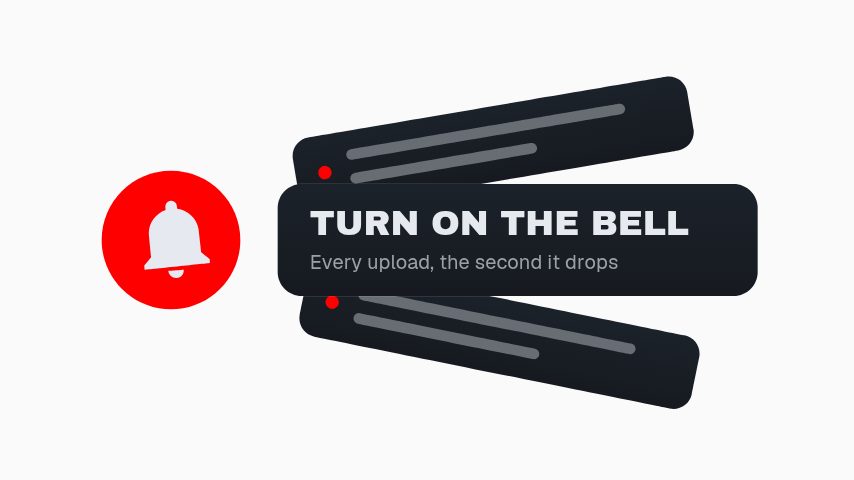 Notification Fan3s
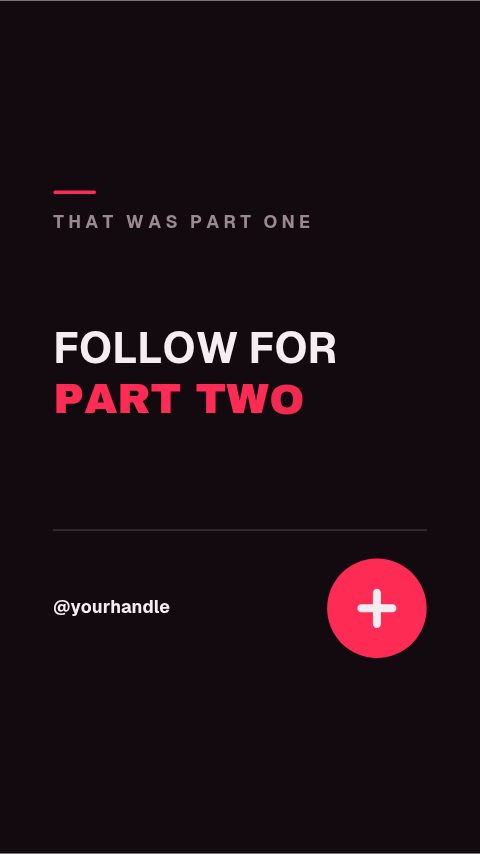 TikTok End Screen4s
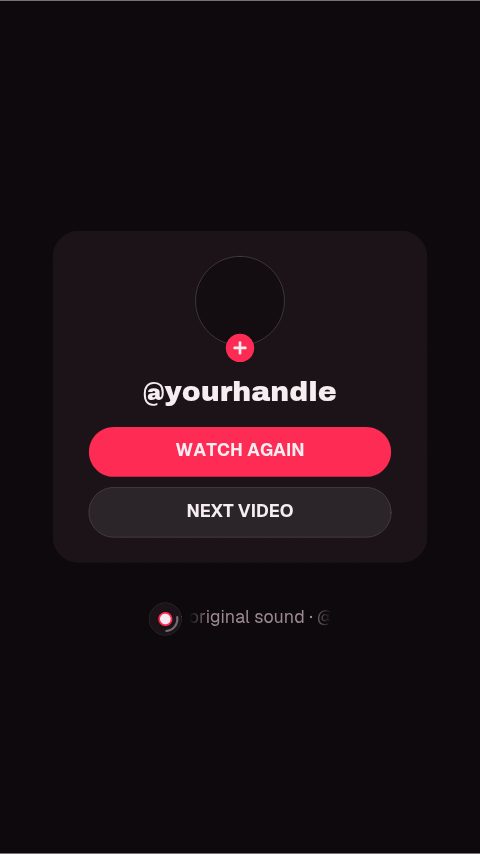 TikTok End Panel4s
 TikTok Outro Credit3.2s
 Triple Ask3s
 Subscribe & Bell Liquid Glass4s
 Channel Sticker3.5s
 Bell Sticker3s
 Subscribe Sticker3s
 You're In Check4s
 Stuck at 99%3.6s
 Gift a Sub3.2s
 Typed Subscribe3s
 New Here?5s
 Road to Goal3.5s
 Content Cycler4s
 Logo Subscribe4s
 YouTube Channel & Bell4s
 Creator Type Stack4s
Not quite you?
Make a market explainer people can read.
Put a figure on screen that reads on a phone and is sourced while you say it. Ticker tapes, exchange rates, portfolio breakdowns, runway charts and citation cards.
7 animationsTurn an episode into a week of clips.
Get an audio show seen in a feed that plays silently. Guest intros, pull quotes, chapter markers, audiograms and sponsor slates, for the video feed and for the clips account.
8 animationsMake gameplay clips look like a channel.
Mark the beat the clip exists for, and ask for the subscribe while it plays. Rank-ups, scorelines, subscribe prompts and end cards, customised in your browser and exported as transparent files that drop straight onto your timeline.
7 animations
Open one and export something today
All 127 of these open on Pro, free for seven days. Cancel any time.
Start free