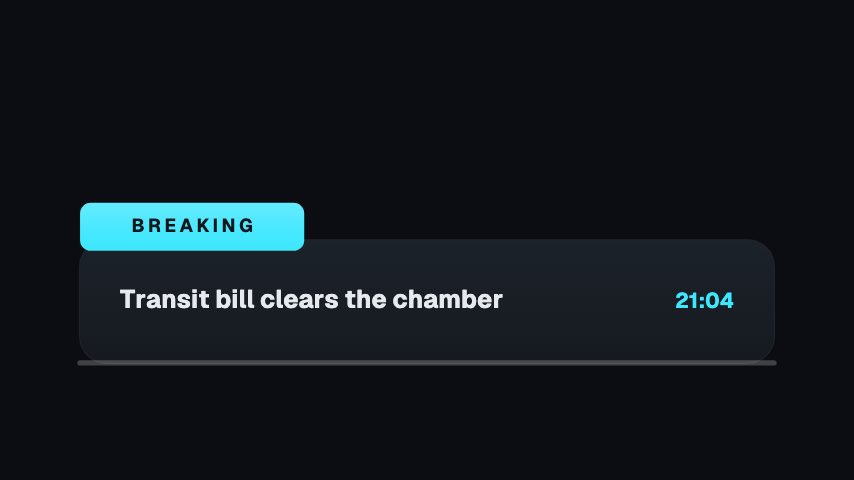
Bring it in at the top of an ad read so viewers can see where the sponsored part starts. A tag swings in with the sponsor's name, and a link chip follows with your subline. Change Tab, Name and Subline for each deal. Write Name exactly as the sponsor asks, and keep Subline to where the link can be found.
Where it fits
At the start of an ad read, while you introduce the sponsor.
Over the product shots in a sponsored segment, keeping the brand name on screen.
At the end of a sponsored video, as a reminder of where the link is.
Filling it in
Tab is in caps, so a word like PARTNER or AD fits. Check the sponsor's brief for how Name should be spelt. Point Subline to one place only, such as the description or a pinned comment.
Format and timing
Sponsor Card is built at 640 × 360, a 16:9 landscape frame, the shape of a YouTube video, a stream layout and most editing timelines, and runs 4 seconds at 30 frames per second. It arrives in 2.3 seconds, holds for 0.9 and clears in 0.9, so cue it a beat before the moment it labels. Export it as an MP4 for a timeline or a feed, a GIF where video will not embed, or a MOV with an alpha channel to lay it over footage with nothing behind it. Renders go up to 4K on a paid plan. The free plan shows a watermarked preview.
What you can edit
Tabtext
Nametext
Sublinetext
Questions about Sponsor Card
What can I change?
Tab, Name and Subline. There are no photo slots, so the sponsor's name appears as text.
What size is it?
640 x 360, a 16:9 overlay with a transparent background, so it sits over your footage.
How long does it run?
4 seconds, enough to read the name and the link without covering the segment.