01Names
 Lower Third
Get the names right.
Update names and titles in a lower third without opening a motion project.
 Editors and agenciesGet started
CaliberVisual for editors and agencies
Get client edits out of the door sooner. Lower thirds, social prompts and promo overlays, rebranded per client and exported for your timeline.
Starts today. Cancel any time.
Lower ThirdMade for what you do
Lower ThirdUpdate names and titles in a lower third without opening a motion project.
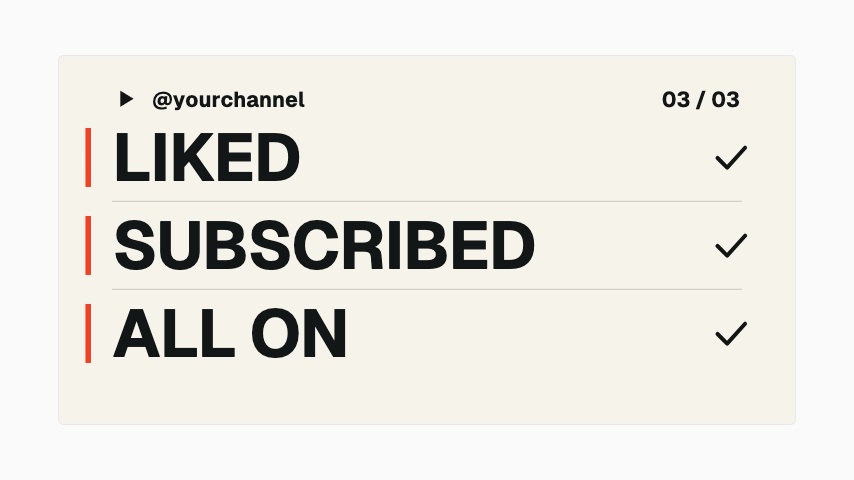 Creator Type Stack
Keep client colours, fonts and logos in brand kits. Kit limits depend on your plan.
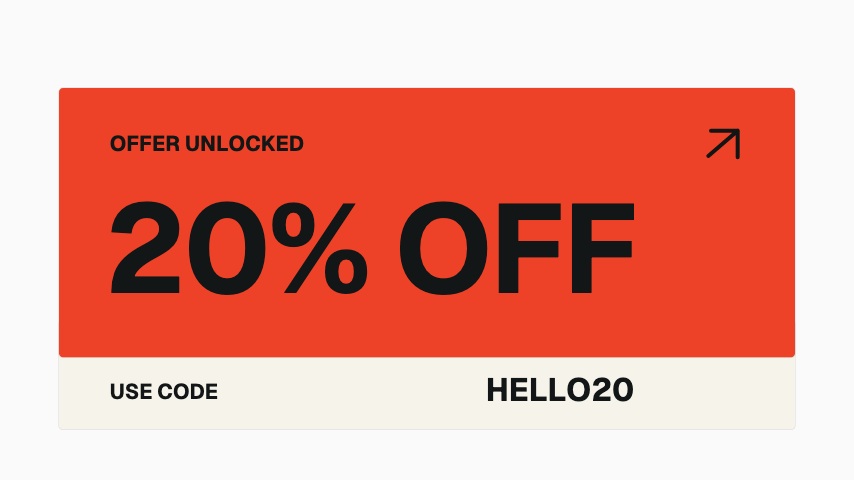 Offer Reveal
Export transparent MOV for a graphic that sits over client footage.
Pick the lower third, callout or promo you need.
Set the copy, colours, typeface and logo.
Export your graphic and place it above the footage.
No. Edit the graphic in the browser and export a finished file. Transparent MOV is on every paid plan, for editors that support alpha channels.
Plans start the moment you subscribe: every animation, clean exports, every ratio. Cancel any time and it runs to the end of the period. Pro includes 10 clean exports a month at 1080p, in every ratio and as transparent MOV, for $9.99 a month.
Every paid plan opens the whole library, with clean exports every month (Pro 10, Studio 25, Business 60), every ratio and transparent MOV. Studio and Business add 4K export, higher frame rates and more brand kits. See pricing for the full plan details.
Made for editors and agencies
Starts today. Cancel any time. Every animation, with clean exports every month, in every ratio from one edit.