
Just listed, price improved, sold
Stay in front of your market from launch to sold. The three posts that make up an agent's whole feed, on your own branding, and quick enough that the sold one actually gets made.
In short
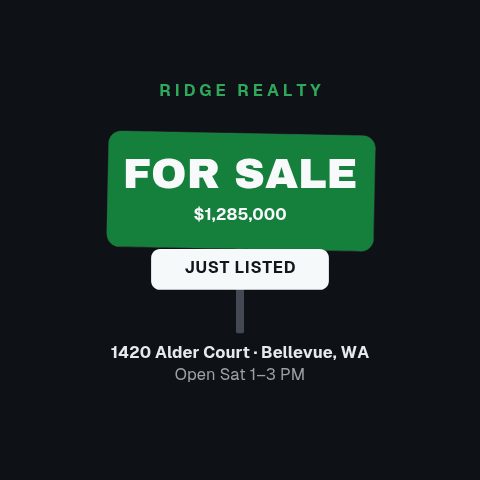
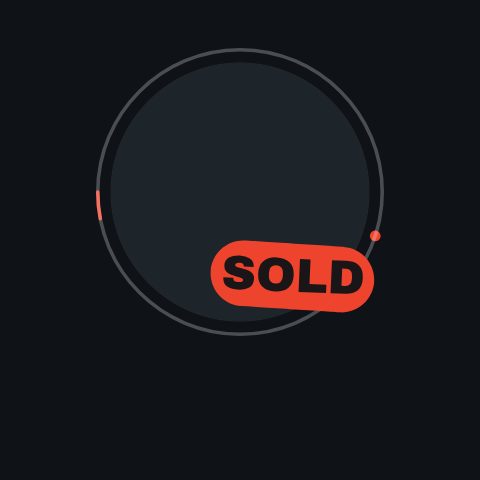
Every stage of a listing earns a post, and the sold one is the post that wins your next instruction. Just listed, open to offers, price improved, under offer, sold: each card is drawn around the figure a buyer is looking for and carries your brokerage's colours and logo. You type in the address, the price and the reduction or the sale figure, then export an MP4 for Instagram, a GIF for an email, or a transparent MOV to sit over your own footage. The sold post is the one that never gets made, because it arrives when the listing is finished and everyone has moved on to the next property. Making it a fifteen-minute job rather than a brief is the entire point.
- 8
- Animations here
- 732
- In the library
- MP4, GIF, MOV
- Export
- 16:9 · 4:5 · 1:1 · 9:16
- Ratios
- 720p to 4K
- Resolution
- In the browser
- Editing
What this replaces
The sold post is the strongest thing you can put on a feed and it is the one that never gets made, because by then everybody has moved on.
Reopen the template you launched the listing with, change the stamp to sold and the figure to the sale price, export. The job is minutes, so it survives contact with a busy week.
A price reduction is awkward to post, so it goes out as text and reaches nobody.
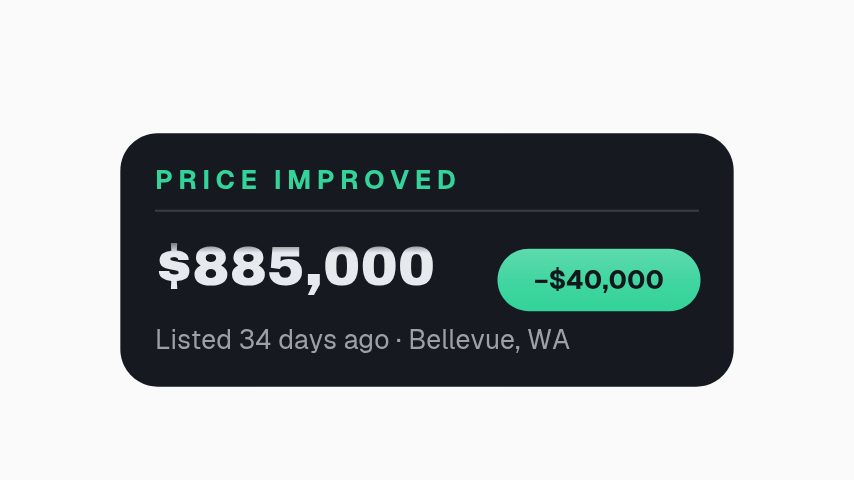
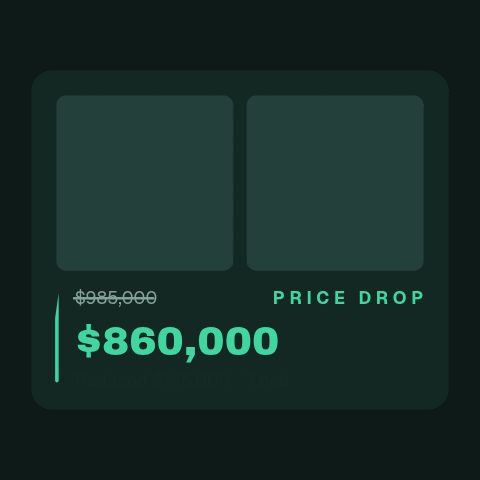
A price improved card is built around the reduction: the old figure, the new figure and the difference, which is the number a buyer scrolling past is actually looking for.
Your posts and the office's posts do not look related, so neither builds anything.
One brand kit across every template, applied in a click. The feed reads as one agent rather than as twelve unrelated graphics.
Every post is remade from scratch, so the fifth listing of the month gets a worse post than the first.
The layout is fixed and the copy is a field, so the twentieth post is the same standard as the first and takes less time than it.
The status set
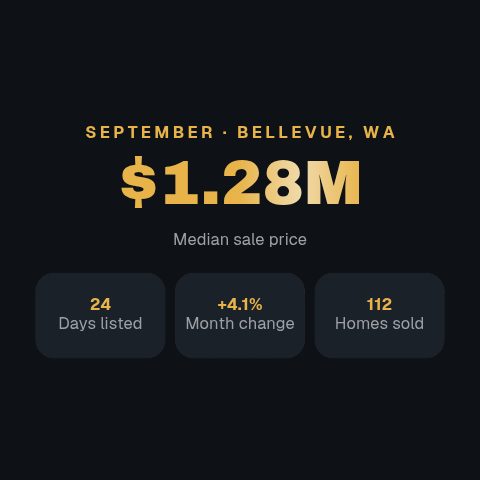
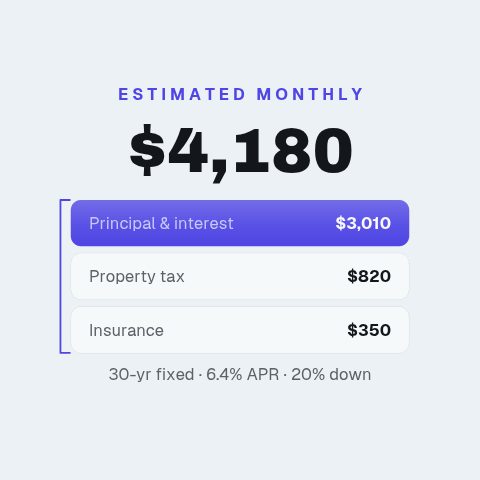
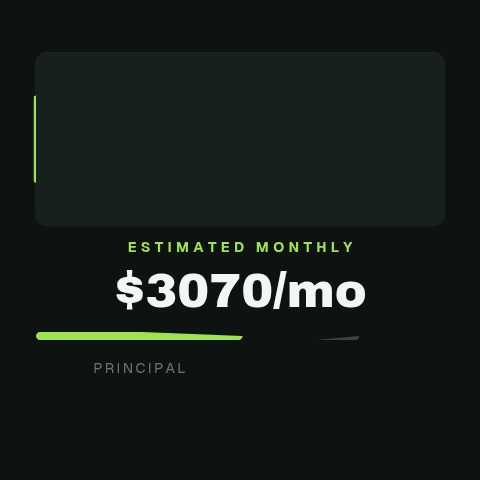
Every milestone a listing passes through, plus the numbers that come up while it is on the market. Eight cards, and feed, story and email sizes all come out of the same build.
How to make a just listed post
- 01
Pick the status
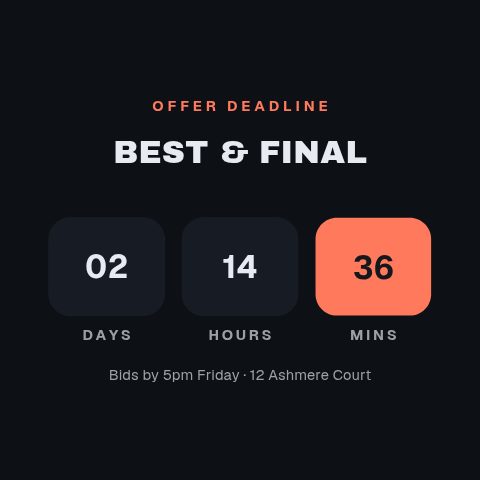
New to market, price improved, best and final, sold. Each card is drawn around the one fact that status is about, rather than being a generic frame with a word swapped in.
- 02
Type the address and the number
Address, asking price, the reduction or the sale figure, the date. On the price cards the old figure and the new one both appear, because the size of the move is the story.
- 03
Apply your branding
Your colours, typeface and logo, saved once and applied to every card you open after it. The compliance footer is a field, so your licence line goes on the same as it does everywhere else.
- 04
Export for the feed or the email
MP4 for Instagram, Facebook and LinkedIn, GIF if it is going into a mailshot, MOV with alpha if it is being laid over a photo or a clip in your own edit.
Instead of what you are doing now
A static graphic
Cheaper to make and easier to scroll past. The thing motion buys on a status post is that the number arrives. A price landing on screen reads as news in a way a typeset number never does.
The brokerage's template pack
Most are static, most are a year old, and none of them cover the awkward posts: the reduction, the deadline, the monthly payment. They are also every other agent's posts, in the same layout.
A social media assistant or agency retainer
Sensible for strategy, expensive for repetition. The sold card still comes back a day later, and it comes back as an invoice line. The twelve repeat posts a month are a text field and an export on a flat plan.
Questions real estate agents ask
Can I post a sold price?
The card states what you type into it, so that is a question about your local rules rather than about the tool. Where a sale figure cannot be published, the same card runs with the word sold and no number, and the footer field carries whatever wording your board requires.
Can I make the same post for twenty listings?
That is the case it is built for. Open the card, change the address and the price, export, repeat. The layouts absorb different lengths of address and different price formats, which is the part that usually breaks a duplicated design file.
Do these come in story and feed sizes?
Preview at 9:16, 1:1 and 4:5 before you export, so a story asset is a story asset rather than a feed asset with the top and bottom guessed at. Export at 720p, 1080p or 4K.
Will it match my brokerage's brand guidelines?
It applies whatever you save into a brand kit: colours, typeface, logo. Most agents work inside a palette and a font they did not choose and cannot change, so setting it once and inheriting it everywhere is the point rather than a nicety.
Can I put a photo of the property in these?
Yes on the cards that carry a media slot, and the set above says which. The pure status cards, the sold stamp and the deadline, are typographic on purpose: they are read at a glance in a feed, and a photo behind the number makes it harder rather than easier.
What does it cost?
Pro exports every animation with no watermark, MOV with an alpha channel and every ratio, for $9 a month. Every plan starts with a 3-day trial that opens ten animations, exported at 720p with a watermark. Studio adds 4K, the higher frame rates and more saved brand kits. Both are one flat monthly price, with no charge per export.
Nearby
Every listing on screen the day it goes live
One listing shoot, a week of posts: reels, tours and floorplan walks.
9 animationsOpen house promos that fill a Saturday
More people at the viewing: the time, the street and the agent at the door.
7 animationsTurn a listing into a week of posts that get seen.
Cover a listing from the day it goes live to the day it closes, built for a phone screen. Just listed, open house, price drop and sold, in the shapes buyers actually scroll.
The whole library for real estate agents
Post the sold one this time
Make the sold post you did not make last month. Start with a three-day trial.
Start your trial