
Turn a listing into a week of posts that get seen.
Cover a listing from the day it goes live to the day it closes, built for a phone screen. Just listed, open house, price drop and sold, in the shapes buyers actually scroll.

In short
Turn a listing into a week of posts that get seen, without a designer or a video editor in the way. Real estate agents use CaliberVisual for just-listed cards, open house times, price drops, monthly payment breakdowns and sold stamps. You type in the address, the price and the beds and baths, apply your brokerage's colours and logo, and export an MP4 for Instagram, a GIF for the email, or a MOV with a real alpha channel to lay over your own listing footage. There is no video editor to learn, nothing to render on your laptop, and no designer to brief between a listing going live and the first weekend of showings.
- 85
- Animations here
- 989
- In the library
- MP4, GIF, MOV
- Export
- 24 · 30 · 60 fps
- Frame rate
- 720p to 4K
- Resolution
- In the browser
- Editing
What real estate agents put on screen
The day it goes live
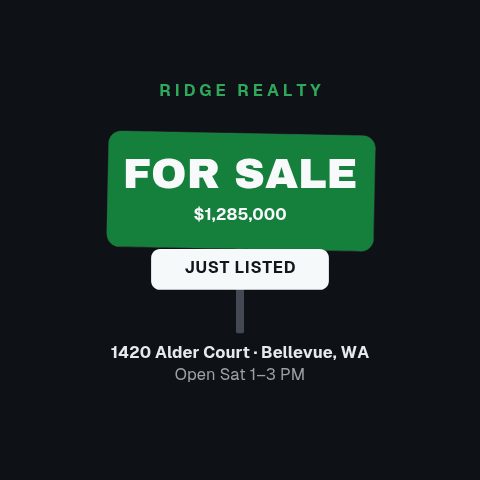
The first post decides whether the listing gets a second look. A yard sign card for the feed, a just-listed reel for Stories, and the open house time before anyone has to ask for it.
The tour, cut for a phone
Room by room, floor by floor, or the whole walkthrough in fifteen seconds. This is the set that carries a listing to people who are not going to click through to the portal.
The number the buyer is scrolling for
Price, the reduction, and what it costs a month. The monthly figure is the one that moves a first-time buyer, and it is the one almost nobody puts on the post.
Proof you sell what you list
A sold stamp is not a post about a house, it is a post about you. Same for a final-offer deadline that lands, a market snapshot with your name on it, and the intro card that runs at the end of everything else.
The area, not just the house
Buyers move to a street before they move into a building. Schools, transit, the walk to coffee: the part of the pitch a photo of the kitchen cannot make.
How to make a just listed post for a property
- 01
Pick the moment in the listing
New to market, open house, price improved, under offer, sold. Each one is drawn around the fact a buyer is scanning for, which is usually the address and the number next to it.
- 02
Type the listing into it
Address, price, beds, baths, square footage, the open house time. Drop the property photos into the media slots and apply your brand kit so the post carries your brokerage's colours and your own name.
- 03
Export for the placement
MP4 at 9:16 for a Reel or a Story, 1:1 for the feed, GIF for the buyer email, MOV with alpha if it is going over walkthrough footage in your edit.
How these land in your workflow
Vertical first
Listing video is watched on a phone, held upright. The reels here are authored at 9:16 rather than cropped down from a wide comp, so the address is not sitting under the caption and the price is not cut off by the interface.
Reels that are actually sequences
The five reel templates run four or five complete beats back to back across roughly fifteen seconds (hook, rooms, price, call to action) rather than one card held still while a song plays.
Your photos, in the animation
Media slots take the listing photos straight from the shoot. The animation moves around them, so the property is the content and the graphic is the frame around it.
One listing, the whole run
The copy is a field. Just listed becomes open house becomes price improved becomes sold, on the same brand, in the same afternoon. Reopen, retype, export.
Questions real estate agents ask
Can I put my own listing photos in these?
Yes. The tour, reel and grid templates carry media slots, and you drop the photos from the shoot straight into them. The animation moves around your images rather than around stock ones, which is the whole point. A listing post with somebody else's kitchen in it is worse than no post.
Will these carry my brokerage's branding?
Yes. Save a brand kit once, with your colours, typeface and logo, and it applies to any animation you open. Most agents are working inside a brokerage's palette and a compliance line they cannot change, so setting it once and having every post inherit it is the difference between posting daily and not posting.
Do I need to be allowed to state the price?
Every figure on screen is one you type in, so the animation states what you tell it to state. Nothing pulls from a portal or an MLS feed, and nothing calculates a payment on its own. The mortgage and monthly payment templates are cards you fill in, which is why the footer field exists for the disclosure your board requires.
What size should a listing post be?
9:16 for Reels, Stories and TikTok, which is where most listing video is watched, and 1:1 or 4:5 for the feed. Preview at the size you are publishing at before you export, and the templates authored vertical stay vertical rather than being a wide comp with the sides cut off.
Can I use these in a portal listing or an email?
Export MP4 for anywhere that plays video, including your own site and most portal media slots, and GIF for the email, because an email client will not play a video inline but it will animate a GIF, so a moving open house time in a mailshot is a GIF.
I list twenty properties a month. Is this fast enough?
It is a set of text fields and an export each time. Open the template, change the address, the price and the photos, export, repeat. The layouts absorb different lengths of address and different price formats, which is the part that usually breaks a duplicated Canva file.
Can I run these as paid ads?
Yes. Exports are yours to run as paid media, including on behalf of a vendor or a brokerage. There is no per-use licence and nothing to clear before you boost a listing.
Every animation for real estate agents
Promo
85 promo animations, editable in the browser and exported straight from it.
 Listing Reel11s
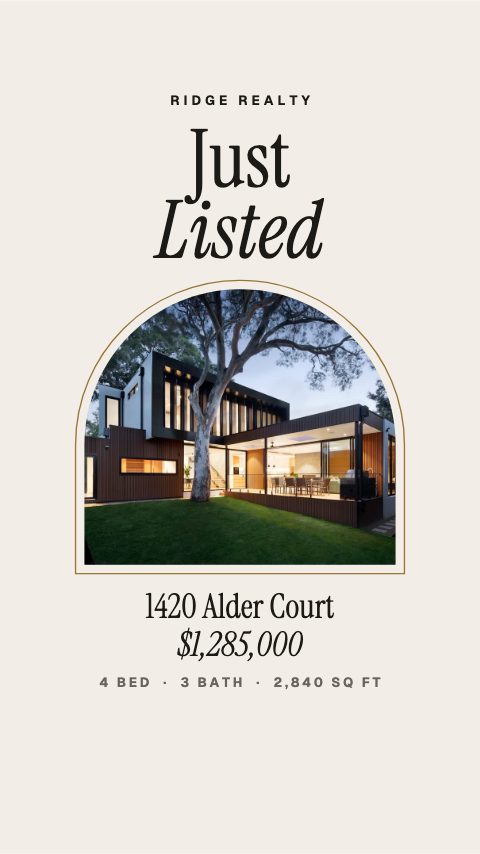 Just Listed Arch5s
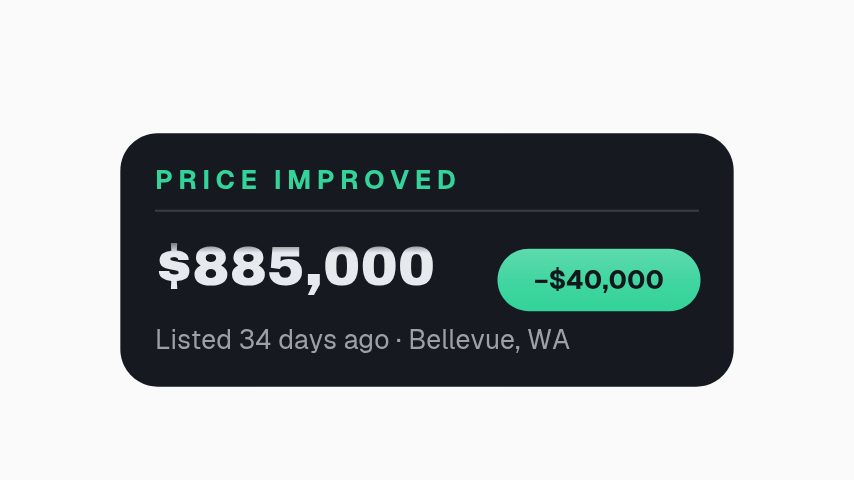 Price Improved3s
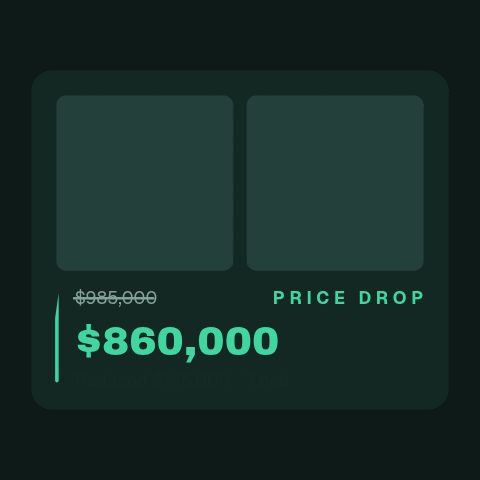 Price Drop Counter4.2s
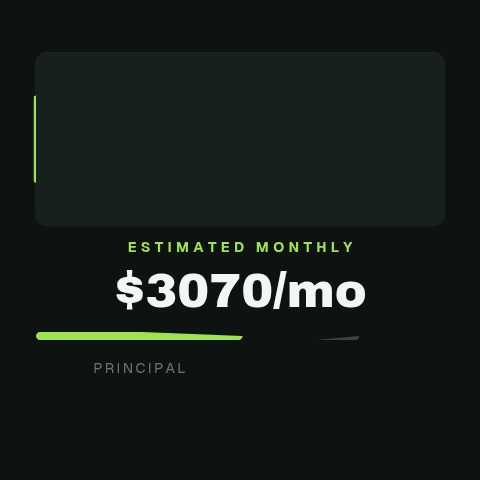 Monthly Payment Breakdown4.2s
 Full Tour Cascade4.6s
 Reel End Card15s
- Reel Square Tour15s
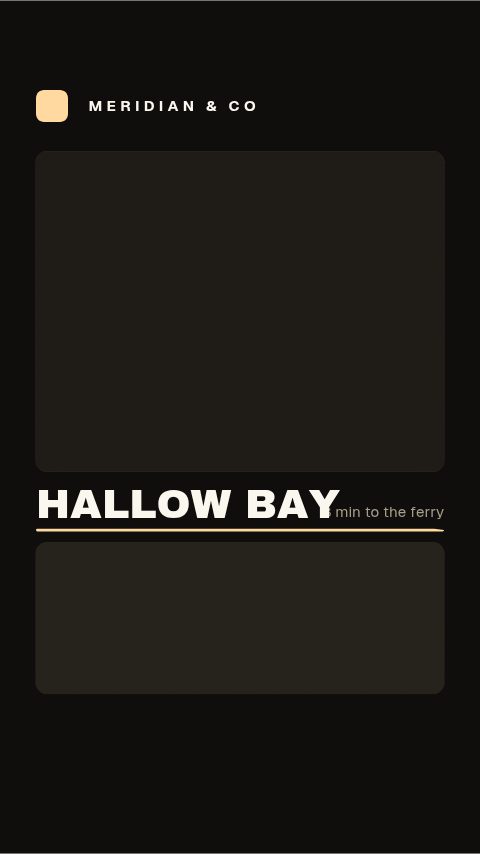 Reel Neighbourhood15s
 Reel Price Reveal15s
- Reel Just Listed15s
 Sold Stamp4s
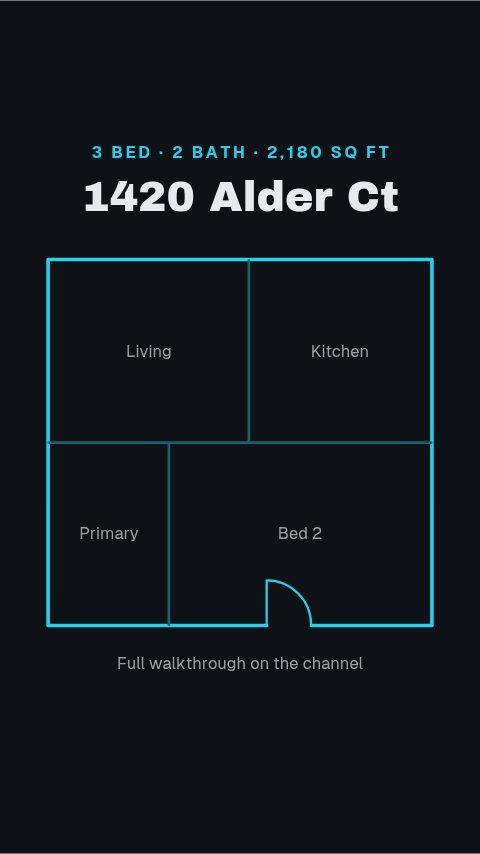 Floorplan Tour4s
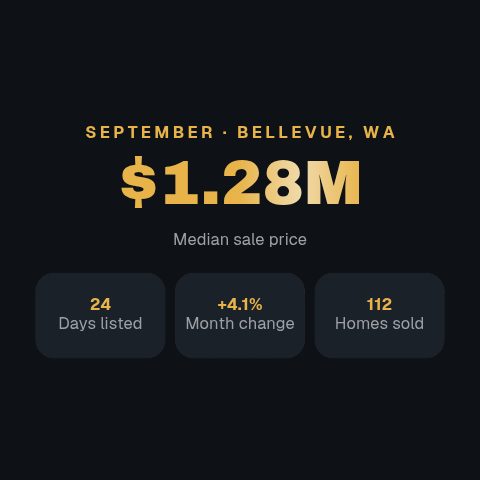 Market Snapshot4s
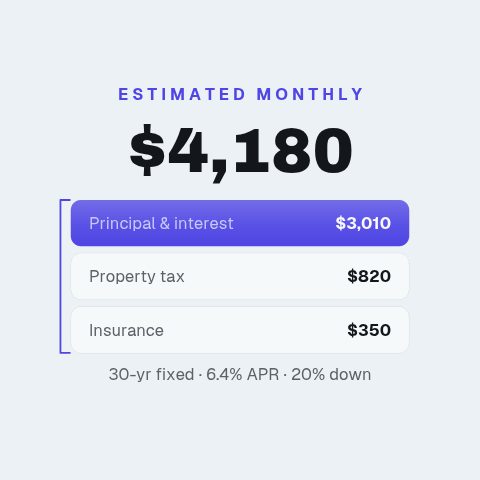 Mortgage Estimate4s
- Yard Sign4s
 Virtual Tour4.6s
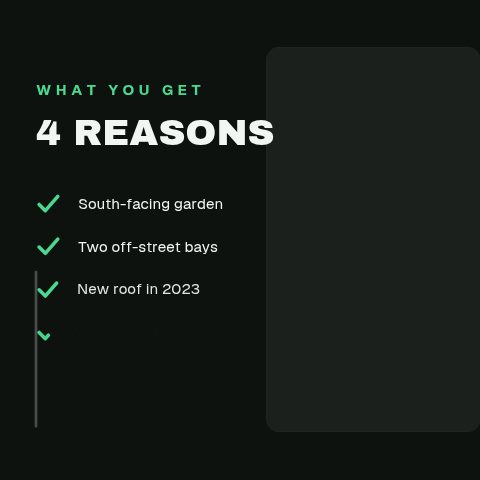 Feature Checklist4.4s
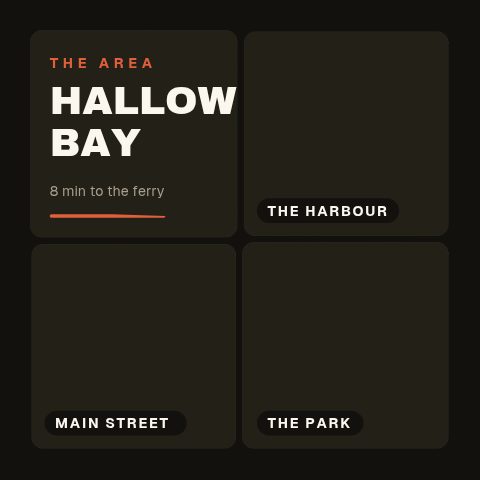 Neighbourhood Grid4.4s
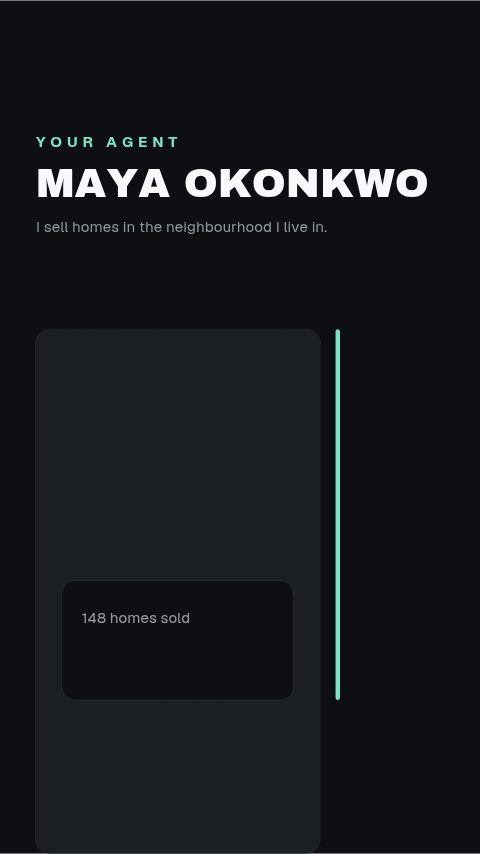 Agent Intro4.4s
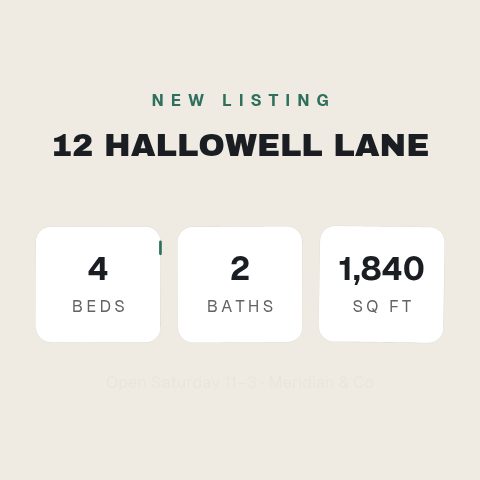 Listing Specs9.4s
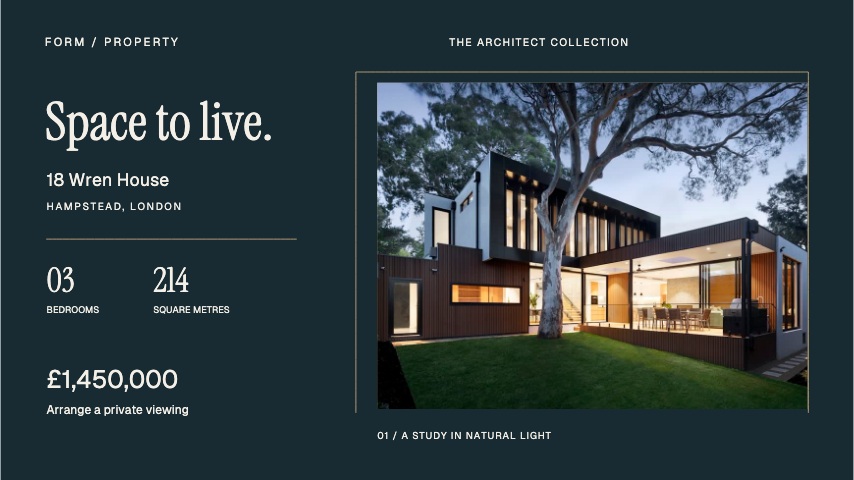 Architect portfolio8s
 Coastal stay8s
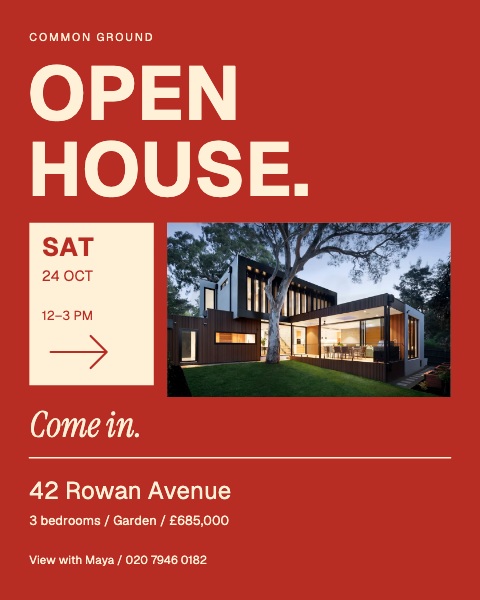 Open house poster8s
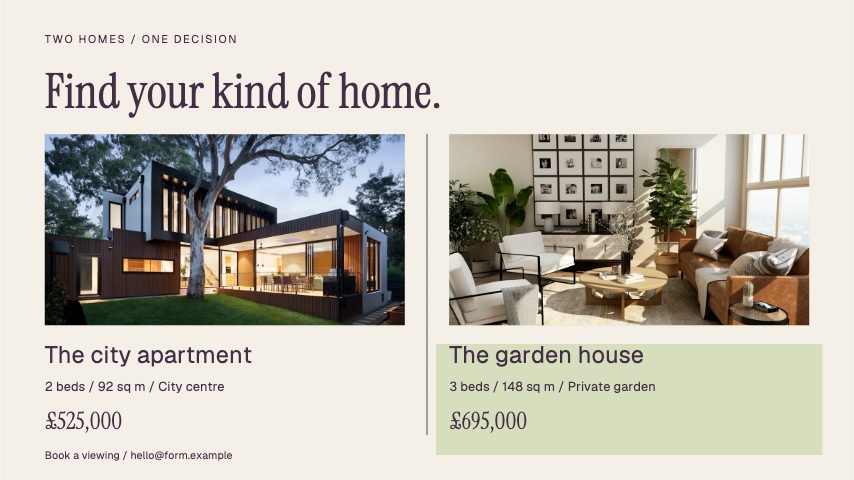 Property pair8s
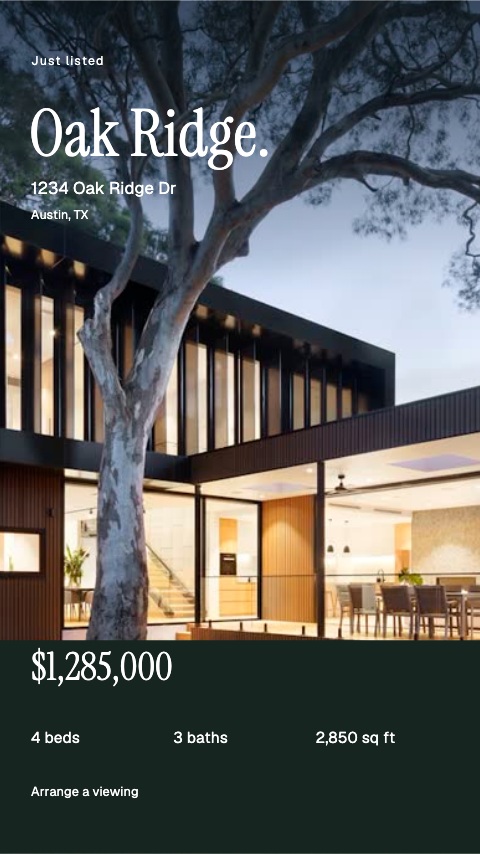 Full-frame listing8s
 Arched invitation8s
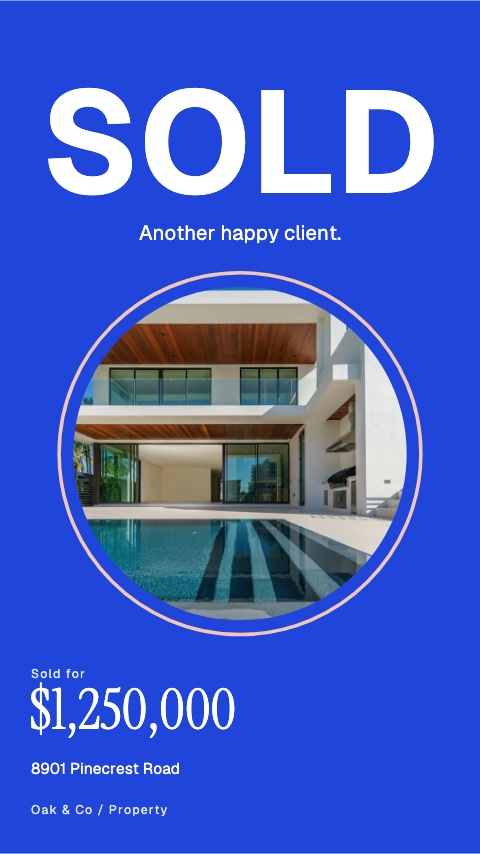 Sold in blue8s
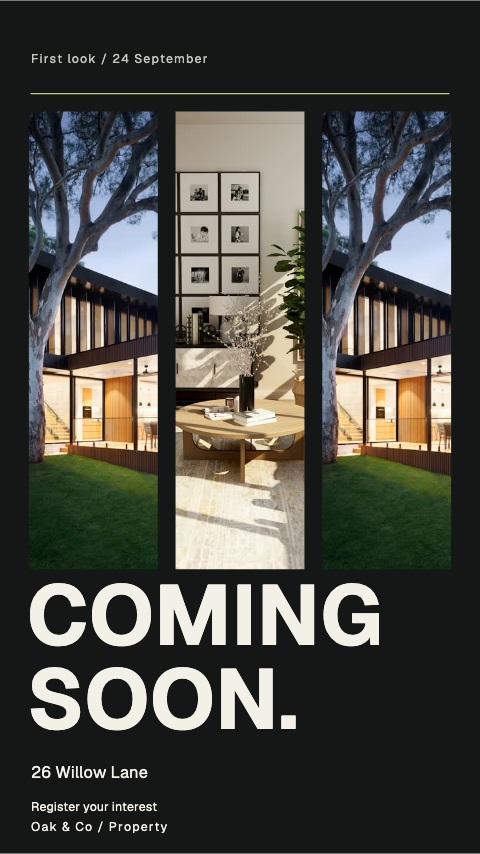 Coming soon shutters8s
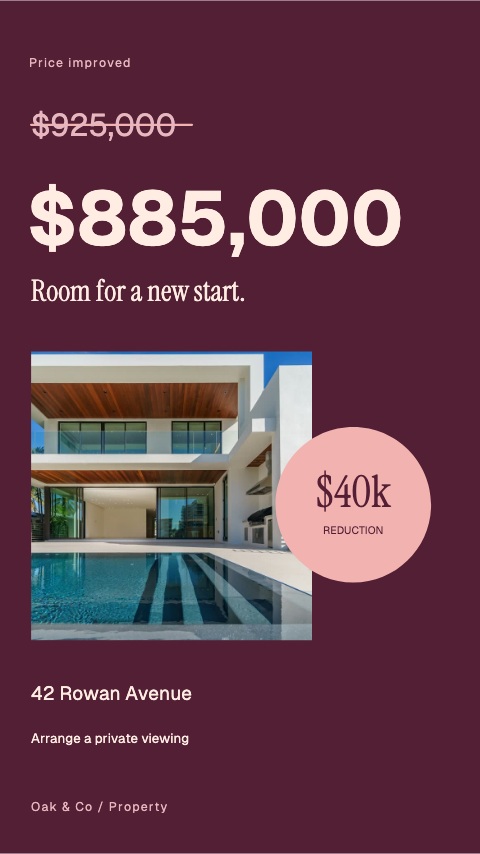 Price revision poster8s
 Private viewing doors8s
 Contract ribbon8s
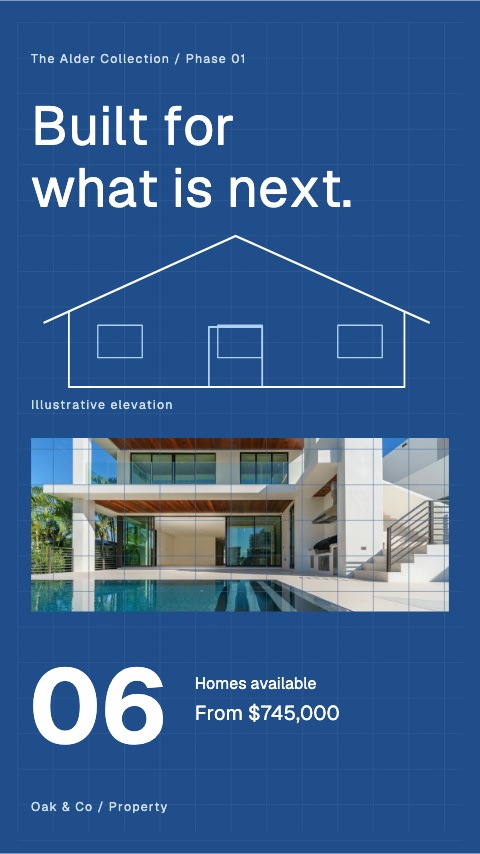 New build blueprint8s
 Room editorial8s
 Kitchen colour block8s
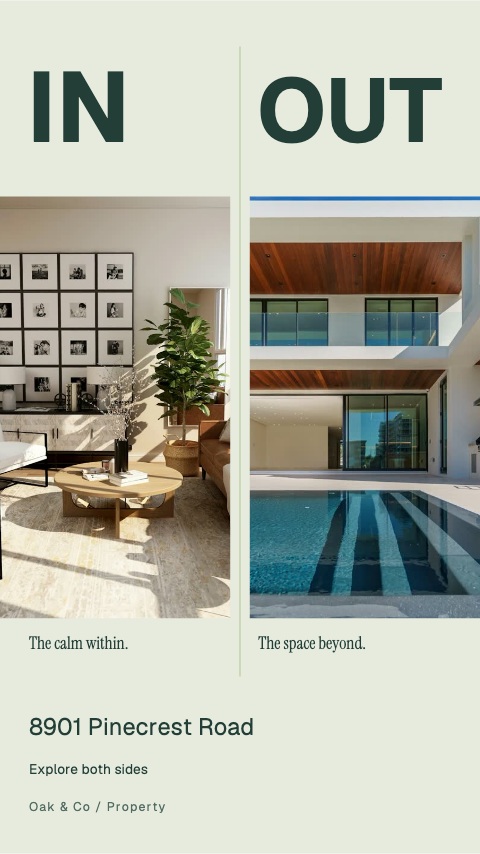 Inside outside split8s
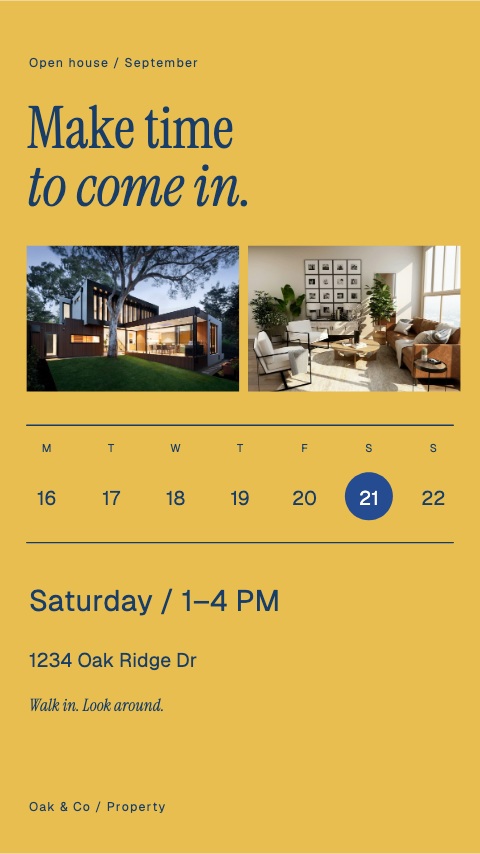 Weekend calendar8s
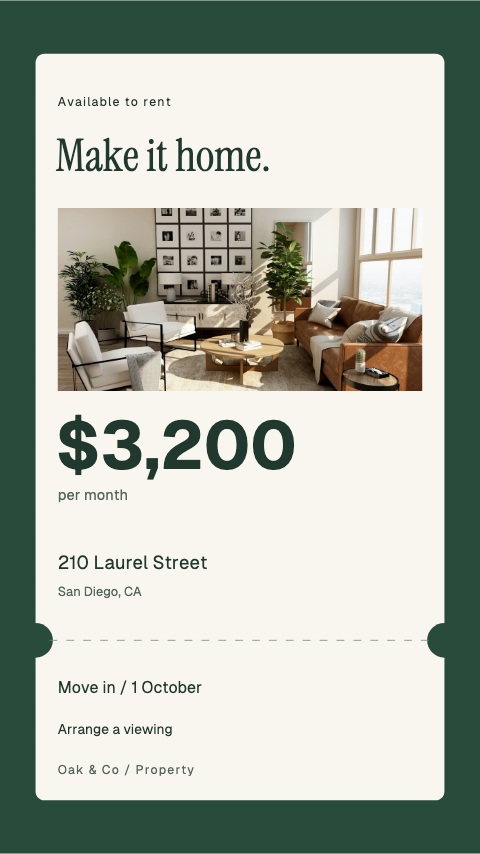 Rental ticket8s
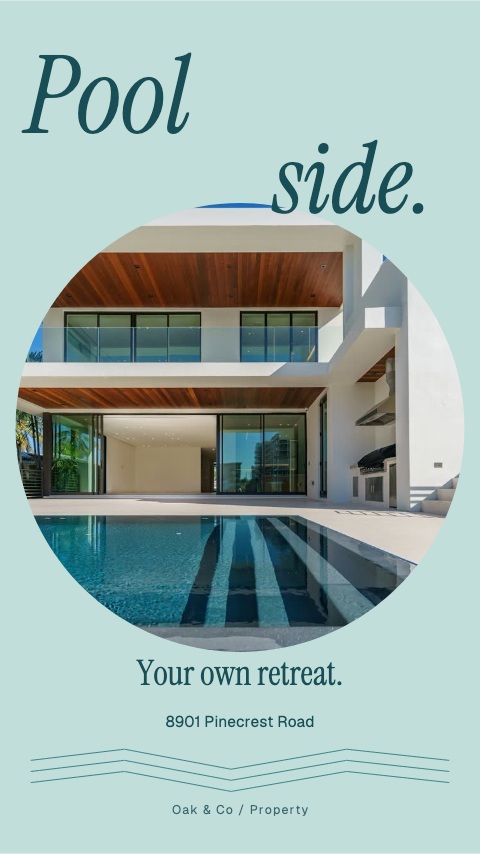 Poolside circle8s
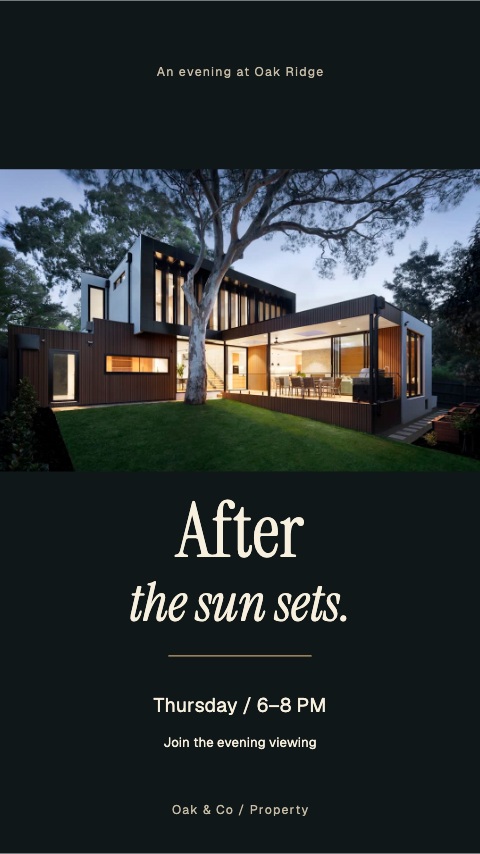 Twilight cinema8s
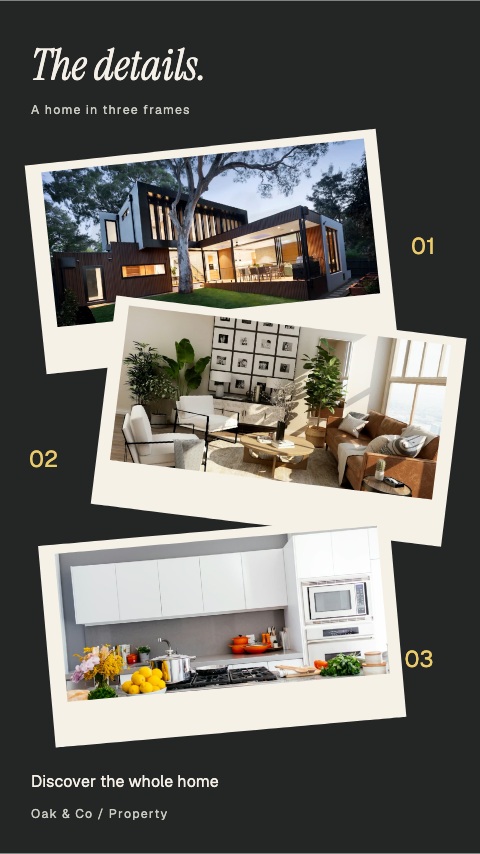 Property contact sheet8s
 Welcome home key8s
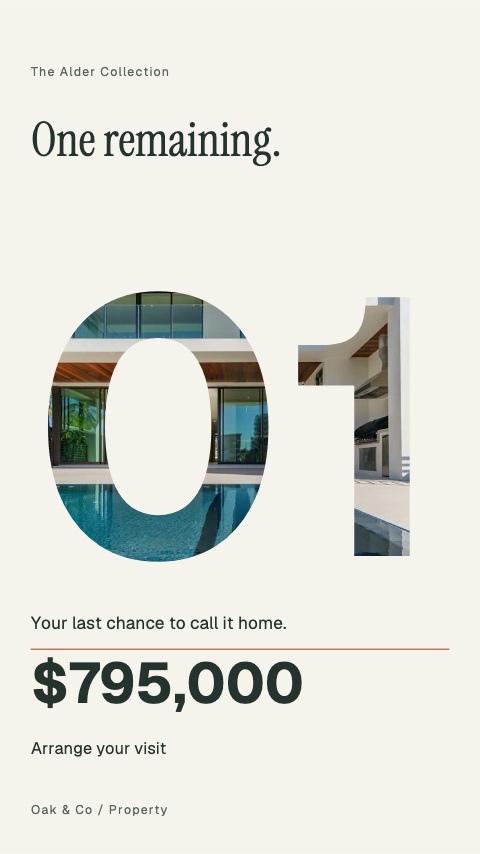 One remaining8s
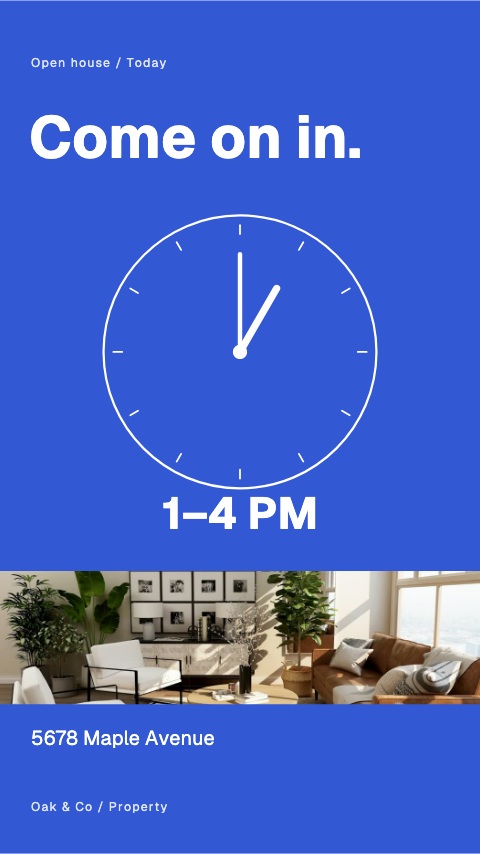 Viewing clock8s
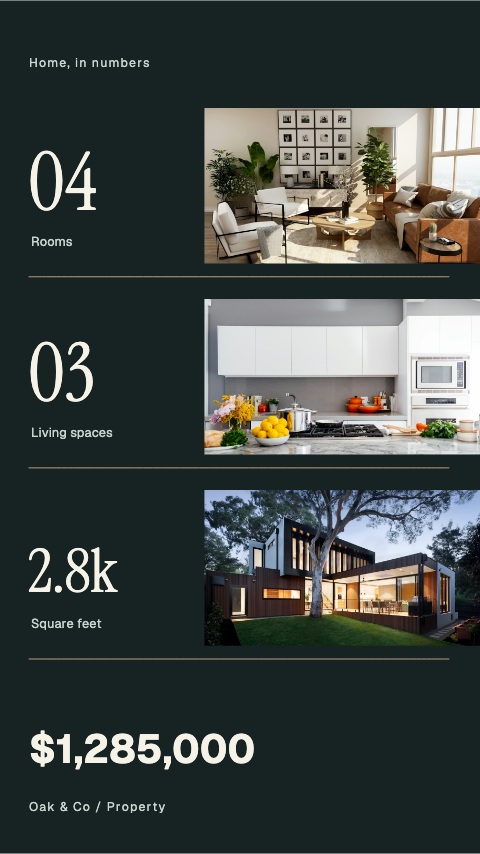 Home in numbers8s
 Through the front door8s
 From morning to midnight8s
 From city to coast8s
 The detail becomes the room8s
 Choose your view8s
 Room to room8s
 A different perspective8s
 Room to breathe8s
 People make a place8s
 Three sides of architecture8s
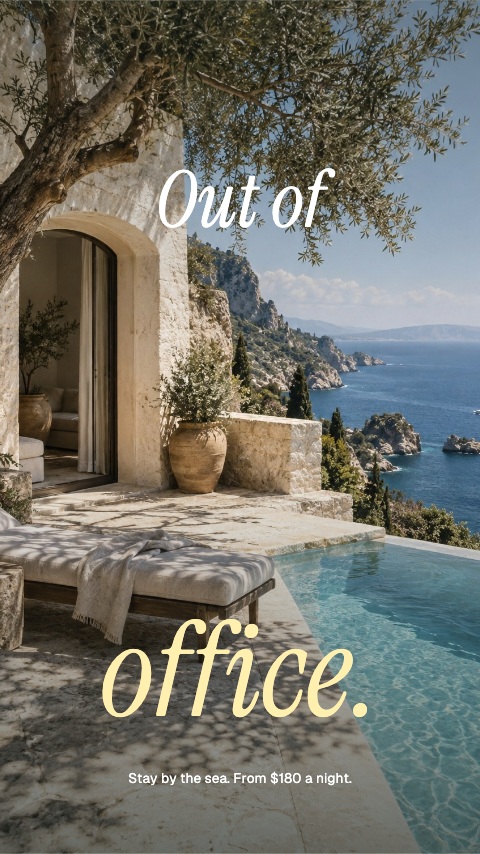 The terrace reveal8s
 Two addresses, one choice8s
- Open House4s
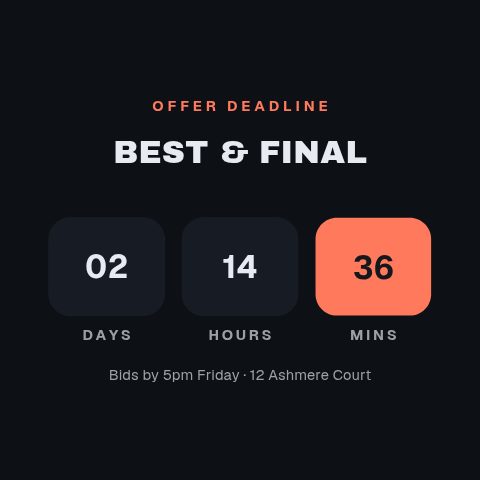 Offer Deadline4s
 Rental Income5s
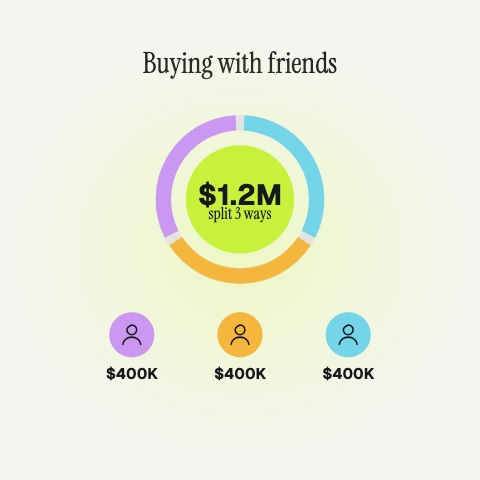 Co-buying5s
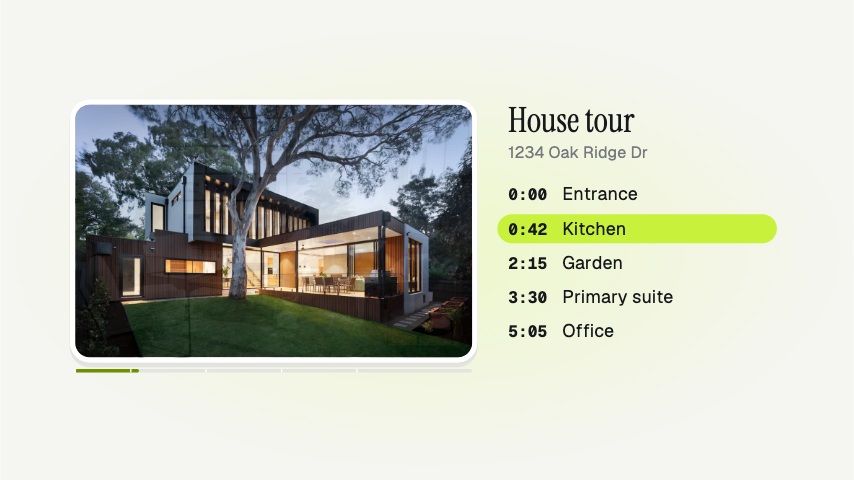 Tour Chapters5s
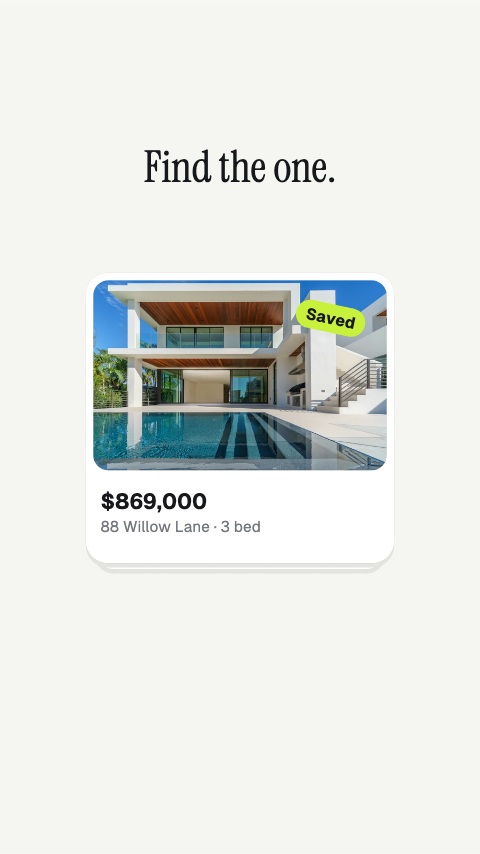 Home Swipe5s
 Viewing Now4s
 Offer Accepted5s
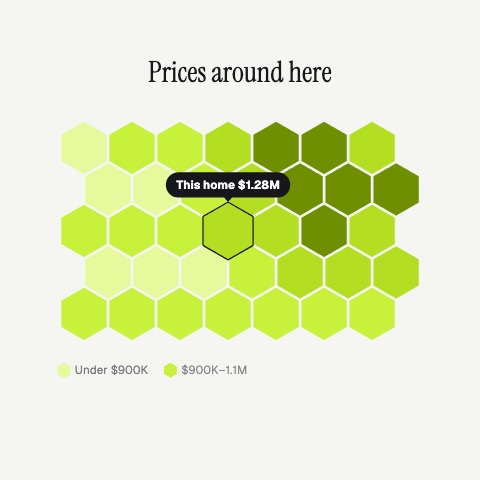 Price Map5s
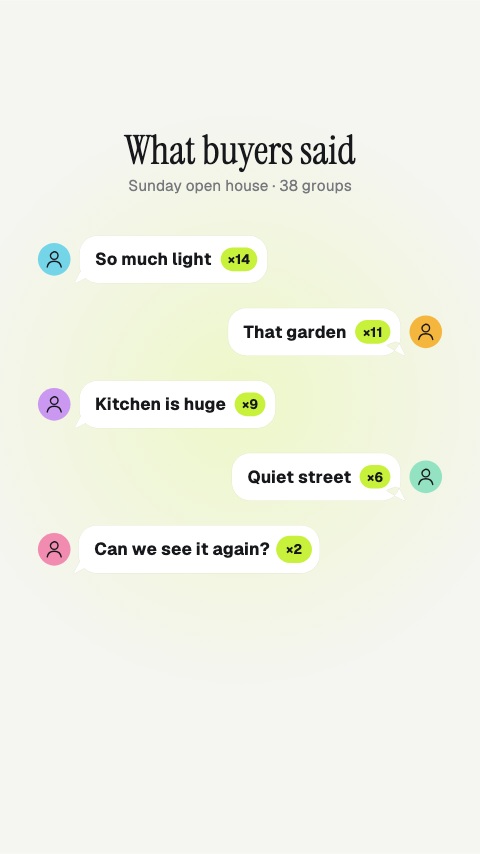 Buyer Feedback5s
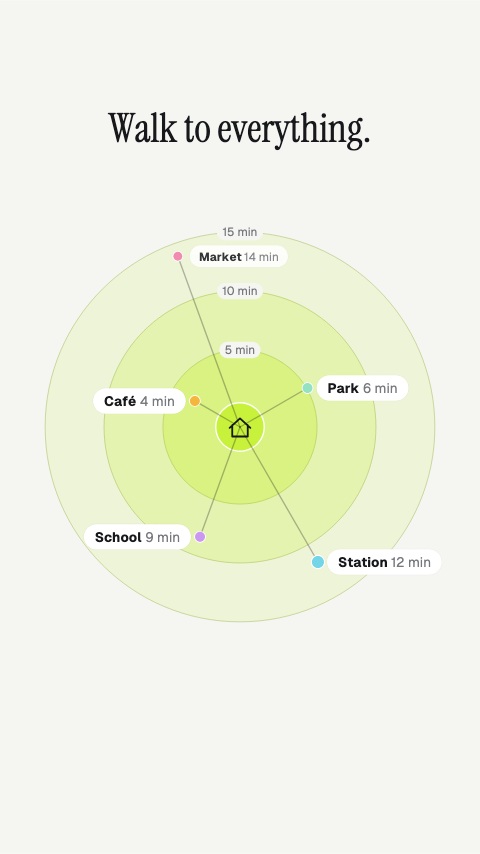 Walk Times5s
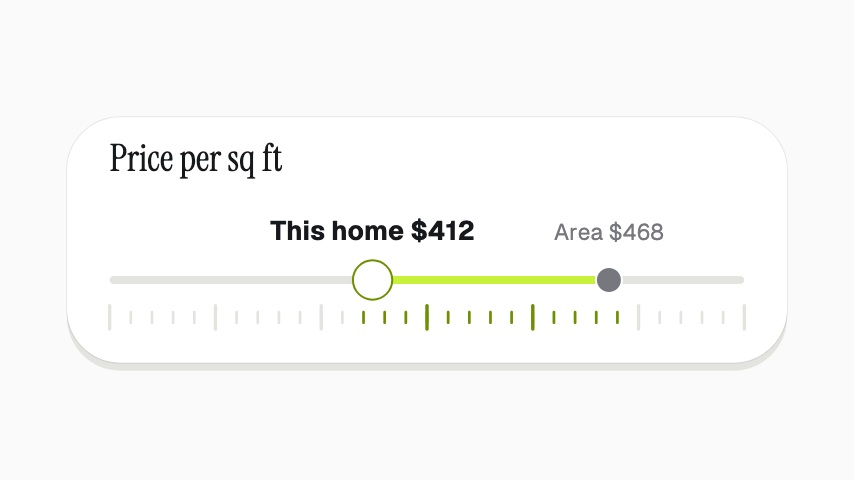 Priced Under Area4s
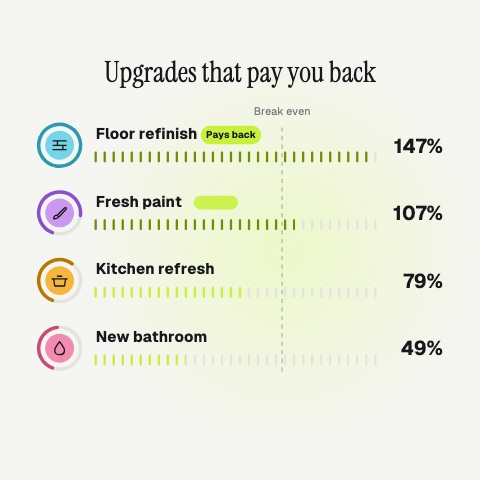 Upgrades That Pay5s
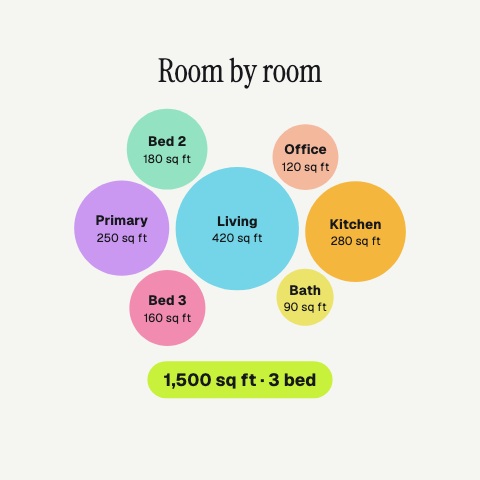 Room by Room5s
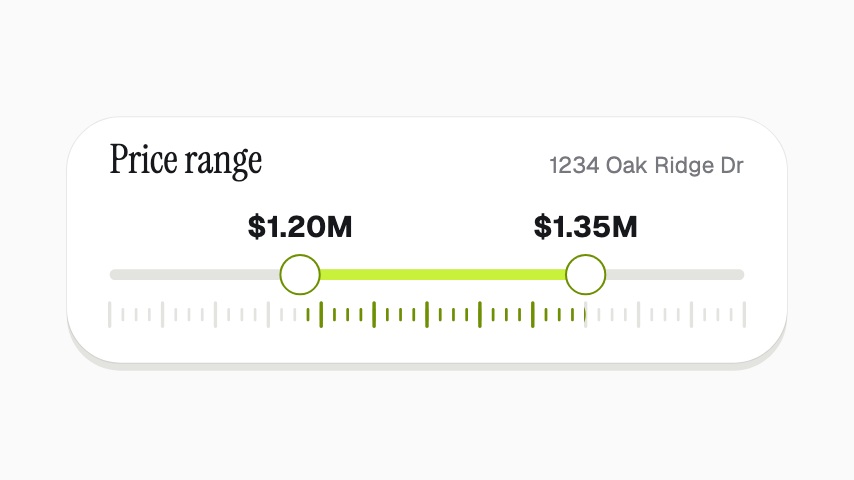 Guide Price4s
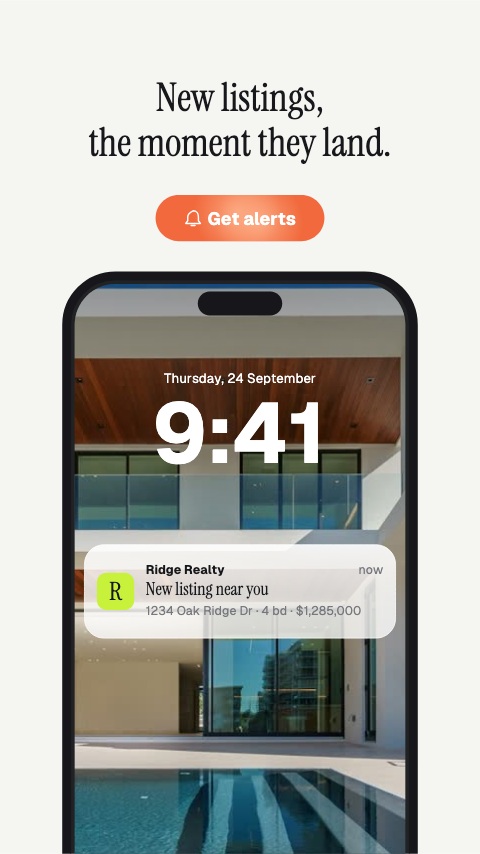 Listing Alert5s
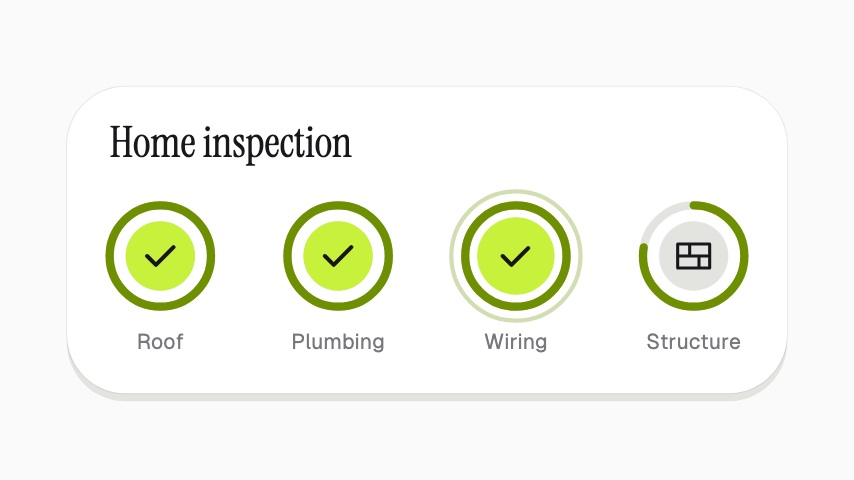 Inspection Passed4s
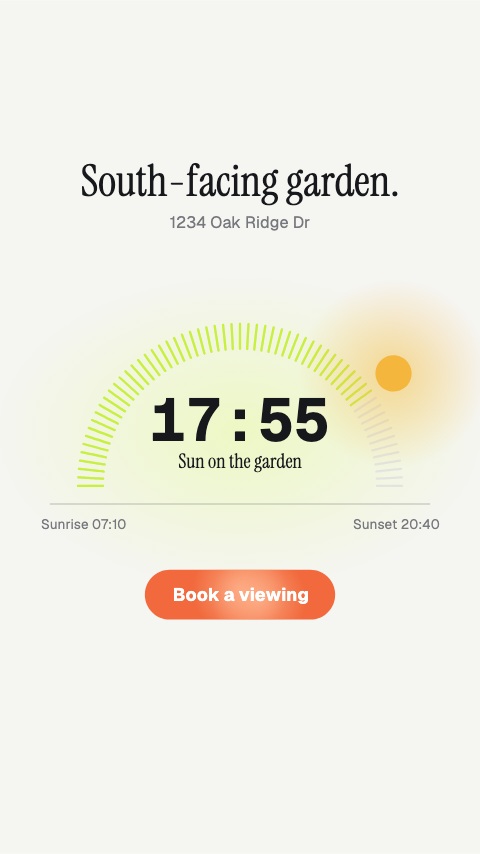 Sun Path5s
 Contact End Card5s
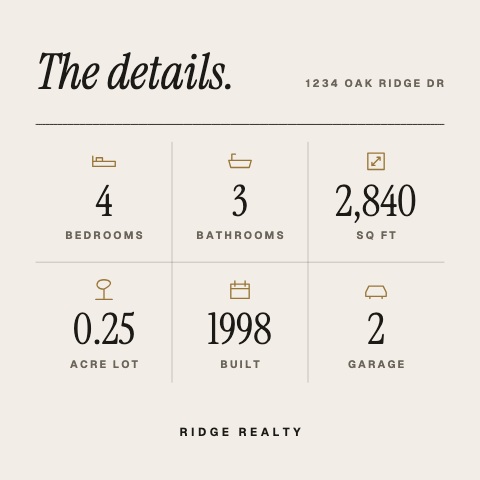 Home Details5s
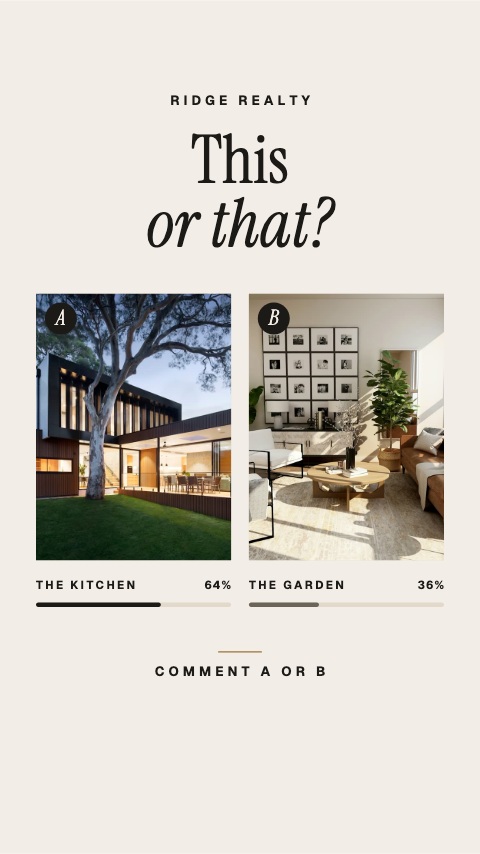 This or That5s
 Home Anniversary5s
 Open House Ticket5s
 Meet Your Agent5s
 Sold in Days5s
 Closing Day5s
 Client Review5s
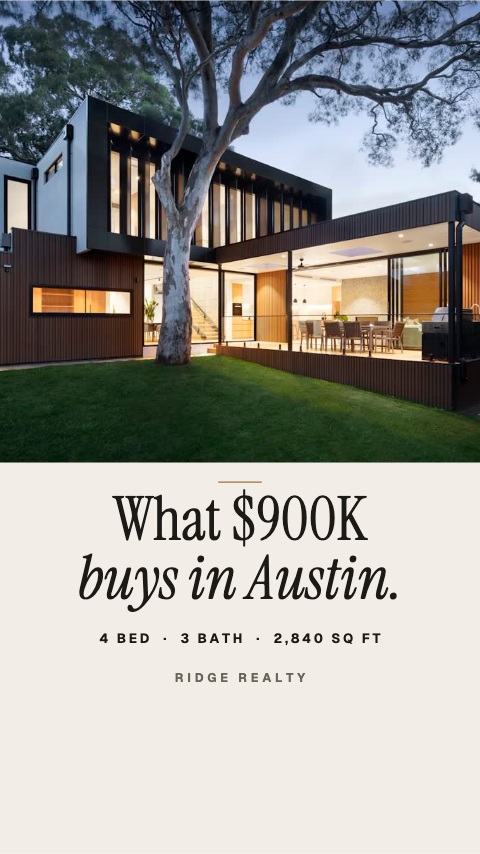 What It Buys5s
What real estate agents come here to make
Every listing on screen the day it goes live
One listing shoot, a week of posts: reels, tours and floorplan walks.
9 animationsJust listed, price improved, sold
Stay on the feed from launch to sold, on one saved brand.
8 animationsOpen house promos that fill a Saturday
More people at the viewing: the time, the street and the agent at the door.
7 animations
Not quite you?
Go from product photo to campaign-ready motion.
Ship the creative a campaign needs this week, without waiting on a designer. Flash sales, discount codes, price drops, reviews and social proof, the small, frequent assets a shop actually posts.
29 animationsMake a market explainer people can read.
Put a figure on screen that reads on a phone and is sourced while you say it. Ticker tapes, exchange rates, portfolio breakdowns, runway charts and citation cards.
7 animationsShip the launch post the day you ship.
Get the announcement out the day the feature ships. Release notes, interface states, revenue cards and launch frames, made by whoever is shipping rather than by a design ticket.
6 animations
Open one and export something today
All 85 of these open on Pro, free for seven days. Cancel any time.
Start your trial