01Starting soon
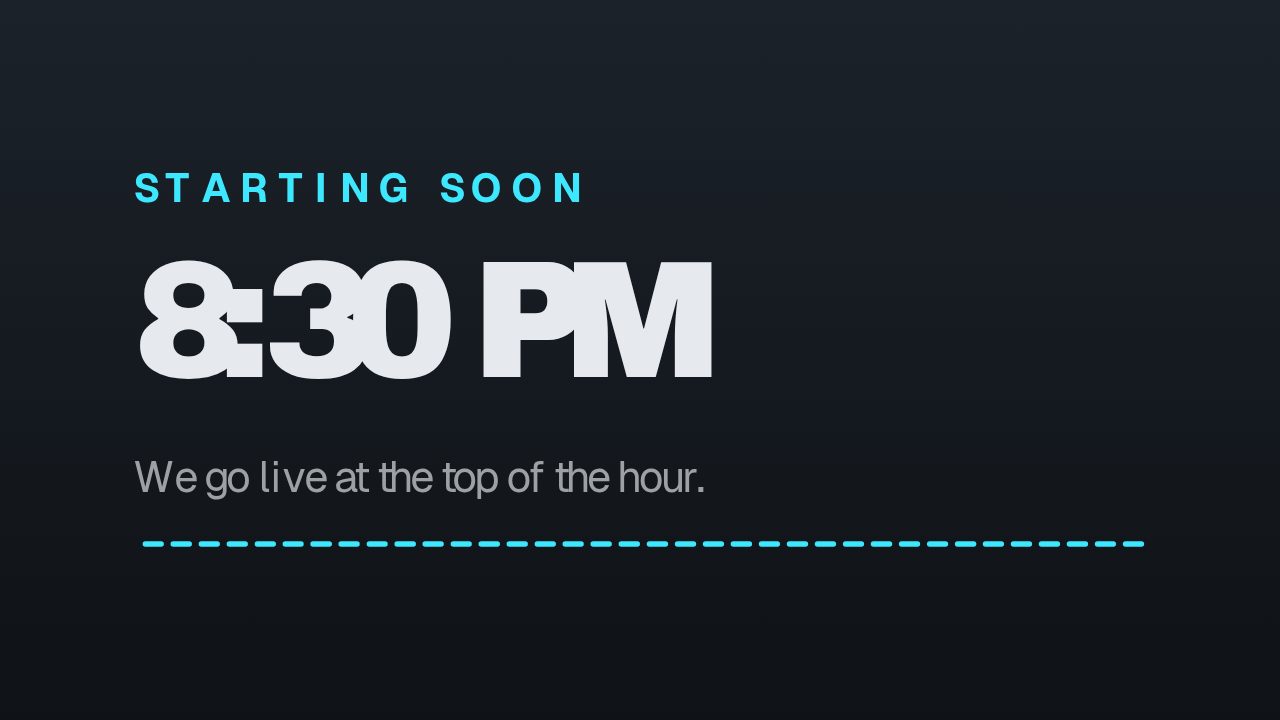 Starting Soon
Start before you go live.
Give viewers a branded starting screen while you get ready.
 Live streamingGet started
CaliberVisual for live streaming
Make the stream look like a channel worth following. Starting screens, live badges, goals and follow prompts, built for OBS.
Starts today. Cancel any time.
Starting SoonMade for what you do
Starting SoonGive viewers a branded starting screen while you get ready.
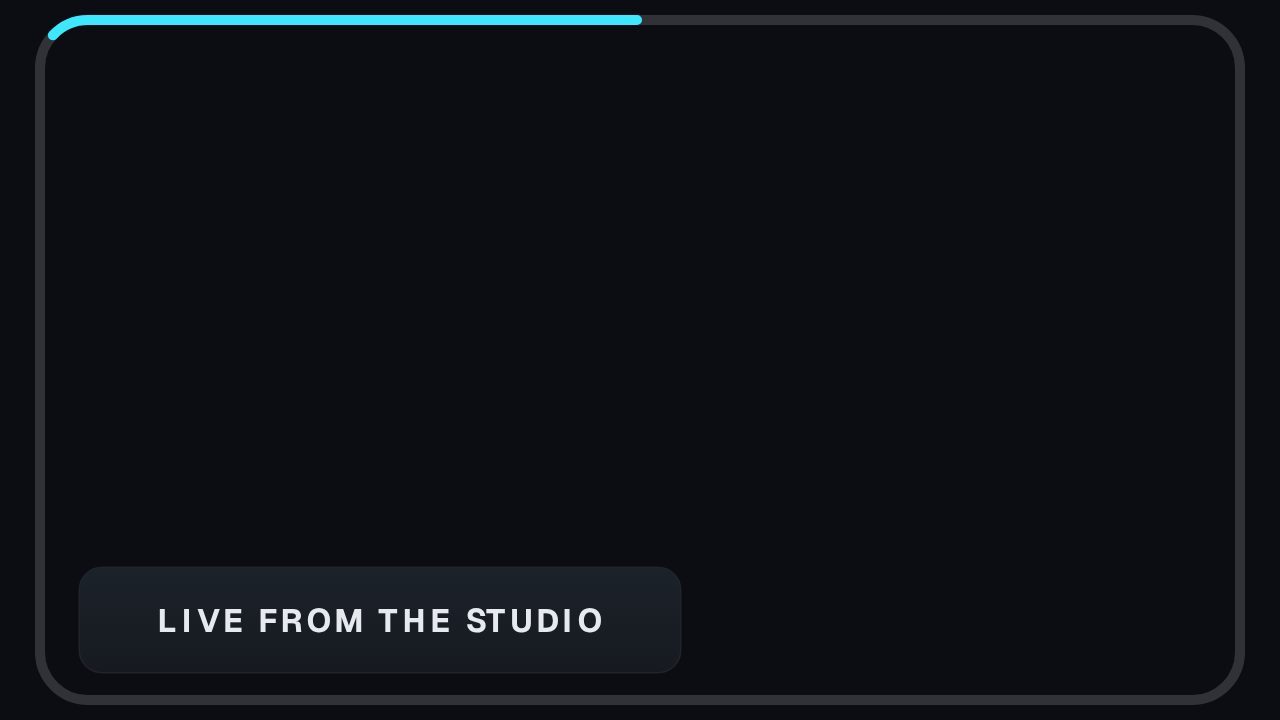 Camera Frame
Frame your camera and show your goal without losing the gameplay.
 Twitch Follow
Add follow prompts, cheer graphics and milestones to your stream layout.
Build your layout in the streaming workspace.
Choose animations and match your channel colours.
Copy your browser source URL into your scene.
Yes. Build a layout in the streaming workspace and add its browser source URL to OBS. You can also export individual animations for your own scenes.
Plans start the moment you subscribe: every animation, clean exports, every ratio. Cancel any time and it runs to the end of the period. Pro includes 10 clean exports a month at 1080p, in every ratio and as transparent MOV, for $9.99 a month.
Every paid plan opens the whole library, with clean exports every month (Pro 10, Studio 25, Business 60), every ratio and transparent MOV. Studio and Business add 4K export, higher frame rates and more brand kits. See pricing for the full plan details.
Made for live streaming
Starts today. Cancel any time. Every animation, with clean exports every month, in every ratio from one edit.