
Review videos and social proof that earn their place
Give the ad account something to rotate in that is not another product shot. Five-star pull quotes, rating breakdowns, just-bought notices and back-in-stock alerts, made from words your customers already wrote.
Add your store address. See your products here.
Reads your public catalogue and nothing else. No account, no keys, nothing changed in your store.
In short
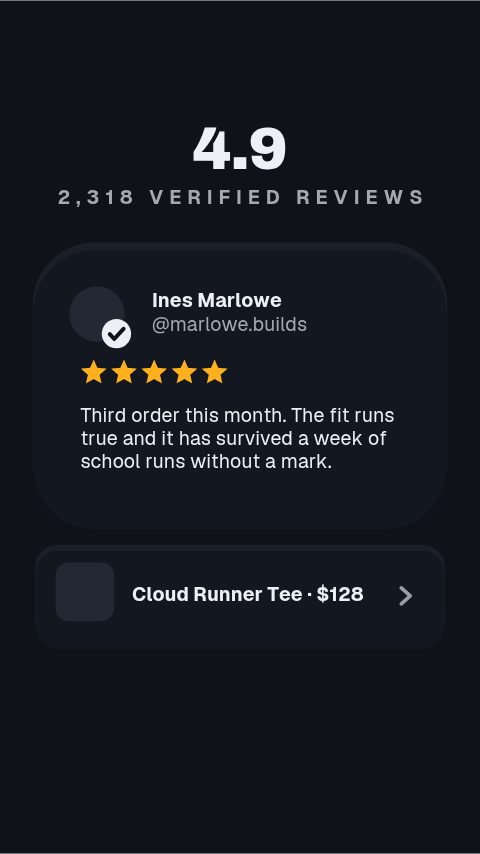
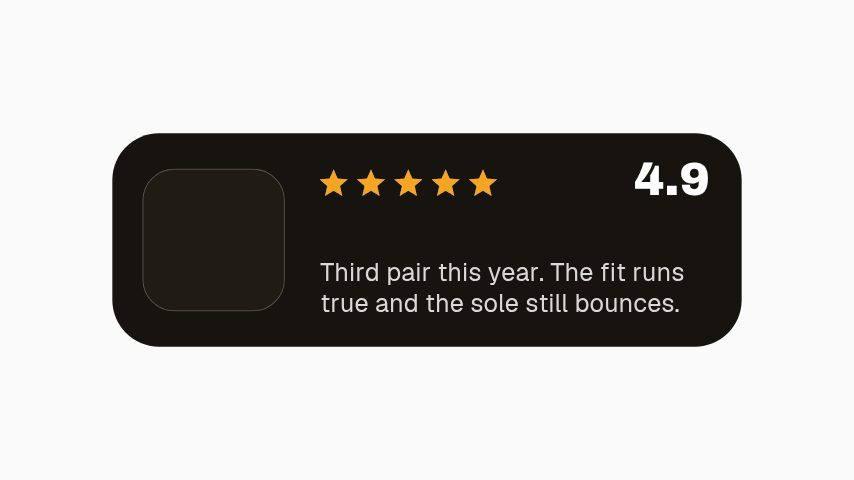
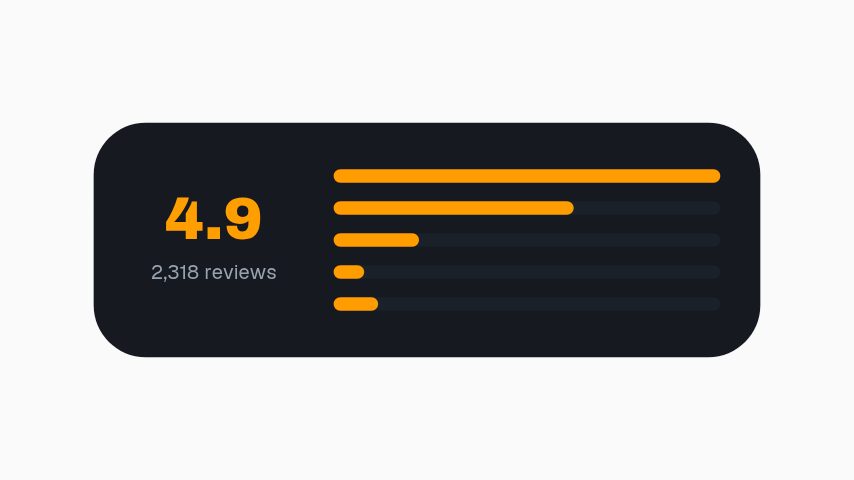
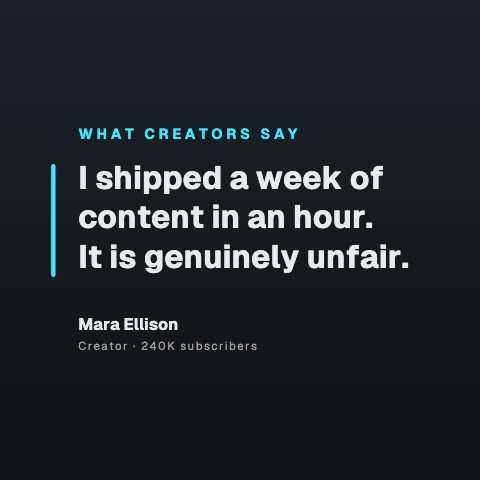
The reviews sitting in a widget nobody scrolls to can carry your next campaign. A review spotlight built around a customer's own words, a star rating with the distribution behind it, a UGC review card, a purchase notice, a back-in-stock alert and a waitlist counter. You paste in the review text and the reviewer's name, set the rating, apply your brand colours, and export MP4 for paid social, GIF for an email, or a MOV with a real alpha channel to sit over product footage. Everything on screen is typed in by you, which is the important constraint: nothing scrapes a review platform and nothing generates a rating, so what you publish is a review you actually received and can stand behind.
- 8
- Animations here
- 1002
- In the library
- MP4, GIF, MOV
- Export
- 16:9 · 4:5 · 1:1 · 9:16
- Ratios
- 720p to 4K
- Resolution
- In the browser
- Editing
What this replaces
You have hundreds of good reviews sitting in a widget nobody scrolls to.
A review is a screenshot until somebody animates it. These pull one quote, one name and one rating onto screen at the size a paid placement needs.
The ad account is running product creative only, and product creative fatigues faster than proof does.
A review cut is a different asset with the same product in it. It refreshes the account without another shoot and often outperforms the polished version.
A restock or a launch goes out as a story with the word back typed on it and reaches nobody who was waiting.
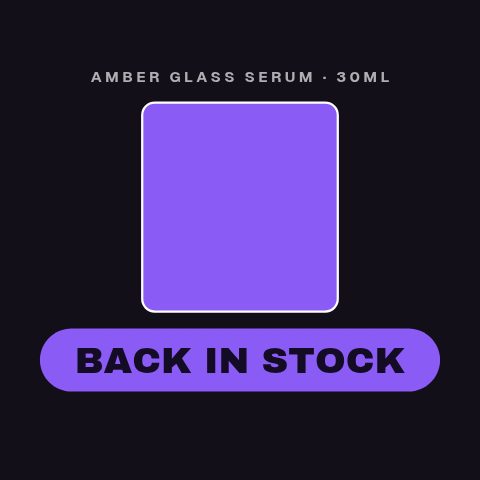
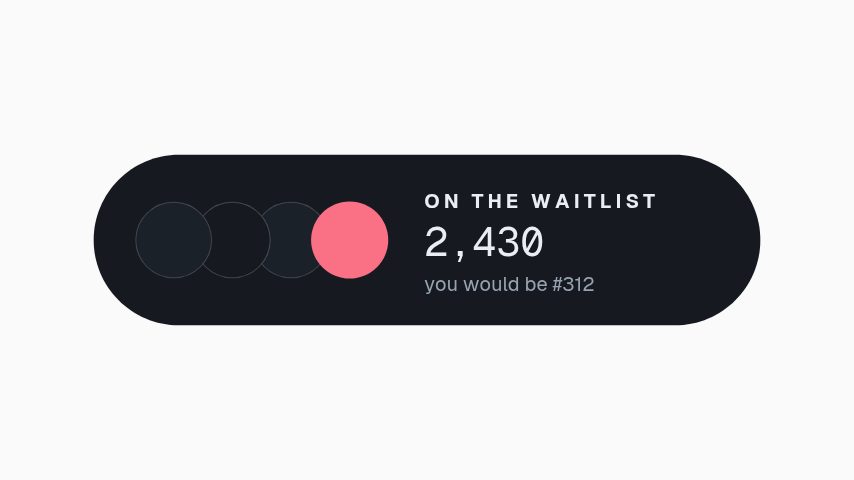
A back-in-stock alert and a waitlist counter are built for exactly that moment, and they read as an event rather than as an announcement.
The proof set
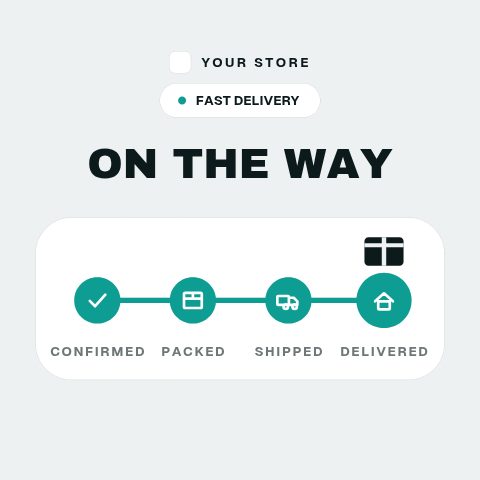
The things somebody else said or did, put where buyers see them: the review, the rating, the purchase, the queue, and the parcel on its way. Eight of them.

How to make a customer review video
- 01
Pick the review worth the screen
One specific sentence beats five generic ones. The templates are built around a single quote because that is what a viewer will actually read at scrolling speed.
- 02
Paste the words and the name
The quote, the reviewer's name and the rating go in as fields. Use the review as it was written; the layout absorbs a long quote rather than asking you to trim it into something the reviewer did not say.
- 03
Brand it and pick the ratio
Your colours and typeface apply in one step. Preview at 9:16 for Stories and Reels, 1:1 or 4:5 for the feed, and export the placements you need.
- 04
Export where it is going
MP4 for paid social and the product page, GIF for the email, MOV with alpha to sit the quote over your own product footage.
Instead of what you are doing now
A screenshot of the review
Honest and free, and it looks like a screenshot. In a paid placement that reads as lower production value than the product deserves, which is the only thing wrong with it.
The review widget on the product page
Keep it. It works for somebody already on the page and does nothing for the ad account, the email or the story, which is where the proof has to travel to.
Commissioning a testimonial shoot
Stronger when it happens and rarely repeatable. These cover the reviews you already have, which is the volume a rotation needs between shoots.
Questions ecommerce brands ask
Does this pull reviews from Trustpilot, Judge.me or Shopify?
No. There is no review platform integration and nothing is scraped. You paste in the text and set the rating yourself, which is deliberate: every rating you publish is one you can point at a real review for.
Can I edit a customer's wording to fit?
The layout absorbs a long quote, so you rarely need to. Where you do trim, trim rather than rewrite: a review is a statement somebody made, and advertising standards in most markets treat an edited testimonial as your claim rather than theirs.
Can I put a purchase notice in an ad?
The template states what you type into it, so keep it to purchases that happen. A just-bought notice is a claim about your shop, and it is the sort of claim a platform's review team will ask you to back.
What is the difference between the review card and the UGC one?
The review spotlight is typographic and carries the quote at feed size. The UGC card is built around a media slot, so a creator's own photo or a still from their clip sits in it with the quote over the top.
Can I lay a review over product footage?
Yes, on every paid plan. Export MOV with a real alpha channel and the quote card composites onto your own clip with nothing behind it, rather than sitting in a box beside it.
Do you publish review markup for these on my site?
No. These are video assets, not a review widget. Structured review markup on your product pages is your store platform's job, and it has to reflect reviews that are visible on the same page.
Nearby
Product video ads, at the rate testing needs
Fresh creative for every test, built from the product shots you already have.
8 animationsFlash sale graphics, changed as fast as the offer does
One offer, a week of assets: countdowns, codes, price drops, stock warnings.
10 animationsGo from product photo to campaign-ready motion.
Ship the creative a campaign needs this week, without waiting on a designer. Flash sales, discount codes, price drops, reviews and social proof, the small, frequent assets a shop actually posts.
The whole library for ecommerce brands
Let your customers do the selling
The review you were proudest of this month can run as an ad tonight. Start with a three-day trial.
Start your trial