
Product video ads, at the rate testing needs
Three variants in the time a brief takes to write. Product hooks, problem-and-result cuts and spec showcases from the shots you already own, vertical and square.
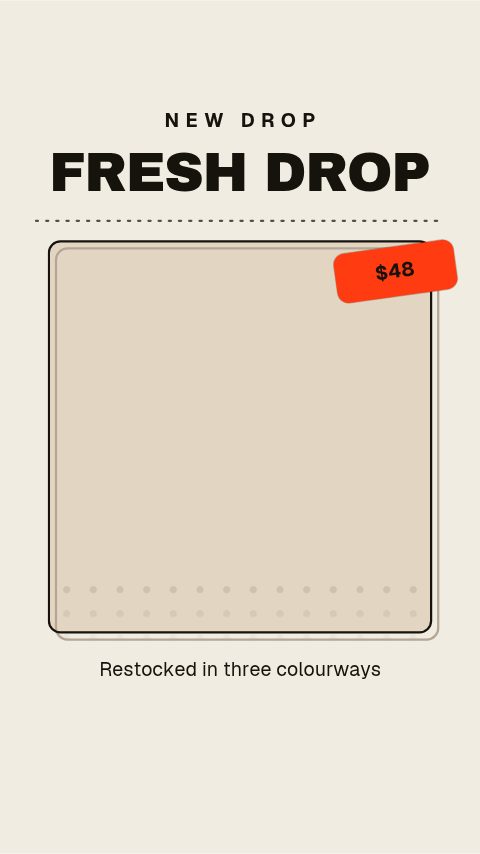
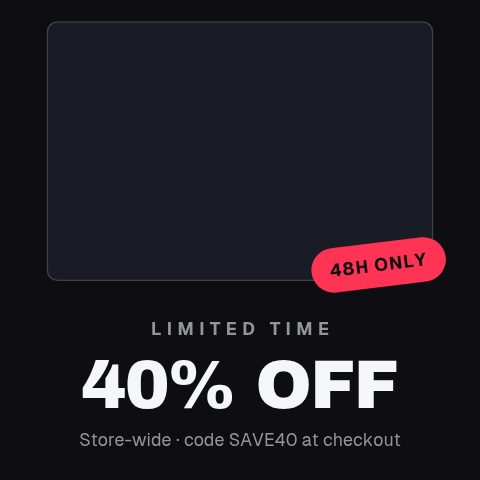
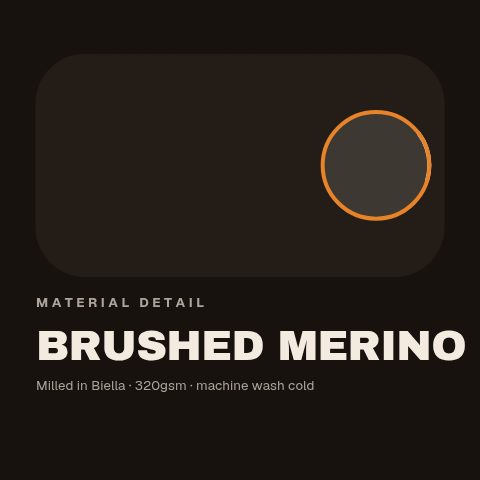
Add your store address. See your products here.
Reads your public catalogue and nothing else. No account, no keys, nothing changed in your store.
In short
Test four hooks in an afternoon instead of waiting three weeks for one asset. A three-second product hook, a problem-and-result cut, a spec showcase, a detail macro, a full-look reveal, all built around the product photography you already paid for and all on your brand colours and typeface. Drop the shots into the media slots and write the hook and the price, or connect a Shopify or WooCommerce storefront and let the library fill the product name, price and photo in from your catalogue. Export MP4 at 9:16 for Reels, TikTok and Stories, or at 1:1 and 4:5 for the feed. It is built for the part of paid social that actually decides performance: not the one perfect asset, but the fourth, fifth and sixth variant of it, made quickly enough to still be testing while the campaign is live.
- 8
- Animations here
- 989
- In the library
- MP4, GIF, MOV
- Export
- 16:9 · 4:5 · 1:1 · 9:16
- Ratios
- 720p to 4K
- Resolution
- In the browser
- Editing
What this replaces
The campaign needs four creative variants and the agency delivers one, three weeks out, at a price that makes testing the other three unthinkable.
A variant is a different hook typed into the same template. The cost of the second, third and fourth version is a few minutes each, which is what makes a test a test.
Creative fatigue sets in about ten days into a winning campaign and there is nothing queued to replace it.
Refresh the hook, swap the product shot, re-export. The winning structure stays and the top three seconds change, which is the part fatigue is actually about.
You have good product photography and no way to put motion around it without hiring somebody who edits.
The media slots take the photographs you already paid for. The animation moves around your product rather than around a stock image of somebody else's.
The square asset gets stretched into a vertical placement and the brand looks cheaper than the product is.
Preview at 9:16, 1:1 and 4:5 before you export and take the ratio the placement wants, authored for that frame rather than cropped into it.
Every asset starts with retyping the product name, the price and the old price out of the storefront, and one of them is eventually wrong.
Connect the Shopify or WooCommerce store by address and the library lists your products. Open one and the animation already carries that product's name, price and photo.
The ad creative set
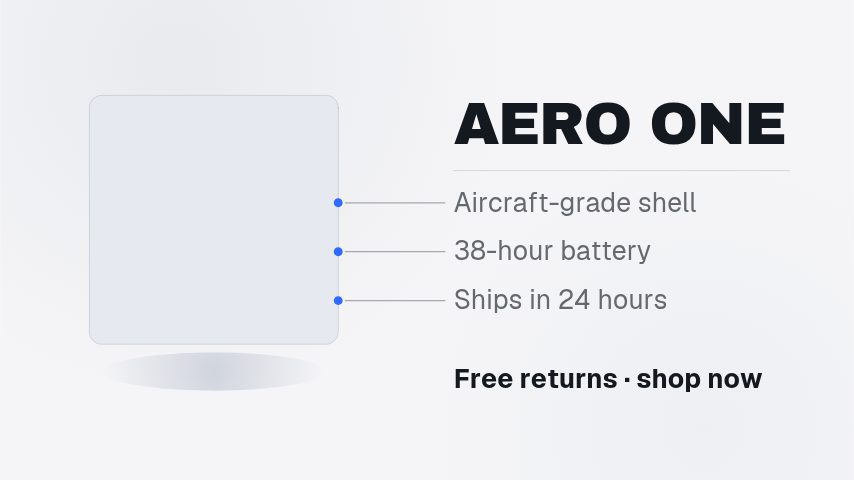
The seconds that decide a paid placement: the hook, the problem it solves, the detail that justifies the price, and the full look. Eight of them to rotate through a test.
How to make a product video ad
- 01
Start with the three seconds that decide it
Open a hook template and write the line that would stop the scroll. Everything after it only matters to somebody who got past it.
- 02
Put the product in
Drop your product photography into the media slots. Type the product name, the price and the claim. The layout absorbs a long product name instead of running it off the edge.
- 03
Apply the brand and cut the ratios
Brand colours and typeface apply in one step. Preview at 9:16 for Reels and TikTok, 1:1 or 4:5 for the feed, and export each placement from the same build.
- 04
Make the variants before you launch
Duplicate the hook line two more ways and export those too. Three variants at launch beats one asset and a plan to make more later.
Instead of what you are doing now
A creative agency retainer
Right for the brand film and the seasonal campaign. Wrong, and expensive, for the ninth variant of a hook, which is the asset that decides whether the campaign works.
UGC creators
Different job, and they pair rather than compete. UGC brings a face and a voice; these bring the product, the price and the claim on screen, and they cut together well.
A drag-and-drop design app
Fine for a static ad. In motion the difference is timing, and a fade applied to three photos is not a hook, it is a slideshow with your product in it.
An After Effects template pack
Looks best of everything here and gets used least. A pack means the app, the plugins it assumed, the fonts it assumed, and a local render every time somebody changes a price.
Questions ecommerce brands ask
Can I use my existing product photos?
Yes, and the set above is built around that. Media slots take the photography you already have and the animation moves around it, so what runs as the ad is your product rather than a stand-in.
What sizes do Meta and TikTok ads need?
9:16 for Reels, Stories and TikTok, 1:1 or 4:5 for the feed. Preview at the ratio you are placing at before you export. A square asset stretched into a vertical placement is the most common reason a shop's ad looks cheaper than its product.
Can I run the exports as paid ads?
Yes. Exports are yours to run as paid media, including on behalf of a client. There is no per-use licence and nothing to clear before a campaign goes live.
How many variants can I get out of one template?
As many as you have hooks. The copy is a field, so a variant is a retype and an export. That is the whole argument for making creative this way: the second version costs almost nothing, and the second version is usually the one that wins.
Does it connect to Shopify?
Yes. Connect a Shopify or WooCommerce storefront with its web address and the ecommerce library lists your products; opening one starts an animation with that product's name, price and photo already in it. The connection is read-only, nothing is ever written back to the store, and no app is installed. Exports are ordinary files either way: an MP4 uploads to a Shopify banner or product page section, and both MP4 and GIF go straight into Meta Ads Manager or TikTok Ads Manager.
Can I get a transparent version to lay over my own footage?
Yes, on every paid plan. Export MOV with a real alpha channel and a price tag or a badge sits on your product shot with nothing behind it, rather than in a box beside it.
Is there a free trial?
Yes. Every plan starts with a 3-day trial. Ten animations open in your brand, exported at 720p with a watermark. When it ends, your plan starts and everything opens. Cancel before then and nothing is charged. Pro takes the watermark off and adds 1080p, MOV with alpha and every ratio, for $9 a month.
Nearby
Flash sale graphics, changed as fast as the offer does
One offer, a week of assets: countdowns, codes, price drops, stock warnings.
10 animationsReview videos and social proof that earn their place
Proof you already own, on screen: reviews, ratings, purchases, restocks.
8 animationsGo from product photo to campaign-ready motion.
Ship the creative a campaign needs this week, without waiting on a designer. Flash sales, discount codes, price drops, reviews and social proof, the small, frequent assets a shop actually posts.
The whole library for ecommerce brands
Ship the hook, then two more
Three variants live this week, not one in three weeks. Start with a three-day trial.
Start your trial