
Every listing on screen the day it goes live
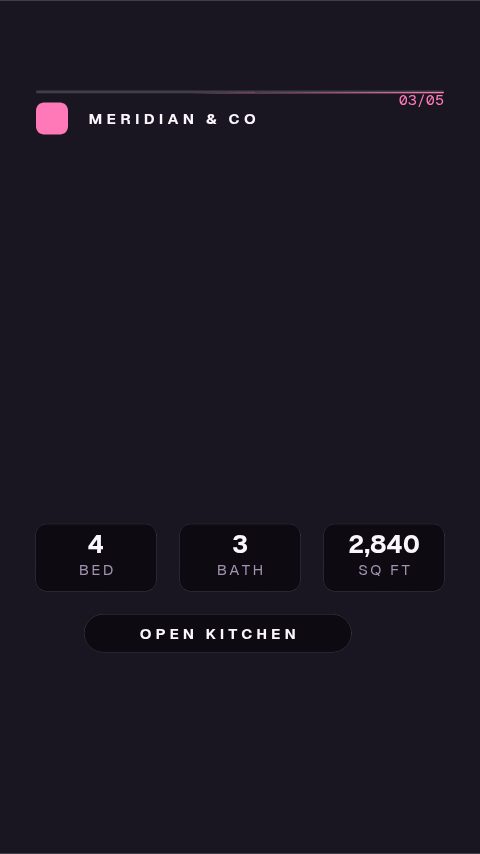
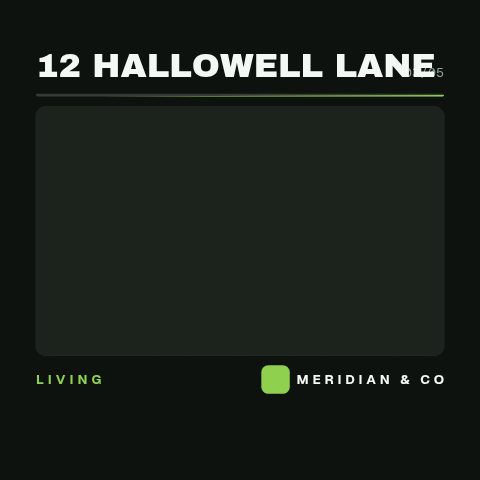
One photo shoot, a week of listing content. Just-listed reels, room tours, floorplan walks and price reveals, each about twenty minutes of typing and a vertical MP4.

In short
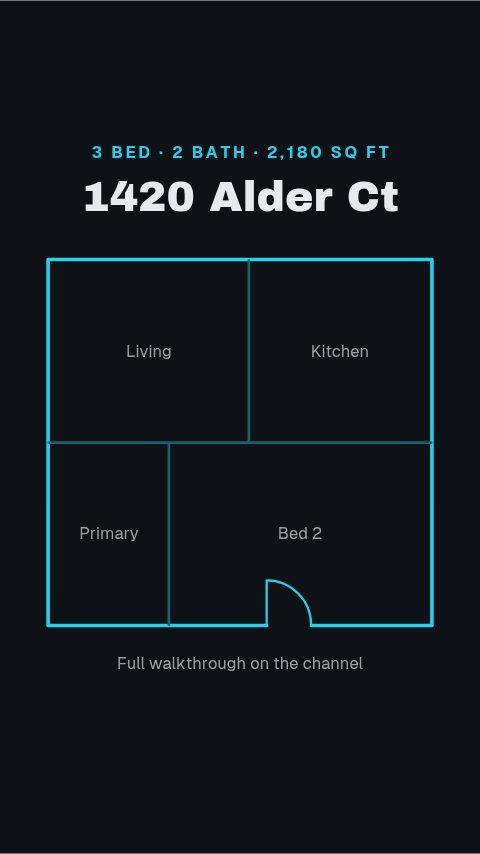
One property shoot becomes a week of listing content, on your brokerage's branding, published the day you decide rather than the day a freelancer gets to it. A just-listed reel for the announcement, a room-by-room tour, a floorplan walk when the layout is the selling point, a price reveal when the number is. Your own listing photos go into the media slots. The address, the price and the beds and baths go in as text, and your colours, typeface and logo apply in one step. Out comes a 9:16 MP4 for Reels, Stories and TikTok, a 1:1 or 4:5 cut for the feed, or a MOV with a real alpha channel to lay over walkthrough footage in your own edit. It all happens in a browser. Nothing is rendered on your machine, nothing pulls from a portal or an MLS feed, and every figure on screen is one you typed. An agent who can fill in a form can publish a listing video the day the listing goes live.
- 9
- Animations here
- 732
- In the library
- MP4, GIF, MOV
- Export
- 16:9 · 4:5 · 1:1 · 9:16
- Ratios
- 720p to 4K
- Resolution
- In the browser
- Editing
What this replaces
The listing goes live on Tuesday and the video lands the following Monday, because it is sitting in a freelancer's queue behind three other agents.
The template is already drawn. The only work left is your photos and your copy, which is about twenty minutes, and it happens on the day you decide it happens rather than the day somebody else does.
Every listing video looks like a different agency made it, because every one was made by a different person with a different font.
A brand kit holds your colours, your typeface and your logo, and applies to any template you open. Twenty listings, one identity, and no brief explaining it each time.
The good-looking templates are After Effects projects, which means a paid app, a plugin, a render, and a skill you were never going to learn between viewings.
This runs in the browser. There is no project file, no plugin, no local render, and the file that comes out is an ordinary MP4 you can upload from your phone.
A price reduction or a sold sign means starting the whole asset again, so the sold post never actually gets made.
The copy is a field. Just listed becomes open house becomes price improved becomes sold, on the same brand, reopening the same template each time.
The listing set
Everything a listing has to say, from the hook to the end card. Nine of them, and the reels run four or five complete beats across roughly fifteen seconds rather than one card held still under a song.

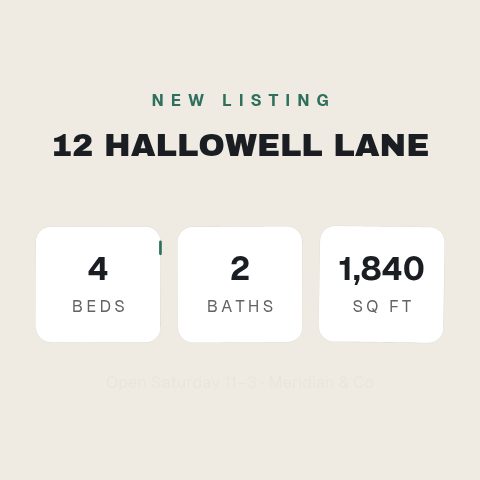
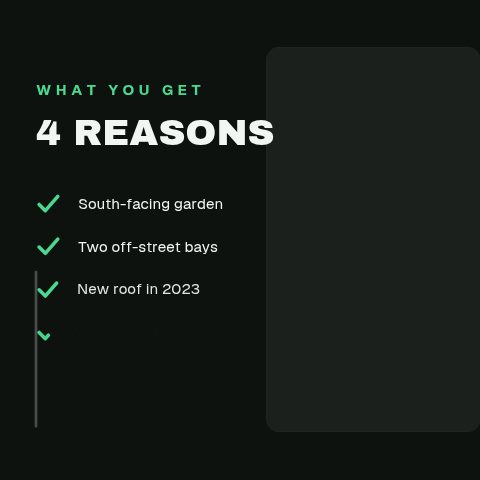

How to make a real estate listing video
- 01
Pick the shape of the video
A just-listed reel for the announcement, a square tour for the feed, a floorplan walk if the layout is the selling point, a price reveal if the number is.
- 02
Drop in the photos and type the listing
The media slots take the photographs from the shoot. Address, price, beds, baths, square footage and your own name go in as text, and the layout absorbs a long address instead of overflowing it.
- 03
Apply your brand and preview at 9:16
Your brokerage's colours, typeface and logo apply in one step. Preview at the ratio you are publishing at, so the address is not sitting under the caption bar.
- 04
Export and post
MP4 for Reels, Stories, TikTok and the portal, GIF for the buyer email, MOV with alpha if it is going over your own walkthrough footage in an edit.
Instead of what you are doing now
A freelance editor per listing
Better for the one flagship property a year. Worse for the twenty ordinary ones, where the cost is not the fee, it is the four days between the listing going live and the video existing.
A drag-and-drop design app
Fine for a static card. The gap shows in motion: a listing reel needs beats that cut against each other, and dragging a fade onto four photos is not that. These templates were animated by hand and the timing is not yours to get wrong.
An After Effects template pack
The nicest-looking option and the one that does not get used. It needs the app, the fonts, the plugins the pack assumed, and a render, all for an asset with a one-week shelf life.
Filming a walkthrough on a phone and posting it raw
Keep doing it, and put these over the top. A MOV with a real alpha channel sits on your footage with nothing behind it, so the address and price are on screen without a black box around them.
Questions real estate agents ask
How long does one listing video take?
About twenty minutes for the first one, less once your brand kit is saved. The time goes into choosing the photos, not into the animation. The motion is already authored, and what you are doing is filling in the fields it exposes.
Can I use my own listing photos?
Yes, and you should. The tour, reel and grid templates carry media slots and the animation moves around your images. A listing post with stock photography in it is worse than no post, so nothing here ships with a fake kitchen you are expected to leave in.
Does it pull the listing from my MLS or CRM?
No. There is no MLS feed, no portal integration and no CRM connection. Every figure on screen is one you type in, which is deliberate: it means the price on the video is the price you checked, not the price a feed was last updated with.
What size should a listing video be?
9:16 for Reels, Stories and TikTok, which is where most listing video is watched, and 1:1 or 4:5 for the feed. Preview at the ratio you are publishing at before exporting; the vertical templates were authored vertical rather than cropped down from a wide comp.
Can I add my compliance line and licence number?
Yes. The footer is a text field on every template in this set, which is where the disclosure your board or brokerage requires goes. It is a field rather than a fixed line precisely because the wording differs by state and by country.
Can I run the export as a paid ad?
Yes. Exports are yours to run as paid media, including on behalf of a vendor or a brokerage. There is no per-use licence and nothing to clear before you boost a listing.
Is there a free trial?
Yes. Every plan starts with a 3-day trial. Ten animations open in your brand, exported at 720p with a watermark. When it ends, your plan starts and everything opens. Cancel before then and nothing is charged. Pro takes the watermark off and adds 1080p, every ratio and the listing tools, for $9 a month.
Nearby
Just listed, price improved, sold
Stay on the feed from launch to sold, on one saved brand.
8 animationsOpen house promos that fill a Saturday
More people at the viewing: the time, the street and the agent at the door.
7 animationsTurn a listing into a week of posts that get seen.
Cover a listing from the day it goes live to the day it closes, built for a phone screen. Just listed, open house, price drop and sold, in the shapes buyers actually scroll.
The whole library for real estate agents
Your next listing, on screen tonight
Your next listing can be on screen before you close the laptop. Start with a three-day trial.
Start your trial