
Flash sale graphics, changed as fast as the offer does
A whole sale week of assets from one offer, and the offer can still change on Sunday night. Countdowns, codes, price drops and stock warnings: twenty percent becomes thirty in the time it takes to retype it.
Add your store address. See your products here.
Reads your public catalogue and nothing else. No account, no keys, nothing changed in your store.
In short
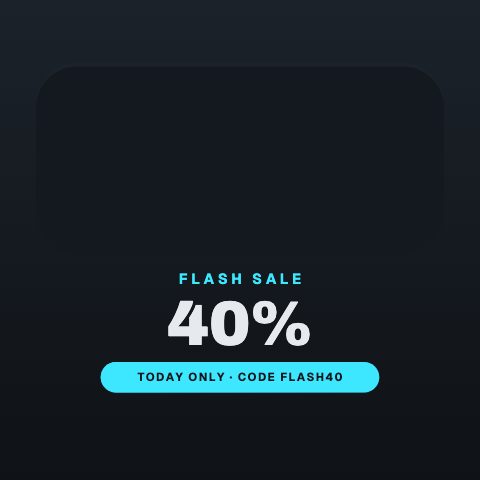
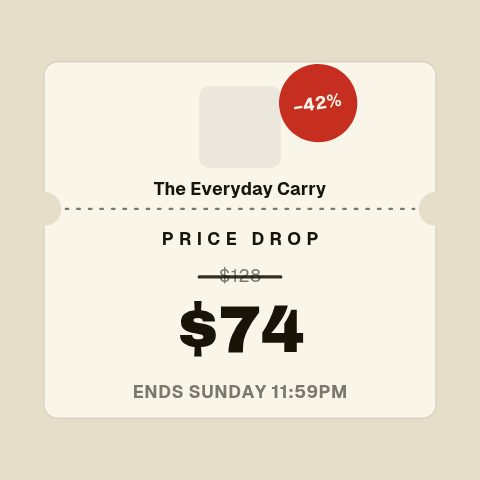
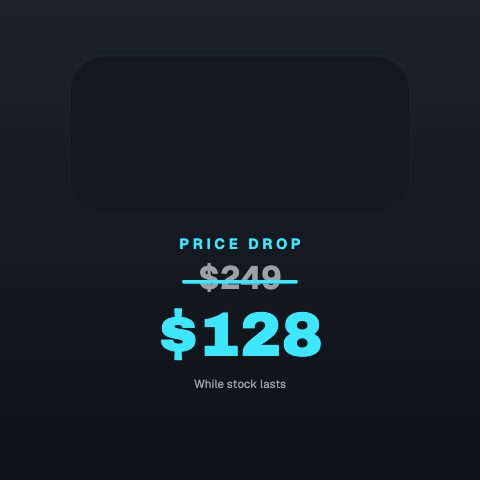
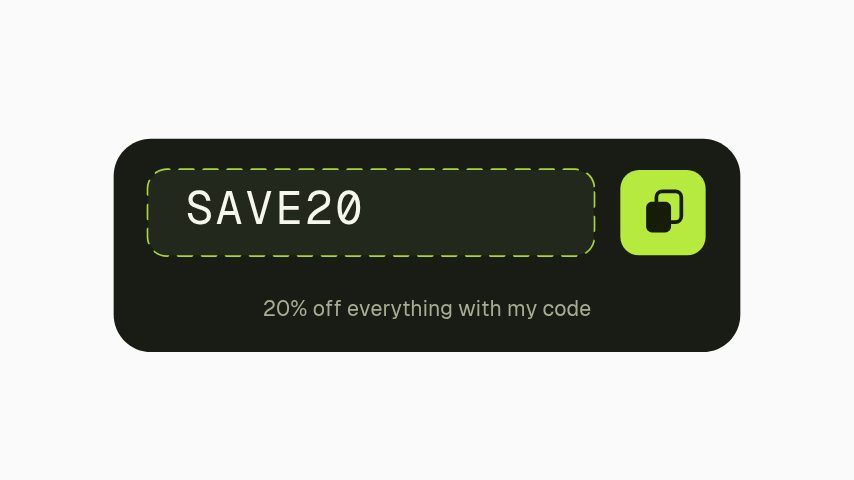
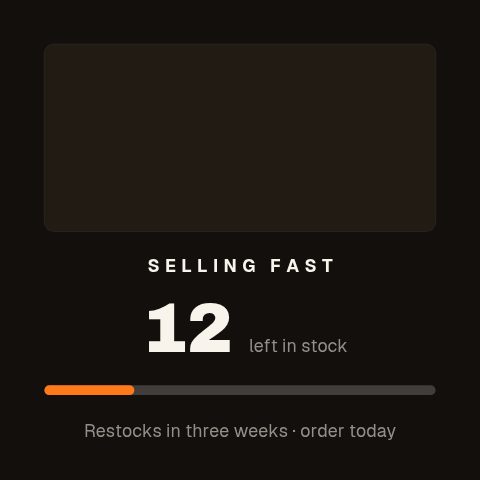
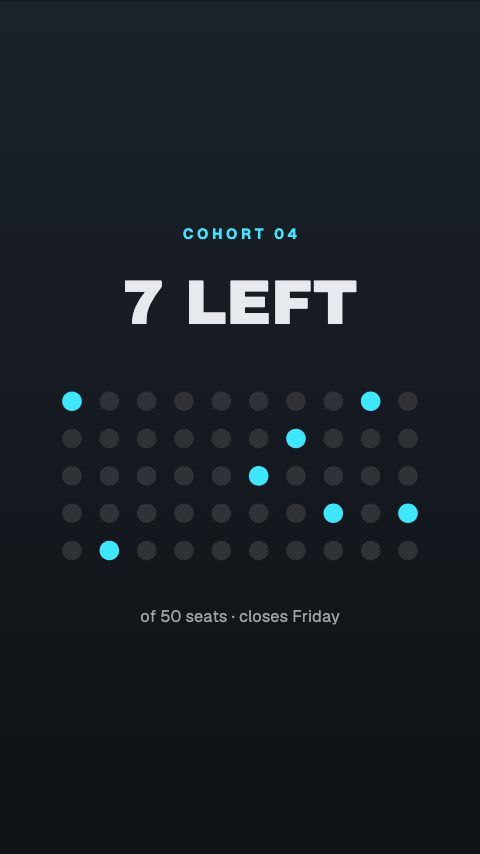
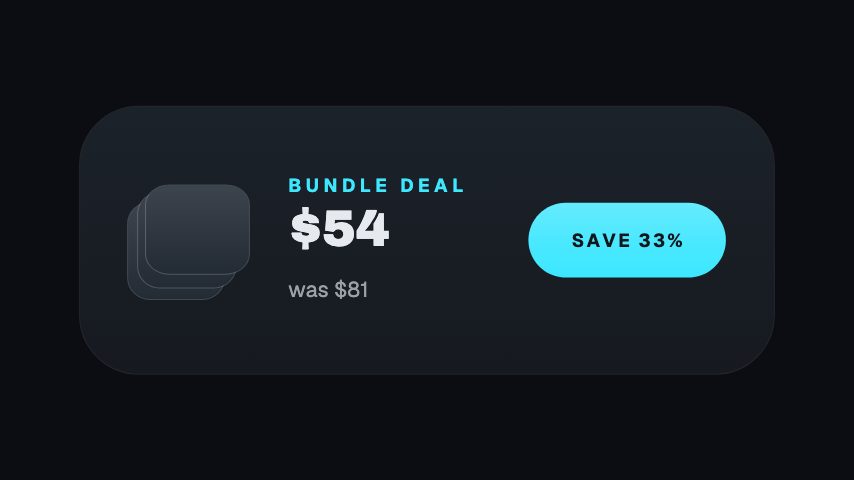
Announce a sale everywhere it has to be announced, then change it the minute the offer changes. A flash sale banner with a countdown, a discount code that lands on screen, a price drop showing the old figure and the new one, a stock burn, a limited-places counter, a free-shipping threshold. You type the offer, the code and the deadline, or connect a Shopify or WooCommerce store by address and let the library fill the product, the old price and the new one in from your own catalogue. Apply your brand colours, and export MP4 for paid social and site banners, GIF for the email campaign, or a MOV with a real alpha channel to lay over product footage. Urgency is the one thing motion does that a static graphic cannot: a countdown that is actually counting down and stock that is visibly draining read as real in a way a typeset deadline does not.
- 10
- Animations here
- 989
- In the library
- MP4, GIF, MOV
- Export
- 16:9 · 4:5 · 1:1 · 9:16
- Ratios
- 720p to 4K
- Resolution
- In the browser
- Editing
What this replaces
The sale extends by a day, the discount changes, and every asset in the campaign is suddenly wrong.
The deadline and the percentage are fields. Reopen, retype, re-export, including the email GIF and the paid variants, in the same sitting.
Peak week needs fifteen assets and the calendar has one designer in it.
A peak week is one offer said fifteen ways: teaser, launch, code, stock warning, last hours, extension. Each is an existing template with your copy in it rather than a new brief.
The email goes out with a still image because nobody knows how to get motion into a campaign.
Export GIF. It is the one format an email client will actually animate, which is why a moving discount code in a mailshot is a GIF and not a video.
A static sale graphic reads as a sale graphic and gets scrolled past with everything else.
A countdown that is counting and a code that arrives are events on screen. That is the whole reason to animate a discount rather than typeset it.
Fifteen assets means retyping fifteen products, and the one with last week's price on it is the one that gets boosted.
Connect the store and the library lists what is actually reduced right now, with the old price and the new one read from the catalogue rather than from memory.
The sale set
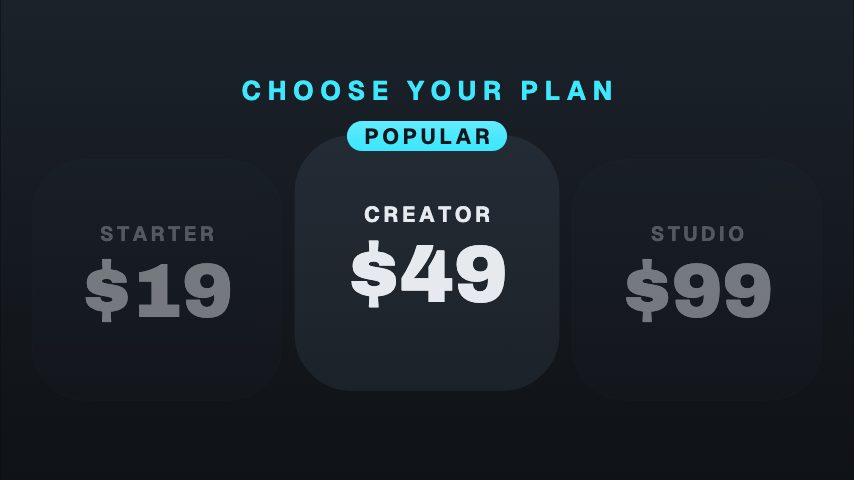
A sale week from teaser to last hours, plus the threshold offers that run all year. Ten of them, and feed, story and square come out of the same build.


How to make an animated sale banner
- 01
Pick the offer you are actually running
A percentage, a code, a price drop, a bundle, a threshold. Each template is drawn around the number a shopper is looking for rather than around the word sale.
- 02
Type the offer and the deadline
The discount, the code, the date it ends, the stock left. On the price templates the old figure and the new one both appear, because the size of the move is the offer.
- 03
Apply the brand and preview the placements
Your colours and typeface apply in one step, which matters more here than anywhere else. Sale assets sit next to each other in a feed, where a mismatched accent is the first thing a customer notices.
- 04
Export per destination
MP4 for paid social and the site banner, GIF for the email, MOV with alpha if it is laying over product footage. Same build, three files.
Instead of what you are doing now
A static banner from a design app
Quick to make and quick to ignore. A deadline that is typeset is a claim; a deadline that is counting is a reason to buy now, and that is the whole job of a sale asset.
Your theme's built-in sale badge
Keep it on the product page. It does nothing for the email, the paid placement or the story, which is where a sale is actually announced.
A designer on the campaign calendar
The problem is not the first asset, it is the extension on Sunday night and the code that changes on Tuesday. Those are the edits that never get made in time.
Questions ecommerce brands ask
Can I put one of these in an email campaign?
Yes, by exporting GIF. Email clients will not play a video inline but they will animate a GIF, which is why a moving discount code in a campaign is always a GIF. Keep it short and it stays small enough not to hurt delivery.
Do the countdowns count down in real time?
No, and it is worth being precise about it. The animation counts down as it plays, but it is a rendered file rather than a live clock, so a deadline on screen is one you typed. Nothing here polls a server or reads a real timer.
Can I get a week of Black Friday assets out of this?
That is the case it is built for. The teaser, the launch, the code, the stock warning, the last hours and the extension are six templates with your offer typed into each, and re-exporting when the offer changes is a retype rather than a rebuild.
Does it work with Shopify?
Two ways. Connect a Shopify or WooCommerce store by address and the library reads your catalogue, works out which products are currently reduced, and opens an animation with the product, the old price and the new one already filled in; adding a read-only API key on top brings in your coupon codes. And the exports are ordinary files, so an MP4 uploads to a Shopify banner or product page section and a GIF goes in the email regardless.
Will these use my brand colours and font?
Yes. Save a brand kit once and it recolours and retypes any animation you open. It matters more on sale assets than anywhere else, because they sit next to each other in a feed and in an inbox.
Can I make the same asset for twelve products?
It is a text field and an export each time. Open the animation, change the product name and price, export, repeat. The layouts absorb different lengths of copy, which is the part that usually breaks a duplicated template.
Nearby
Product video ads, at the rate testing needs
Fresh creative for every test, built from the product shots you already have.
8 animationsReview videos and social proof that earn their place
Proof you already own, on screen: reviews, ratings, purchases, restocks.
8 animationsGo from product photo to campaign-ready motion.
Ship the creative a campaign needs this week, without waiting on a designer. Flash sales, discount codes, price drops, reviews and social proof, the small, frequent assets a shop actually posts.
The whole library for ecommerce brands
Set the offer. Export the week.
Your next sale week, built in one sitting. Start with a three-day trial.
Start your trial