
Ship the launch post the day you ship.
Get the announcement out the day the feature ships. Release notes, interface states, revenue cards and launch frames, made by whoever is shipping rather than by a design ticket.

In short
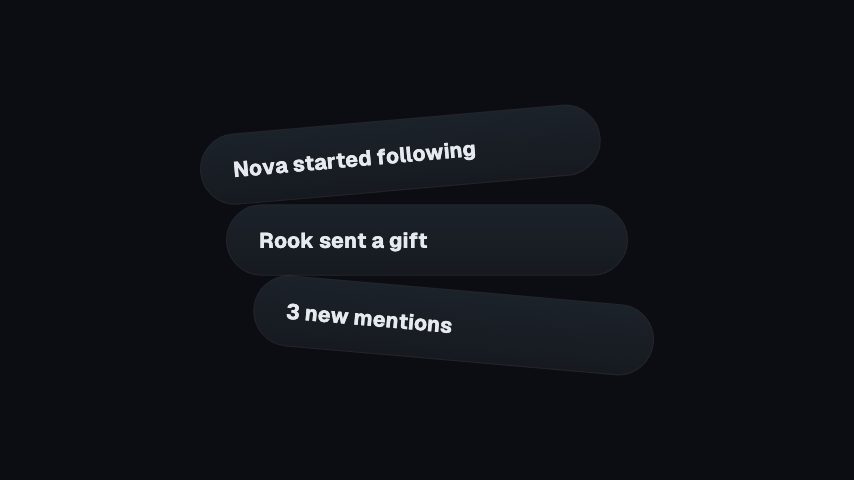
Announce a release the day it ships, without filing a design ticket for the asset. Product teams use CaliberVisual for release notes, feature announcements, interface states, MRR and runway cards, testimonials and launch frames. A product manager or a marketer edits the copy and colours in the browser and exports a transparent MOV to sit over a screen recording, or an MP4 for a changelog post. No design ticket, no motion brief, no waiting on a queue for an asset that is needed the same day.
- 145
- Animations here
- 525
- In the library
- MP4, GIF, MOV
- Export
- 24 · 30 · 60 fps
- Frame rate
- 720p to 4K
- Resolution
- In the browser
- Editing
What SaaS and product teams put on screen
Ship the changelog
A feature is only shipped once somebody outside the team knows. These carry a release note as something people will actually look at, rather than a bullet in a list.
The numbers a board deck shows
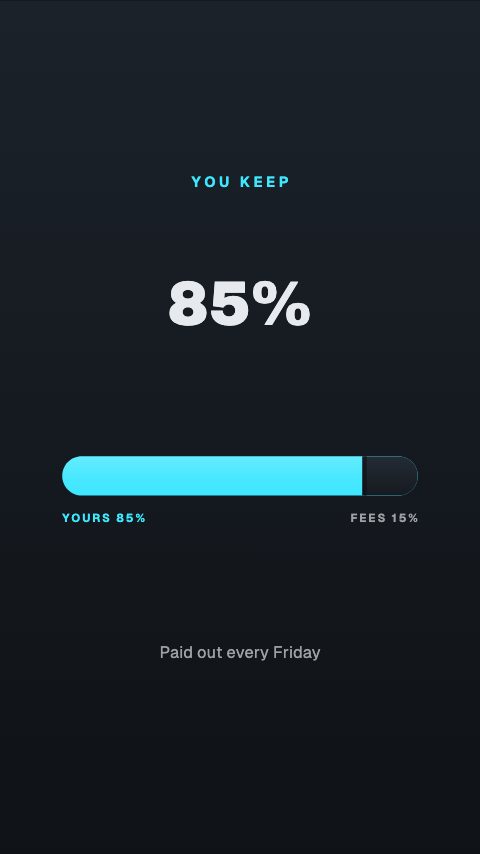
Recurring revenue, runway, splits and a line going up. Useful in an investor update, a hiring post or a build-in-public thread, and much faster than styling a chart.
Proof and pricing
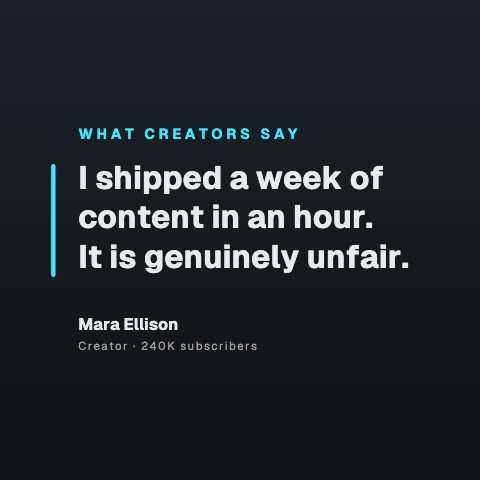
What customers said, what the tiers cost, how you compare. The assets a marketing site has and a social account never quite gets round to making.
Launch frames for social
Full-frame pieces that carry a post on their own. A device mock, a grid of features, a headline that splits, a title that moves.
How to make a product launch animation
- 01
Pick the frame for the announcement
A launch card, a notification stack, a device mock or a feature grid, depending on whether you are shipping a feature or a whole release.
- 02
Write the release note into it
The copy is a set of text fields, so the person writing the note makes the asset. Apply the brand kit for colours, typeface and logo.
- 03
Export for the channel
GIF for a changelog entry or a release email, MP4 for social, MOV with alpha when it is going over a product demo.
How these land in your workflow
Over a screen recording
A transparent MOV composites onto a product demo, so a callout lands on the interface instead of covering it with a card.
GIF for the changelog
A changelog entry, a docs page or a release email animates a GIF where it will not play a video.
Square for LinkedIn
The one place a B2B launch post actually lands. Preview at 1:1 before exporting rather than cropping afterwards.
Editable by whoever is shipping
The copy is a set of text fields, so the person writing the release note is the person who makes the asset.
Questions SaaS and product teams ask
Can a non-designer make these?
That is the point of the format. The controls are text fields, colour swatches and a font picker rather than a timeline, so the person writing the release note can produce the asset in the time it would take to file a ticket for one.
Can I put an animation over a product demo?
Yes. Export MOV and place it above your screen recording. The transparent areas stay transparent, so a callout or a toast lands on the interface rather than obscuring it.
What format does a changelog or docs page want?
GIF in most cases, because a changelog entry and a release email will animate one where they will not play a video. MP4 for anywhere that embeds video properly, and MOV when it is going into an edit.
Will these match our design system?
As far as colours, typeface and logo go, yes: a brand kit applies all three to any animation. They are not a component library, so a pixel-exact reproduction of your interface is not what this is. An honest, well-made stand-in is.
Can several people on the team share one set of brand kits?
Brand kits belong to an account. Pro includes 3 kits, Studio includes 10, and Business includes unlimited kits. Shared team workspaces and approval flows are not included.
Every animation for SaaS and product teams
Product
2 product animations, editable in the browser and exported straight from it.
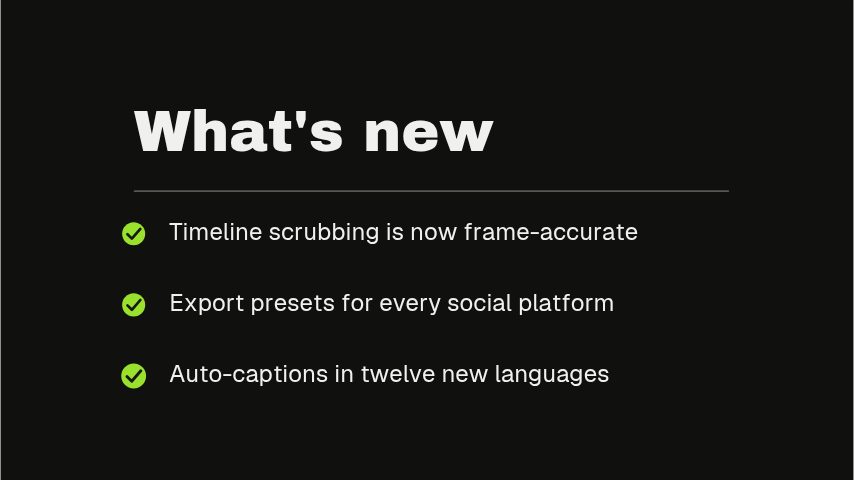
System
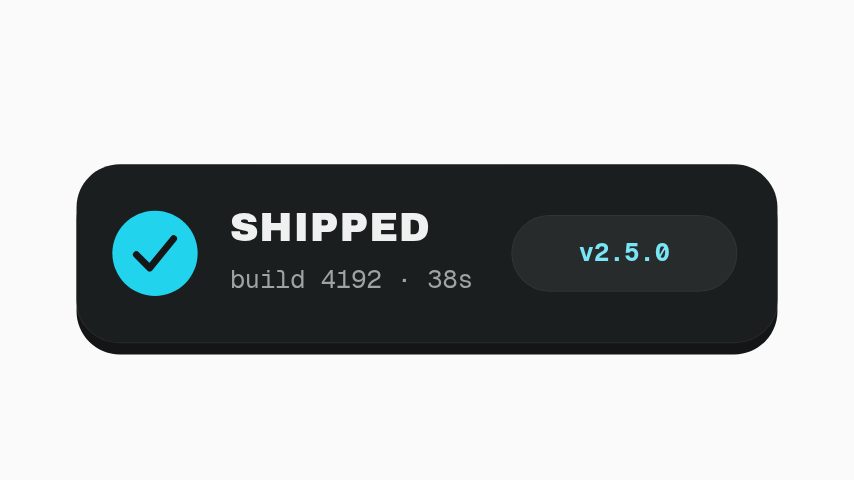
2 system animations, editable in the browser and exported straight from it.
Promo
70 promo animations, editable in the browser and exported straight from it.
 Bento Grid4s
 Launch Cut8s
 Checkout Steps3s
 Scroll Cue3s
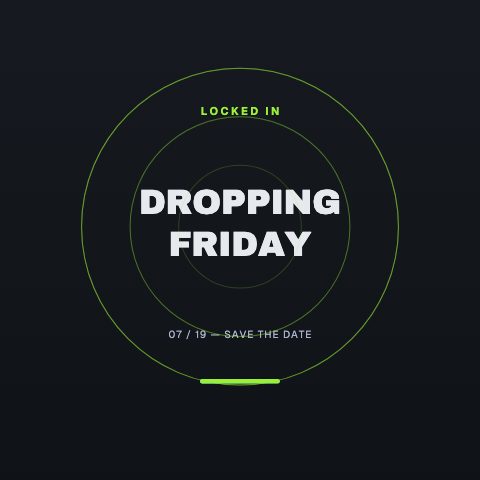 Launch Radar4s
- Quantity Left4s
 Scratch Code4s
 Screenshot This4s
 Free Download3s
 Join The List3s
 Problem, Product, Result9s
 Giveaway Now Open3s
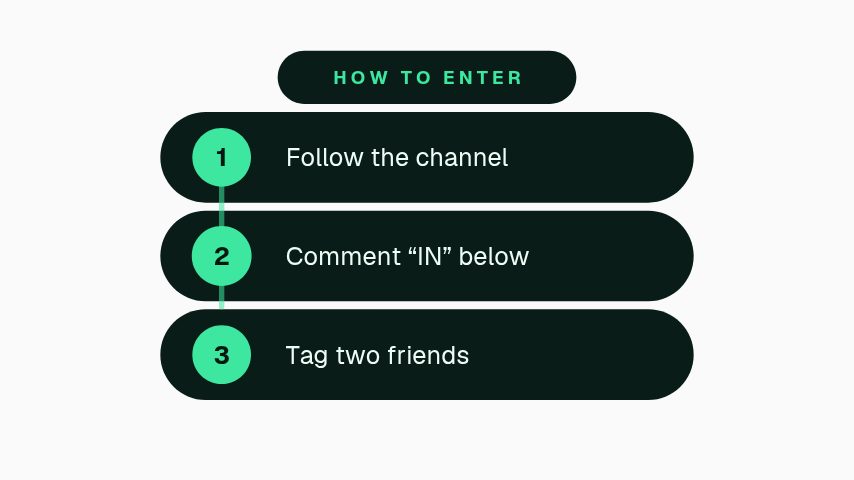 How to Enter3.5s
 Prize Fan3.5s
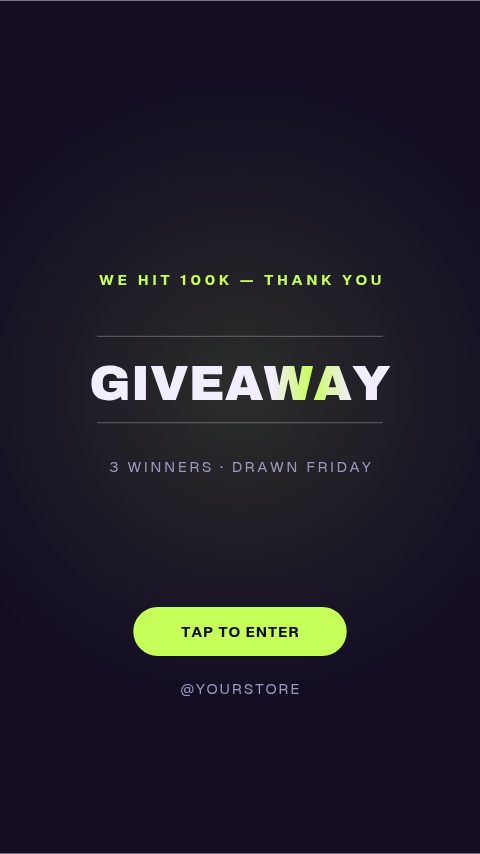 Giveaway Day4s
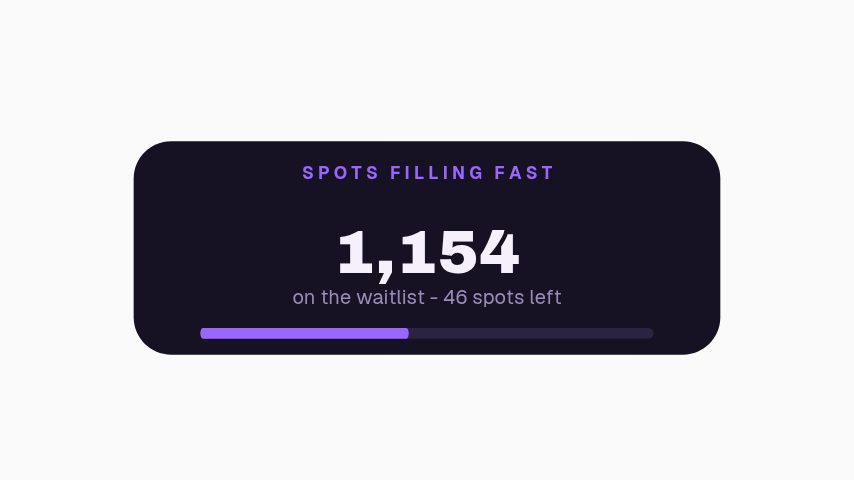 Waitlist Urgency3s
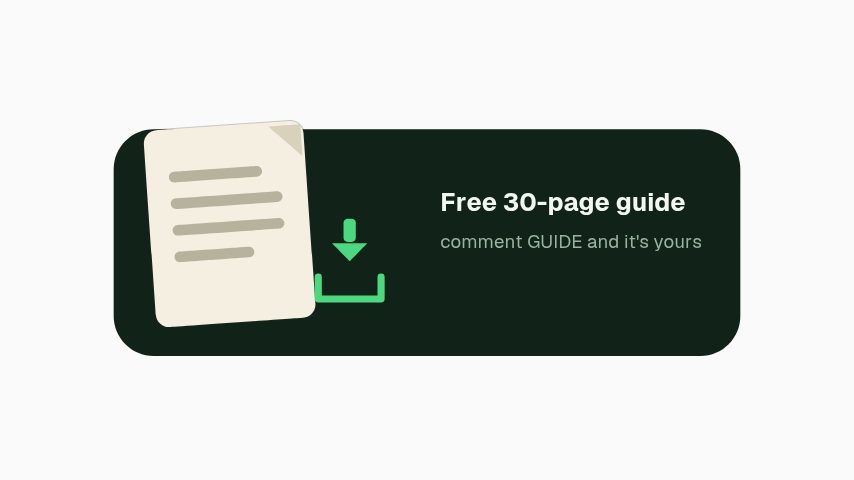 Free Guide Magnet3s
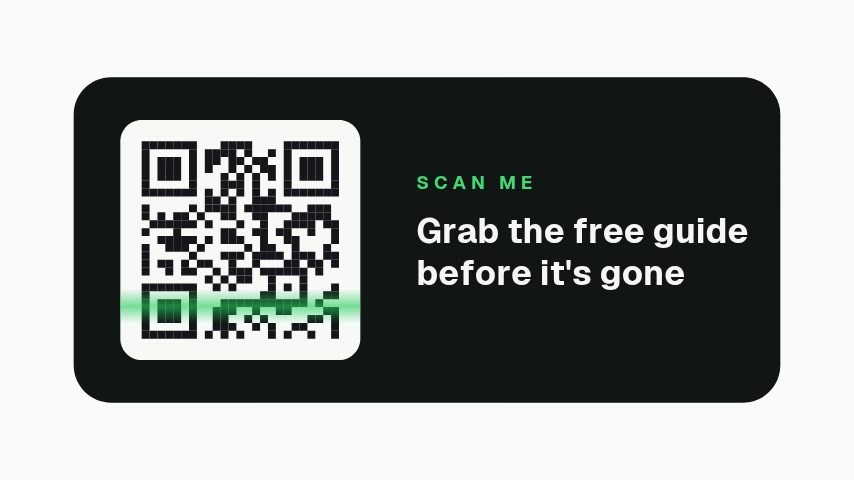 QR Scan3s
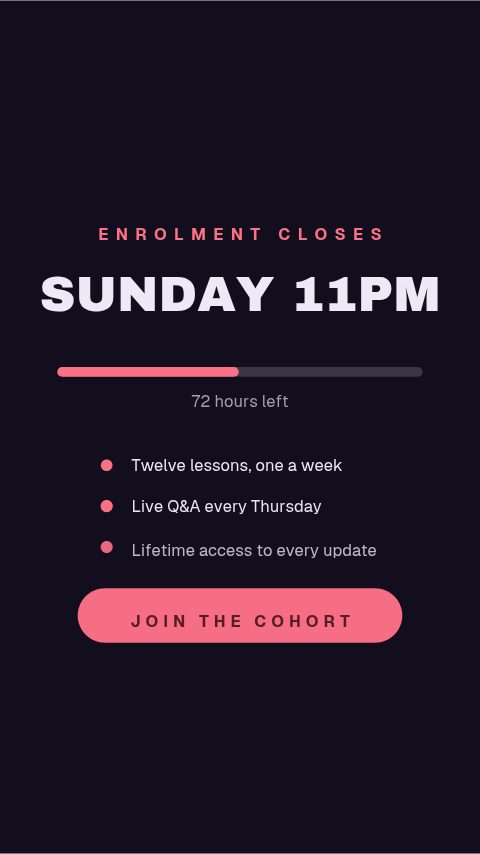 Enrolment Closing4s
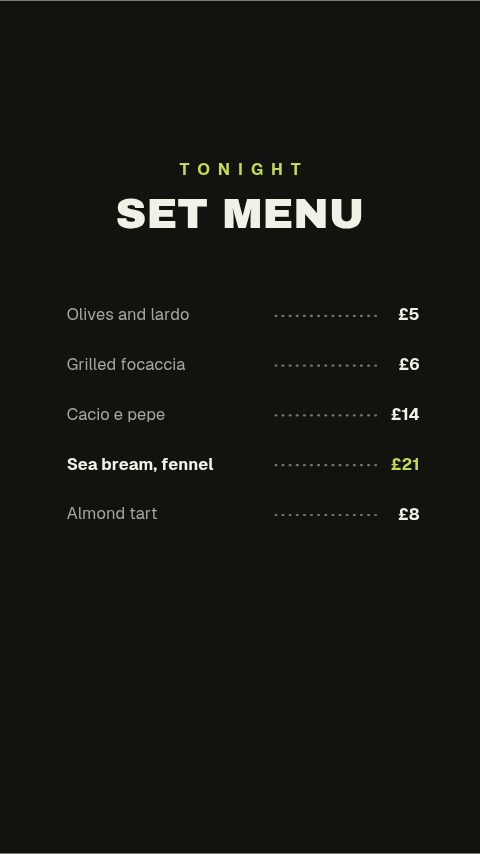 Set Menu Board4s
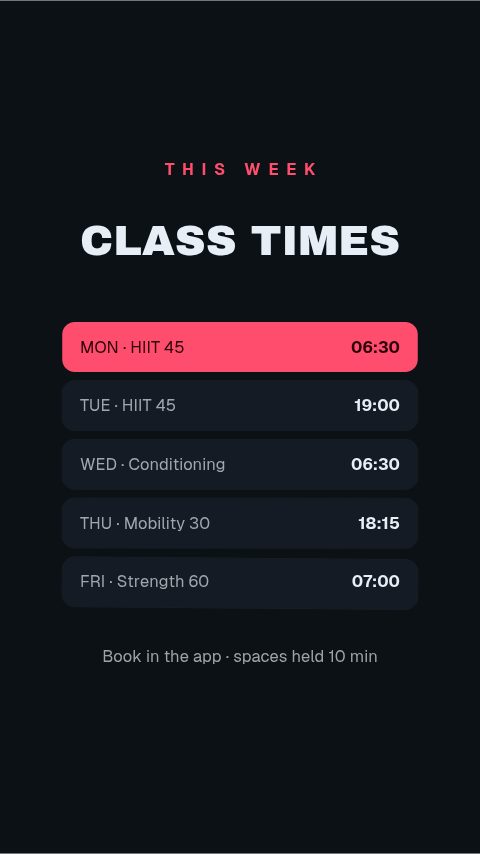 Class Timetable4s
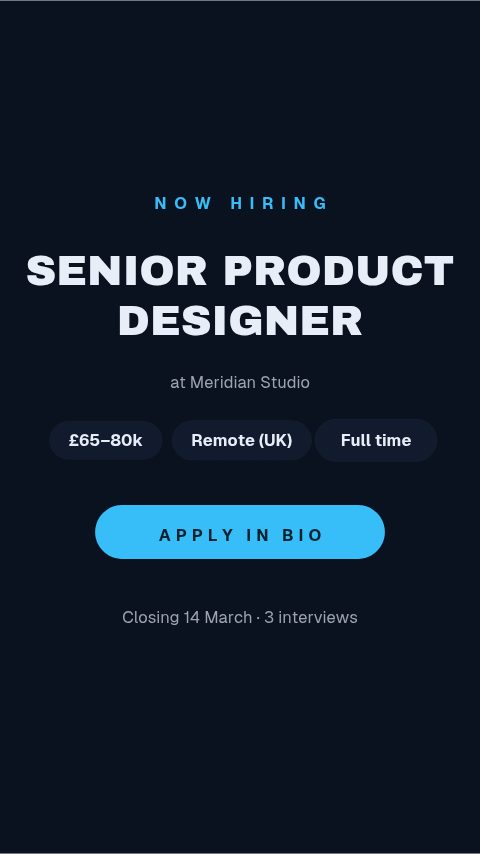 Job Card4s
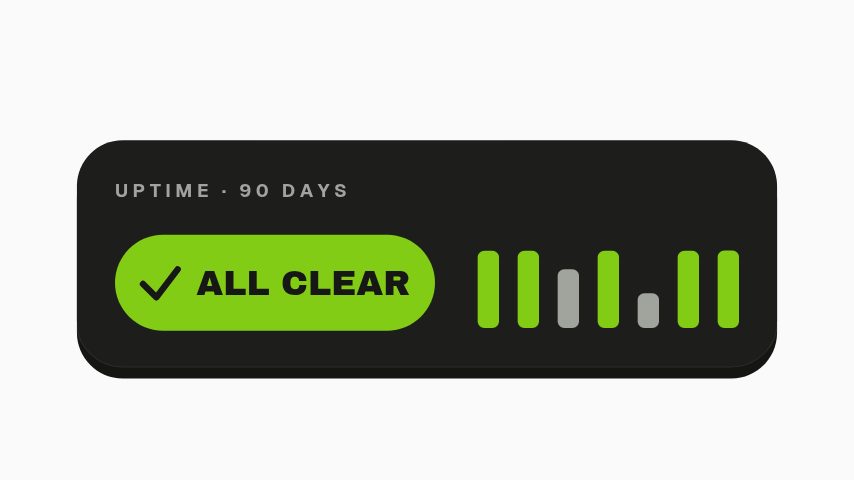
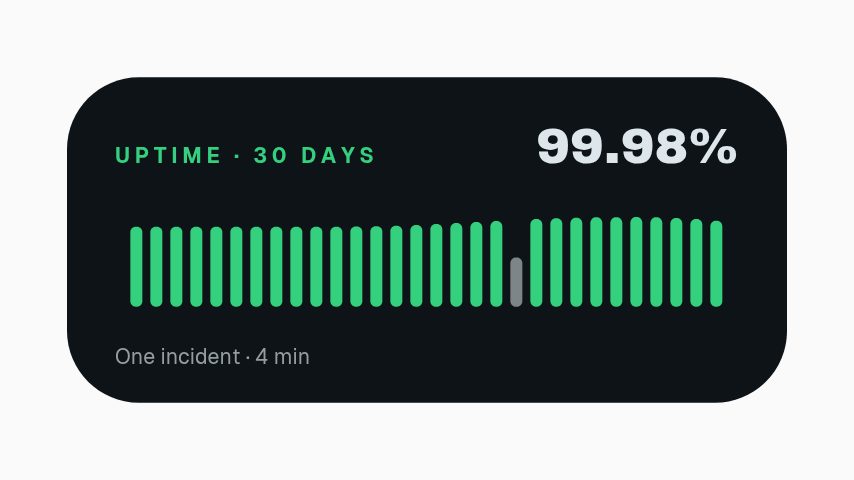 Uptime Badge3s
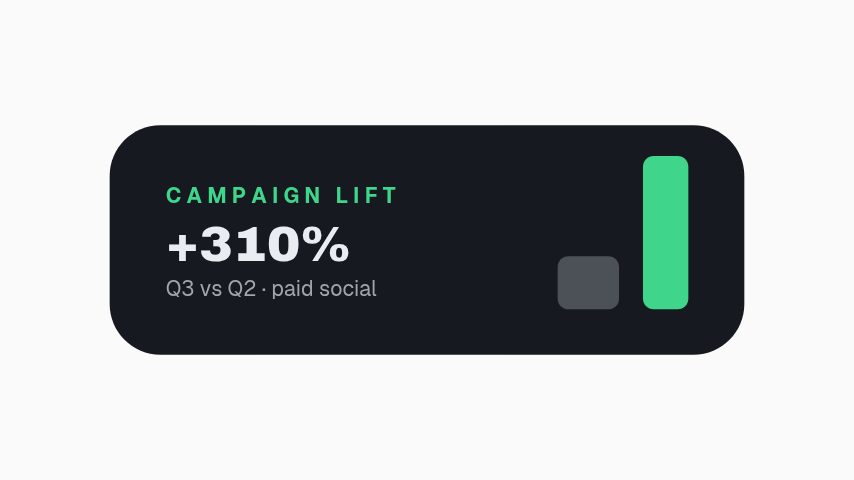 Campaign Lift3s
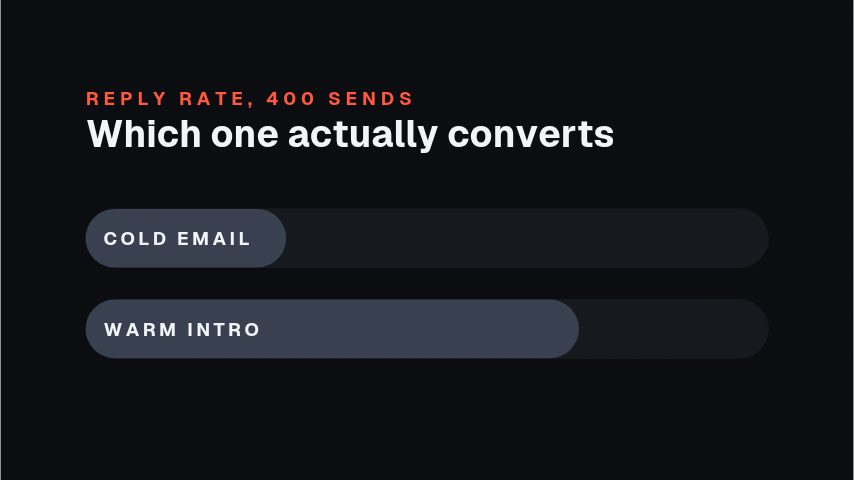 Stat Face-Off4.4s
 Before After Wipe4.4s
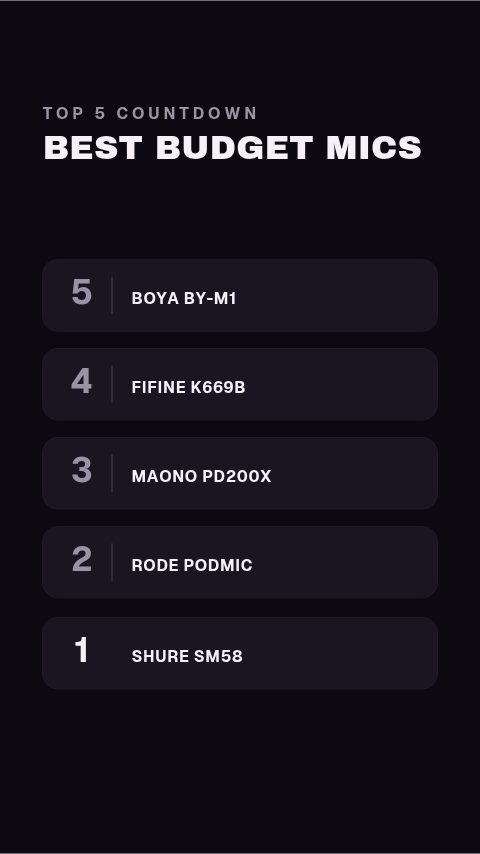 Top Five Countdown5s
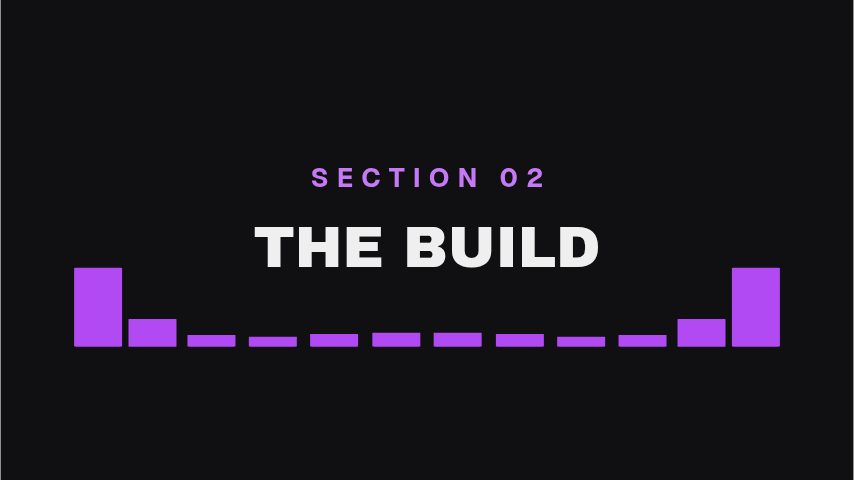 Equalizer Divider4s
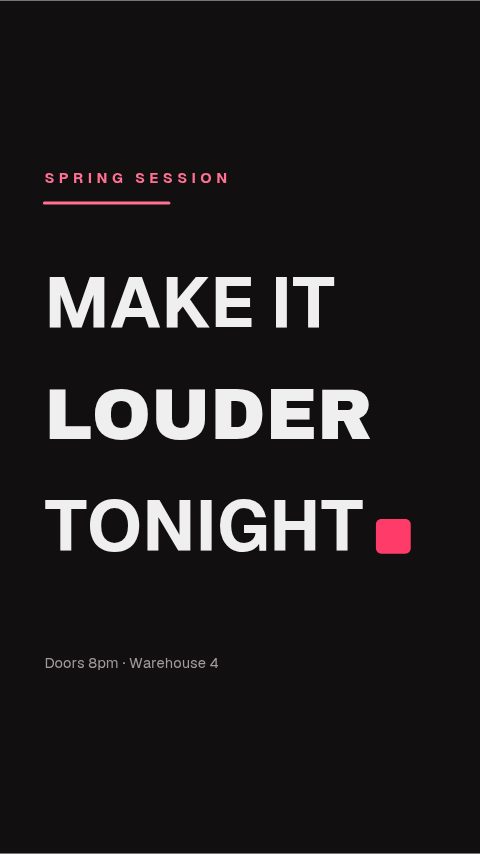 Slot Rise Title4s
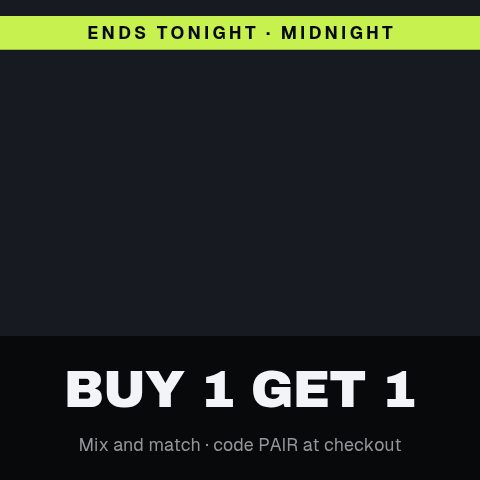 Tile Clear Reveal4.4s
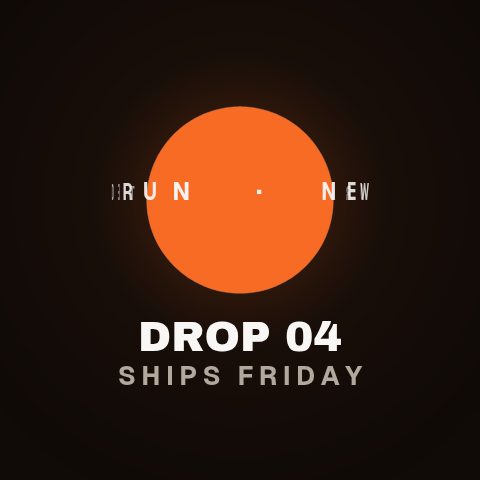 Cylinder Type Ring4.4s
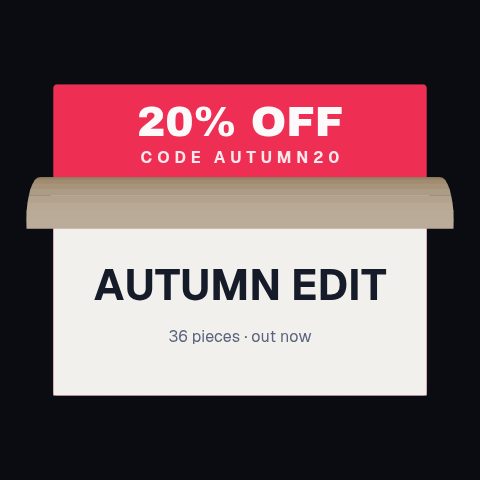 Page Peel Reveal4.4s
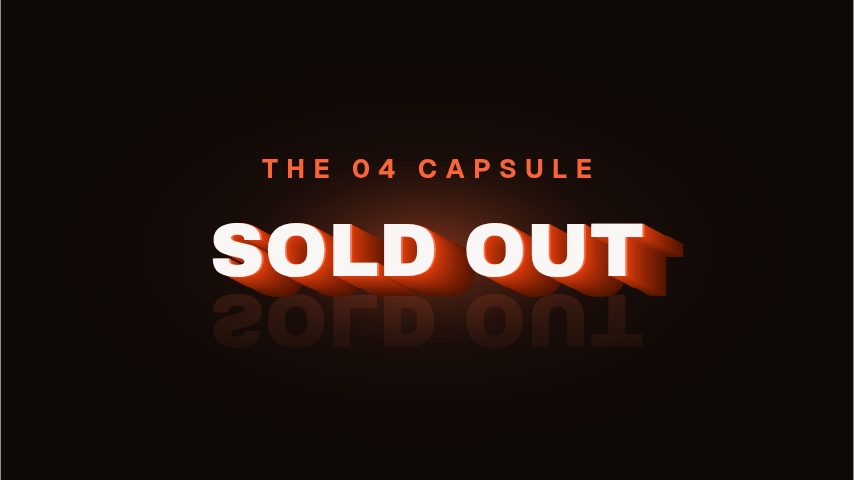 Extruded Title4s
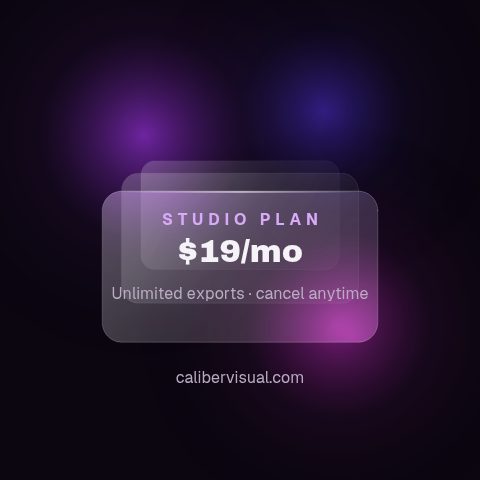 Frosted Glass Plan4.4s
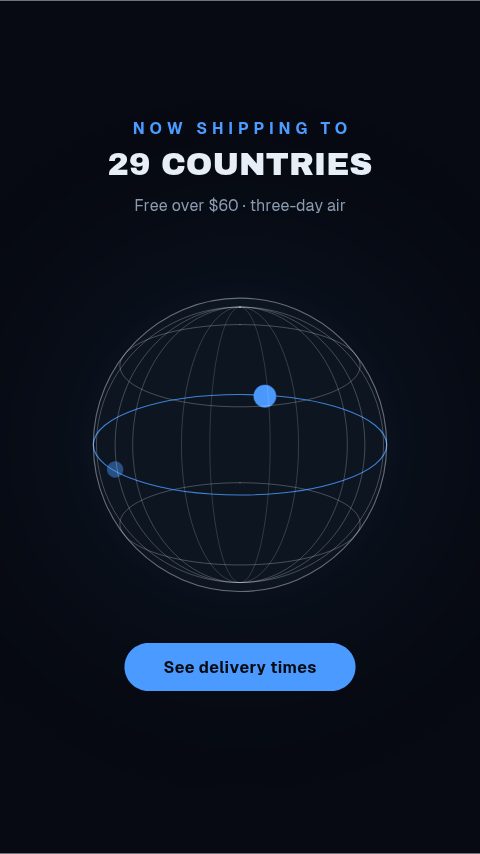 Shipping Globe5s
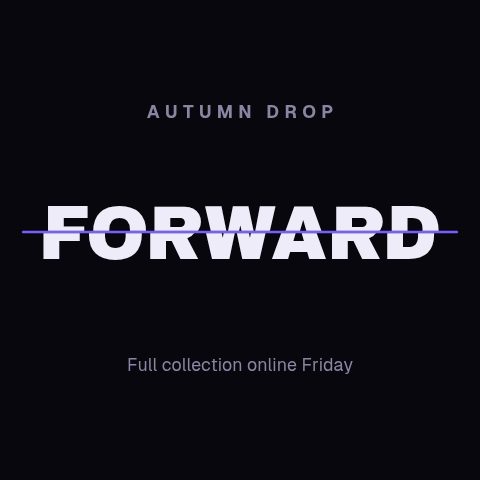 Split Lock Title4s
 Launch Teaser Spot11s
 Three-Act Spot11s
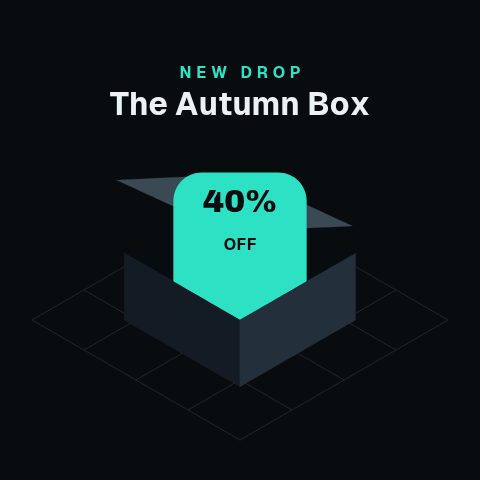 Axonometric Unbox4.4s
 Free Trial Countdown4s
 Shop Now Arrow3s
 Ends Soon Clock4s
 Flash Bolt Sale4s
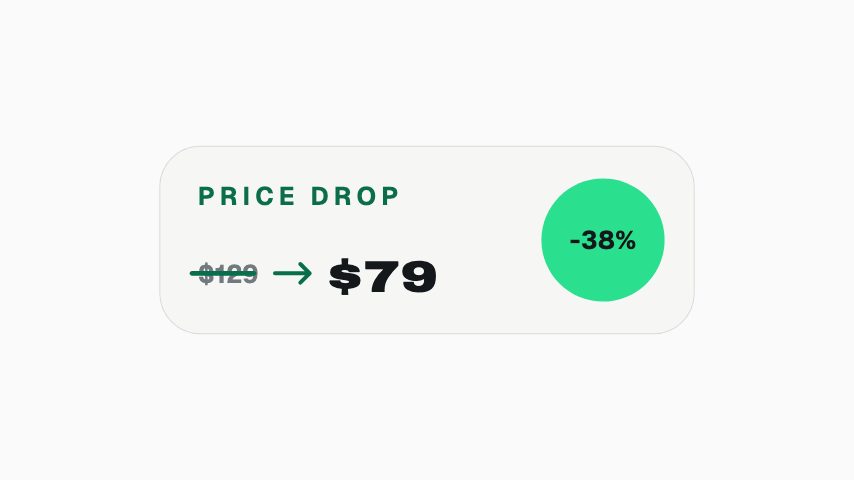 Price Strike Swap3s
 Tag Swing Sale3s
 Caption Highlight4s
 Size Picker4s
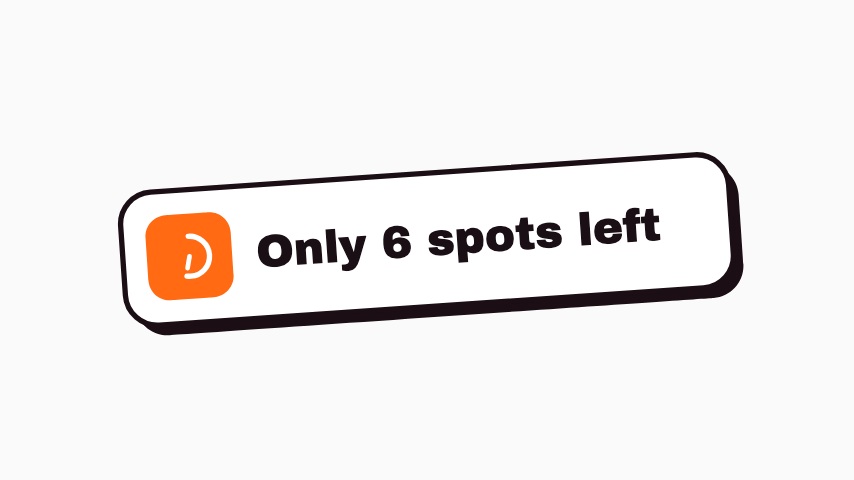 Spots Left Sticker3s
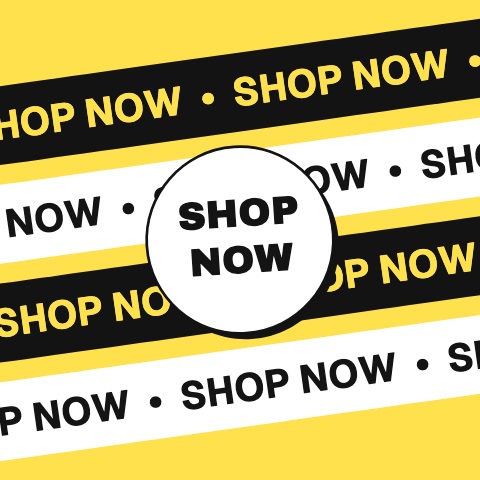 Marquee Bands CTA4s
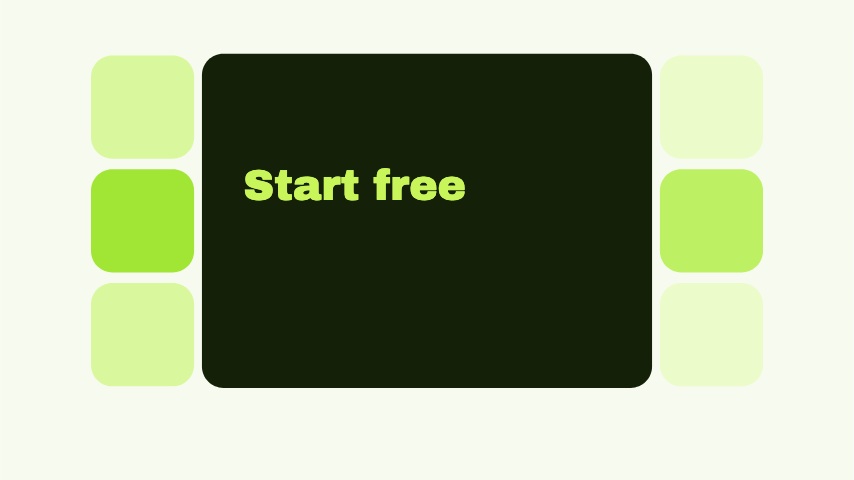 Tile Grid CTA4s
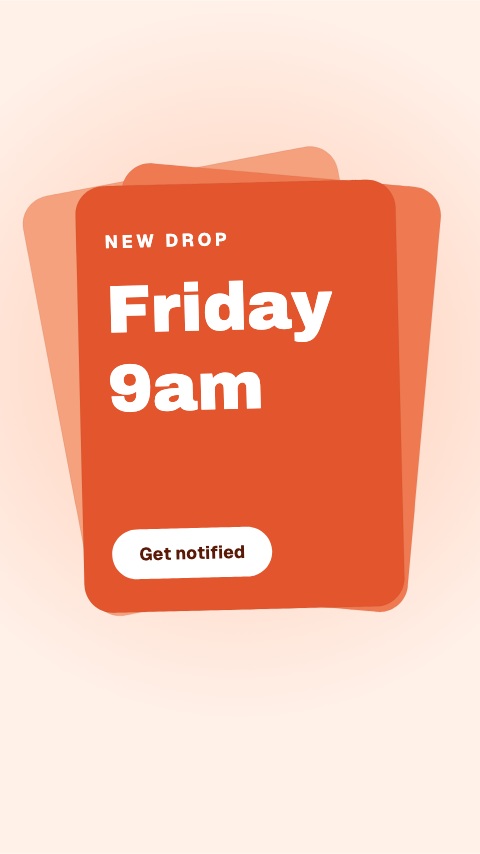 Card Fan CTA4s
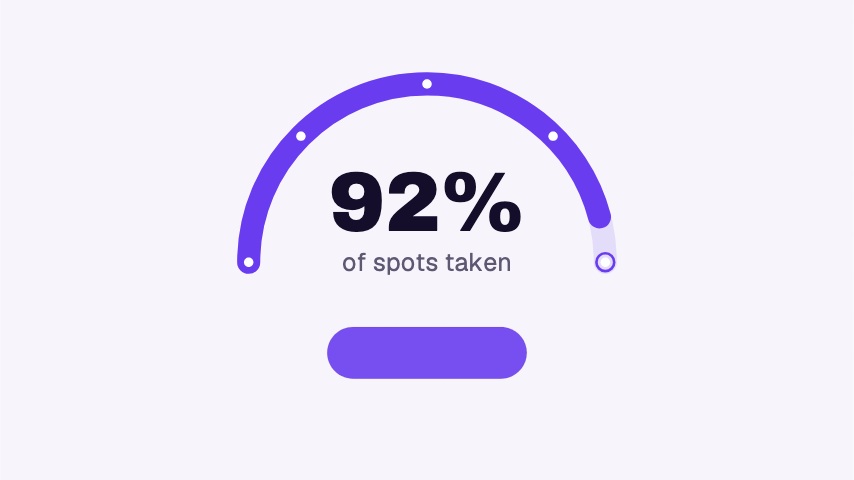 Gauge Urgency CTA5s
 Pill Focus CTA3.5s
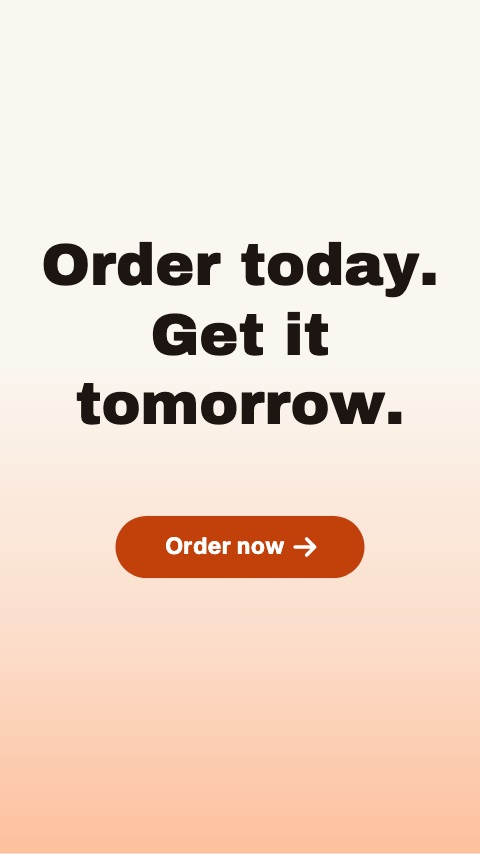 Word Rise CTA5s
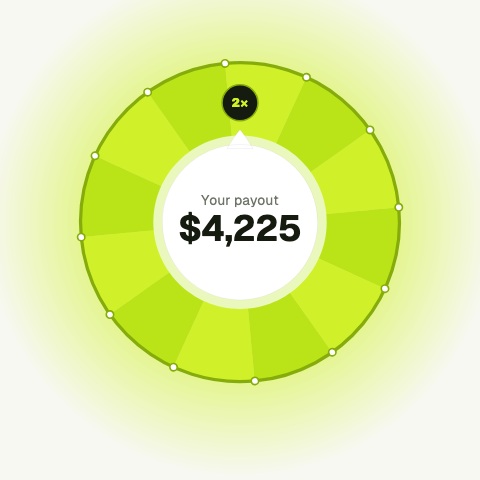 Payout Double5s
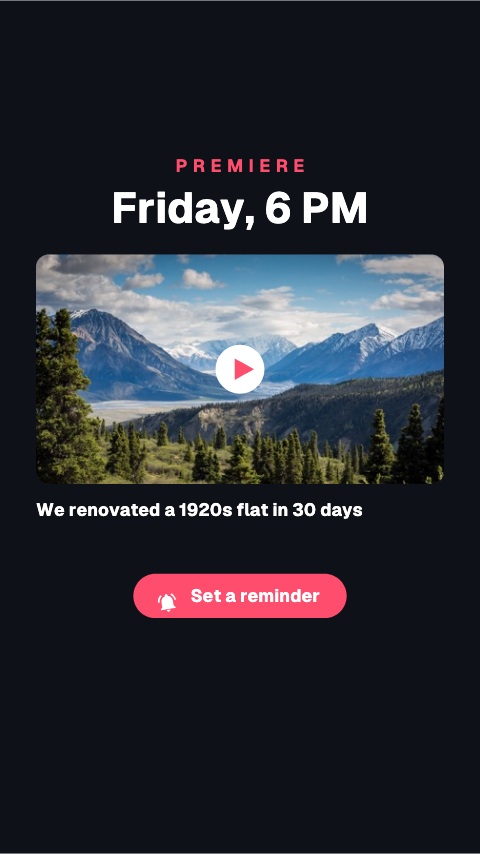 Premiere Reminder5s
 Watch Next Sticker3s
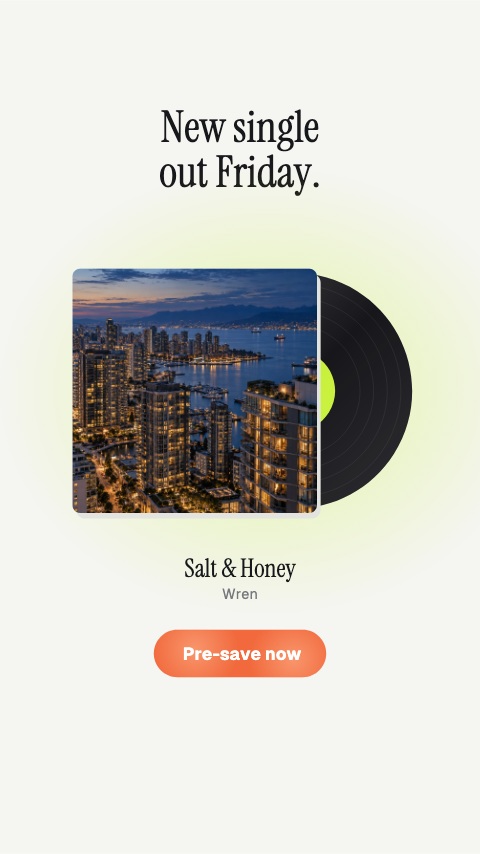 Pre-save5s
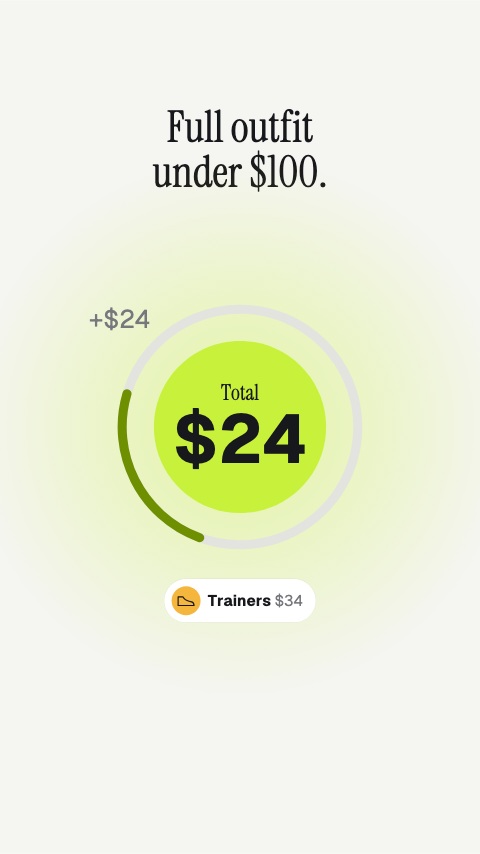 Outfit Total5s
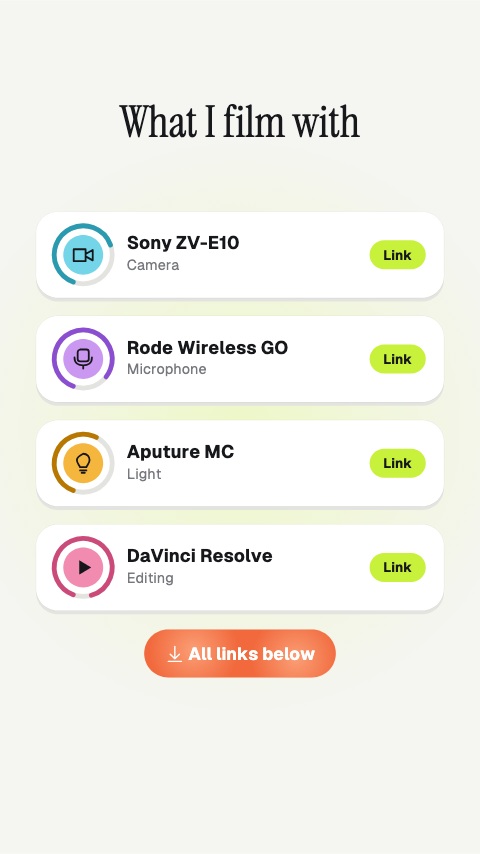 Gear List5s
 Latest Upload3.5s
 Soft Shop Button3s
 New Colours3.5s
 Restock Notification3.5s
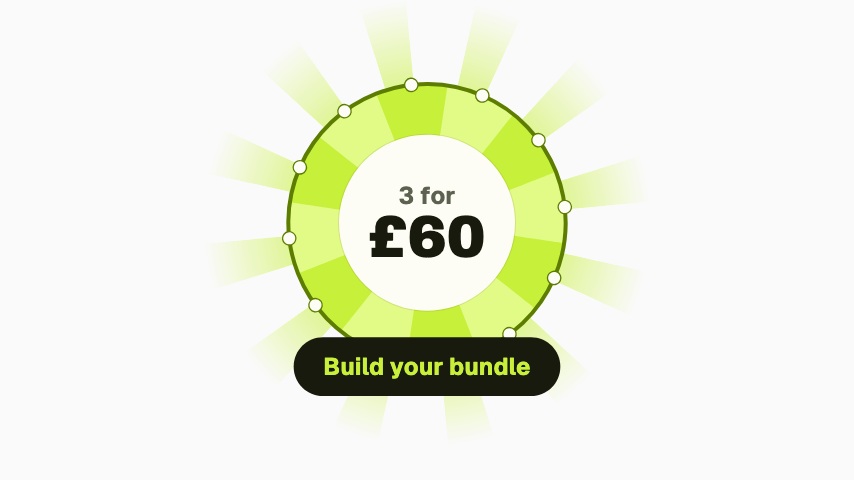 Bundle Burst3.5s
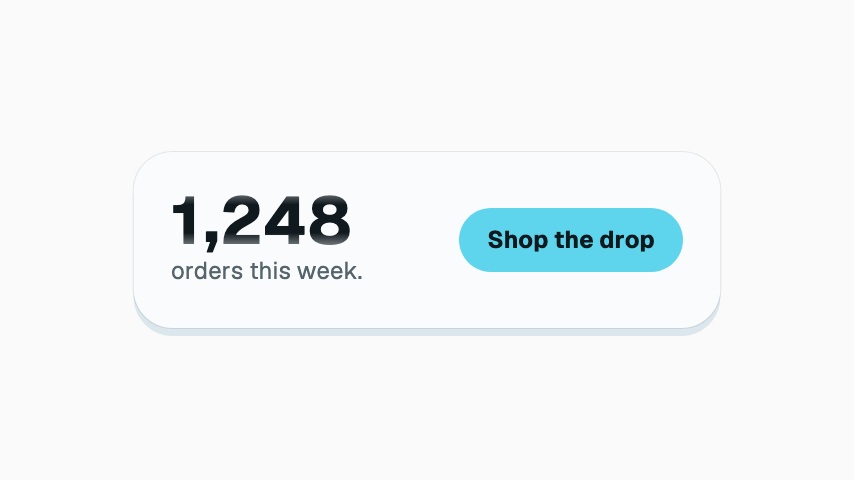 Order Odometer3.5s
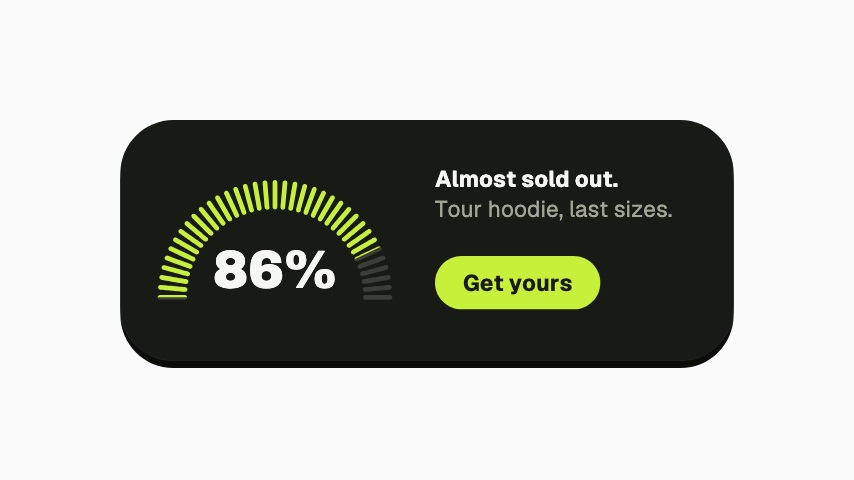 Almost Sold Out3.5s
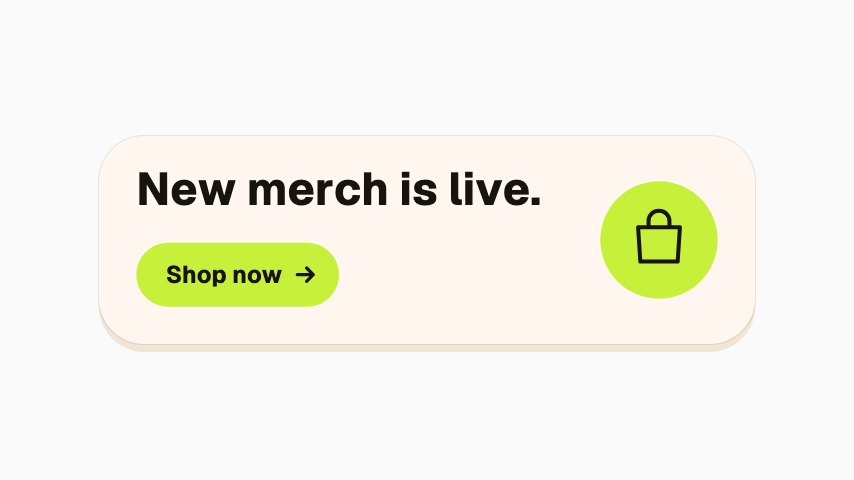 Merch Is Live3s
 Product Row4s
 Pre-order Ring3s
Commerce
68 commerce animations, editable in the browser and exported straight from it.
 Flash Sale4s
 Price Drop4s
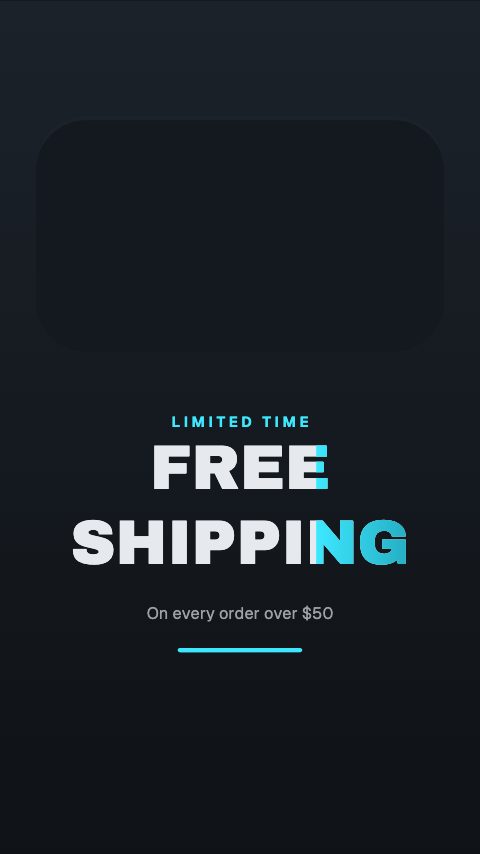 Free Shipping4s
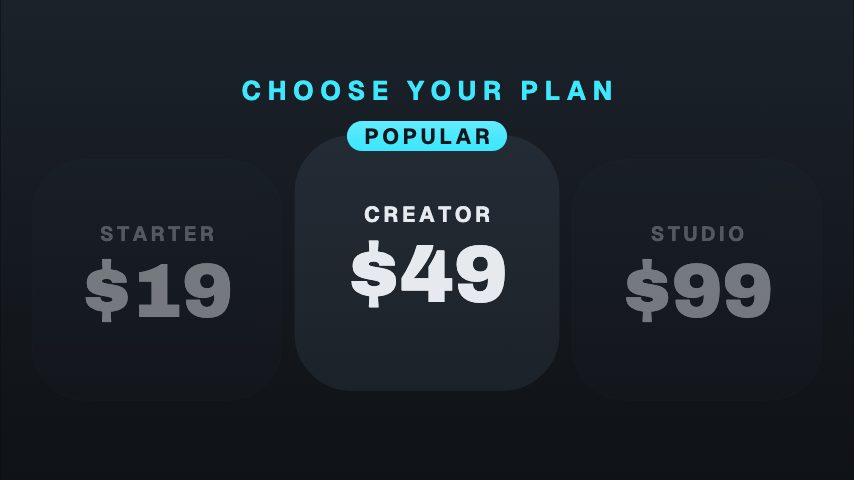 Price Ladder4s
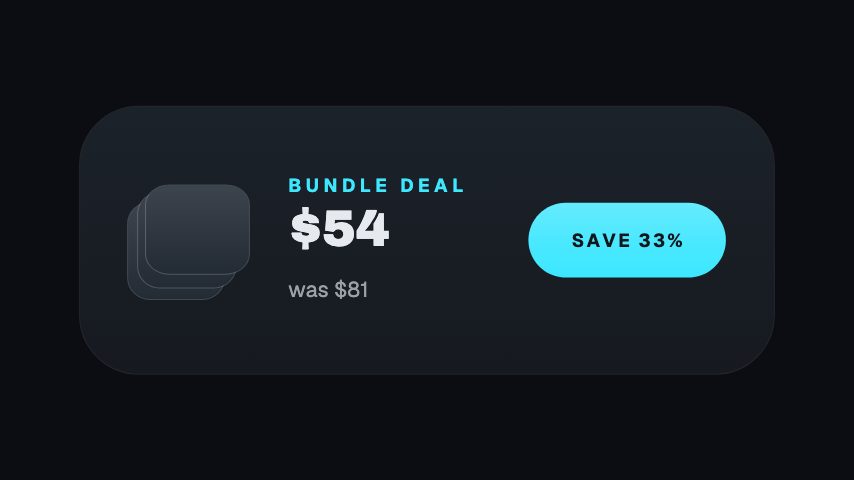 Bundle Save3s
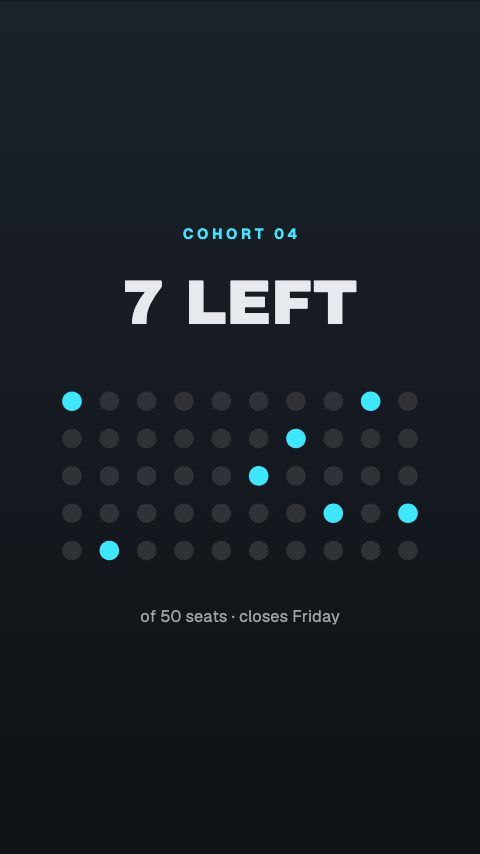 Spots Left4s
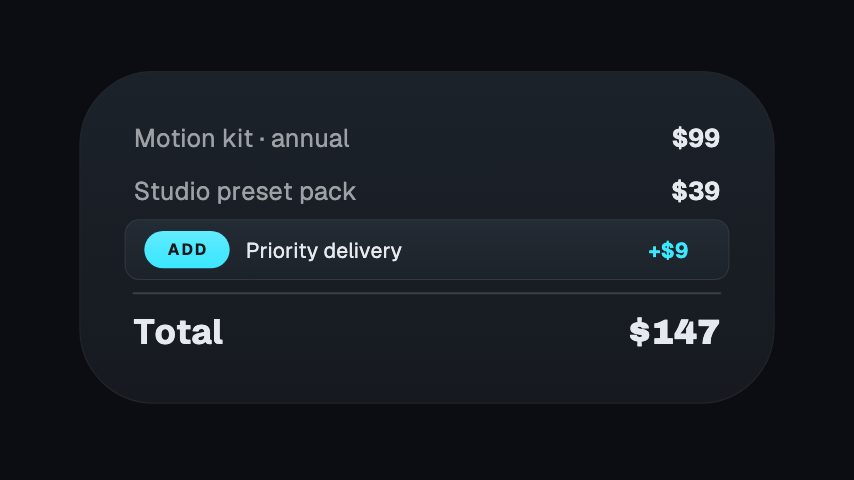 Upsell Bump3s
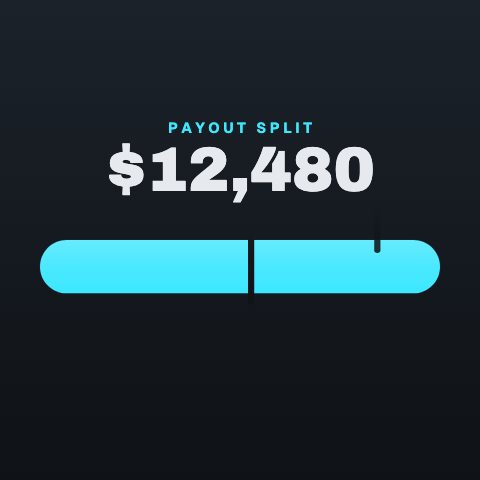 Payout Split4s
 3-Second Product Hook3s
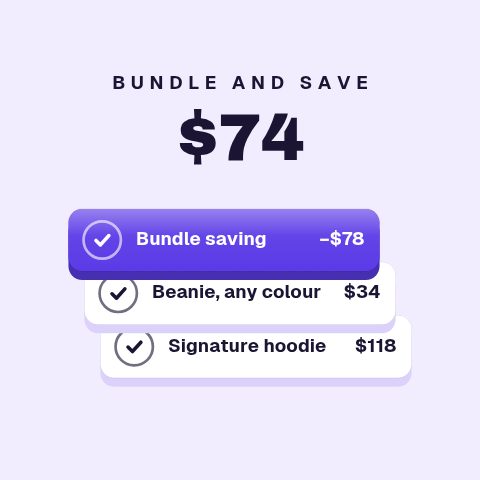 Offer Stack Builder4.4s
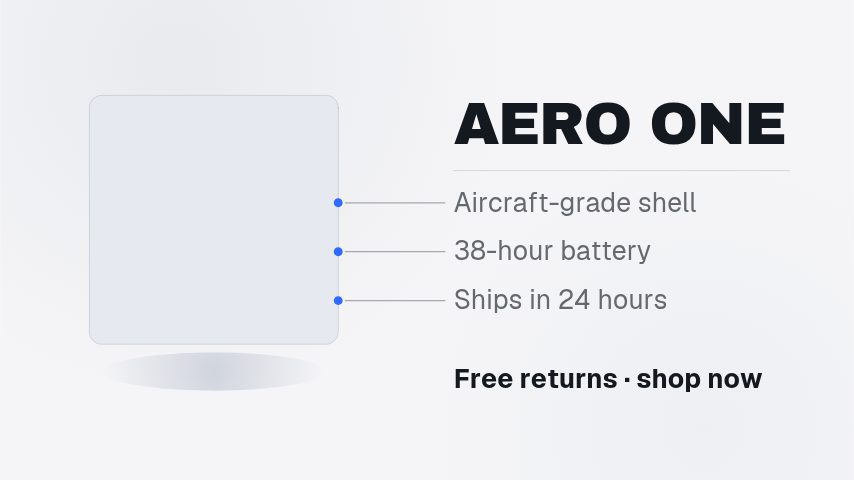 Dynamic Product Showcase5s
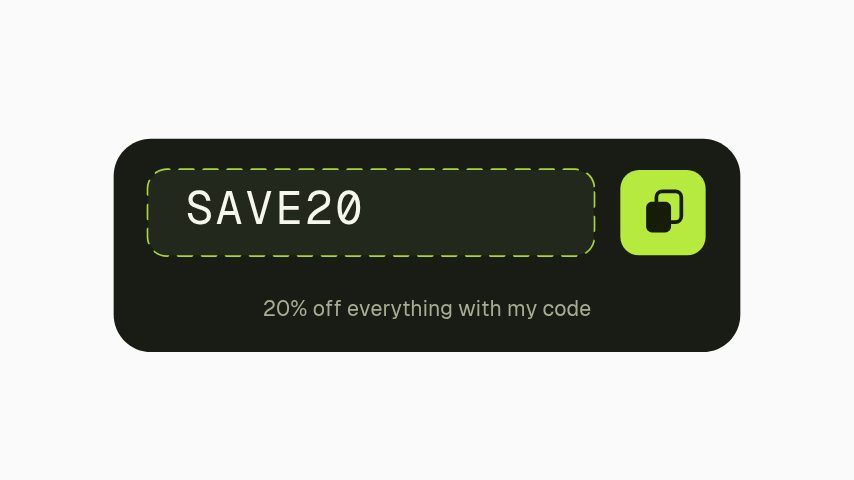 Discount Code3s
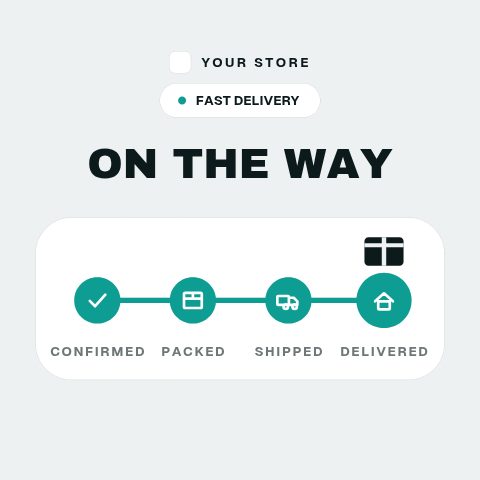 Order On The Way4.4s
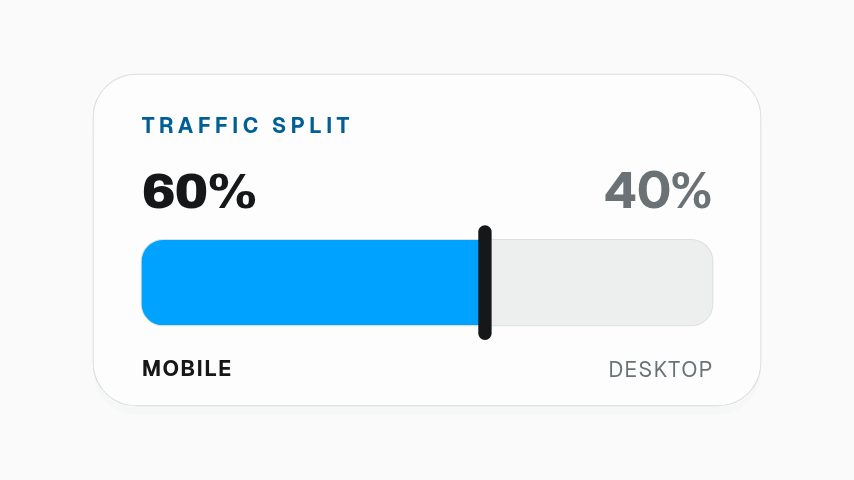 Share Split Bar3s
 Drop Lookbook10s
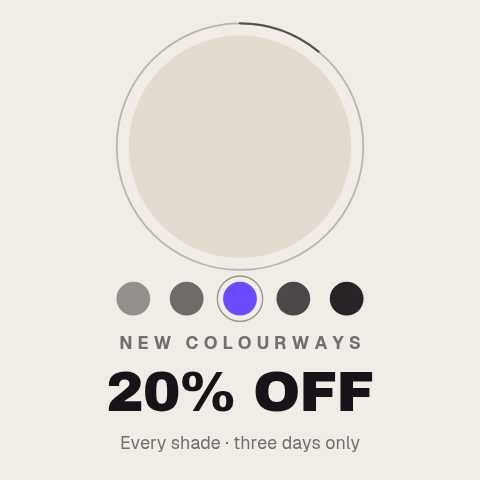 Colourway Drop4.2s
 Stock Burndown4.4s
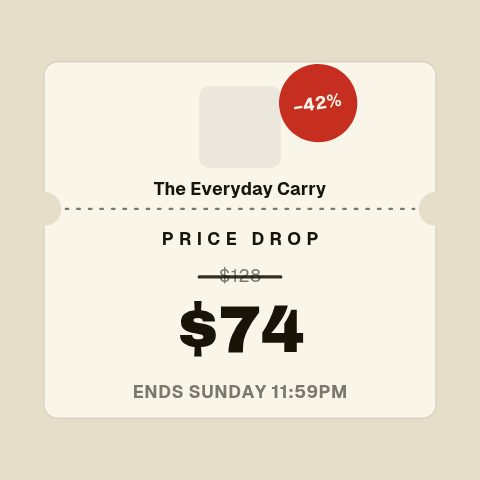 Die-Cut Price Ticket4.2s
 Pull-Back Deal Card4.4s
 Complete The Look4.6s
 Material Detail4.2s
 Waitlist Queue3.2s
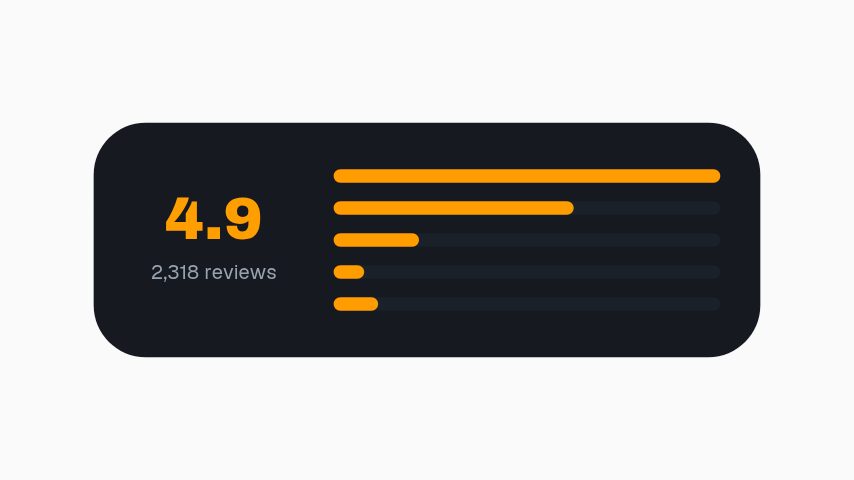 Rating Breakdown3.2s
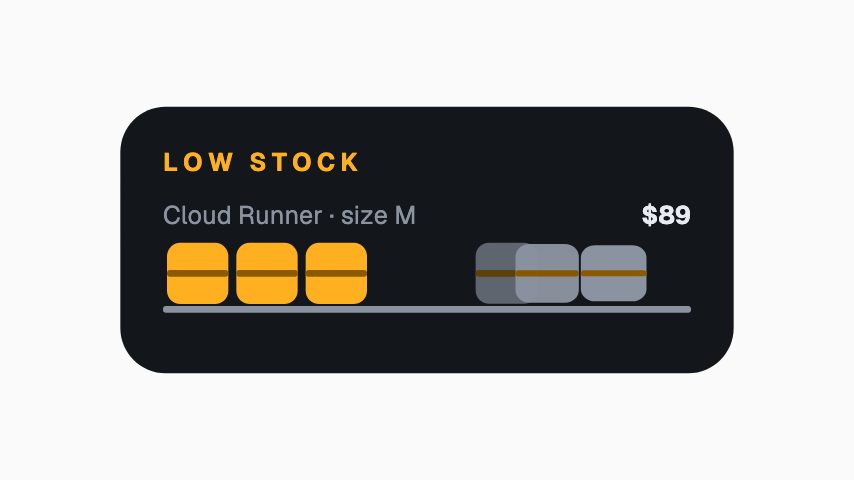 Only X Left3s
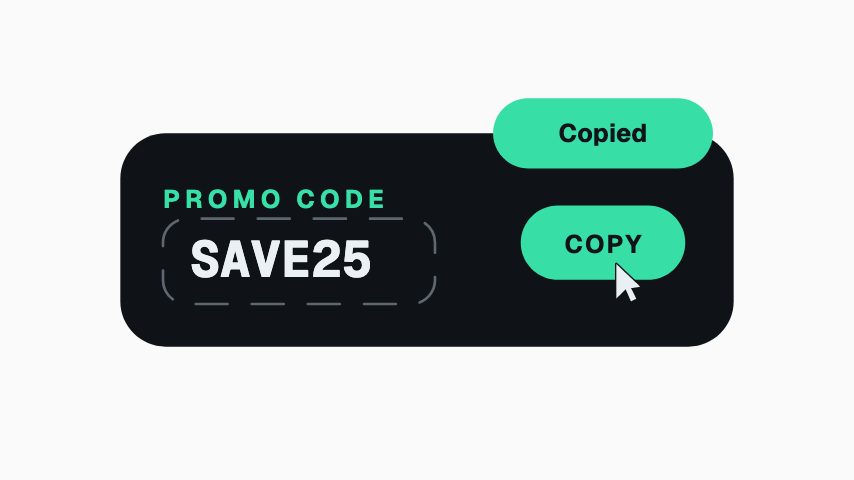 Promo Code Copy3s
 Corner Sale Flag3s
 Rating Lower Third3s
 Arrives By3s
 Add To Cart Button3s
 Price Tag Callout3s
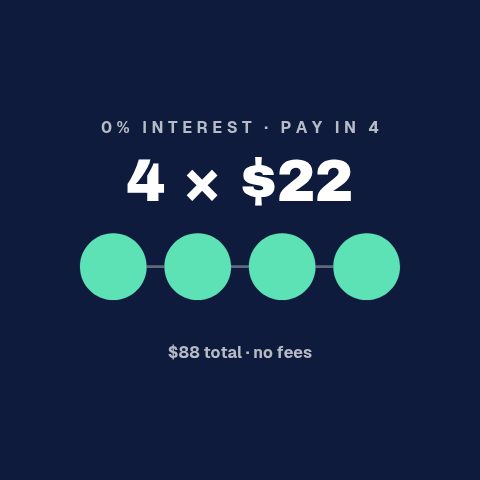 Pay In 44s
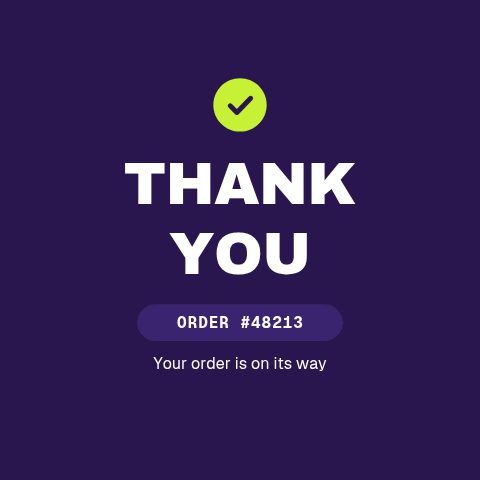 Thank You Order4s
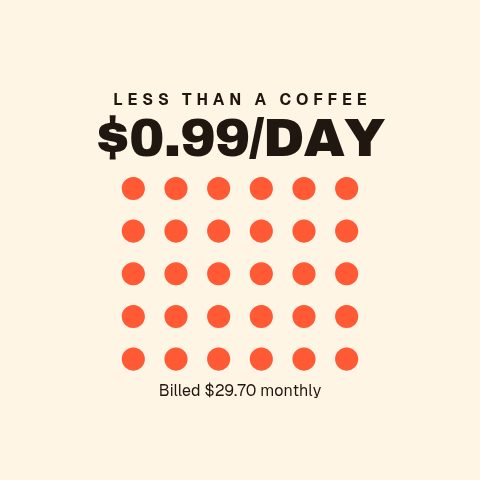 Per Day Price4s
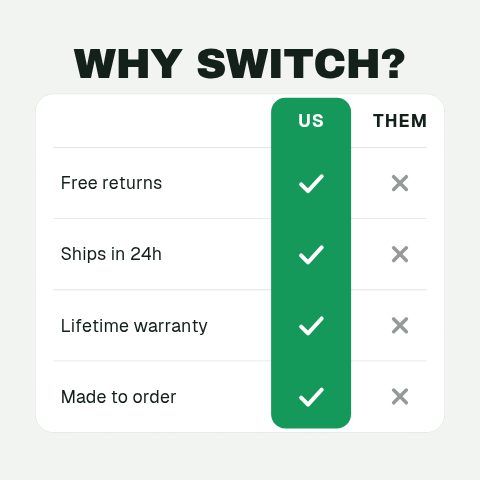 Us vs Them5s
 Product Carousel5s
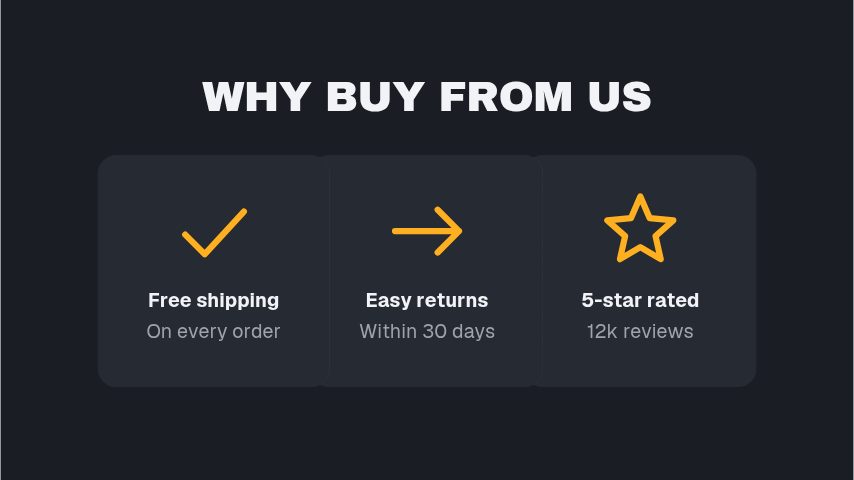 Why Buy From Us4s
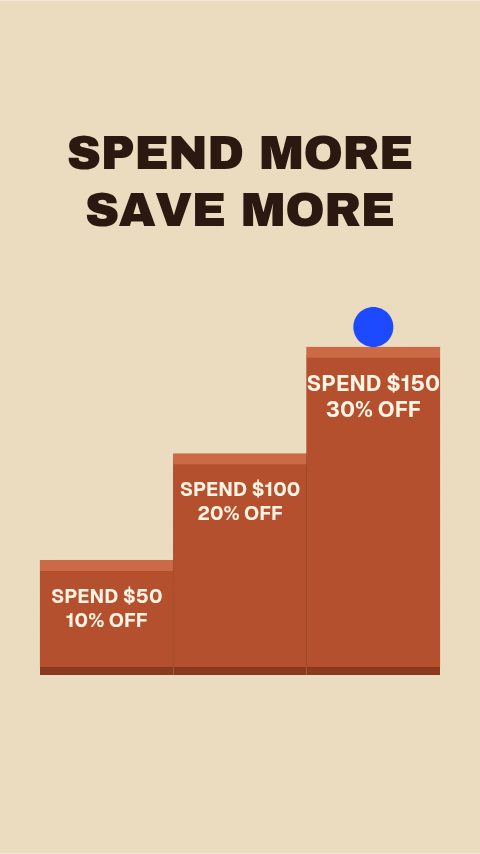 Spend More Save More5s
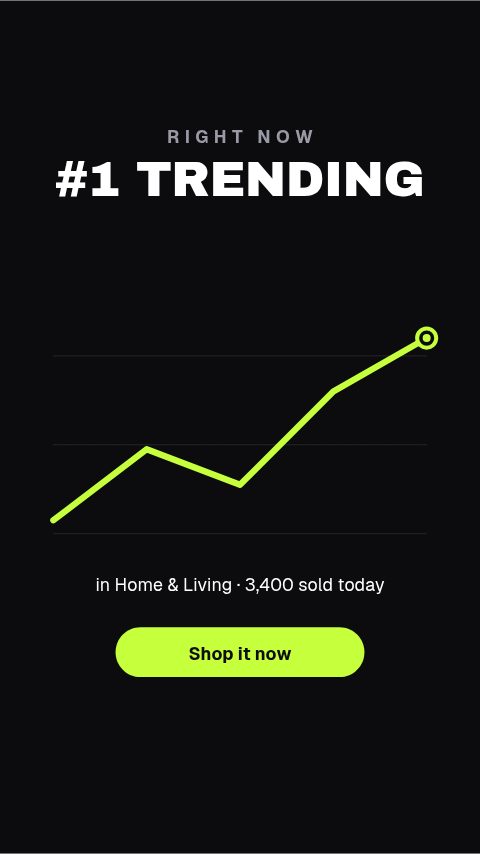 Trending Now4s
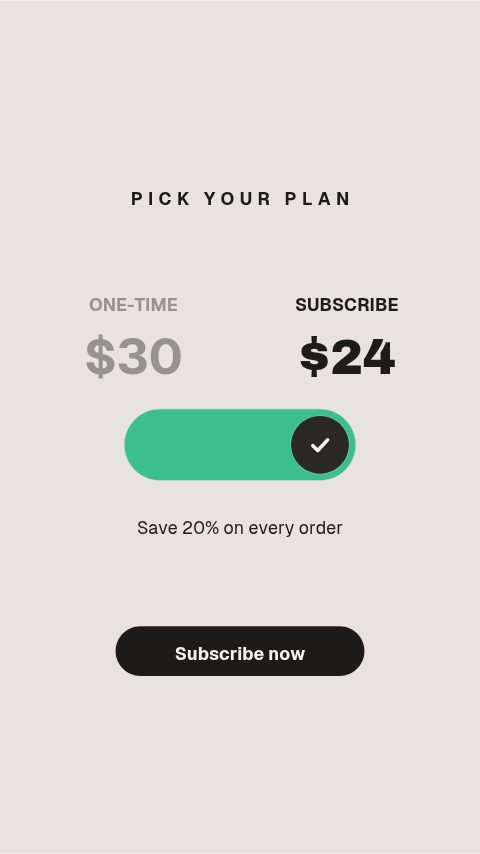 Subscribe & Save4s
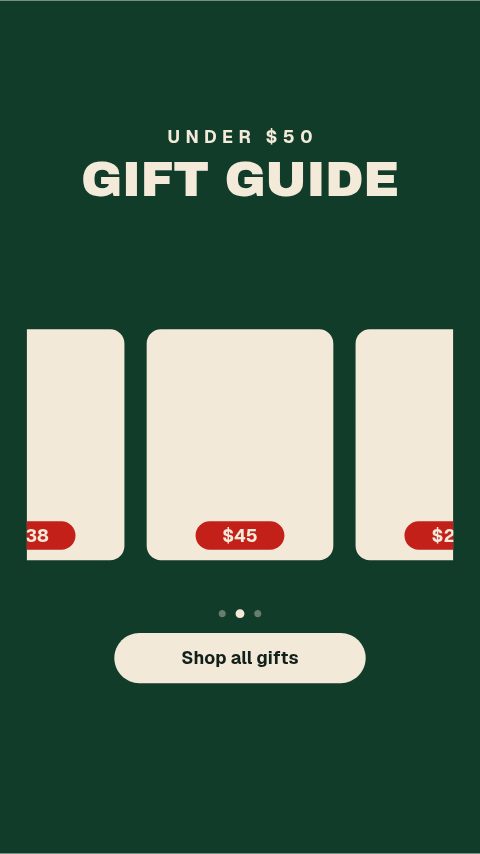 Gift Guide Rail5s
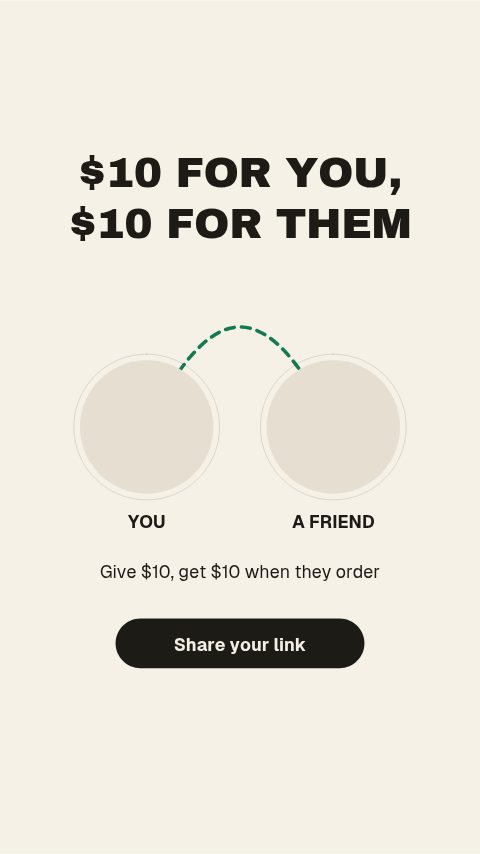 Refer A Friend4s
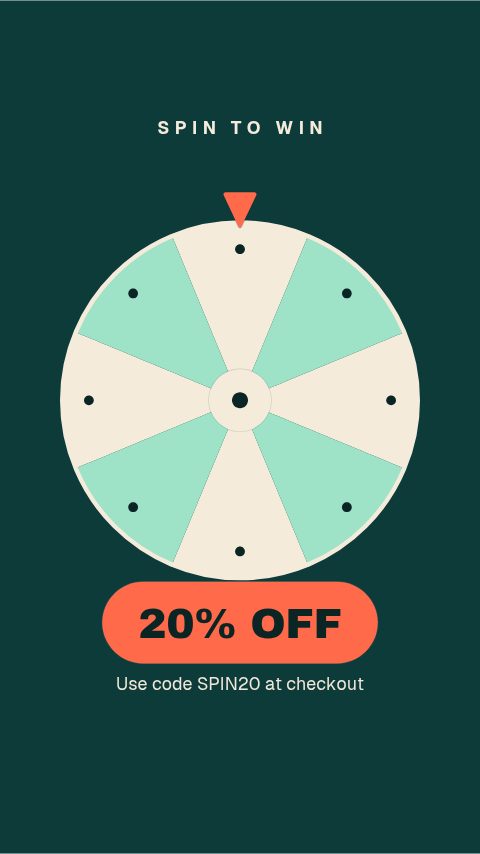 Spin To Win5s
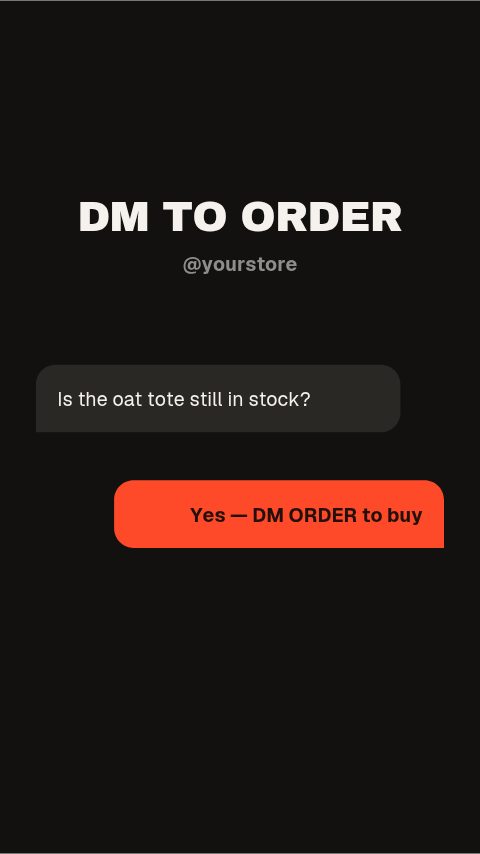 DM To Order4s
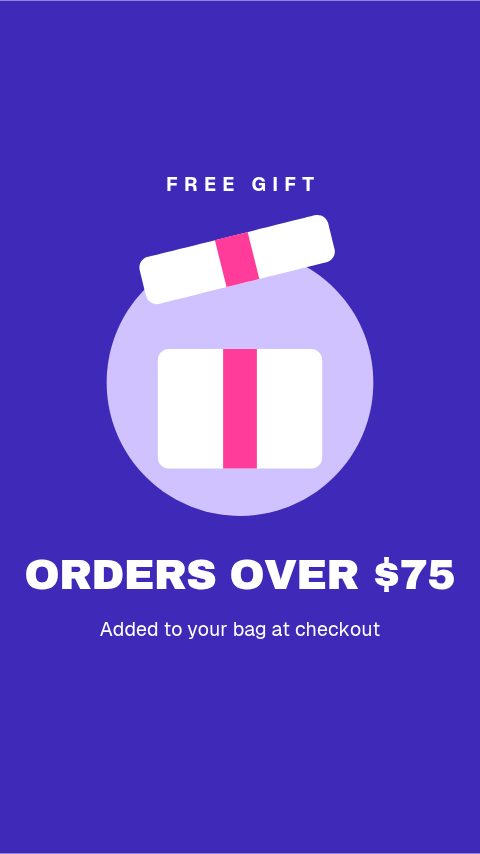 Free Gift With Purchase4s
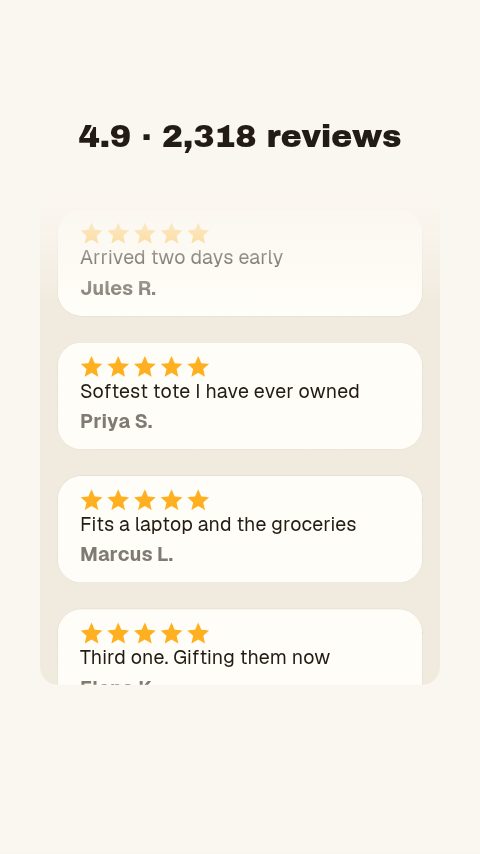 Review Feed5s
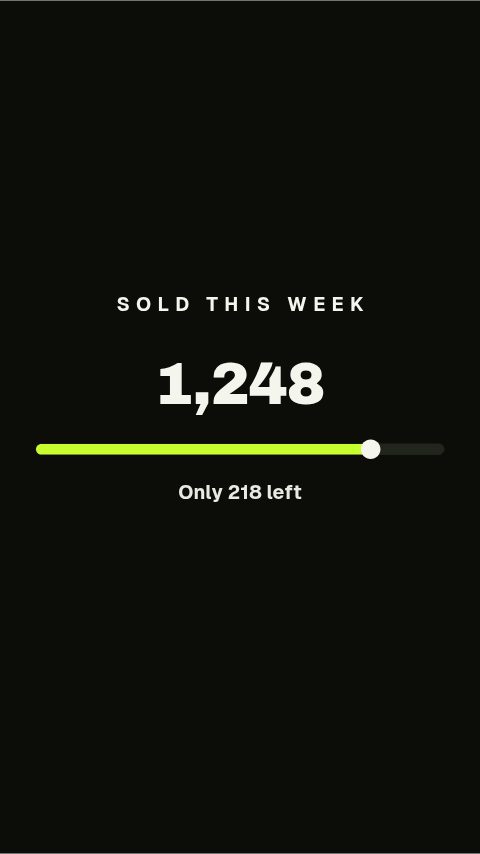 Sold This Week4s
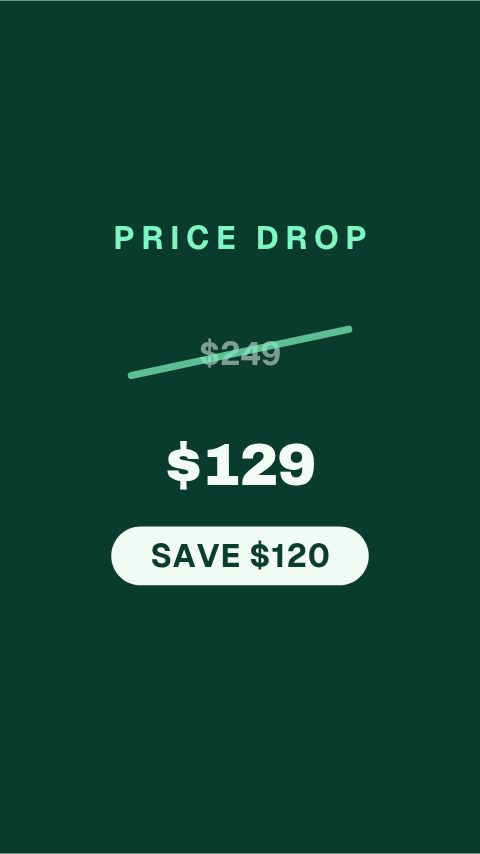 Was / Now Price Drop4s
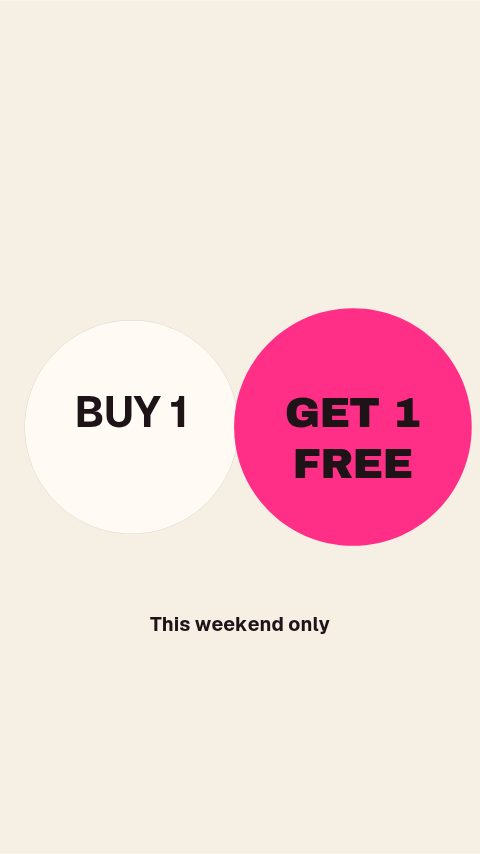 Buy One Get One4s
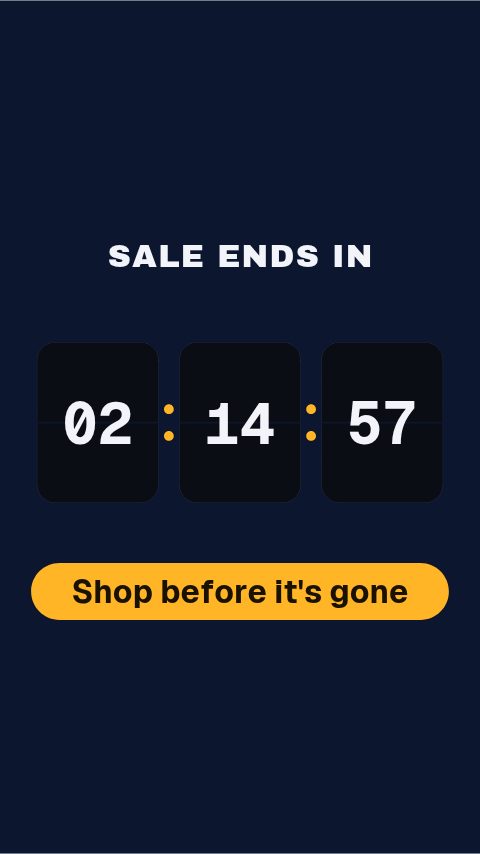 Flip Clock Countdown5s
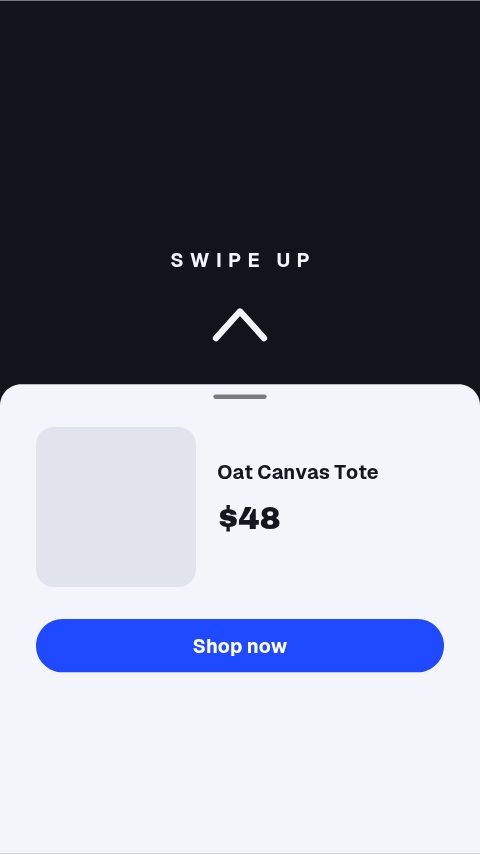 Swipe Up Shop Sheet4s
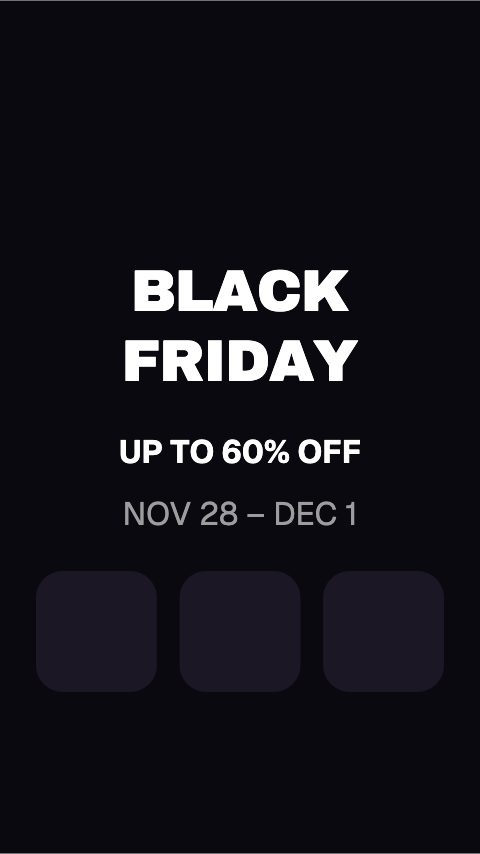 Black Friday Glitch4s
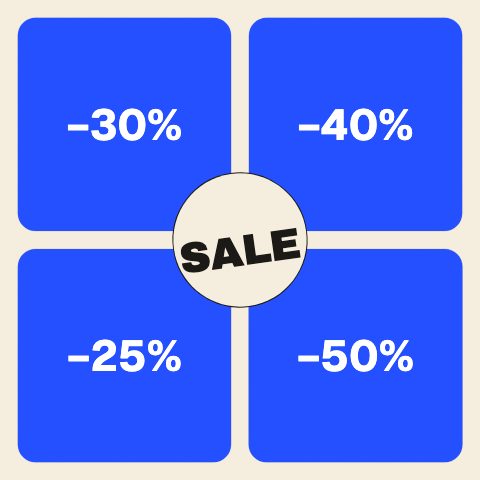 Sale Grid Flip5s
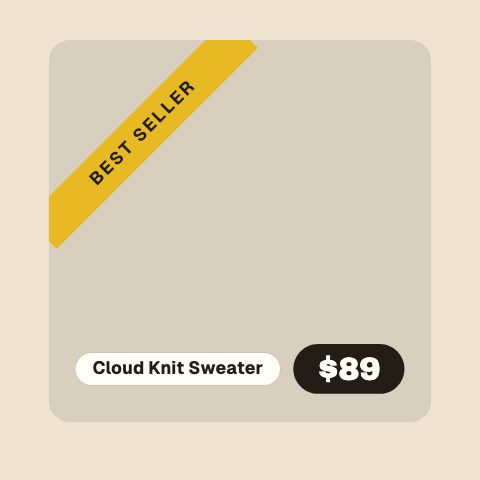 Best Seller Ribbon4s
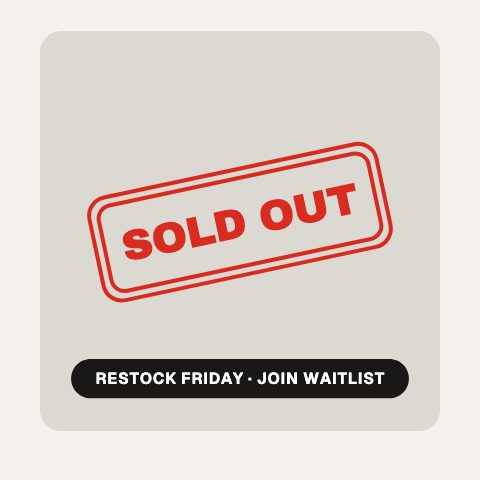 Sold Out Stamp4s
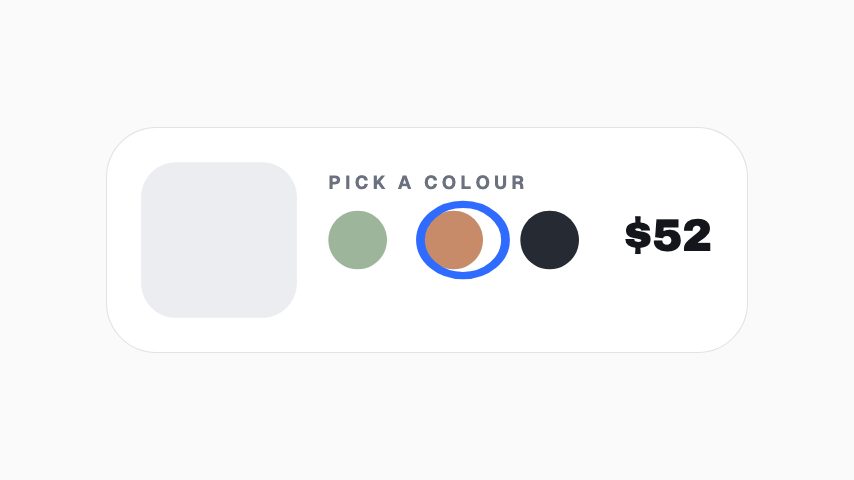 Variant Selector4s
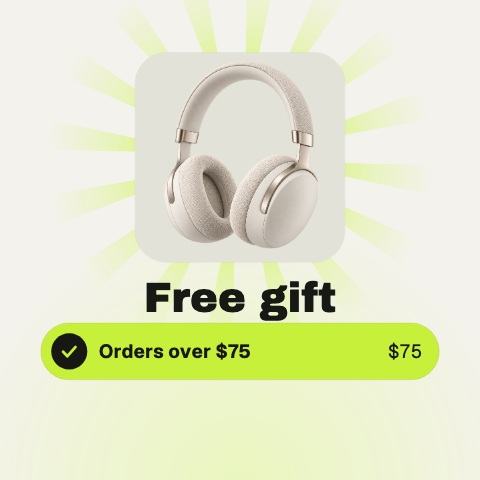 Free Gift Unlock5s
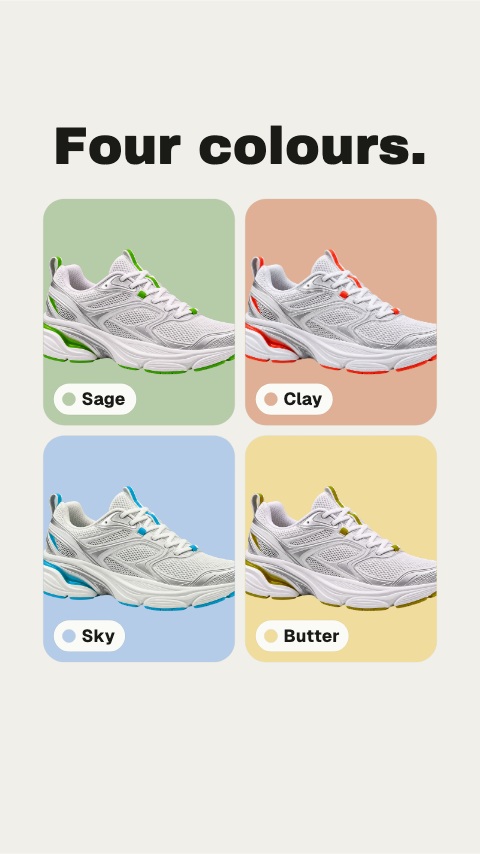 Colourways5s
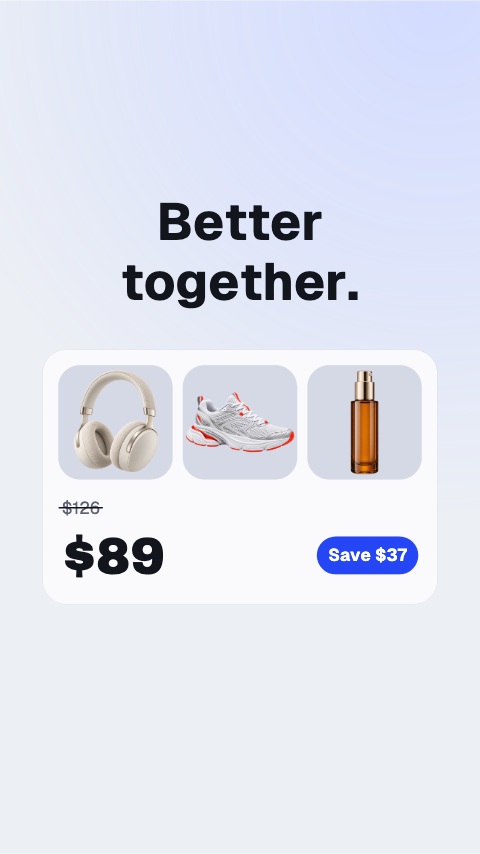 Bundle Offer5s
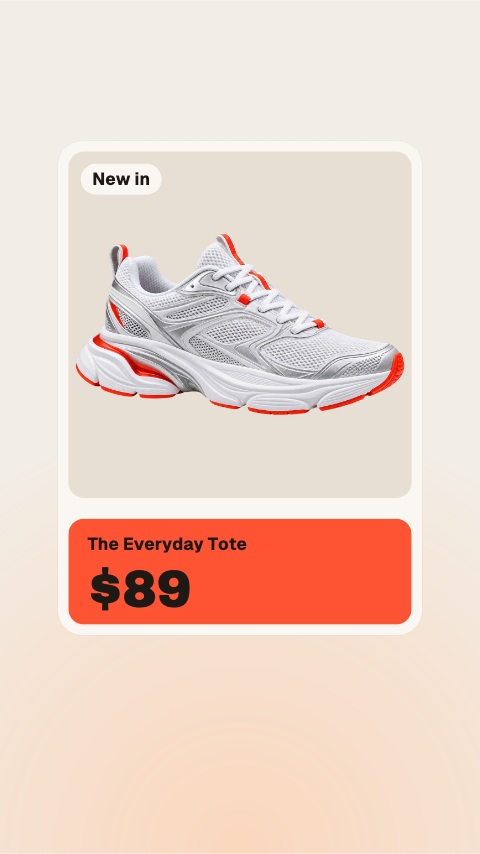 New Arrival9s
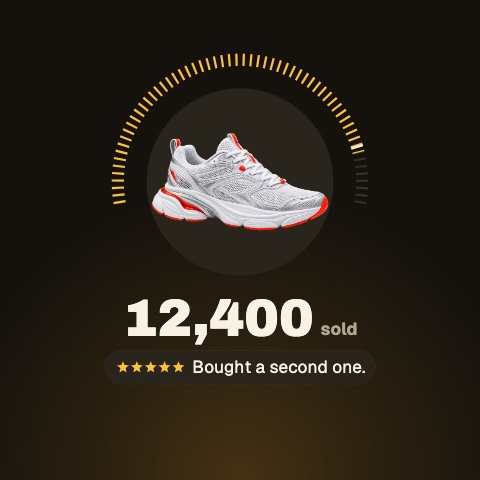 Bestseller5s
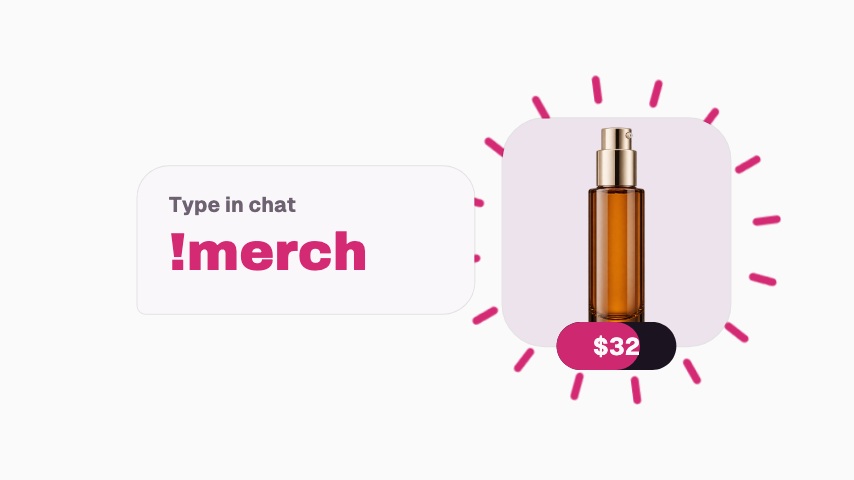 Merch Chat Command3.5s
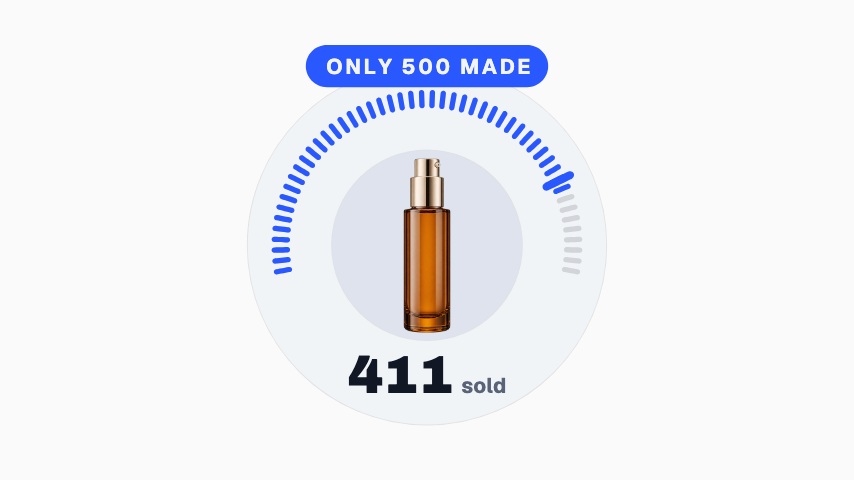 Limited Run3.2s
 Merch Code3s
 Merch Shelf4s
 Merch Drop Alert3s
 Launch Ad10s
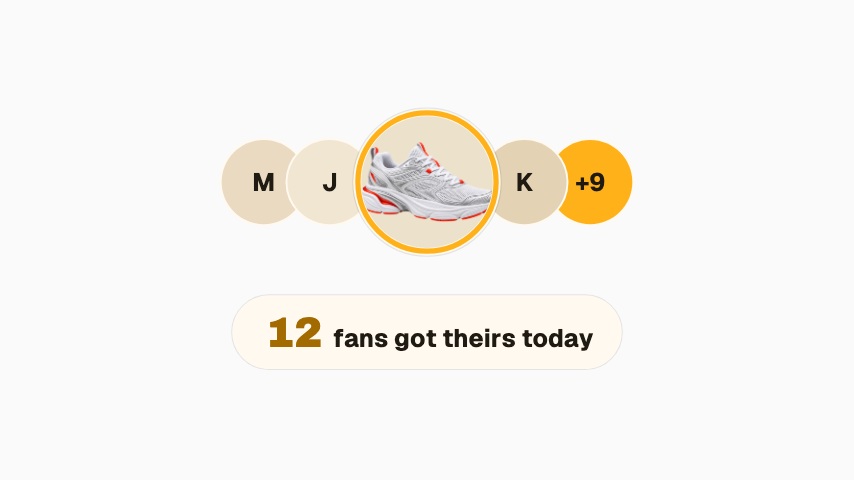 Fan Wall3.2s
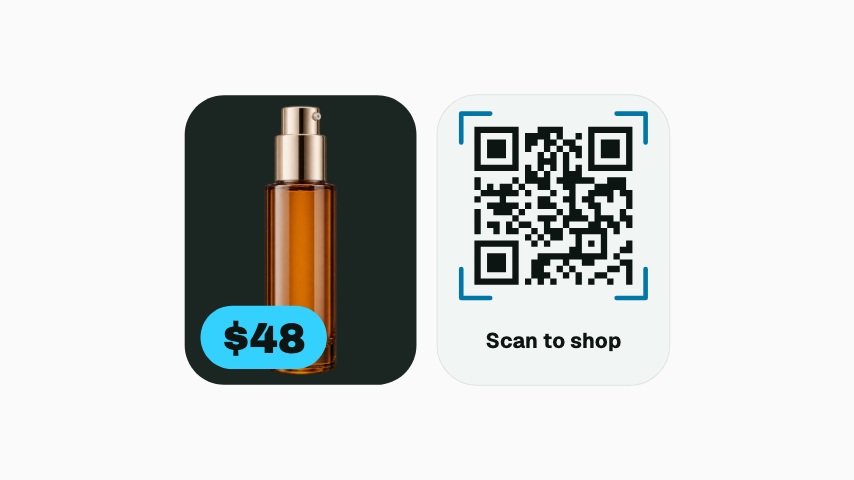 Scan to Shop3.3s
Not quite you?
Go from product photo to campaign-ready motion.
Ship the creative a campaign needs this week, without waiting on a designer. Flash sales, discount codes, price drops, reviews and social proof, the small, frequent assets a shop actually posts.
29 animationsTurn a listing into a week of posts that get seen.
Cover a listing from the day it goes live to the day it closes, built for a phone screen. Just listed, open house, price drop and sold, in the shapes buyers actually scroll.
21 animationsMake a market explainer people can read.
Put a figure on screen that reads on a phone and is sourced while you say it. Ticker tapes, exchange rates, portfolio breakdowns, runway charts and citation cards.
7 animations
Open one and export something today
All 145 of these open on Pro, free for seven days. Cancel any time.
Start free