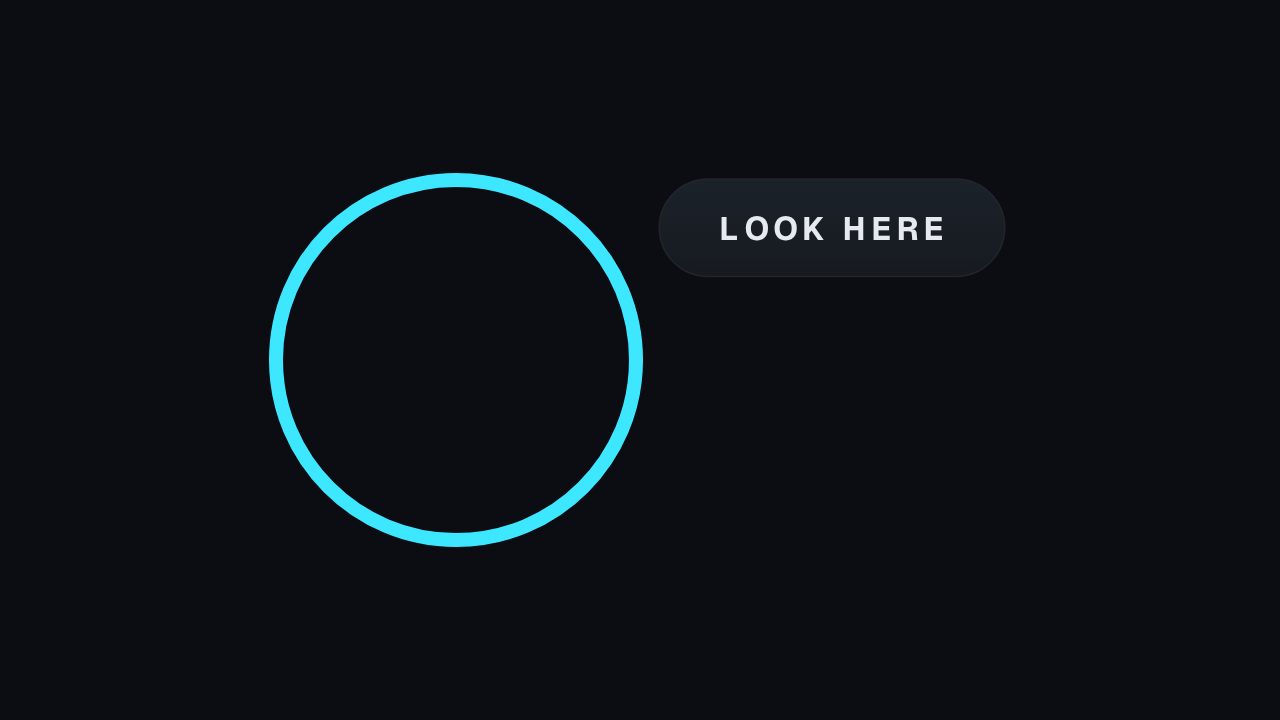
Pointer Callout is a practical overlay for product demos, sports breakdowns, tutorials and before-and-after edits. Write a short instruction or observation, then position the pointer over the relevant control, object or moment. It adds direction without requiring a freeze-frame or a long voice-over explanation.
Where it fits
Over a product demo to point at the button being discussed while the voiceover continues.
On a sports or gameplay breakdown to mark the pass, block or input that decided the moment.
In a before-and-after edit, pointing to the detail that changed.
Filling it in
Write the label as an instruction or a plain observation, WATCH THIS BIT or TAP HERE, in three words or fewer. Position the animation so the pointer tip lands on the subject and the label sits on the least busy part of the frame. If the footage moves, hold the callout for the still moment only.
Format and timing
Pointer Callout is built at 640 × 360, a 16:9 landscape frame, the shape of a YouTube video, a stream layout and most editing timelines, and runs 3 seconds at 30 frames per second. It arrives in 1.0 seconds, holds for 1.3 and clears in 0.7, so cue it a beat before the moment it labels. Export it as an MP4 for a timeline or a feed, a GIF where video will not embed, or a MOV with an alpha channel to lay it over footage with nothing behind it. Renders go up to 4K on a paid plan, and Pro opens it free for the first seven days.
Rotate or flip the exported layer in your editor. The label stays readable when flipped horizontally, so mirror it to point the other way rather than rendering a second version.
Is it better than a freeze frame for tutorials?
Usually. A freeze stops the demo, and viewers lose the thread. A callout over live footage keeps the action moving while still saying where to look, which is what a tutorial needs.