01Announce
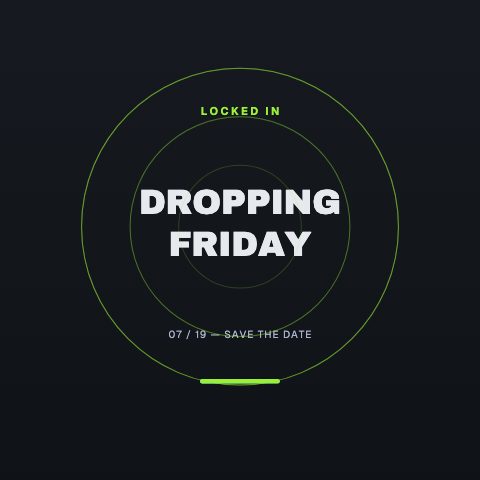 Launch Radar
Build the announcement.
Put the release name and date at the centre of your next post.
 MusicGet started
CaliberVisual for music
Give every release a campaign, not one post. Announcements, now-playing cards and listening links, matched to your artwork.
Starts today. Cancel any time.
 Now Playing
Made for what you do
Launch RadarPut the release name and date at the centre of your next post.
Now PlayingCarry the artist and track title over a performance or listening clip.
 Link In Bio
Close with a profile or link card that sends people to your music.
Pick a launch, now-playing or link template.
Enter your artist name, title and release details.
Set the colours and type, then export your graphic.
Yes. Transparent MOV export lets you place artist names, track titles and links over your own video footage.
Plans start the moment you subscribe: every animation, clean exports, every ratio. Cancel any time and it runs to the end of the period. Pro includes 10 clean exports a month at 1080p, in every ratio and as transparent MOV, for $9.99 a month.
Every paid plan opens the whole library, with clean exports every month (Pro 10, Studio 25, Business 60), every ratio and transparent MOV. Studio and Business add 4K export, higher frame rates and more brand kits. See pricing for the full plan details.
Made for music
Starts today. Cancel any time. Every animation, with clean exports every month, in every ratio from one edit.