
Take a release from announcement to tour date.
Run a whole release campaign without the midnight session in Canva. Release dates, tracklists, waveforms, tour cards and drop announcements, for the feed, the story and the visualiser.


In short
Take a release from the first teaser to the last tour date with posts that read as one campaign. Musicians and labels use CaliberVisual for release dates, tracklist rolls, waveforms, audiograms and tour cards. You set your own text and colours, and export MP4 for a Reel, GIF for a story, or a transparent MOV to lay over performance footage. It covers the run of small assets a release needs between the artwork and the video, which is usually the gap somebody fills at midnight in Canva.
- 237
- Animations here
- 525
- In the library
- MP4, GIF, MOV
- Export
- 24 · 30 · 60 fps
- Frame rate
- 720p to 4K
- Resolution
- In the browser
- Editing
What music artists put on screen
Announce the release
The date, the countdown to it, and the frame that says something is coming before you are ready to show what. The three posts every release runs before release day.
Make the audio visible
A snippet in a feed is silent until somebody chooses otherwise. A waveform, a now-playing bar or a full audiogram gives them a reason to make that choice.
Shows, dates and drops
Tour announcements, a venue, a limited run of something. The assets with a deadline attached, where a designed frame and a typed caption are not the same post.
Follow, save, subscribe
One ask per post, in the platform's own language, sized for the corner rather than the middle.
How to make a release announcement for social
- 01
Choose the post you are making
A release date, a countdown, a tracklist, a tour card, a collab announcement. Each carries one message rather than four.
- 02
Set the title, date and palette
Type in the track or tour details and apply the release brand kit so the whole campaign shares one look.
- 03
Export at the shape you are posting
9:16 for stories and Reels, 1:1 or 16:9 for a feed. Export MOV instead if it is going over performance footage.
How these land in your workflow
Story-shaped
Most of a release campaign is 9:16. Preview at that shape and keep the type clear of the platform's own sticker and caption furniture.
Audio, made visible
A waveform or an audiogram gives a snippet something to look at, which is what a silent autoplay needs before anyone unmutes.
One campaign, one look
A brand kit carries the release palette and typeface across the announcement, the countdown, the drop and the tour card.
MOV over footage
A transparent export sits over performance or studio footage without a card behind it, so the shot stays the shot.
Questions music artists ask
Can I use these over a music video or performance footage?
Yes. Export MOV and the transparent parts stay transparent over your footage, so a release date or a credit sits on the shot rather than interrupting it. For a standalone post, MP4 on a solid colour is the simpler file.
Is the waveform generated from my actual track?
No. The waveform and audiogram animations are designed motion rather than an analysis of your audio, and you lay your track under the exported clip in any editor. In practice that is what most audiograms are, and it means the movement is designed rather than whatever the amplitude happened to do.
Can a label run one look across several artists?
Yes. Brand kits are per kit rather than per account, so a label can hold a palette and typeface for each artist and switch between them when opening an animation.
What do I use for a story versus a feed post?
Preview at 9:16 for stories and Reels, 1:1 or 16:9 for a feed, and export separately. The same animation, checked at each shape, rather than one file cropped three ways.
Can I use the exports in a paid promotion?
Yes, including label-run campaigns and paid placements. There is no per-use licence on an export.
Every animation for music artists
Promo
70 promo animations, editable in the browser and exported straight from it.
 Bento Grid4s
 Launch Cut8s
 Checkout Steps3s
 Scroll Cue3s
- Launch Radar4s
 Quantity Left4s
 Scratch Code4s
 Screenshot This4s
 Free Download3s
 Join The List3s
 Problem, Product, Result9s
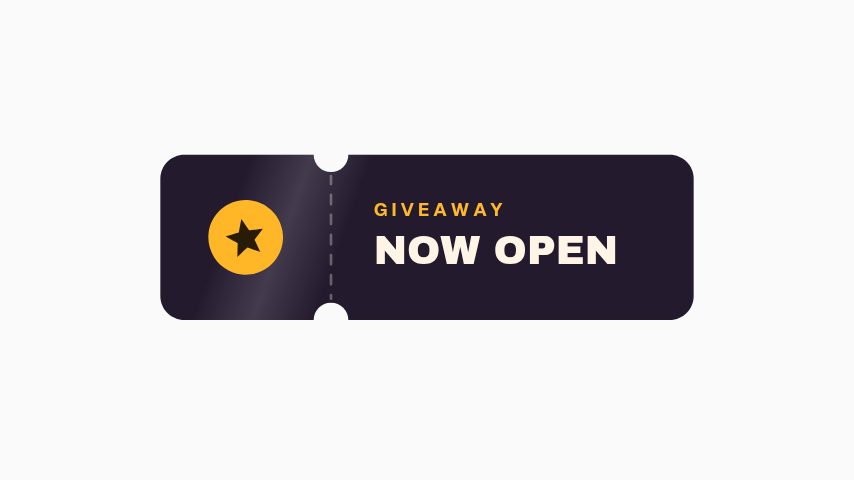 Giveaway Now Open3s
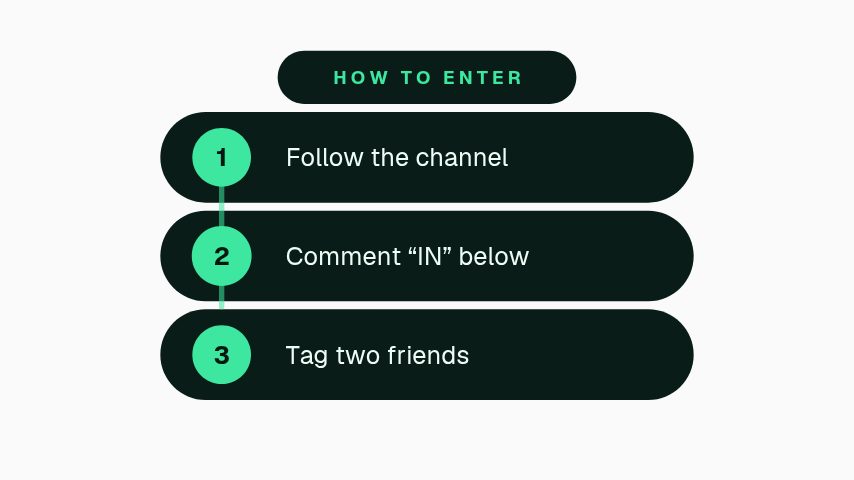 How to Enter3.5s
 Prize Fan3.5s
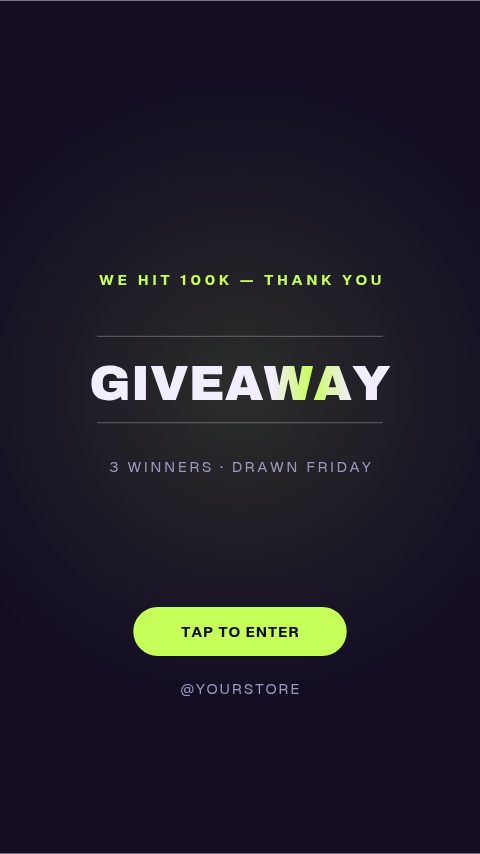 Giveaway Day4s
 Waitlist Urgency3s
 Free Guide Magnet3s
 QR Scan3s
 Enrolment Closing4s
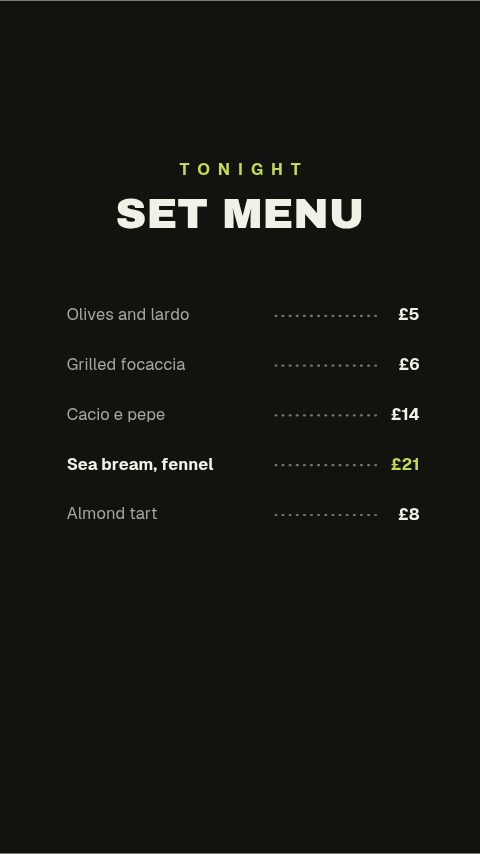 Set Menu Board4s
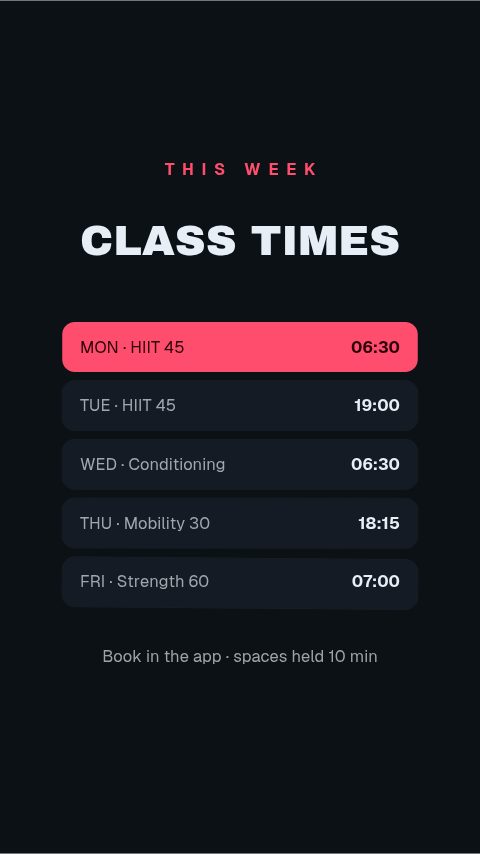 Class Timetable4s
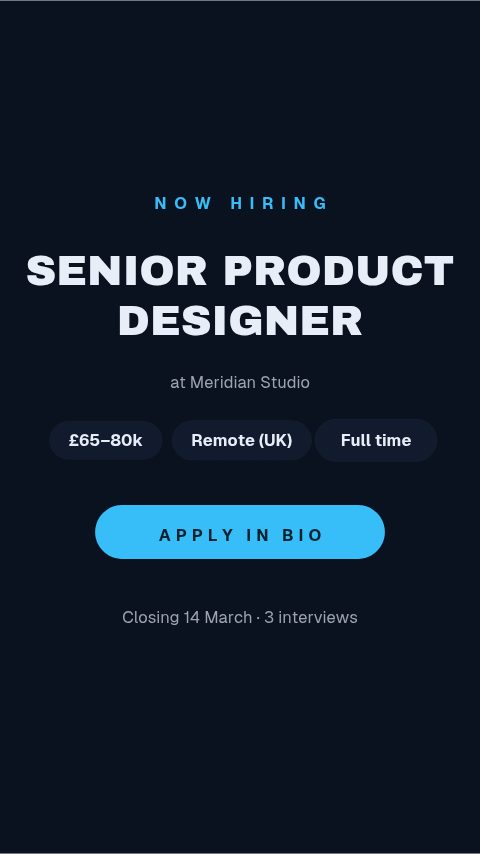 Job Card4s
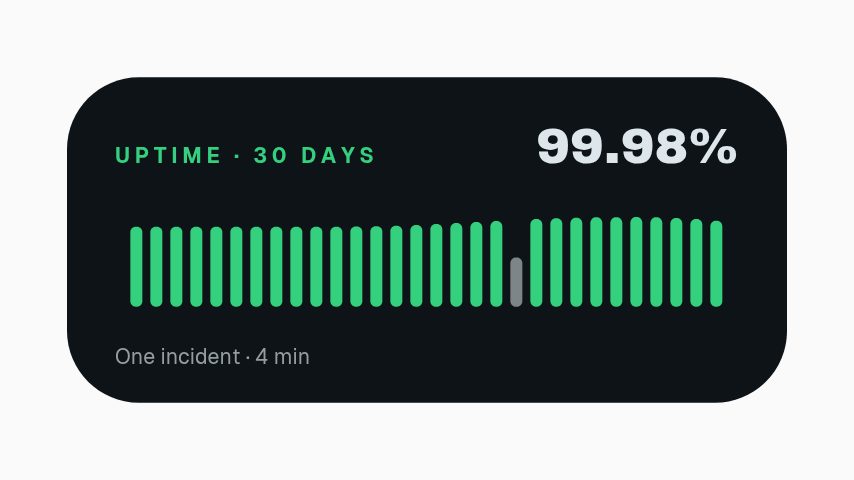 Uptime Badge3s
 Campaign Lift3s
 Stat Face-Off4.4s
 Before After Wipe4.4s
 Top Five Countdown5s
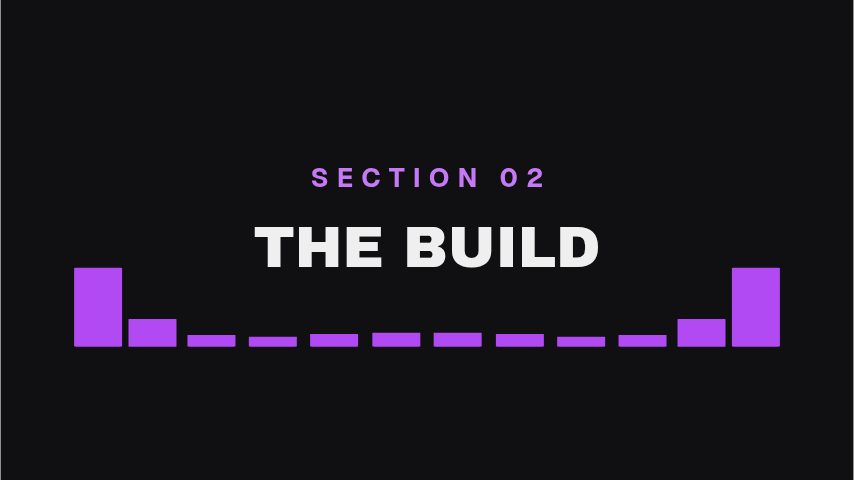 Equalizer Divider4s
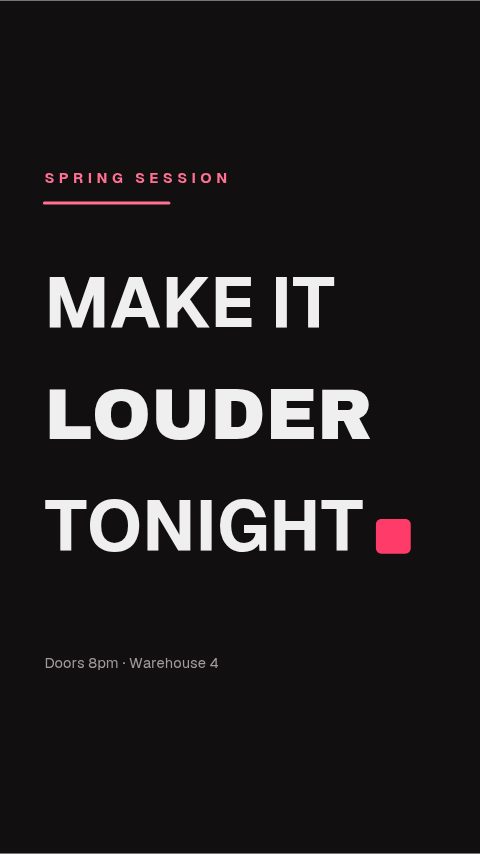 Slot Rise Title4s
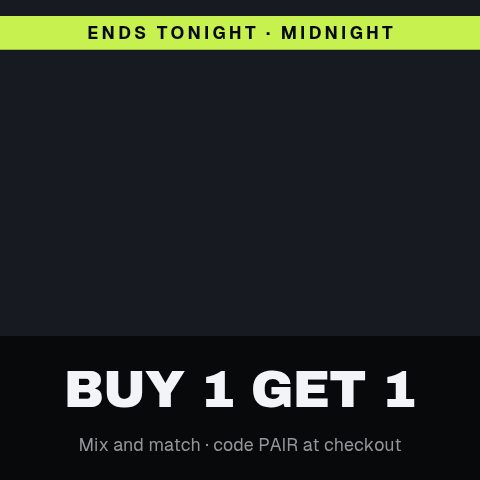 Tile Clear Reveal4.4s
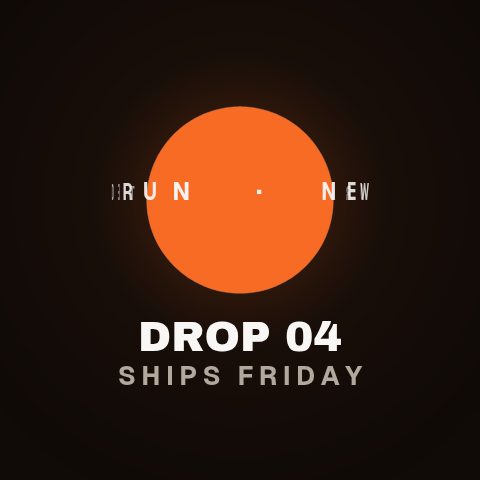 Cylinder Type Ring4.4s
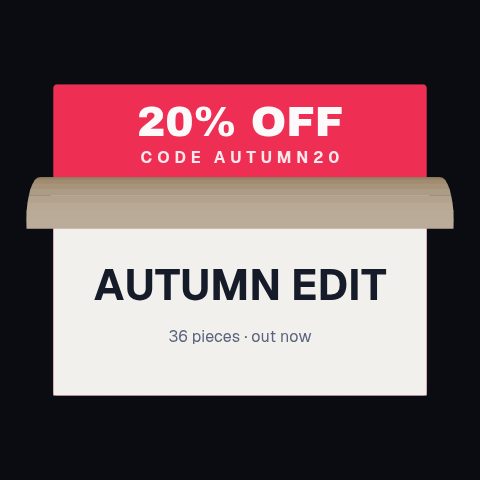 Page Peel Reveal4.4s
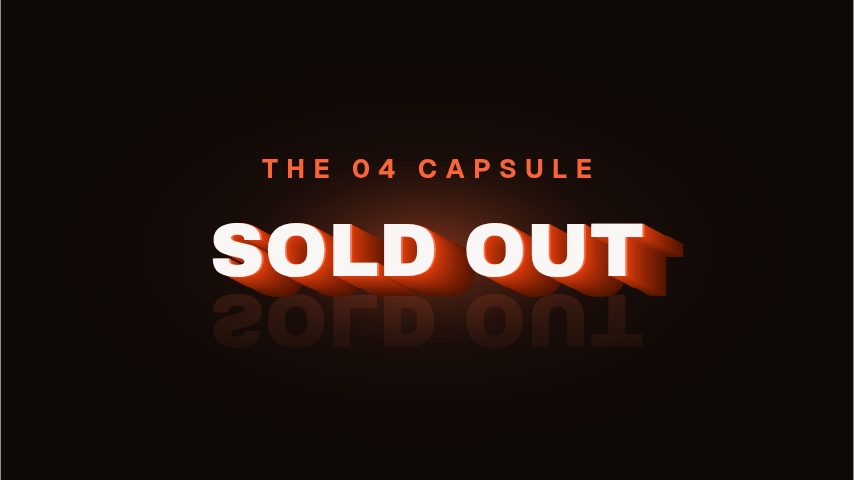 Extruded Title4s
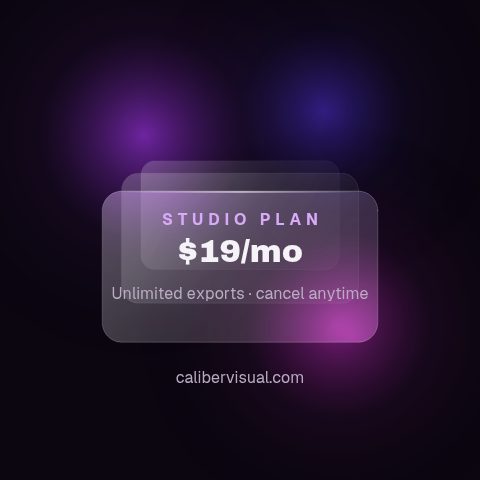 Frosted Glass Plan4.4s
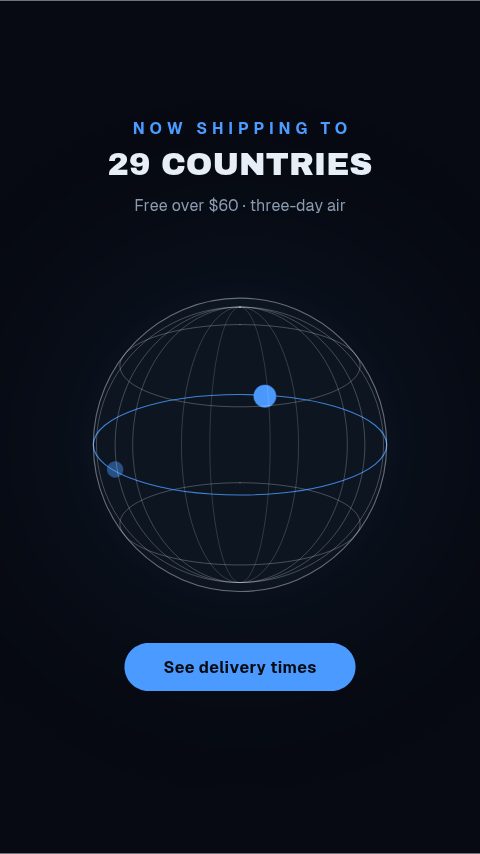 Shipping Globe5s
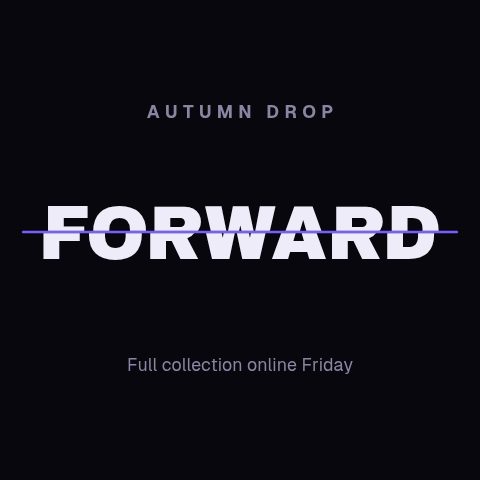 Split Lock Title4s
 Launch Teaser Spot11s
 Three-Act Spot11s
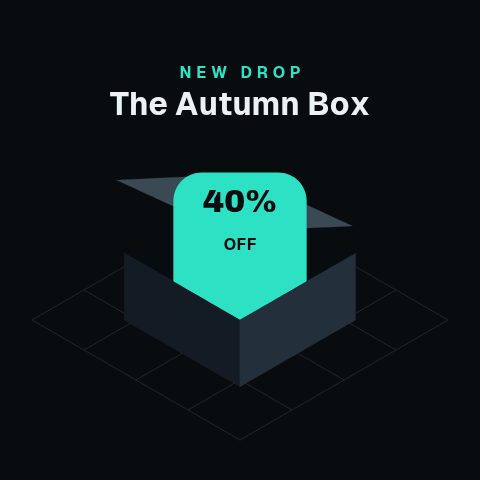 Axonometric Unbox4.4s
 Free Trial Countdown4s
 Shop Now Arrow3s
 Ends Soon Clock4s
 Flash Bolt Sale4s
 Price Strike Swap3s
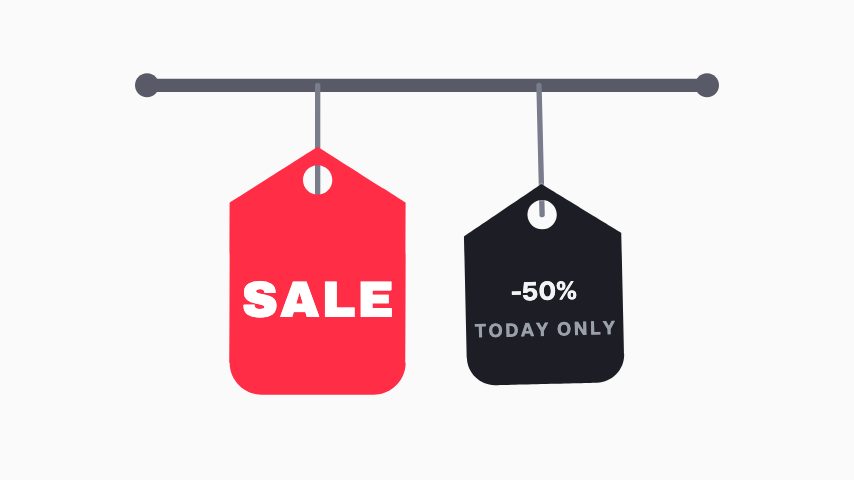 Tag Swing Sale3s
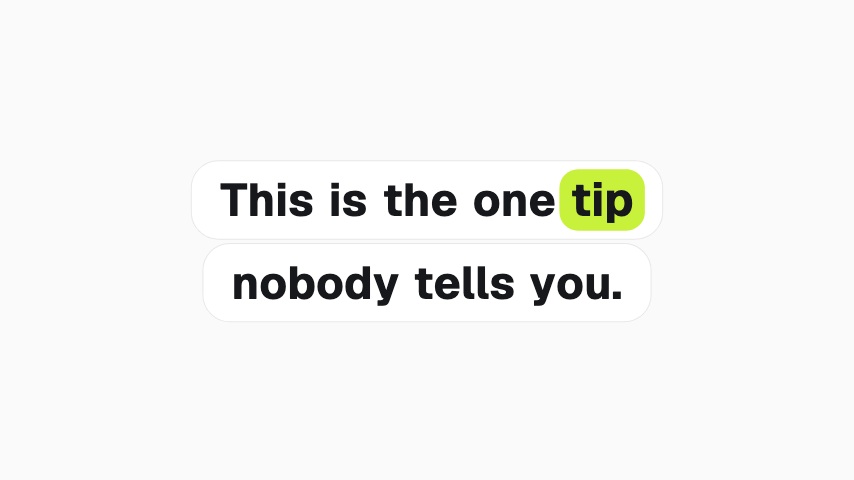 Caption Highlight4s
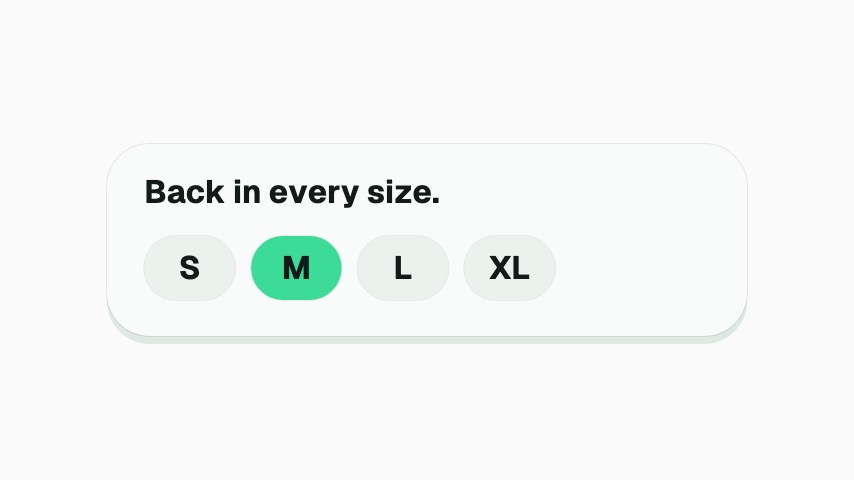 Size Picker4s
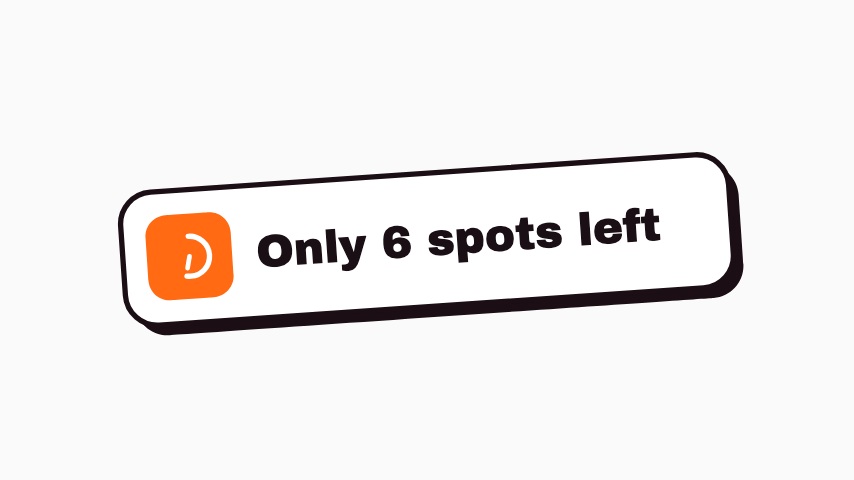 Spots Left Sticker3s
 Marquee Bands CTA4s
 Tile Grid CTA4s
 Card Fan CTA4s
 Gauge Urgency CTA5s
 Pill Focus CTA3.5s
 Word Rise CTA5s
 Payout Double5s
 Premiere Reminder5s
 Watch Next Sticker3s
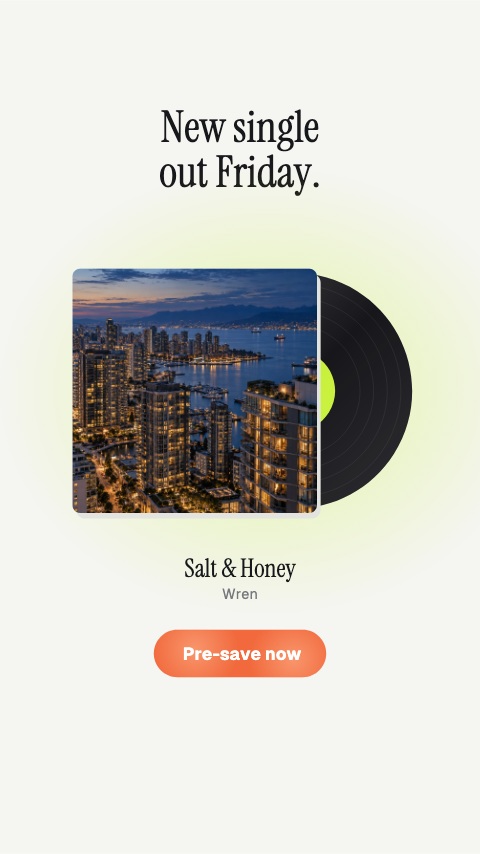 Pre-save5s
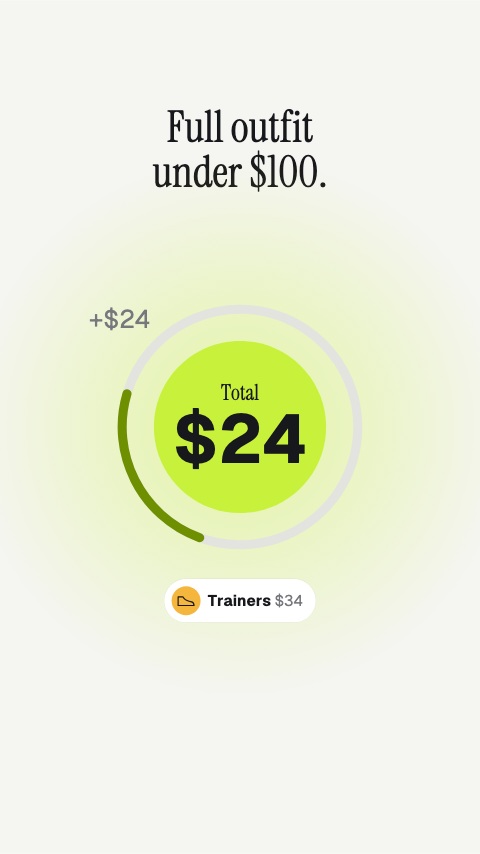 Outfit Total5s
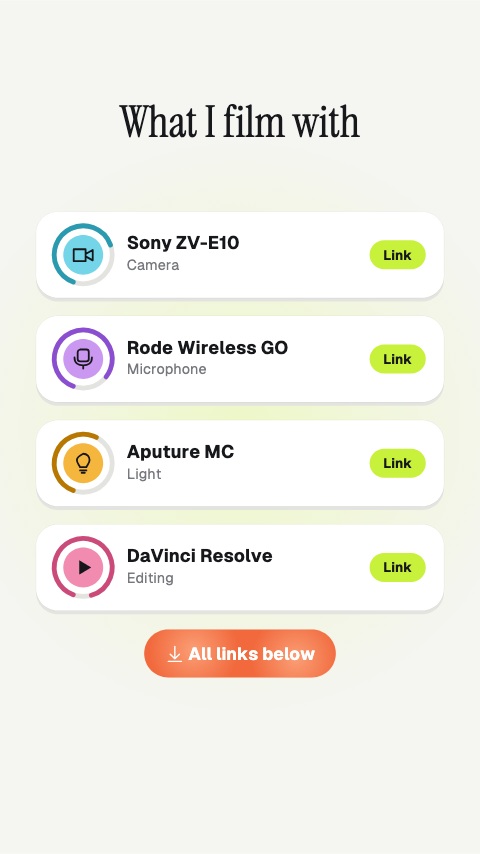 Gear List5s
 Latest Upload3.5s
 Soft Shop Button3s
 New Colours3.5s
 Restock Notification3.5s
 Bundle Burst3.5s
 Order Odometer3.5s
 Almost Sold Out3.5s
 Merch Is Live3s
 Product Row4s
 Pre-order Ring3s
Social
64 social animations, editable in the browser and exported straight from it.
 Poll Result3s
 Like Burst3s
 Instagram Follow3s
 Like, Comment & Share3s
 Comment Pop3s
 Link In Bio3s
- Follow Chip3s
 DM Popup3s
 Floating Reactions3s
 Sparkline Card3s
 Comment Burst3s
 YouTube Like Press3s
 TikTok Share Press3s
 Facebook Like Toggle3s
 TikTok Double Tap4s
 Save This3s
 Send To A Friend3s
 Watch It Again4s
 Swipe Up Arrow Rain4s
 Share to Story4s
 Engagement Checklist3s
 Vertical End Card4s
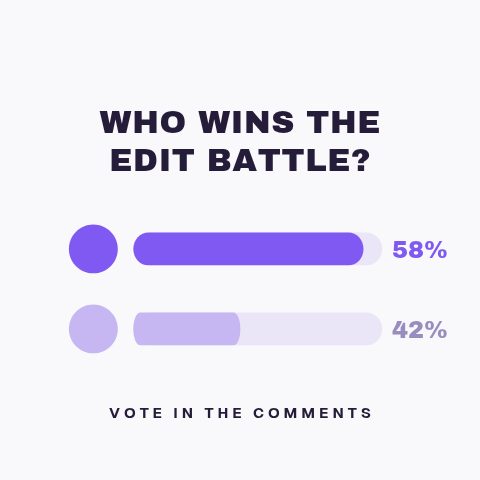 Poll Results4s
 New Post Alert3s
 Handle Nameplate3s
 Green Screen Prompt3s
 Duet This3s
 Story Link Sticker3s
 Story Quiz Sticker3s
 Story Poll Sticker3s
 Playlist Stack3.6s
 Chapter Jump3s
 Full Video On The Channel3.2s
 Watch This Next3.2s
 Like Slam4s
 Like Charge3s
 Comment The Word3.2s
 This Or That4s
 A Or B3s
 Sound Up3s
 Save It For Later3s
 Like Meter3s
 Save Sticker3s
 Vote Sticker3s
 Comment Word Sticker3s
 Part 2 Sticker3s
 Share Sticker3s
 Comment Sticker3s
 Like Sticker3s
 Link Sticker CTA3s
 Ring Pulse CTA4s
 Orbit Gather CTA5s
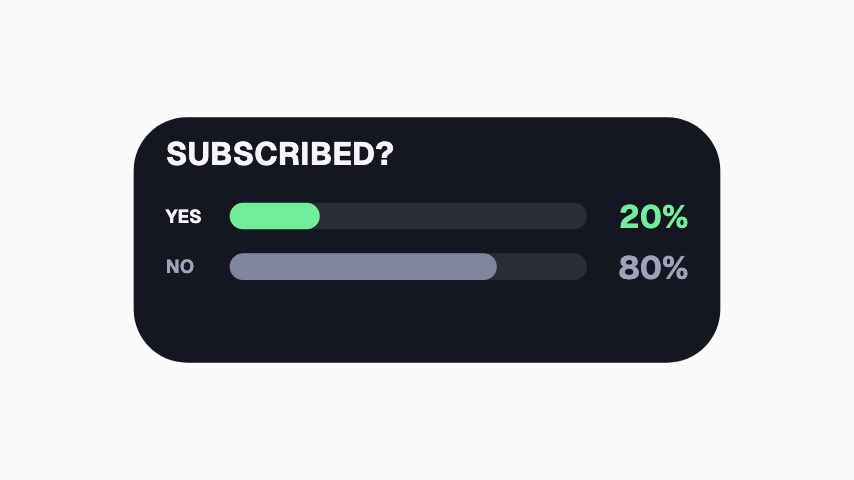 Subscribed Poll3.3s
 Tag a Friend Sticker3s
 Double Tap Sticker3s
 Instagram Follow Card3.5s
 Profile Follow3.9s
 Watch Next Thumbnail4s
 Follow Button Press4s
 Save To Collection4s
 Share Send3.6s
 Instagram Avatar Follow3.9s
 TikTok Profile Pop3.9s
 Instagram Next Episode4s
Subscribe
101 subscribe animations, editable in the browser and exported straight from it.
 Subscribe Tap3s
 Goal Meter3s
 Twitch Follow3s
 Twitch Follow (No Card)3s
 Twitch Follow (Side Slide)3s
 Twitch Follow (Lower Third)3s
 Twitch Follow (Corner Badge)3s
 X Follow3s
 X Follow (No Card)3s
 X Follow (Side Slide)3s
 X Follow (Lower Third)3s
 X Follow (Corner Badge)3s
 Facebook Follow3s
 Facebook Follow (No Card)3s
 Facebook Follow (Side Slide)3s
 Facebook Follow (Lower Third)3s
 Facebook Follow (Corner Badge)3s
 YouTube Subscribe3s
 YouTube Subscribe (No Card)3s
 YouTube Subscribe (Side Slide)3s
 YouTube Subscribe (Lower Third)3s
 YouTube Subscribe (Corner Badge)3s
 TikTok Follow3s
 TikTok Follow (No Card)3s
 TikTok Follow (Side Slide)3s
 TikTok Follow (Lower Third)3s
 TikTok Follow (Corner Badge)3s
 Toggle Switch3s
 Sub Gauge4s
 Subscribe Reason3s
 Subscribed3s
 Subscriber Tally3s
 Notifications On3s
 Membership Active3s
 YouTube Channel Page4s
 YouTube Watch Page4s
 YouTube Shorts4s
 YouTube Subscribe Bar3s
 YouTube Corner Watermark3s
 YouTube Shorts Rail3s
 YouTube Bell Menu3s
 YouTube Subscribe Press3s
 Twitch Hold To Follow3s
 Facebook Notification Toggle3s
 Instagram Story Follow3s
 X Follow Press3s
 YouTube Bell Menu3s
 Subscribe Press3s
 TikTok Live Follow3s
 TikTok Follow Press4s
 TikTok Rail Follow4s
 Instagram Story Swipe4s
 YouTube Shorts Subscribe4s
 Twitch Mobile Follow4s
 X Profile Follow4s
 Facebook Page Follow4s
 YouTube Bell Vertical4s
 Instagram Hold To Follow4s
 Twitch Follow Press4s
 YouTube Count Press4s
 Instagram Profile Follow4s
 Instagram Page Follow5s
 YouTube Hold To Subscribe4s
 TikTok Follow Square4s
 X Swipe To Follow4s
 Facebook Follow Square4s
 Subscribe And Bell4s
 Instagram Post Notifications4s
 YouTube Subscribe And Bell4s
 X Swipe Follow4s
 YouTube Split End Card4s
 Twitch End Card Follow4s
 TikTok End Card4s
 X End Card4s
 Facebook End Card4s
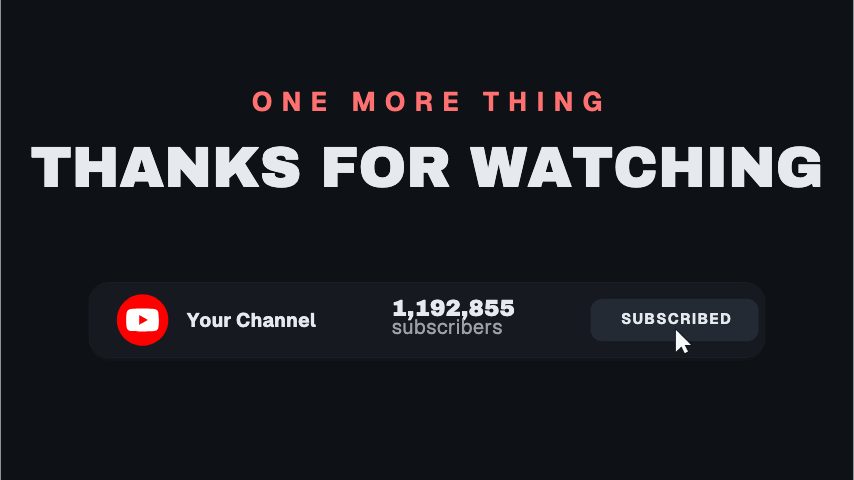 YouTube End Card Bar4s
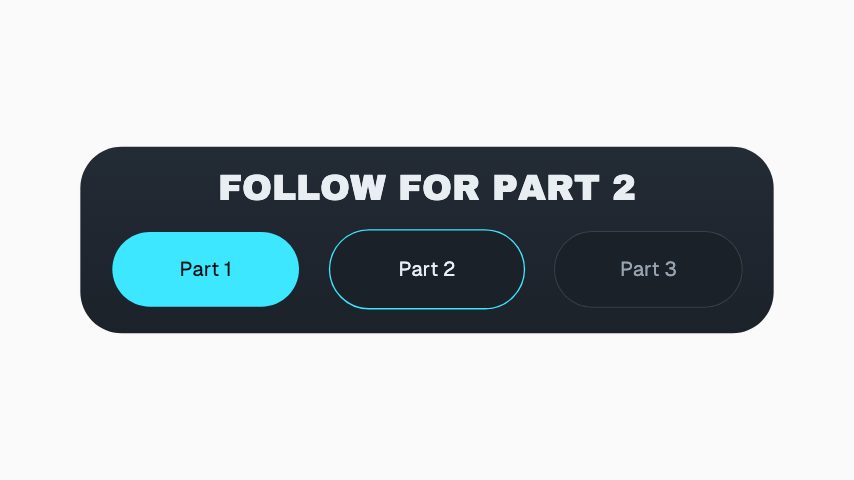 Follow For Part 23.2s
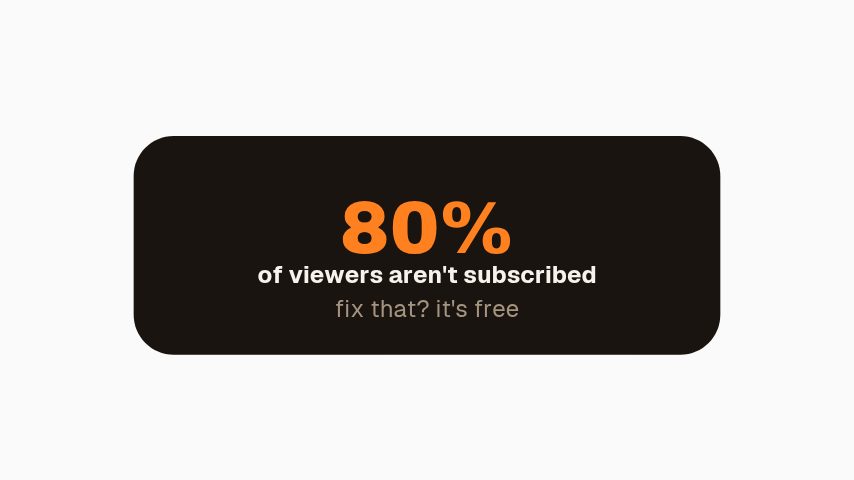 Subscribe Percent3s
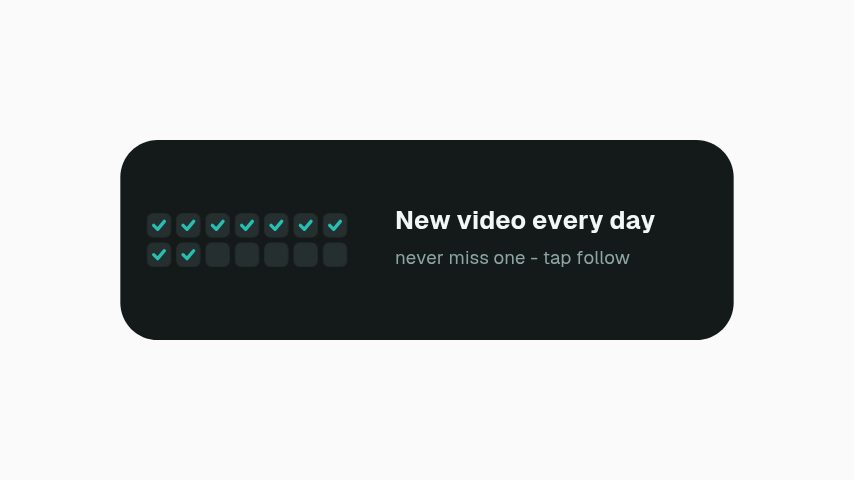 Daily Upload Promise3s
 Avatar Orbit Subscribe4s
 Bell Toggle Switch4s
 Bell Draw Hero4s
 Notification Fan3s
 TikTok End Screen4s
 TikTok End Panel4s
 TikTok Outro Credit3.2s
 Triple Ask3s
 Subscribe & Bell Liquid Glass4s
 Channel Sticker3.5s
 Bell Sticker3s
 Subscribe Sticker3s
 You're In Check4s
 Stuck at 99%3.6s
 Gift a Sub3.2s
 Typed Subscribe3s
 New Here?5s
 Road to Goal3.5s
 Content Cycler4s
 Logo Subscribe4s
 YouTube Channel & Bell4s
 Creator Type Stack4s
Not quite you?
Go from product photo to campaign-ready motion.
Ship the creative a campaign needs this week, without waiting on a designer. Flash sales, discount codes, price drops, reviews and social proof, the small, frequent assets a shop actually posts.
29 animationsTurn a listing into a week of posts that get seen.
Cover a listing from the day it goes live to the day it closes, built for a phone screen. Just listed, open house, price drop and sold, in the shapes buyers actually scroll.
21 animationsTurn an episode into a week of clips.
Get an audio show seen in a feed that plays silently. Guest intros, pull quotes, chapter markers, audiograms and sponsor slates, for the video feed and for the clips account.
8 animations
Open one and export something today
All 237 of these open on Pro, free for seven days. Cancel any time.
Start free