
Turn an episode into a week of clips.
Get an audio show seen in a feed that plays silently. Guest intros, pull quotes, chapter markers, audiograms and sponsor slates, for the video feed and for the clips account.
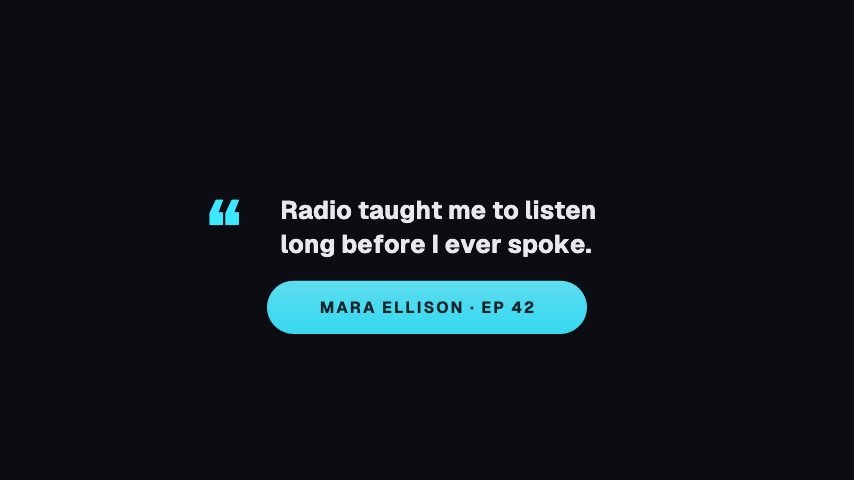
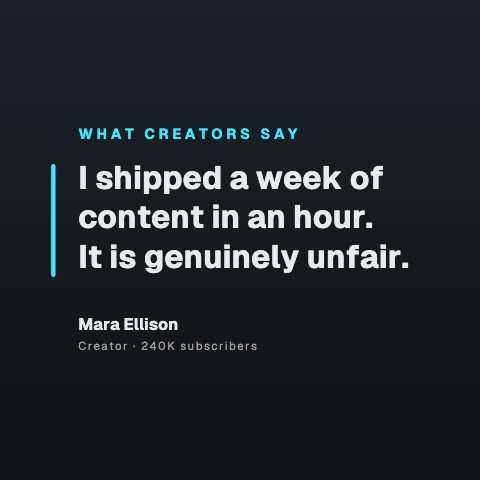

In short
Turn one episode into a week of clips that survive a silent autoplay. Podcasters use CaliberVisual for guest intros, pull quotes, chapter markers, an audiogram for audio-only cuts, and a sponsor slate. You edit the text in your browser, apply your show's colours and typeface, and export MP4 for the feed or a transparent MOV to sit over camera footage. One episode's worth of graphics takes minutes rather than an afternoon in a motion project.
- 84
- Animations here
- 525
- In the library
- MP4, GIF, MOV
- Export
- 24 · 30 · 60 fps
- Frame rate
- 720p to 4K
- Resolution
- In the browser
- Editing
What podcasters put on screen
Turn audio into something a feed stops for
The hardest part of promoting a podcast is that the good bit is a sound. These give a two-minute clip a shape on screen, so it survives a silent autoplay in somebody's timeline.
Introduce the guest properly
Name, title, what they are known for, on screen while you say it rather than only in the show notes. A guest is far more likely to share a clip that spells their credit correctly.
Give the episode structure
Chapters and topic cards make a ninety-minute conversation navigable, and they give you something to cut against when you pull the episode apart for clips.
Sponsors, links and merch
The read is the part that pays for the show. A designed slate with the code on it is worth more to a sponsor than the same words spoken over a static frame, and it makes the renewal conversation easier.
Ask for the follow at the end
One ask, at the end, where a listener who made it that far is most likely to act. Plus the credits, which are also where you thank the people who made the episode.

How to make an audiogram for a podcast clip
- 01
Open the audiogram or quote card
Pick the frame that fits the clip: a waveform for a snippet, a pull quote for a line worth reading, an episode card for the full show.
- 02
Add the episode and guest details
Type in the show name, episode title and guest, then apply your show's brand kit so every clip in the account matches.
- 03
Export and lay your audio under it
Export MP4 at the shape you are posting to, then drop your audio beneath it in any editor and publish the clip.
How these land in your workflow
Three shapes per episode
16:9 for the full episode, 9:16 for the clips account, 1:1 where a square still performs. The editor previews at the shape you are publishing to.
Audio you can see
An audiogram gives an audio-only show something a feed will stop scrolling for, without you filming anything.
One guest, one edit
The intro, the lower third and the pull quote all read the guest's name from fields you set once per episode.
Sponsor-safe
A sponsor slate and a discount code as designed frames rather than a title card typed in the editor, which is usually what a media kit is promising.
Questions podcasters ask
Can I make an audiogram without filming anything?
Yes. The audiogram is a designed frame with a moving waveform, your episode title and guest name. You export it and lay your audio under it in any editor. That is the standard way an audio-first show gets a clip onto a video platform.
Do the clips need to be different sizes for each platform?
In practice yes, and the editor previews at 16:9, 1:1 and 9:16 so you can check the safe area before exporting rather than discovering the crop afterwards. Several animations are authored tall specifically for the clips account.
Can a guest's name carry through the whole episode?
You set it once per animation. The guest intro, the lower third and the pull quote each take the name as a text field, so a re-export with a new guest is a couple of minutes rather than a rebuild.
Will these match my show's branding?
Yes. Save a brand kit with your colours, typeface and logo and it applies to every animation you open. For a show publishing weekly, that consistency is what makes the clips recognisable in a feed.
What do I hand a sponsor?
An MP4 of the sponsor slate, or a transparent MOV if it goes over your camera footage. Both are ordinary files you can send, archive or hand to an editor.
Every animation for podcasters
Podcast
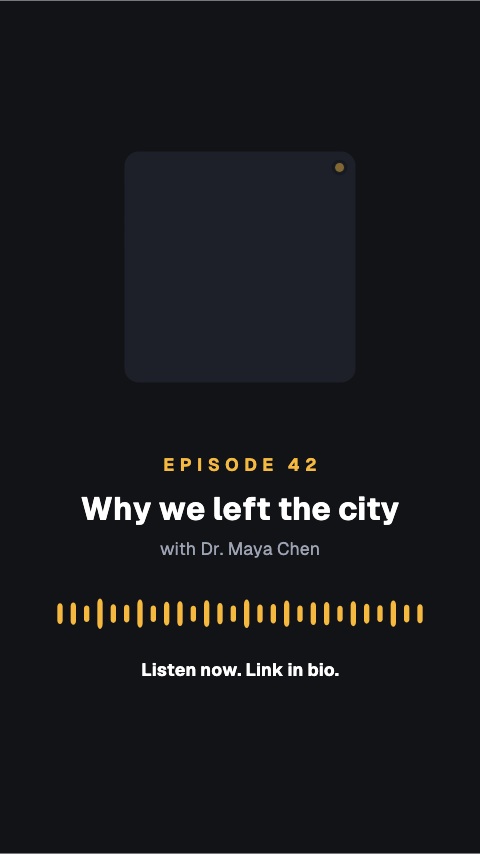
3 podcast animations, editable in the browser and exported straight from it.
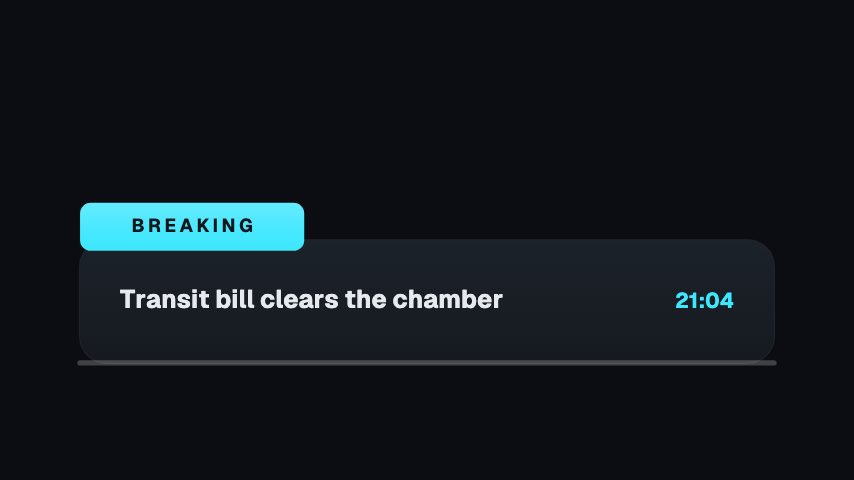
Broadcast
12 broadcast animations, editable in the browser and exported straight from it.
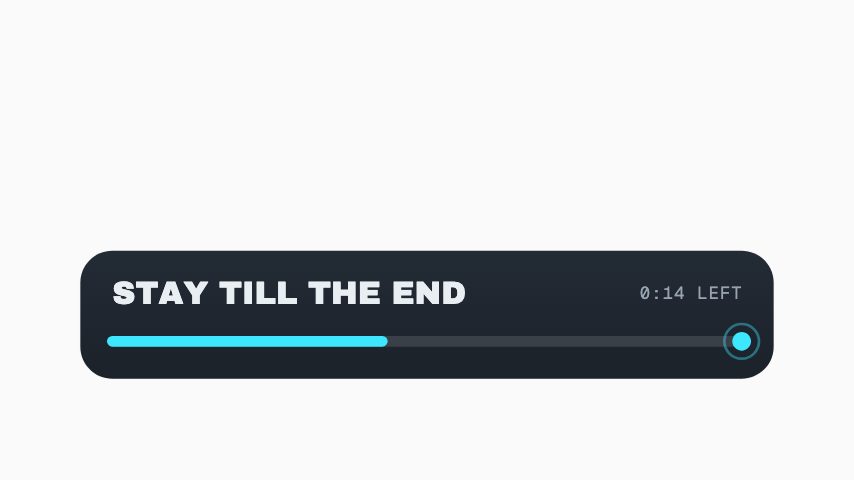
Social
64 social animations, editable in the browser and exported straight from it.
 Poll Result3s
 Like Burst3s
 Instagram Follow3s
 Like, Comment & Share3s
 Comment Pop3s
 Link In Bio3s
 Follow Chip3s
 DM Popup3s
 Floating Reactions3s
 Sparkline Card3s
 Comment Burst3s
 YouTube Like Press3s
 TikTok Share Press3s
 Facebook Like Toggle3s
 TikTok Double Tap4s
 Save This3s
 Send To A Friend3s
 Watch It Again4s
 Swipe Up Arrow Rain4s
 Share to Story4s
 Engagement Checklist3s
 Vertical End Card4s
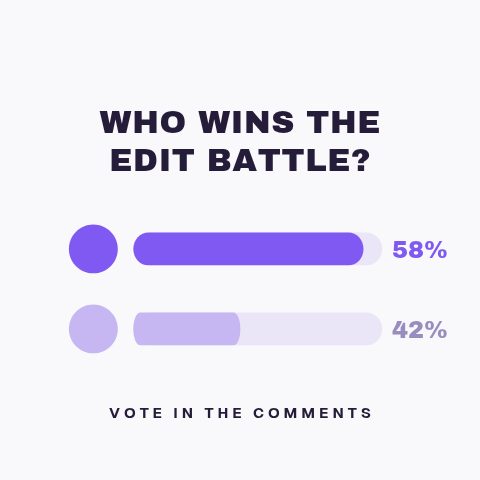 Poll Results4s
 New Post Alert3s
 Handle Nameplate3s
 Green Screen Prompt3s
 Duet This3s
 Story Link Sticker3s
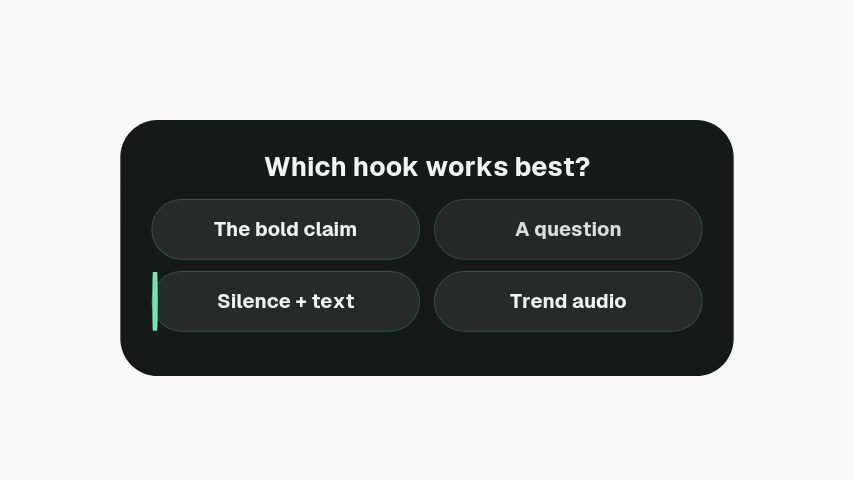 Story Quiz Sticker3s
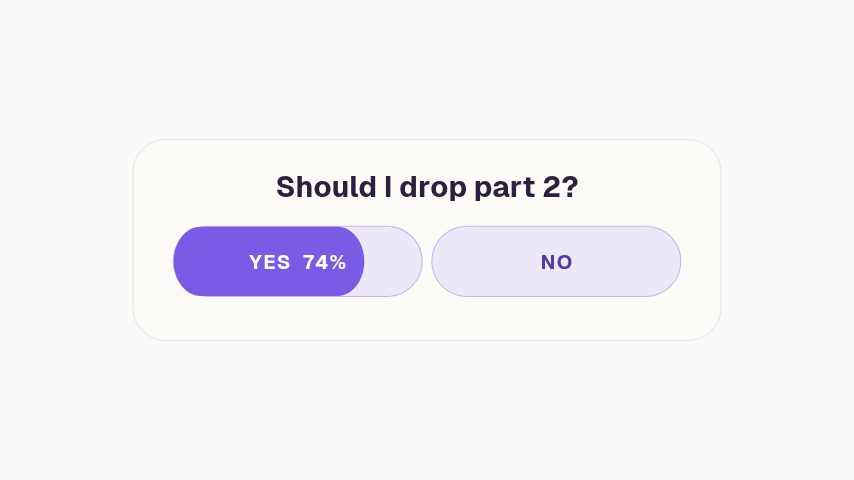 Story Poll Sticker3s
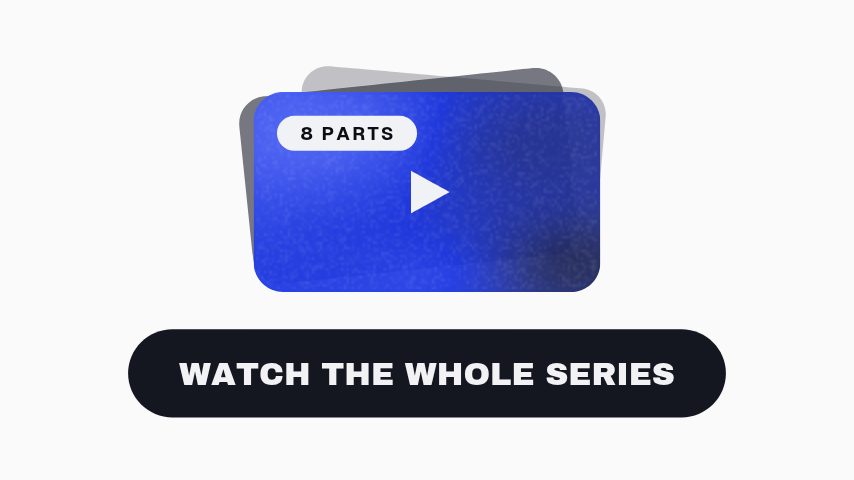 Playlist Stack3.6s
 Chapter Jump3s
 Full Video On The Channel3.2s
 Watch This Next3.2s
 Like Slam4s
 Like Charge3s
 Comment The Word3.2s
 This Or That4s
 A Or B3s
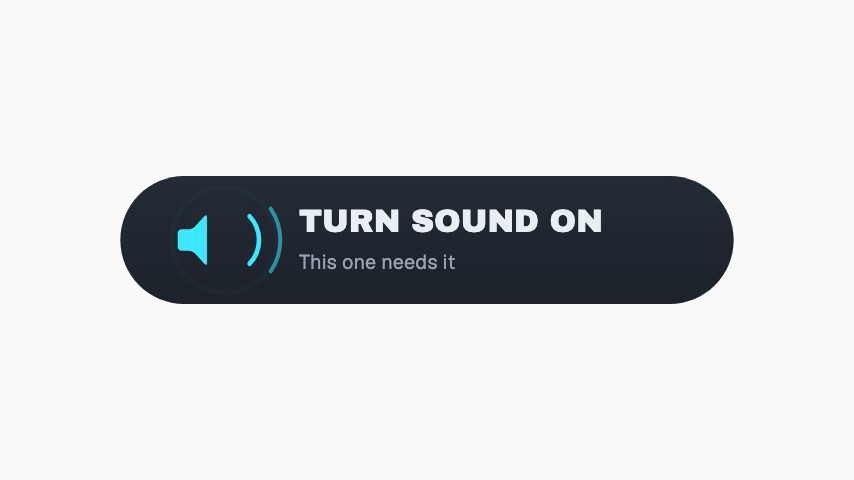
 Sound Up3s
 Save It For Later3s
 Like Meter3s
 Save Sticker3s
 Vote Sticker3s
 Comment Word Sticker3s
 Part 2 Sticker3s
 Share Sticker3s
 Comment Sticker3s
 Like Sticker3s
 Link Sticker CTA3s
 Ring Pulse CTA4s
 Orbit Gather CTA5s
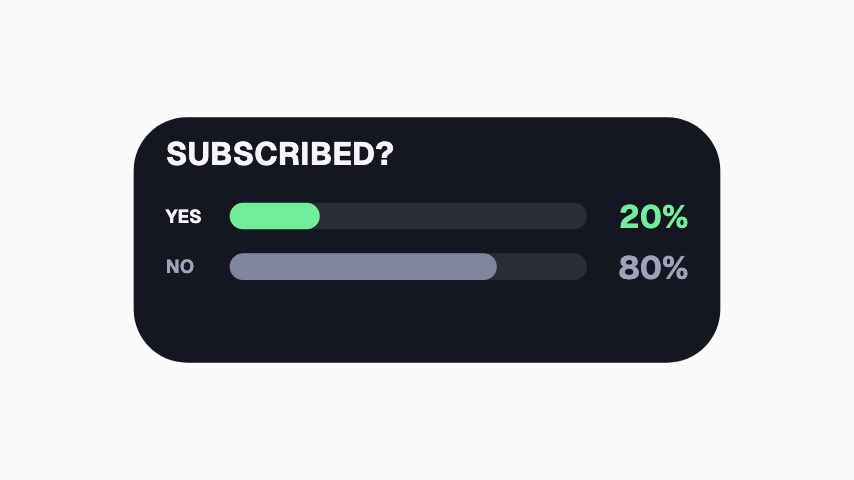 Subscribed Poll3.3s
 Tag a Friend Sticker3s
 Double Tap Sticker3s
 Instagram Follow Card3.5s
 Profile Follow3.9s
 Watch Next Thumbnail4s
 Follow Button Press4s
 Save To Collection4s
 Share Send3.6s
 Instagram Avatar Follow3.9s
 TikTok Profile Pop3.9s
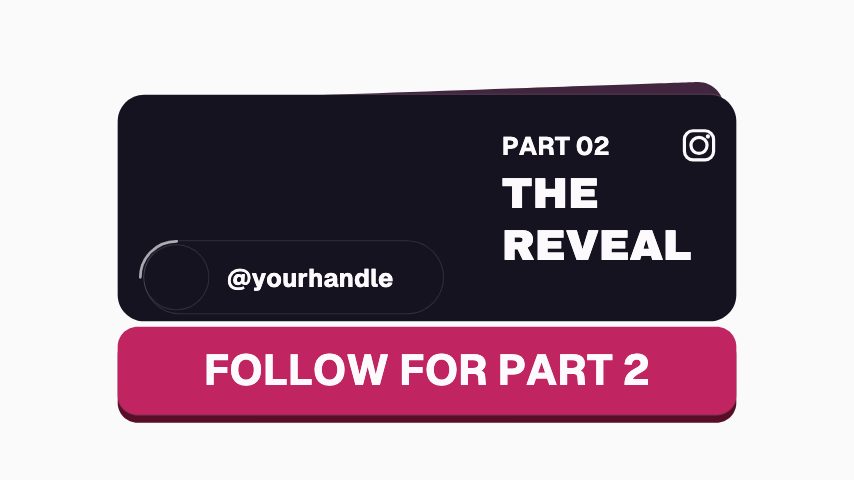 Instagram Next Episode4s
Media
1 media animation, editable in the browser and exported straight from it.
Not quite you?
Make the point land the second you make it.
Hold a viewer through the part of a lesson that words alone make longer. Key terms, timelines, comparisons, quiz reveals and citations, one clear graphic at the second it is needed.
8 animationsTake a release from announcement to tour date.
Run a whole release campaign without the midnight session in Canva. Release dates, tracklists, waveforms, tour cards and drop announcements, for the feed, the story and the visualiser.
8 animationsMake your stream look made, not defaulted.
Give a first-time viewer a channel worth staying in. Alerts, starting-soon screens, camera frames, goal meters and follow prompts, exported as transparent files your streaming software can read.
17 animations
Open one and export something today
All 84 of these open on Pro, free for seven days. Cancel any time.
Start free