Broadcast
Speaker Name
Put the speaker's name on the livestream, in the church's colours.
- Duration
- 4s
- Frame
- 640 × 360
- Export
- MP4, GIF, MOV (alpha)
- Resolution
- Up to 4K
Put the speaker's name on the livestream, in the church's colours.
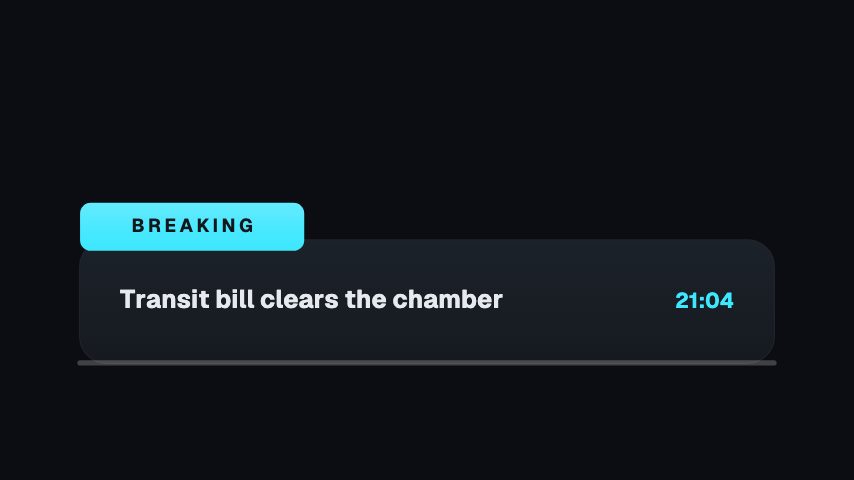
Speaker Name is part of the Church Weekly set. Put the speaker's name on the livestream, in the church's colours. Change the words and colours to match your channel, then export it to drop over your video.
Place it where the viewer's eye already is, and keep it on screen for the full animation. Keep the words short so they read on a phone.
Speaker Name is built at 640 × 360, a 16:9 landscape frame, the shape of a YouTube video, a stream layout and most editing timelines, and runs 4 seconds at 30 frames per second. It arrives in 0.9 seconds, holds for 2.2 and clears in 0.9, so cue it a beat before the moment it labels. Export it as an MP4 for a timeline or a feed, a GIF where video will not embed, or a MOV with an alpha channel to lay it over footage with nothing behind it. Renders go up to 4K on a paid plan.
Yes. Every label in the animation is editable, so you can write it in your own words or language.
Any of them. Export it as a video and place it over your footage in the editor you already use.