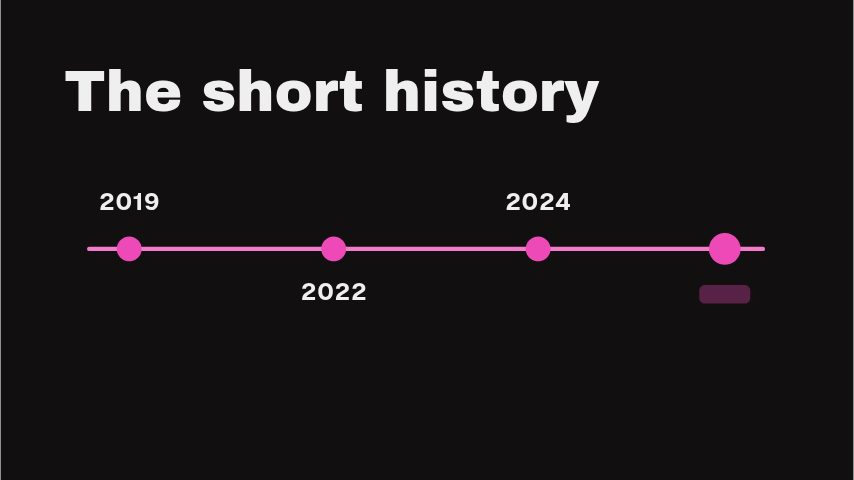
Timeline Rail can introduce a syllabus, project plan or multi-part explainer. Name the overall span in the headline and use each stop for one recognisable stage. The result is especially useful at chapter boundaries, where a quick map helps viewers understand both what they have covered and what comes next.
Where it fits
At the start of a course, laying out the four modules before the first lesson.
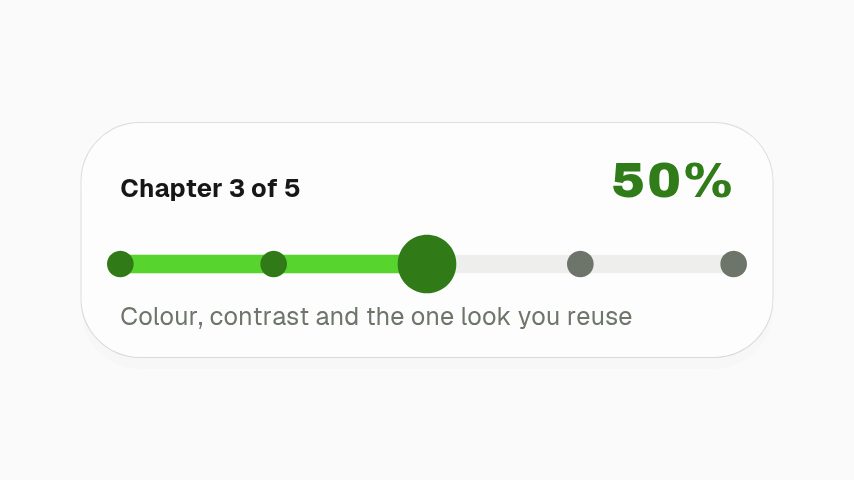
At a chapter boundary in an explainer, marking where the viewer is.
In a project kickoff video, showing the phases of the plan.
Filling it in
Put the span in the headline, Four weeks or Six modules, and give each stop one word that a learner would recognise: Cells, Genes, Proteins, Systems. The kicker names the rail. Four stops are fixed, so merge stages if your syllabus has more.
Format and timing
Timeline Rail is built at 1080 × 1920, a 9:16 portrait frame, the shape Reels, TikTok, Shorts and Stories fill from edge to edge, and runs 4 seconds at 30 frames per second. It arrives in 1.1 seconds, holds for 2.1 and clears in 0.9, so cue it a beat before the moment it labels. Export it as an MP4 for a timeline or a feed, a GIF where video will not embed, or a MOV with an alpha channel to lay it over footage with nothing behind it. Renders go up to 4K on a paid plan, and Pro opens it free for the first seven days.
The rail fills from the first stop to the last as the clip plays, so it reads as a journey rather than a pointer to one stage. Freeze the export mid-fill in your editor to mark where you are.
Can the steps be longer than one word?
Two short words fit, such as Cell biology, but the rail is vertical and narrow, so three words start to wrap. Keep them tight and put the detail in the voiceover.