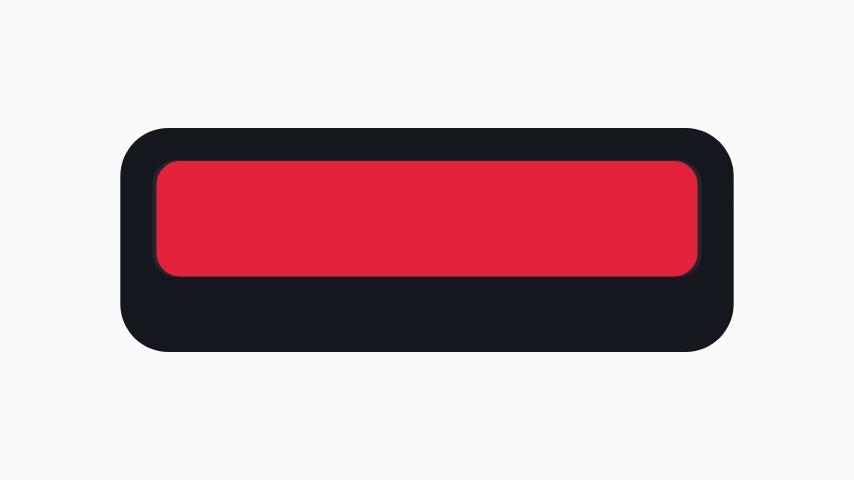
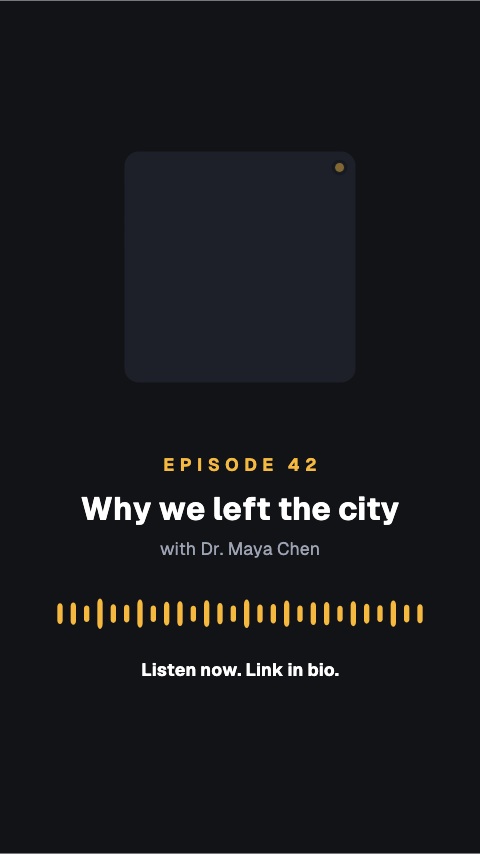
Pull Quote Bar is for the sentence that earns a second look in a podcast or interview edit. Break the quote at a natural pause, preserve the speaker's meaning and identify the source in the attribution. It works over a talking head, B-roll or a clean waveform when no camera recording exists.
Where it fits
Over the talking head in a podcast video, on the line worth hearing twice.
On an audiogram with a waveform, when there is no camera recording.
In an interview cutdown for social, as the hook in the first seconds.
Filling it in
Break the quote at the natural pause, not at a character count. Each line holds around thirty characters. Keep the speaker's words as spoken, and put their name and the episode in the attribution in caps: MARA ELLISON, EP 42. Cue it so the words appear as they are said.
Format and timing
Pull Quote Bar is built at 640 × 360, a 16:9 landscape frame, the shape of a YouTube video, a stream layout and most editing timelines, and runs 3 seconds at 30 frames per second. It arrives in 0.9 seconds, holds for 1.5 and clears in 0.6, so cue it a beat before the moment it labels. Export it as an MP4 for a timeline or a feed, a GIF where video will not embed, or a MOV with an alpha channel to lay it over footage with nothing behind it. Renders go up to 4K on a paid plan, and Pro opens it free for the first seven days.