
Turn training clips into a programme people follow.
Make a run of gym clips read as one programme rather than a folder of uploads. Set and rep cards, personal records, streaks and coaching cues, sitting over gym footage and sized for a Reel.


In short
Turn gym footage into clips that sell a programme, in the time it takes to upload them. Fitness creators and coaches use CaliberVisual for set-and-rep cards, personal records, body stats, heart-rate readings and streaks. You edit the numbers and labels in your browser, apply your colours and typeface, and export a transparent MOV that sits over gym footage or an MP4 sized for a Reel. The numbers are yours to type, so the graphic says what actually happened rather than what a template assumed.
- 82
- Animations here
- 525
- In the library
- MP4, GIF, MOV
- Export
- 24 · 30 · 60 fps
- Frame rate
- 720p to 4K
- Resolution
- In the browser
- Editing
What fitness creators put on screen
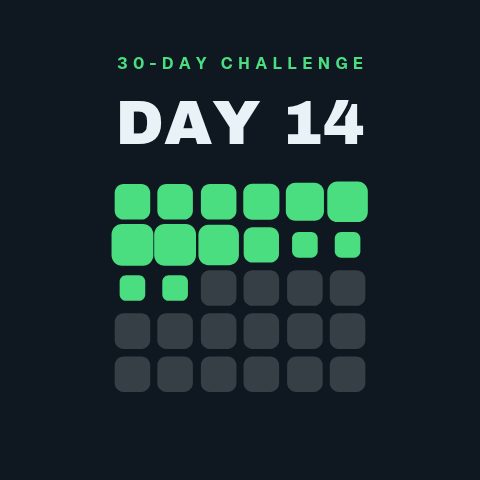
Show the consistency, not just the session
Streaks, goals and milestones. The part of training that is actually the point, and the part a single clip never conveys on its own.
Coaching cues on screen
The correction you make in every session, on the frame where it matters, with the common mistake set against the right version.
Results a client will believe
Progress in a form that does not require trust up front: a before and after, a review with a name on it, a row of credentials.
Programmes, drops and the follow
The commercial end. An intake window, a link, a plan launch, and one ask at the close of the clip.

How to add a workout overlay to a training video
- 01
Pick the card for the set
A set-and-rep card for the working set, a personal record when it goes up, a body stat or heart rate when the reading is the point.
- 02
Type in your real numbers
Weight, reps, tempo, the date. Apply your brand kit so a run of clips reads as one programme rather than a folder of uploads.
- 03
Export vertical and place it clear of the lift
Export at 9:16 for a Reel or a Short, then put the card in the empty half of the frame, above the caption area.
How these land in your workflow
Vertical first
Most of this footage ends up in a Reel, a Short or a TikTok. Preview at 9:16 and place the card clear of the caption and the interface furniture.
Over the movement
A transparent MOV, so the card sits in the empty half of the frame rather than covering the lift you filmed.
Legible mid-set
Weight, reps and tempo at a size somebody reads while the movement is happening, not one they have to pause for.
Your numbers
Every figure is a text field. A record is a record because you set it, not because a template shipped with it.
Questions fitness creators ask
Can I show heart rate and body stats?
Yes, and the animations are built to carry the context with the number, whether that is resting, active or recovering, because a bare reading invites a viewer to treat it as a target. Use figures from the session you are showing and keep any interpretation in your own words rather than in the graphic.
Will the card cover the movement?
Not if you place it in the empty half of the frame, which is what previewing at 9:16 before exporting is for. The transparent MOV means you can move it in the edit too, since nothing is baked into a background.
Do these work for Reels and TikTok as well as YouTube?
Yes. The export is an ordinary MP4 or MOV so it uploads anywhere, and the editor previews at the vertical shape those platforms use. Keep the card above the caption area so the platform's own interface does not sit on top of it.
Can I brand these for a coaching business?
Yes. A brand kit holds your colours, typeface and logo, and applies to every animation in one step, which is what makes a set of clips look like a programme rather than a collection.
Can I use them in a paid programme or a client's video?
Yes. Exports are yours to use commercially, including in paid course material and in work you deliver for clients.
Every animation for fitness creators
Fitness
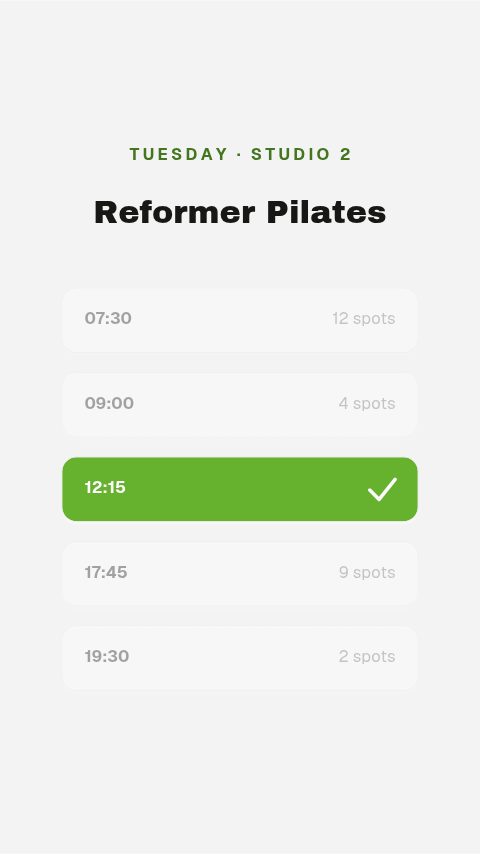
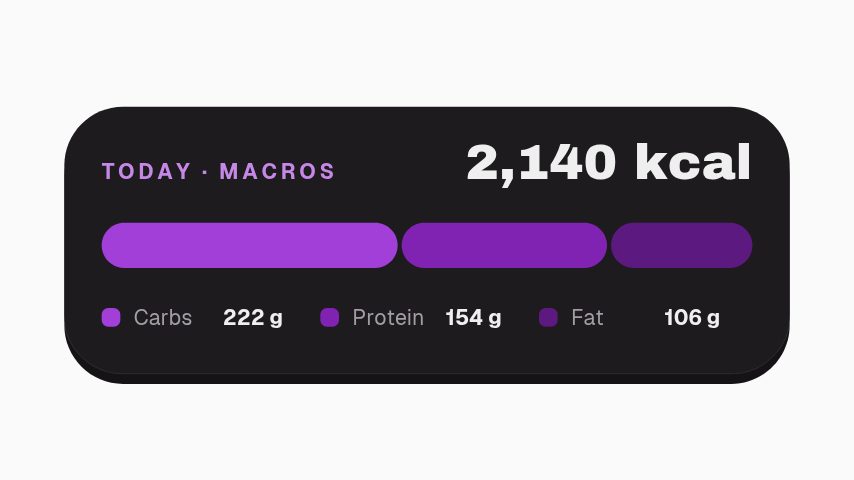
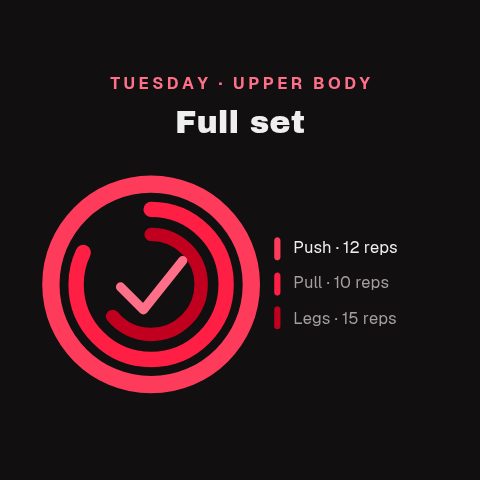
4 fitness animations, editable in the browser and exported straight from it.
Wellness
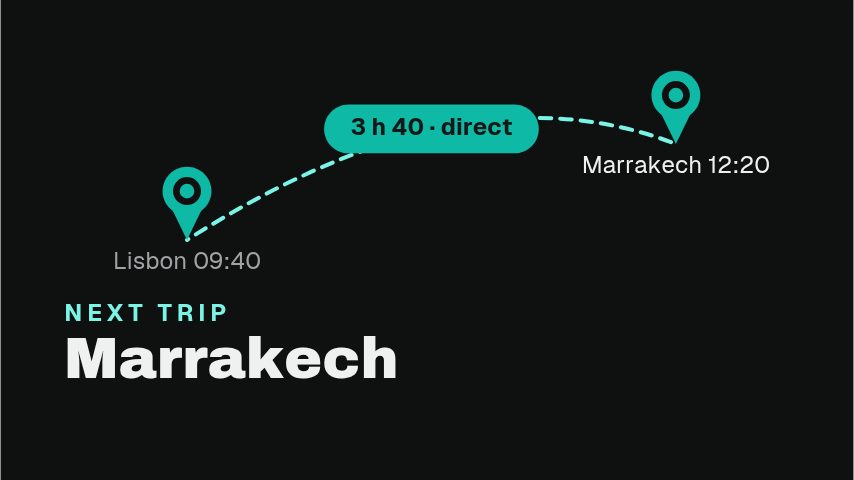
1 wellness animation, editable in the browser and exported straight from it.
Social
64 social animations, editable in the browser and exported straight from it.
 Poll Result3s
 Like Burst3s
 Instagram Follow3s
 Like, Comment & Share3s
 Comment Pop3s
 Link In Bio3s
 Follow Chip3s
 DM Popup3s
 Floating Reactions3s
 Sparkline Card3s
 Comment Burst3s
 YouTube Like Press3s
 TikTok Share Press3s
 Facebook Like Toggle3s
 TikTok Double Tap4s
 Save This3s
 Send To A Friend3s
 Watch It Again4s
 Swipe Up Arrow Rain4s
 Share to Story4s
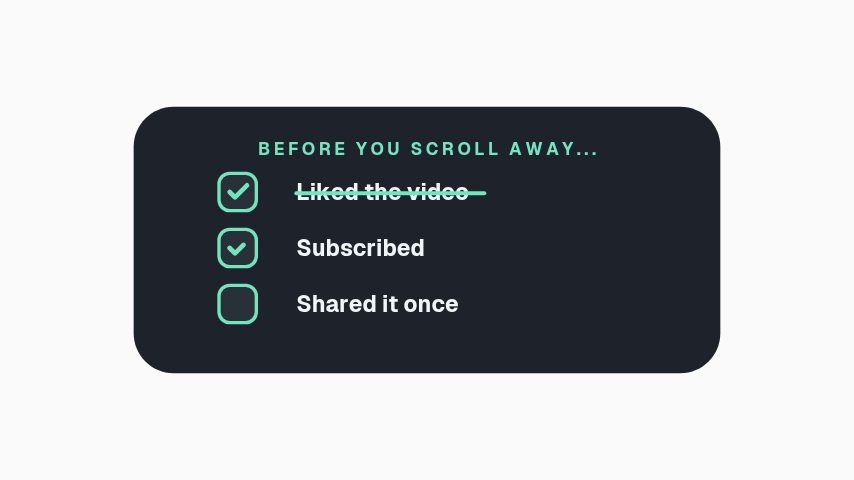 Engagement Checklist3s
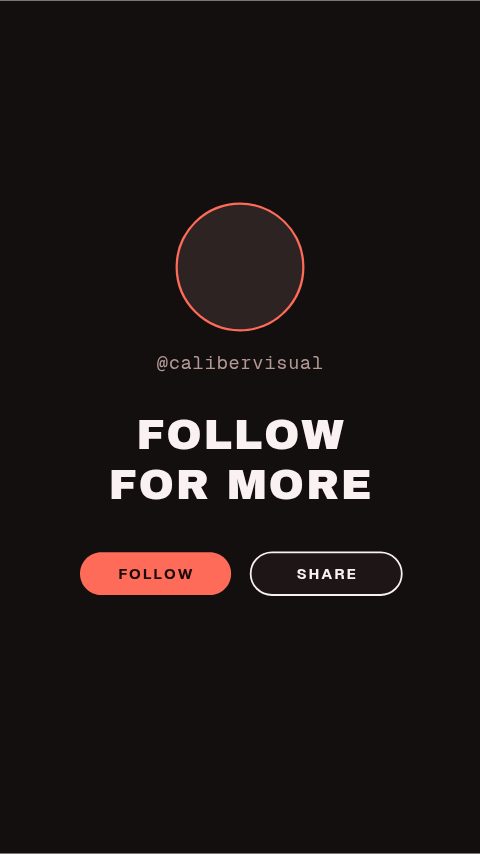 Vertical End Card4s
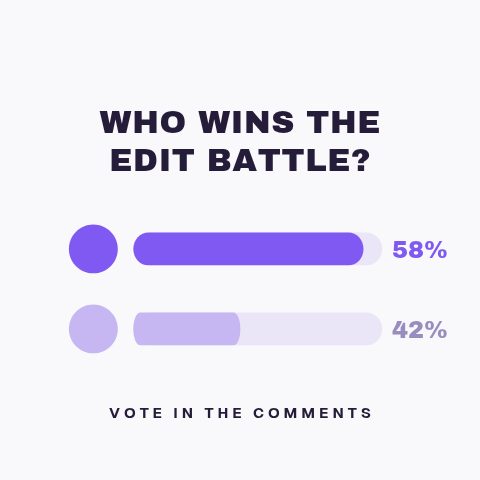 Poll Results4s
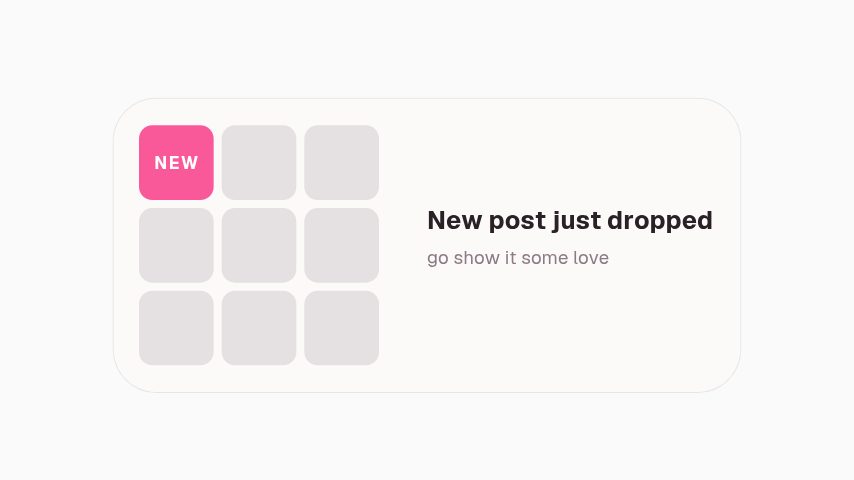 New Post Alert3s
 Handle Nameplate3s
 Green Screen Prompt3s
 Duet This3s
 Story Link Sticker3s
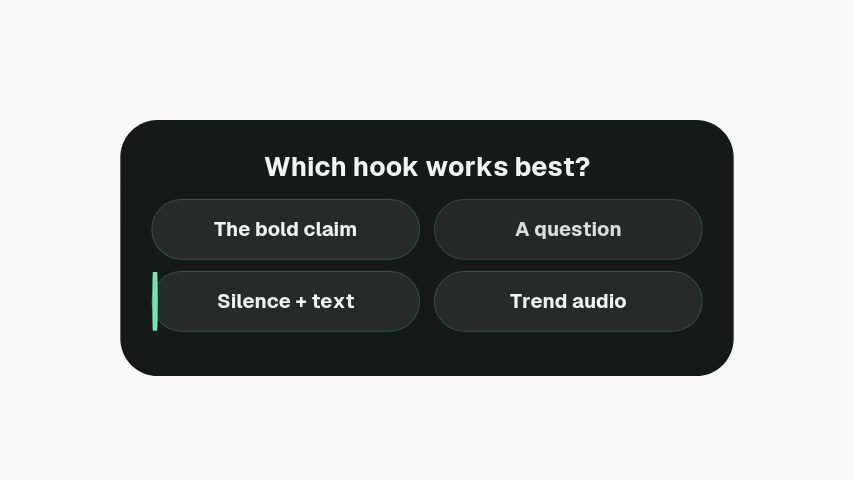 Story Quiz Sticker3s
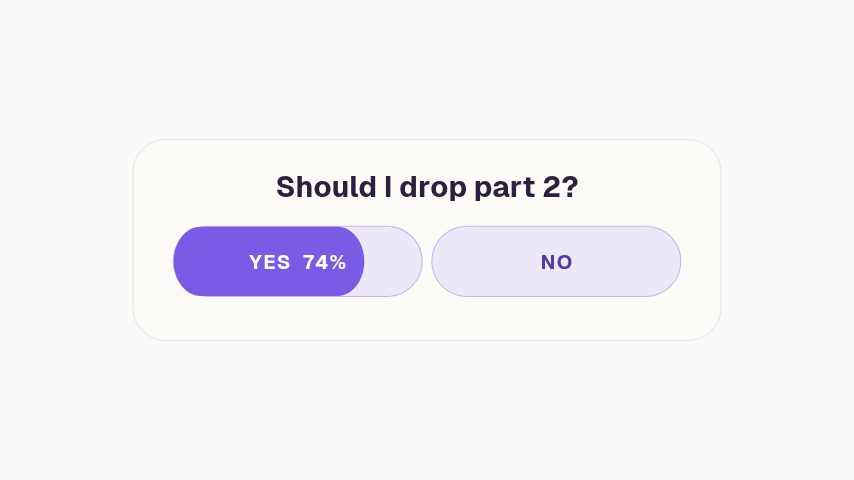 Story Poll Sticker3s
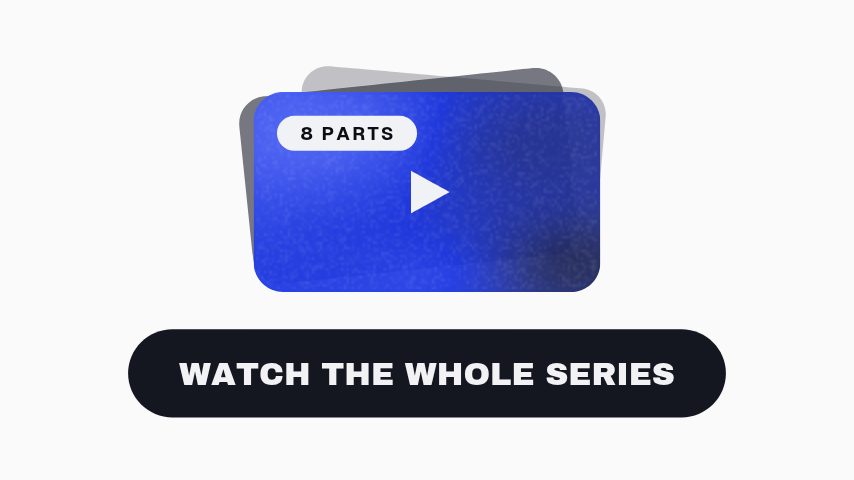 Playlist Stack3.6s
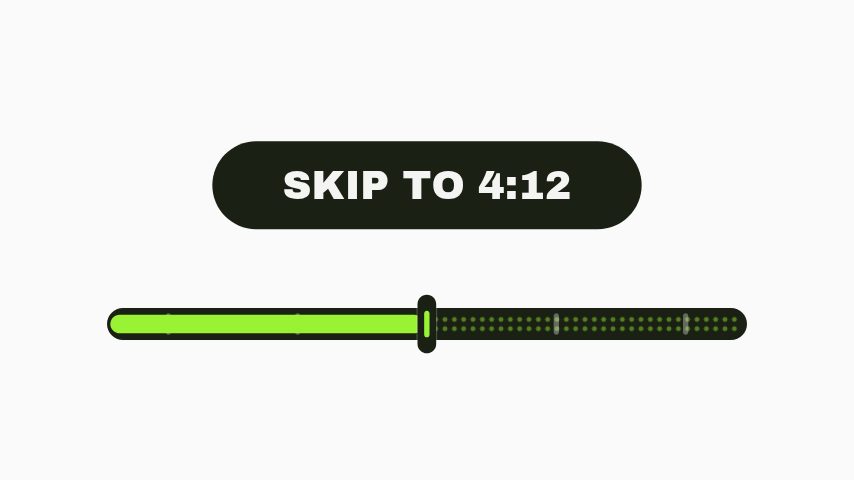 Chapter Jump3s
 Full Video On The Channel3.2s
 Watch This Next3.2s
 Like Slam4s
 Like Charge3s
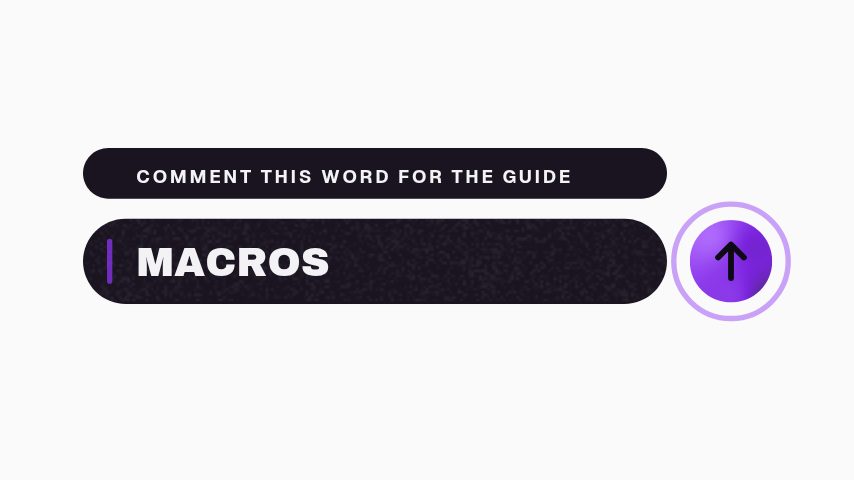 Comment The Word3.2s
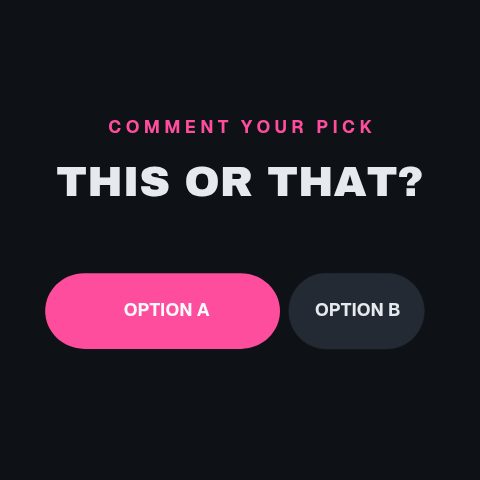 This Or That4s
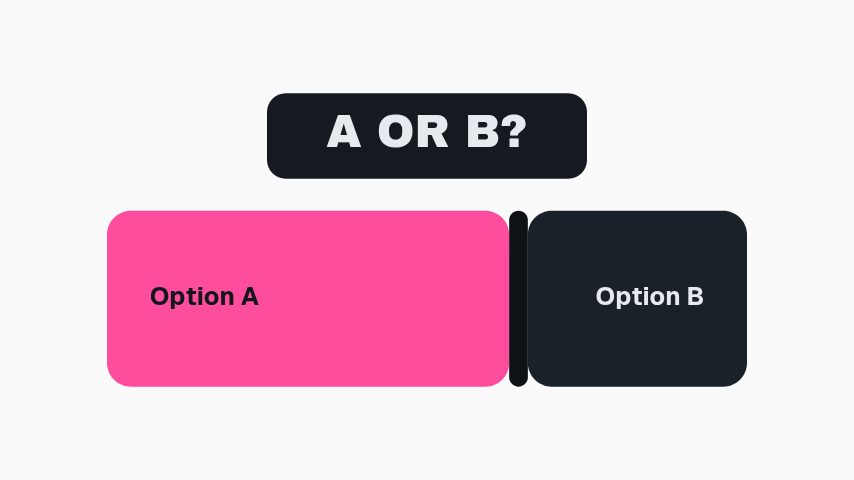 A Or B3s
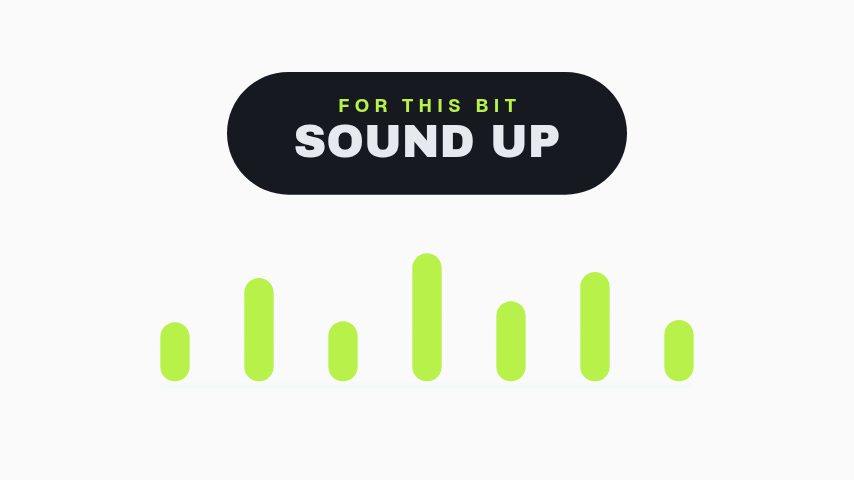 Sound Up3s
 Save It For Later3s
 Like Meter3s
 Save Sticker3s
 Vote Sticker3s
 Comment Word Sticker3s
 Part 2 Sticker3s
 Share Sticker3s
 Comment Sticker3s
 Like Sticker3s
 Link Sticker CTA3s
 Ring Pulse CTA4s
 Orbit Gather CTA5s
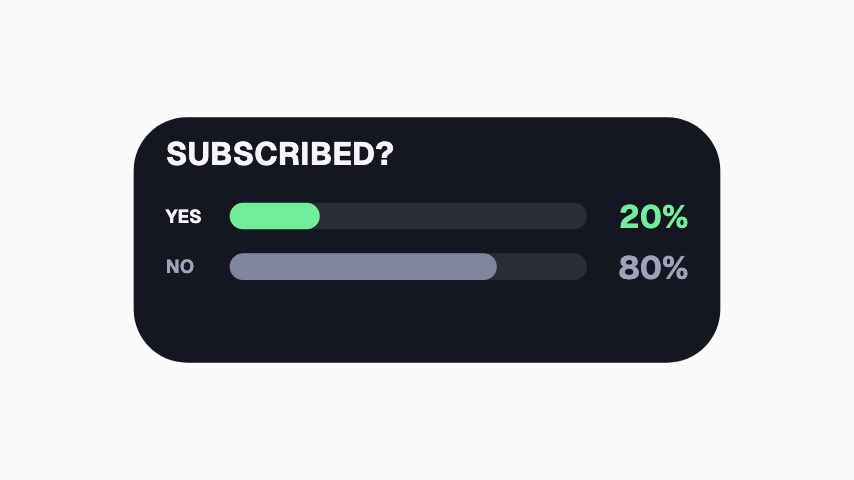 Subscribed Poll3.3s
 Tag a Friend Sticker3s
 Double Tap Sticker3s
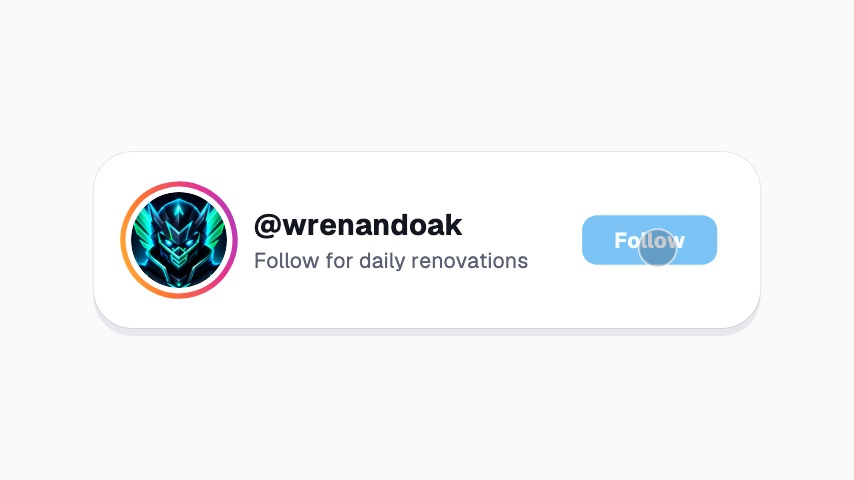 Instagram Follow Card3.5s
 Profile Follow3.9s
 Watch Next Thumbnail4s
 Follow Button Press4s
 Save To Collection4s
 Share Send3.6s
 Instagram Avatar Follow3.9s
 TikTok Profile Pop3.9s
 Instagram Next Episode4s
Milestone
8 milestone animations, editable in the browser and exported straight from it.
Not quite you?
Go from product photo to campaign-ready motion.
Ship the creative a campaign needs this week, without waiting on a designer. Flash sales, discount codes, price drops, reviews and social proof, the small, frequent assets a shop actually posts.
29 animationsMake the point land the second you make it.
Hold a viewer through the part of a lesson that words alone make longer. Key terms, timelines, comparisons, quiz reveals and citations, one clear graphic at the second it is needed.
8 animationsTurn an episode into a week of clips.
Get an audio show seen in a feed that plays silently. Guest intros, pull quotes, chapter markers, audiograms and sponsor slates, for the video feed and for the clips account.
8 animations
Open one and export something today
All 82 of these open on Pro, free for seven days. Cancel any time.
Start free