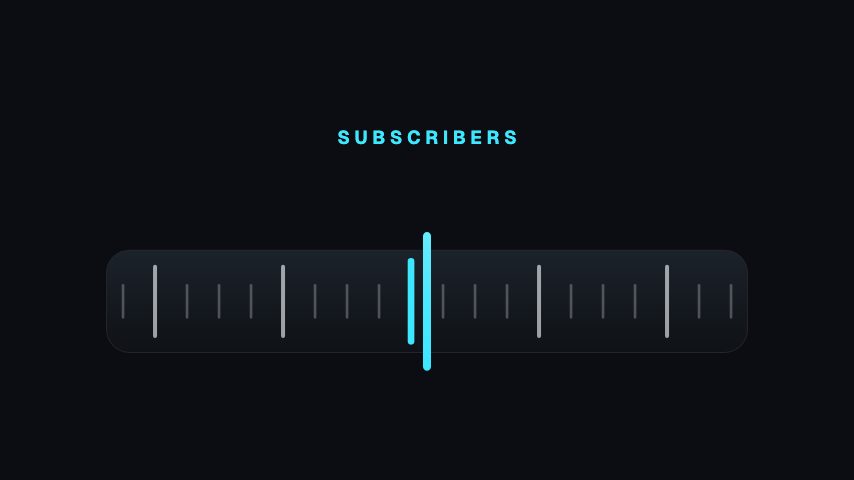
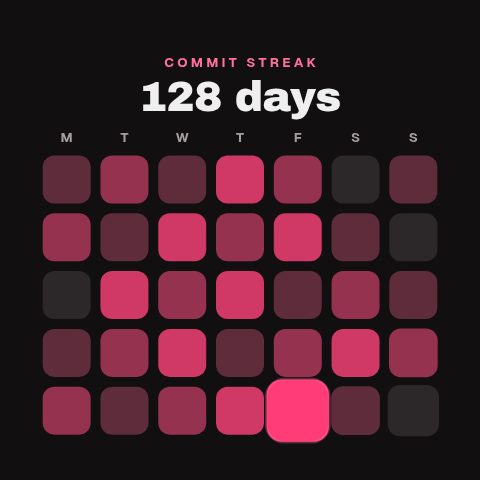
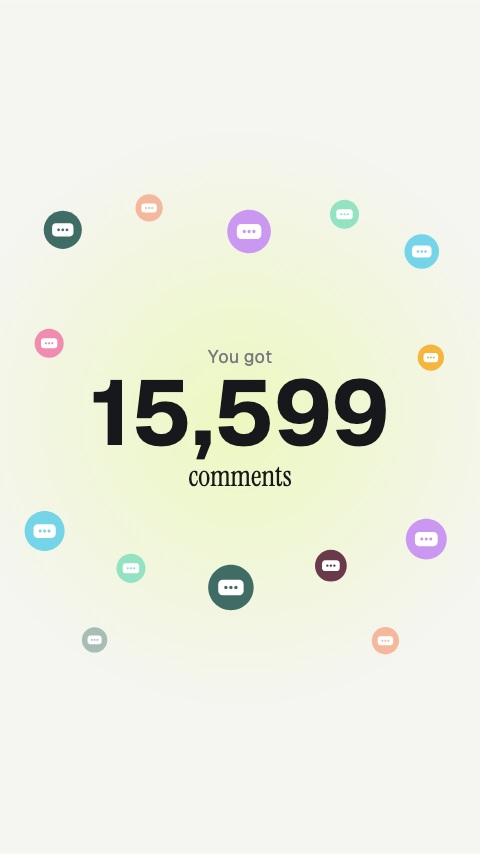
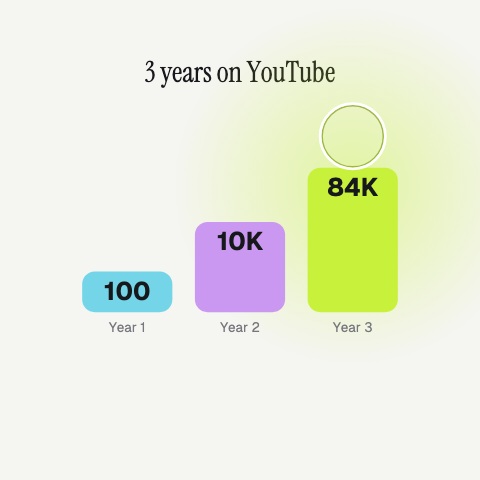
The milestone post, for a figure worth stopping on — downloads, subscribers, orders. The reels roll different distances so the digits land in sequence rather than together, which is the difference between an odometer and a number appearing. Say what the number counts in the label: six figures with no noun on them mean nothing.
Where it fits
As the milestone post for a figure worth stopping on: downloads, subscribers, orders.
In a growth recap, as the number rolling in.
On an anniversary, as the total since launch.
Filling it in
Say what the number counts in the label, downloads since launch, because six figures with no noun on them mean nothing. The kicker frames it. The burst colour is the accent as the last reel settles. The number itself is authored in the source.
Format and timing
Milestone Odometer is built at 1920 × 1080, a 16:9 landscape frame, the shape of a YouTube video, a stream layout and most editing timelines, and runs 4 seconds at 30 frames per second. It arrives in 2.3 seconds, holds for 1.3 and clears in 0.4, so cue it a beat before the moment it labels. Export it as an MP4 for a timeline or a feed, a GIF where video will not embed, or a MOV with an alpha channel to lay it over footage with nothing behind it. Renders go up to 4K on a paid plan, and Pro opens it free for the first seven days.
What you can edit
Kickertext
Labeltext
Burst colourcolor
Questions about Milestone Odometer
Can I type my own number?
The digit reels are keyframed to their destination in the source, so the figure is set there rather than in a field. Edit the Lottie before exporting to change it.
Why do the digits land at different times?
Because the reels roll different distances, so the digits settle in sequence rather than together. That is the difference between an odometer and a number appearing.