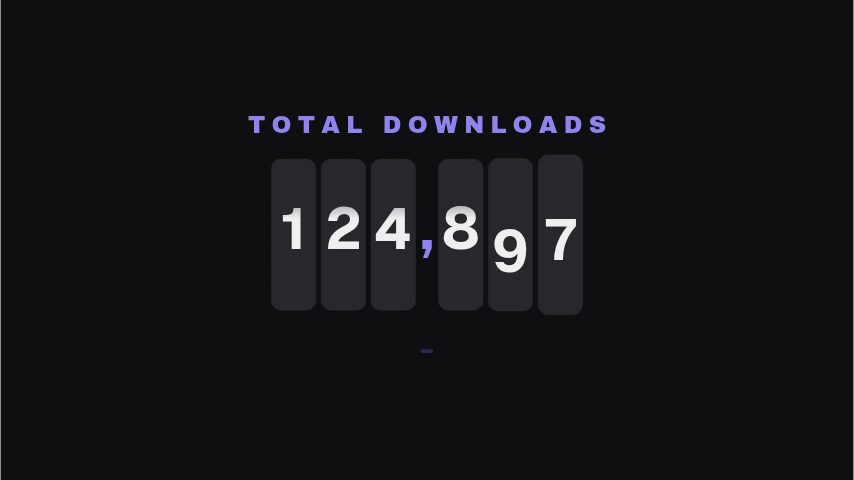
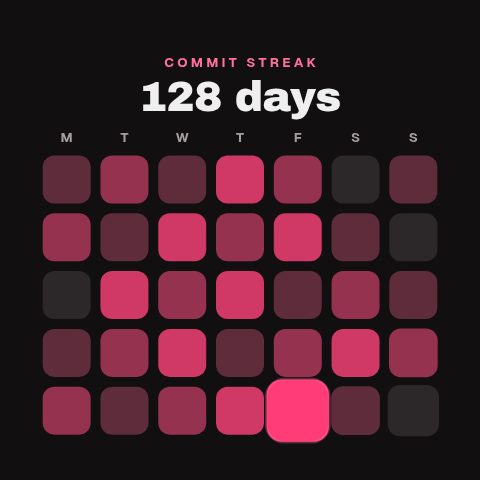
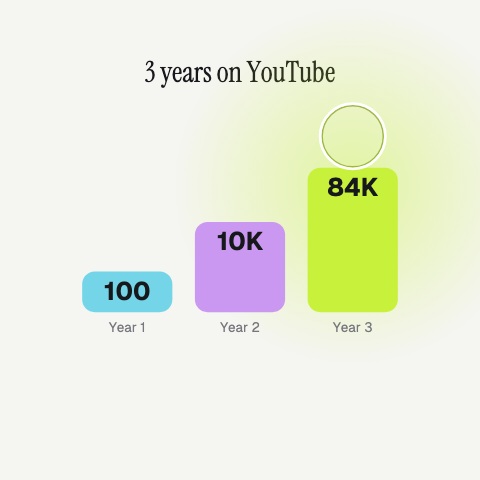
Milestone Tape fits timelines, founder recaps and creator growth stories. Use the large field for the number and the detail for when it happened, then name the measure clearly in the kicker. It is particularly useful among archive clips, where a dated marker helps the audience follow progress across months or years.
Where it fits
In a growth story, as a dated marker between archive clips.
In a founder recap, at each threshold the company crossed.
On the day itself, as the post that records the number.
Filling it in
Name the measure in the kicker, SUBSCRIBERS or CUSTOMERS, the number in the big field with commas, and the date in the detail: Milestone reached, March 12. The tape moves like a marker rather than a trophy, so it suits a series of milestones rather than one celebration.
Format and timing
Milestone Tape is built at 640 × 360, a 16:9 landscape frame, the shape of a YouTube video, a stream layout and most editing timelines, and runs 3 seconds at 30 frames per second. It arrives in 0.7 seconds, holds for 1.3 and clears in 0.9, so cue it a beat before the moment it labels. Export it as an MP4 for a timeline or a feed, a GIF where video will not embed, or a MOV with an alpha channel to lay it over footage with nothing behind it. Renders go up to 4K on a paid plan, and Pro opens it free for the first seven days.
No. The milestone field is text, so the figure lands whole. That is deliberate: a marker records a number that has already been reached rather than performing the climb.
Can I use it for a date without a number?
Yes. Put the event in the milestone field, FIRST SALE or LAUNCH DAY, and the date in the detail. The layout reads as a timeline marker either way.