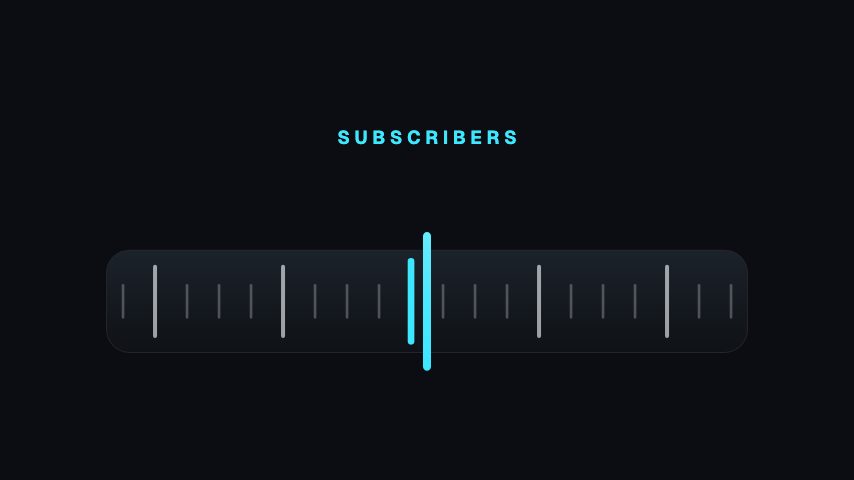
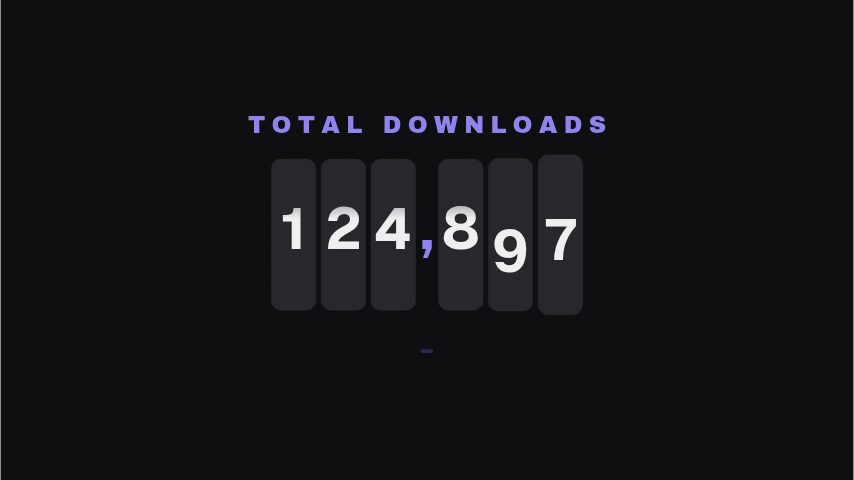
Sum up the month's progress in one frame for your monthly recap post. A tick dial fills and a score rolls up while six metric discs count up to their change. Change Title, Metric 1 to Metric 6 with each change field, such as Metric 1 change, then Footer and Dial colour. Keep each metric name to one or two words so it fits under its disc.
Where it fits
At the start of a new month, as a recap of the one before.
In a channel update video, before you break down each metric.
On an anniversary post, to show how the channel has grown.
Filling it in
Write each change with its sign, like +48, so gains read at a glance. Use Footer for your handle and the month. Match Dial colour to your channel's brand colour.
Format and timing
Channel Score is built at 1080 × 1080, a square frame, which sits in a feed post without cropping and centres neatly over wider footage, and runs 5 seconds at 30 frames per second. It arrives in 3.3 seconds, holds for 0.8 and clears in 1.0, so cue it a beat before the moment it labels. Export it as an MP4 for a timeline or a feed, a GIF where video will not embed, or a MOV with an alpha channel to lay it over footage with nothing behind it. Renders go up to 4K on a paid plan. The free plan shows a watermarked preview.
What you can edit
Titletext
Metric 1text
Metric 1 changecounter
Metric 2text
Metric 2 changecounter
Metric 3text
Metric 3 changecounter
Metric 4text
Metric 4 changecounter
Metric 5text
Metric 5 changecounter
Metric 6text
Metric 6 changecounter
Footertext
Dial colourcolor
Questions about Channel Score
Can I change the score in the dial?
No. The dial score is fixed. Your own numbers go in Metric 1 change to Metric 6 change.
Do the metric changes count up?
Yes. Each change field counts up to the value you type.
What size is it?
1080 x 1080, a 1:1 square with its own background. It runs for 5 seconds.