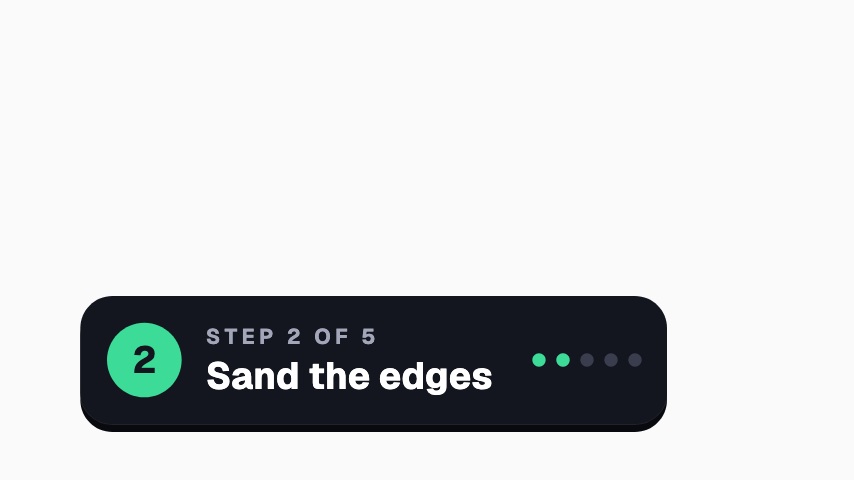
Use it in a tutorial at the moment you share the trick viewers came for. The card slides in, the bulb flickers on and throws its rays, and the kicker and tip appear beside it. Change Kicker if you'd rather say Quick tip or Remember, and write your advice in Tip. Keep Tip to about eight words so it fits on two lines.
Where it fits
In a how-to video, flagging the one step people usually get wrong.
In a Short built around a single tip, as the card that states it.
During a live tutorial, when chat asks a question worth pinning.
Filling it in
Write Tip as an instruction, such as Sand with the grain, never across it. Kicker is set in spaced capitals, so keep it to one or two words.
Format and timing
Pro Tip is built at 640 × 360, a 16:9 landscape frame, the shape of a YouTube video, a stream layout and most editing timelines, and runs 3.5 seconds at 30 frames per second. It arrives in 1.3 seconds, holds for 1.5 and clears in 0.7, so cue it a beat before the moment it labels. Export it as an MP4 for a timeline or a feed, a GIF where video will not embed, or a MOV with an alpha channel to lay it over footage with nothing behind it. Renders go up to 4K on a paid plan, and Pro opens it free for the first seven days.
What you can edit
Kickertext
Tiptext
Questions about Pro Tip
Can I change the bulb?
No. The bulb is part of the design. Kicker and Tip are the parts you edit.
Will a long tip fit?
About eight words fit on two lines. Longer tips get cramped, so split them across two cards.
What size is it?
640 x 360, a 16:9 overlay with a transparent background, so it sits over your footage. It runs for 3.5 seconds.