Subscribe animation maker
Ask for the subscribe in your own colours, and have it in tonight's upload.

In short
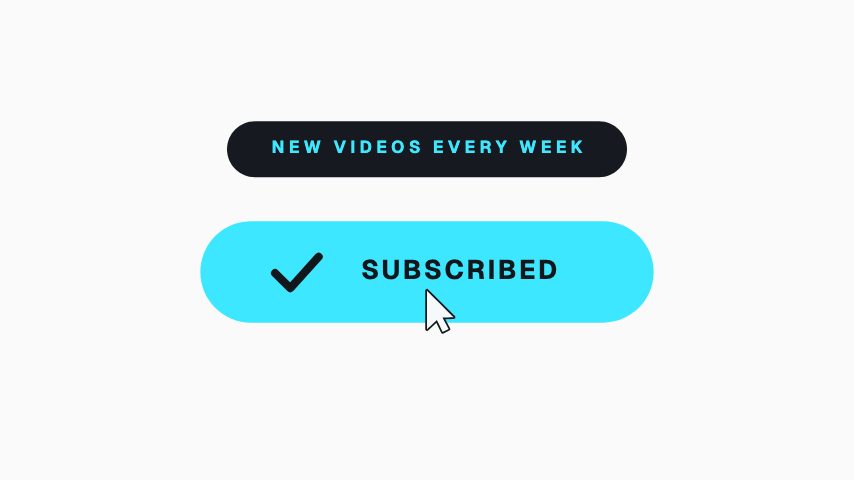
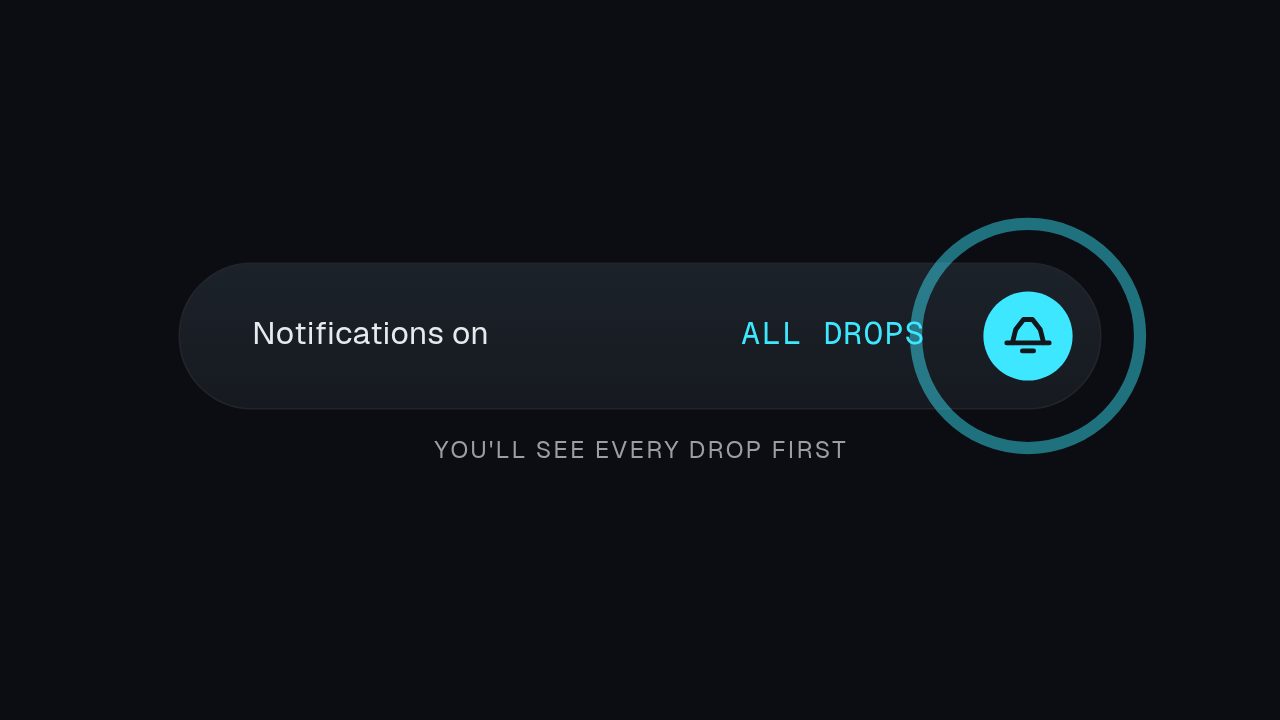
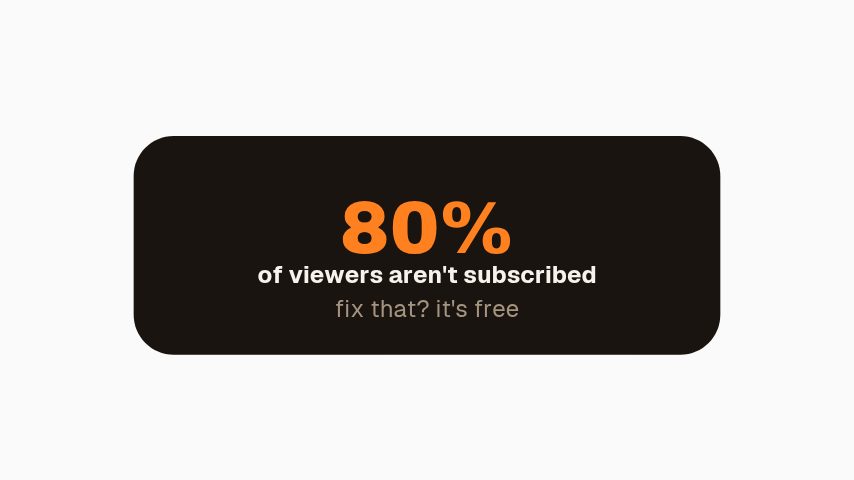
The ask is worth more when it looks like your channel. A subscribe animation maker gets you that prompt in a couple of minutes: a button that presses itself, a bell that switches on, a counter that ticks. Choose one, put your channel name and accent colour on it, preview it at the size you are publishing, and export. Every export is clean, and MOV with a real alpha channel lets the prompt sit in the corner while your footage keeps playing underneath rather than cutting away from it.
- 6
- Animations here
- 989
- In the library
- MP4, GIF, MOV
- Export
- 16:9 · 4:5 · 1:1 · 9:16
- Ratios
- 720p to 4K
- Resolution
- In the browser
- Editing
What you get
Minutes, not a designer's turnaround
Type, preview, export. No project file, no plugin, no render queue, and nobody to wait on.
A prompt for each platform's word for it
Subscribe, follow or join. The wording is a text field, so one build covers every platform you post to.
The ask without the cutaway
Transparent MOV means the ask appears while your footage keeps playing, which costs less retention than a hard cut.
One plan covers every brand you run
Every paid plan exports clean at every ratio, with the transparent MOV, and keeps a brand kit per brand, so one subscription covers a client list.
The animations
A subscribe prompt that looks like your channel, ready in minutes.

How to make a subscribe animation
- 01
Pick the prompt
A press for a cut-in, a bell for the notification ask, a toggle where the joke is the switch itself.
- 02
Add your channel
Channel name, avatar and one accent colour. That is the difference between your prompt and the default one everybody else uses.
- 03
Export it once and reuse it
Keep the file and drop it into every upload. Rebrand later and one edit regenerates the whole set.
What you get
Free trial
Every animation in your brand for 7 days, with clean exports. Cancel before it ends and nothing is charged.
Every paid plan
No watermark, MP4, GIF and MOV with a real alpha channel, up to 60 fps. 4K and 8K on Studio.
Ratios
16:9 for the upload, 9:16 for Shorts, 1:1 for a feed post.
Length
Two to five seconds.
Questions
Can I use it on YouTube, TikTok and Instagram?
Yes. The wording is typed in, so the same animation reads as subscribe on one platform and follow on another, and you can export the ratio each one wants.
Do I need to credit CaliberVisual?
No. The export carries no watermark and no credit is required.
What is the difference between MP4 and MOV here?
MP4 is a rectangle, so the prompt sits on a background. MOV with a real alpha channel is transparent outside the prompt, so it composites over your own footage. MOV export is on every paid plan.
How many can I make?
As many as you like on any paid plan. Plans differ in export resolution, frame rate and brand kits, not in how much you build.
Nearby
Lower third generator
Animated name plates that make a talking head look broadcast.
6 animationsYouTube intro maker
Short title reveals and channel idents in your own colours.
6 animationsA week of uploads, ready in an afternoon.
Hold the first three seconds, then ask for the subscribe without stopping the video. Hooks, captions, subscribe asks, pull quotes and end cards, edited in your browser and exported as files.
The whole library for content creators
Make the ask yours
Channel name, one colour, export. Clean at every ratio, as often as you upload.
Start your trial