YouTube intro maker
Three seconds that say whose channel this is, on every upload from here.
In short
The first three seconds decide whether a viewer settles in, and an intro is how you spend them. A YouTube intro maker gets you one without After Effects: pick a title reveal, type your channel name, set your two colours and typeface, and export. Keep it short. A long intro is the single most reliable way to lose viewers in the first ten seconds, and the numbers on that have been consistent for years. Trying another reveal costs a minute, so you choose by watching rather than by guessing. Every export is clean, with transparent MOV, and Studio adds 4K.
- 6
- Animations here
- 989
- In the library
- MP4, GIF, MOV
- Export
- 16:9 · 4:5 · 1:1 · 9:16
- Ratios
- 720p to 4K
- Resolution
- In the browser
- Editing
What you get
Short on purpose
Two to three seconds. A ten second intro costs you the viewers who arrived to find out whether the video answers their question.
No software to learn
The channel name is a field. Nothing to install, nothing to render locally, nothing to relearn six months from now.
Matches everything else you post
The brand kit that colours the intro colours the subscribe prompt and the end card too.
Try six, keep one
Reveals take about a minute each, so the channel gets the one that fits, exported with no watermark.
The animations
Short title reveals and channel idents in your own colours.

How to make a YouTube intro
- 01
Pick a reveal
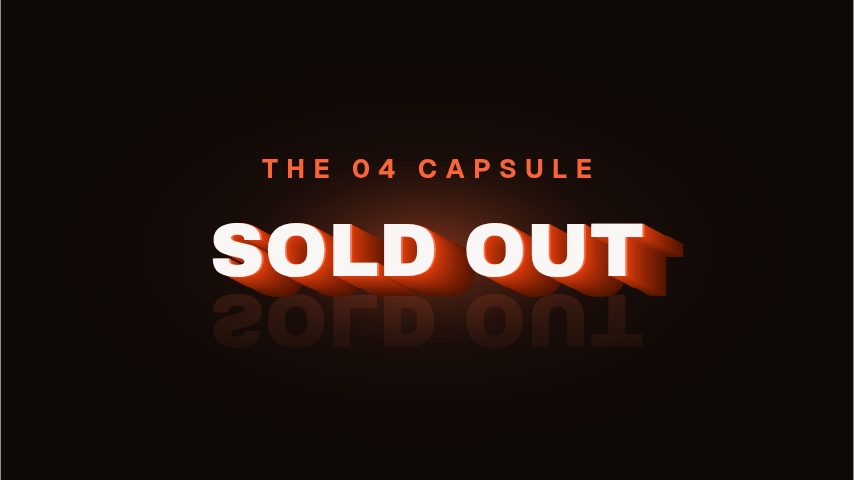
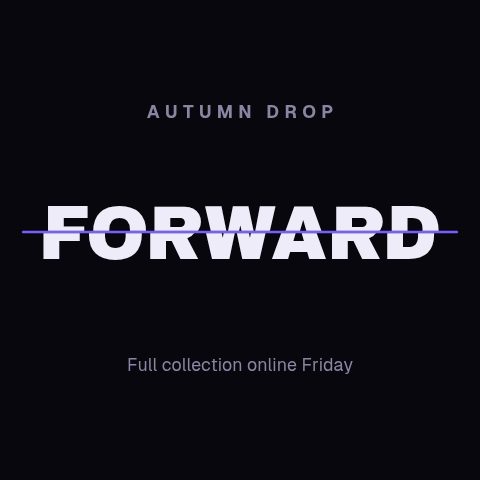
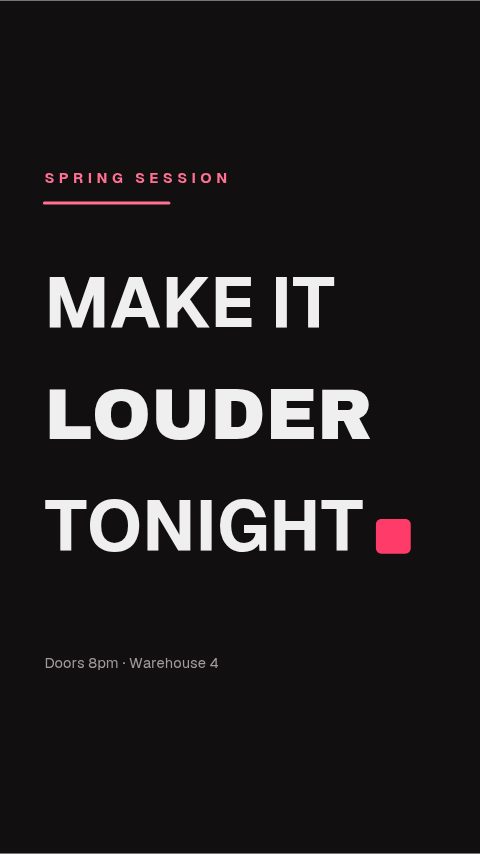
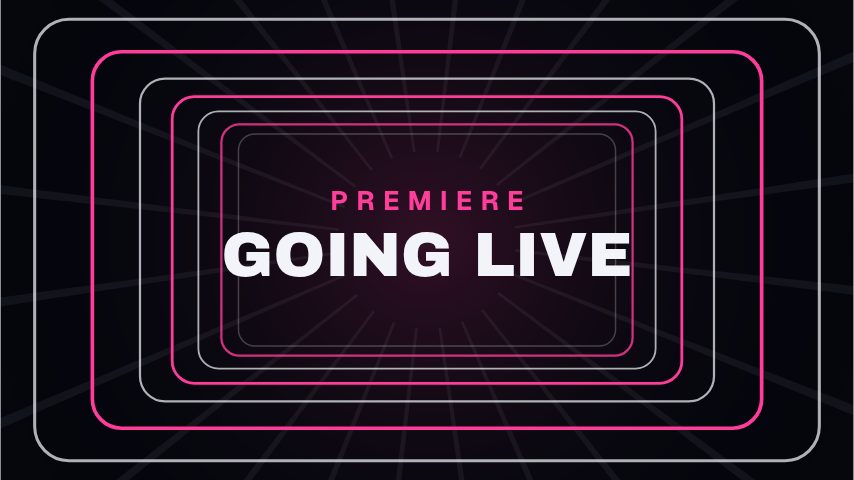
Extruded type, a split lock, a slot rise, a depth warp. Each is a different amount of noise — match it to what the channel actually is.
- 02
Type the channel name
The name and, if it earns its place, a four-word tagline. Everything else is decoration a viewer is waiting out.
- 03
Keep it under three seconds
Export it, put it at the head of every upload, and leave it alone. Consistency is what makes an intro worth having.
What you get
Free trial
Every animation in your brand for 7 days, with clean exports. Cancel before it ends and nothing is charged.
Every paid plan
No watermark, MP4, GIF and MOV with a real alpha channel, up to 60 fps. 4K and 8K on Studio.
Length
Two to four seconds, which is what an intro should be.
Ratios
16:9 for the upload, 9:16 for a Shorts version.
Questions
How long should a YouTube intro be?
Under three seconds. Retention graphs drop hardest in the first fifteen, and an intro is time spent before the video starts answering the question somebody clicked for.
Can I put my logo in it?
Yes. The brand kit holds a logo and applies it to the animations with a logo slot. The type-led reveals here are built around the channel name.
Do I need video editing software?
Only to join it to your video. The intro itself is made and exported here; joining it to the rest of the upload happens in whatever you already edit in.
Will it have a watermark?
Not on a paid plan. Every paid plan exports without one, which matters for an intro that plays on every video. Trial exports carry a small one.
Nearby
Lower third generator
Animated name plates that make a talking head look broadcast.
6 animationsSubscribe animation maker
A subscribe prompt that looks like your channel, ready in minutes.
6 animationsA week of uploads, ready in an afternoon.
Hold the first three seconds, then ask for the subscribe without stopping the video. Hooks, captions, subscribe asks, pull quotes and end cards, edited in your browser and exported as files.
The whole library for content creators
Make a three second intro
Channel name, two colours, done. It exports clean for every upload after that.
Start your trial