Quiz and lesson animation templates
Make the point land, and keep the viewer to the end of the series.
In short
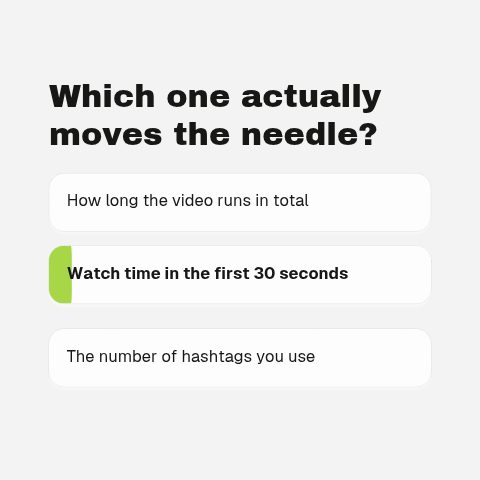
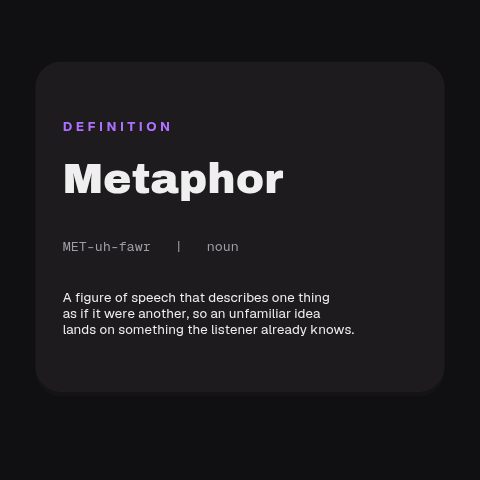
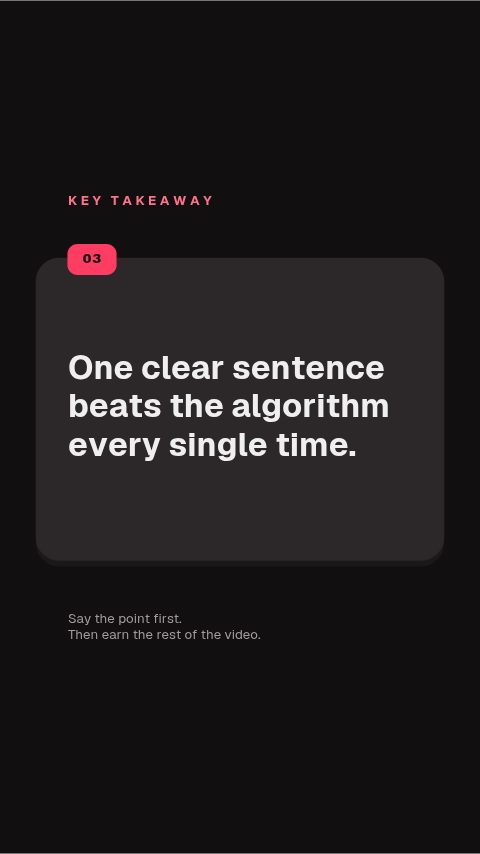
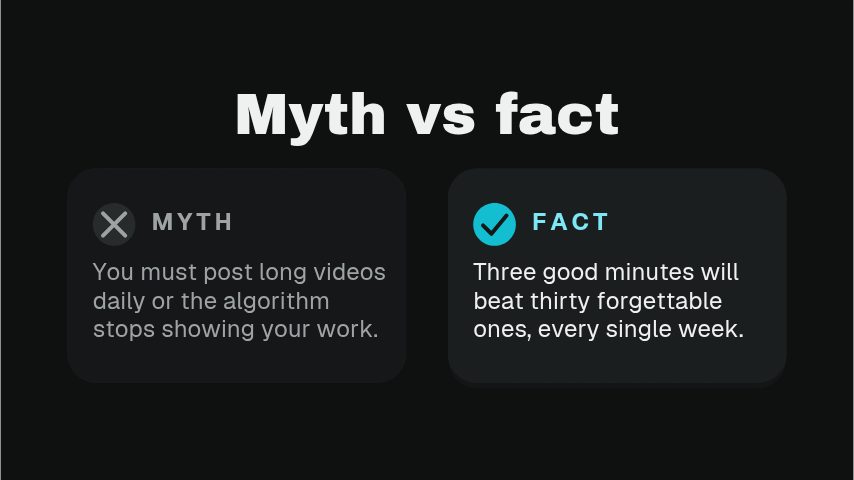
A lesson that holds attention repeats the same few beats: pose a question and reveal the answer, define a term, mark the thing worth remembering, and show where the viewer is in a series. These are animated versions of those beats: a quiz reveal that holds before it answers, a dictionary-style definition card, a key takeaway slab, a myth-versus-fact pair and a lesson progress bar. Type the text in the browser and export a file for whatever you edit in. A twelve lesson course is twelve retypes, not twelve briefs.
- 6
- Animations here
- 989
- In the library
- MP4, GIF, MOV
- Export
- 16:9 · 4:5 · 1:1 · 9:16
- Ratios
- 720p to 4K
- Resolution
- In the browser
- Editing
What you get
A hold before the reveal, not an instant answer
The quiz card pauses on the question. That pause is what makes a viewer commit to a guess, which is what makes the answer stick.
Definitions that look like definitions
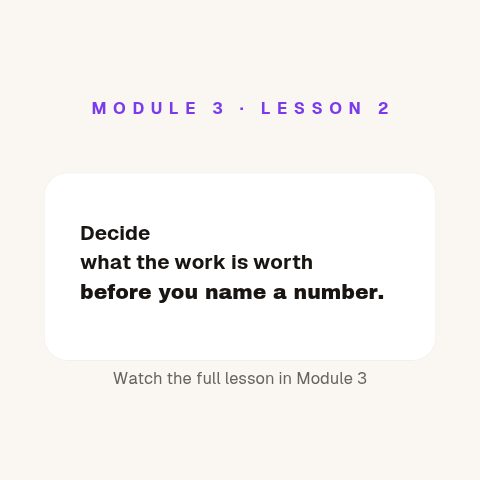
A term, its part of speech and a one-line meaning, laid out the way a dictionary does it, so the format itself signals what to read.
Progress, so a series feels like one
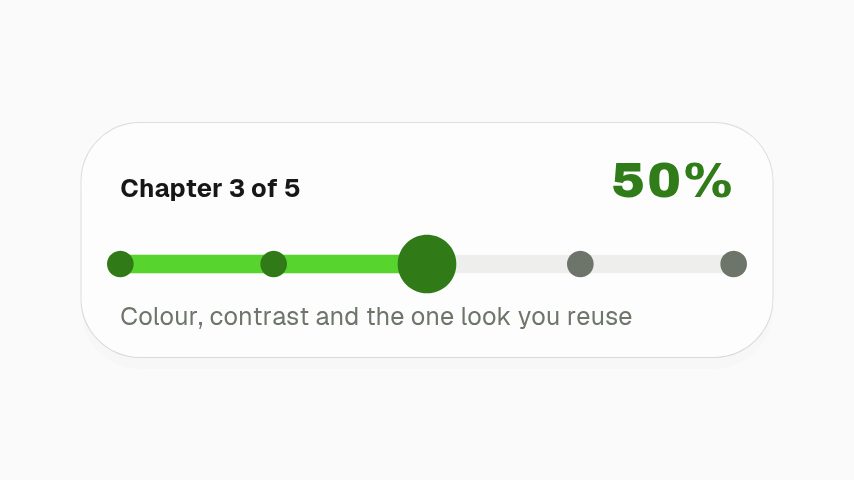
A lesson progress bar tells a viewer where they are. Three of four is a reason to finish; no marker is a reason to drift.
Text you can change per lesson
Every card is text fields. A new lesson is retyping, not rebuilding.
The animations
Quiz reveals, definitions and takeaways that make a lesson stick.
How to make an animated quiz reveal
- 01
Write the question and the answer
Both go in as text. The animation holds the question long enough for a viewer to answer it in their head before it reveals.
- 02
Set the pause
The hold before the reveal is the whole point. Too short and nobody guesses, too long and they scrub past it.
- 03
Export it into your edit
MP4 as a cutaway, or transparent MOV to sit over a slide or a screen recording.
What comes out of it
Formats
MP4 for a cutaway, MOV with alpha over a slide or screen recording, GIF for a course page.
Ratios
16:9 for the lesson, 9:16 and 1:1 for the clips promoting it.
Frame rate
24, 30 or 60 fps.
Length
Four to eight seconds, which covers a question, a hold and a reveal.
Questions
Can I put these over a screen recording?
Yes. Export MOV with a real alpha channel and lay it over the recording, and the card floats above your slides with nothing behind it.
How long should the pause before the answer be?
About two to three seconds for a one-line question. Long enough for a viewer to commit to a guess, short enough that somebody who already knows does not reach for the scrub bar.
Do these work for course platforms as well as YouTube?
Yes. The export is a plain video file, so it uploads to a course platform, drops into a lesson edit, or goes on YouTube unchanged.
Can I make a vertical version for a clip?
Yes. Set the canvas to 9:16 before exporting and the card is composed for the vertical frame rather than cropped from the wide one.
Nearby
Lower third templates for podcasters
Guest plates, quote bars and idents for episodes and clips.
6 animationsYouTube subscribe animation templates
Subscribe buttons, bells and counters in your channel's colours.
6 animationsMake the point land the second you make it.
Hold a viewer through the part of a lesson that words alone make longer. Key terms, timelines, comparisons, quiz reveals and citations, one clear graphic at the second it is needed.
The whole library for educational channels