Countdown timer video maker
Put a deadline on screen and let it do the selling. Launches, sales, enrolments and stream start times.



In short
A deadline on screen is the cheapest pressure a campaign has, and this puts one in a video file in minutes: a clock winding down, a stock bar burning off, a launch timer, an enrolment closing card. You type the time or the number before exporting, so what plays is fixed at export rather than counting against a live clock. That is the right shape for a post, an ad or a scene in a stream, and the wrong shape for a page widget. Every export is clean, with transparent MOV and up to 60 fps, and Studio adds 4K.
- 6
- Animations here
- 989
- In the library
- MP4, GIF, MOV
- Export
- 16:9 · 4:5 · 1:1 · 9:16
- Ratios
- 720p to 4K
- Resolution
- In the browser
- Editing
What you get
One file, playable anywhere
No script, no embed, no widget. A video file plays in a story, on a timeline, in OBS and in an ad.
Urgency that is true
You type the deadline, so it says what you decided it says. A countdown that resets every visit is the fastest way to be disbelieved.
Every shape you post in
16:9, 9:16, 1:1 and 4:5 from the same edit rather than one export cropped badly three times.
A week of deadlines in an afternoon
Different dates, different offers, different shapes, all from one edit, and the whole run exports clean.
The animations
Deadlines on screen for launches, sales, enrolments and streams.

How to make a countdown video
- 01
Pick the pressure
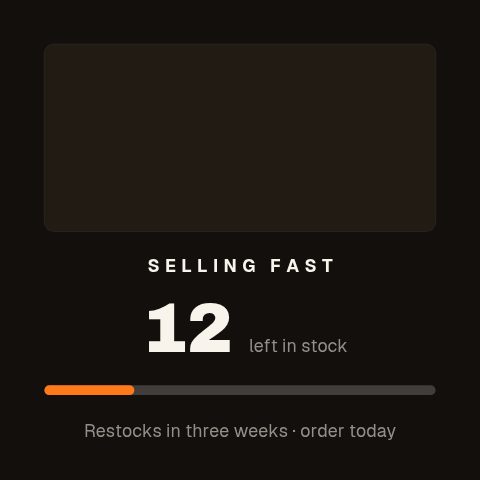
A clock for a deadline, a stock bar for scarcity, an enrolment card for a closing date. They apply different kinds of urgency.
- 02
Type the number
The figure or the time is a field. It is fixed when you export, which is what makes the file portable to anywhere a video plays.
- 03
Export where it is going
9:16 for a story, 16:9 for a stream scene, 1:1 for a feed post. MP4 anywhere, transparent MOV over your own footage.
What you get
Free trial
Every animation in your brand for 7 days, with clean exports. Cancel before it ends and nothing is charged.
Every paid plan
No watermark, MP4, GIF and MOV with a real alpha channel, up to 60 fps. 4K and 8K on Studio.
Ratios
16:9, 9:16, 1:1 and 4:5.
Not a live timer
The number is typed in and fixed at export. Nothing counts against a real clock.
Questions
Does it count down in real time?
No. It is a video file, so the countdown plays the same every time it is viewed. For a timer that tracks an actual deadline on a web page you want a page widget; for a post, an ad or a stream scene, a file is the thing that works everywhere.
Can I loop it as a stream scene?
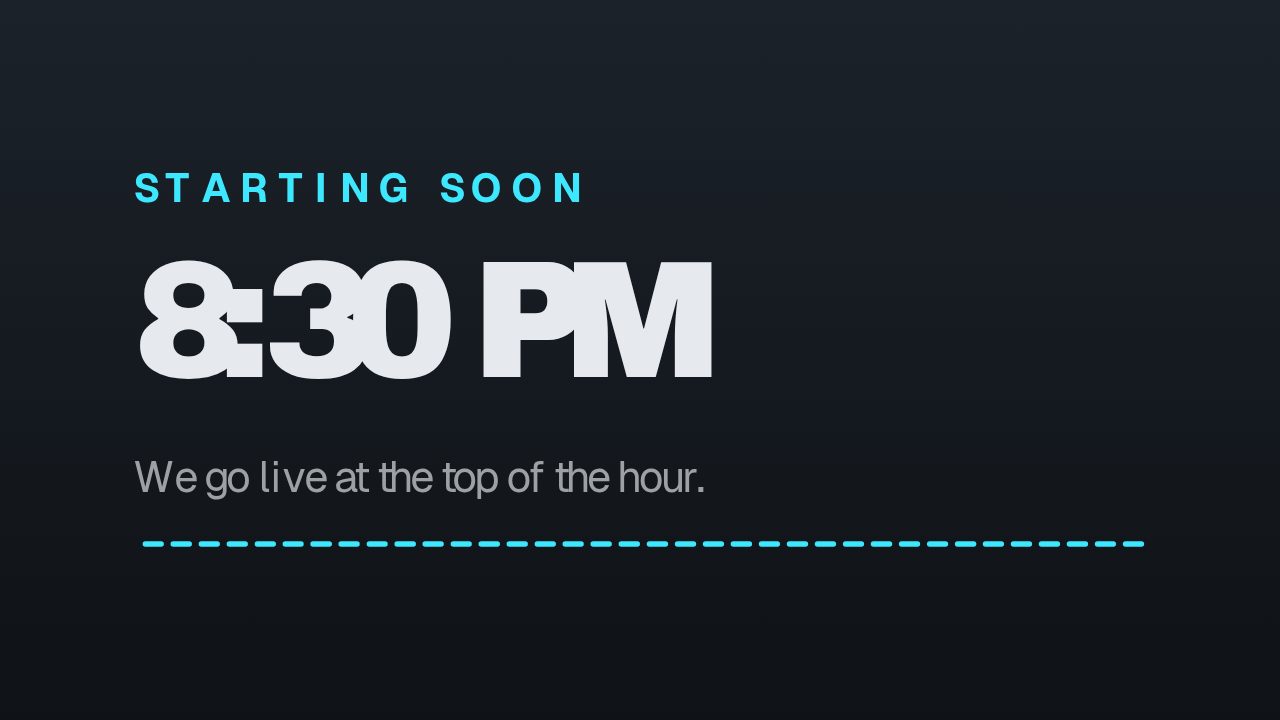
Yes. Export it, add it as a media source in OBS and tick loop. The starting soon screen is built for exactly that.
What ratio should a story countdown be?
1080 by 1920, 9:16. Export at that ratio rather than posting a landscape file, which either gets letterboxed or cropped through the middle of the numbers.
Is the export good enough to run as an ad?
Yes. It exports with no watermark, at 1080p on Pro and up to 4K on Studio, as MP4 for the feed or MOV when it sits over footage.
Nearby
Put a deadline on screen
Type the number, pick the shape, export. Clean and ready to run as an ad.
Start your trial