Free stream overlay maker
Your stream, in your colours, live tonight. Build the overlay in the browser, paste one link into OBS and you are on air.
In short
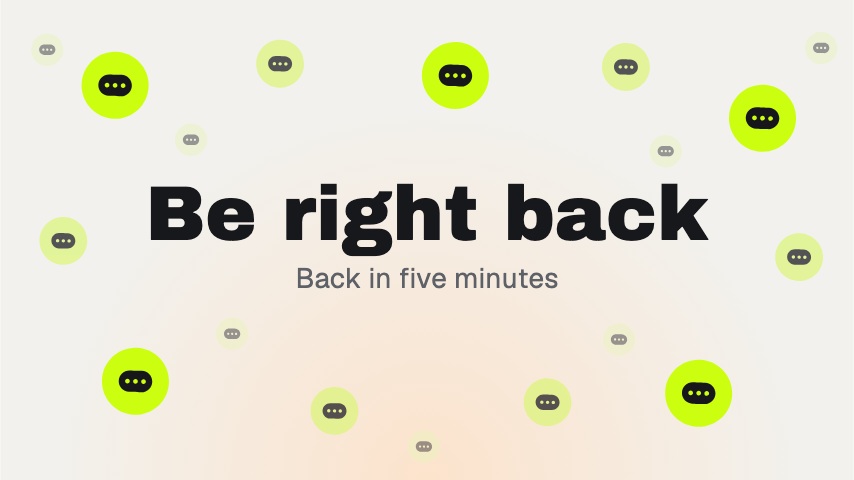
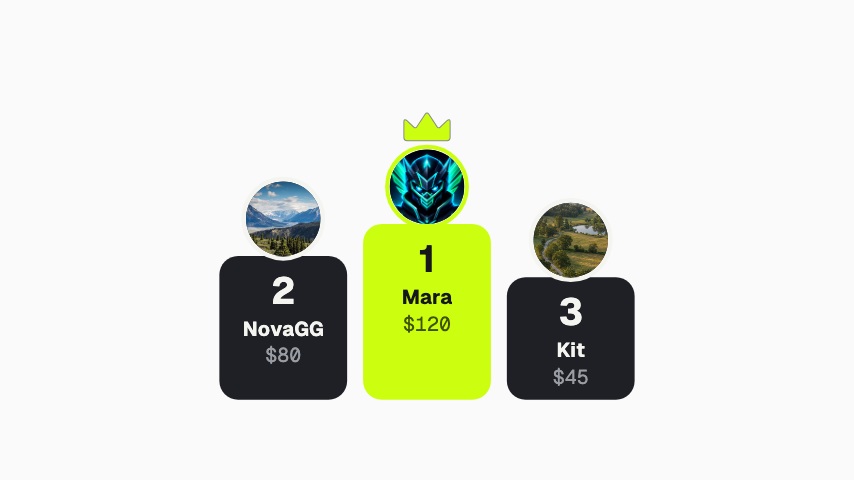
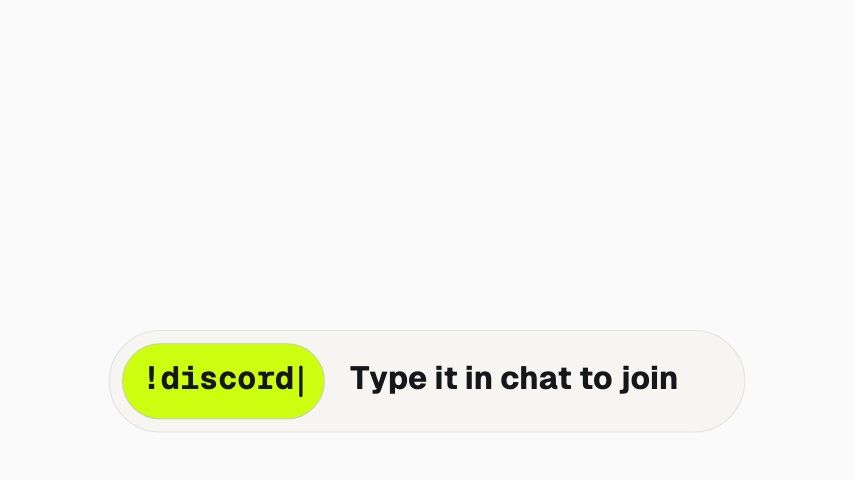
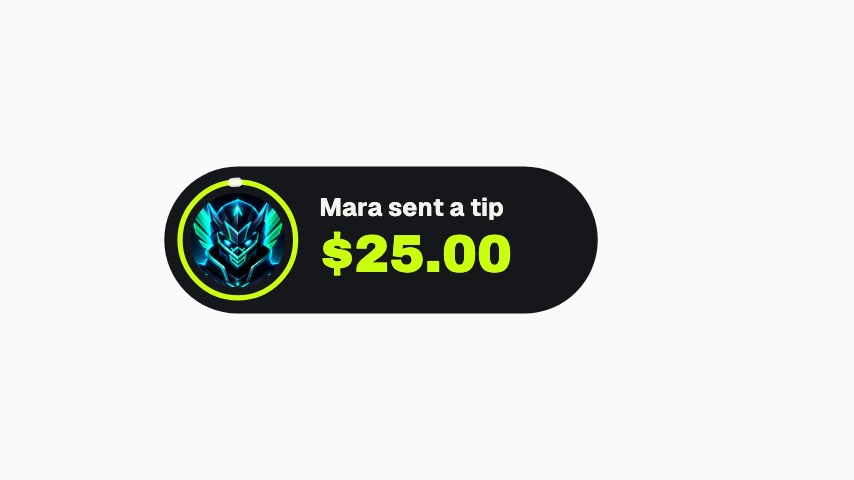
A stream overlay is the layer of graphics that sits over your game or camera: the be right back card, the recent tipper rail, the follow alert, the chat command prompt. Here you build it on a canvas the size of your stream, from animations that already wear your name, picture and colours. Choose when each one plays: always on, on a timer, or when a cue arrives. Then copy one browser source URL into OBS. Building and running the overlay is free. A free overlay carries a small Made with CaliberVisual badge in the corner; any paid plan takes it off.
- 6
- Animations here
- 525
- In the library
- MP4, GIF, MOV
- Export
- 16:9 · 4:5 · 1:1 · 9:16
- Ratios
- 720p to 4K
- Resolution
- In the browser
- Editing
What you get
Free to build and free to go live
No card and no trial clock. The overlay runs on the free plan with a small badge in the corner of the canvas.
One source, not a folder of files
Every graphic lives behind a single browser source URL, so a new scene is an edit on the canvas rather than another file to import.
Alerts on your terms
Each triggered graphic has its own cue URL. A Stream Deck button, a chat bot or your alert service can set it off.
Matches the rest of your channel
The same brand kit dresses your end screens, lower thirds and Shorts promos, so the stream and the uploads look like one show.
The animations
One browser source in OBS, every graphic in your colours, free to run.
How to make a stream overlay
- 01
Add your channel
Paste your Twitch or YouTube handle. Your picture, name and colours land on every animation in the picker.
- 02
Arrange the canvas
Drag in the scenes and alerts you want, size them, and set each to always on, on a timer, or on a cue.
- 03
Paste one link into OBS
Add a Browser source, paste the URL, size it to your canvas. Changes you make later show up on stream without touching OBS.
What you get
Free plan
Build and run the overlay, with a small Made with CaliberVisual badge. No card needed.
Every paid plan
No badge on the overlay, and clean exports of every animation in every ratio.
Setup
One OBS Browser source. Works the same in Streamlabs Desktop and anything that takes a URL.
Playback
Always on, on a timer, or triggered by a cue URL from a Stream Deck or bot.
Questions
Is the stream overlay really free?
Yes. Building the overlay and running it in OBS are free. A free overlay shows a small badge in the corner. Pro removes it, for $9 a month.
Which streaming software does the overlay work with?
Anything with a browser source: OBS Studio, Streamlabs Desktop and XSplit. Paste the URL and size the source to your canvas.
Do I have to re-import the overlay when I change it?
No. The browser source checks for changes every second, so an edit on the canvas shows up on stream without opening OBS.
Can viewers or strangers trigger my alerts?
Only someone with your overlay URL can. Keep it out of screen shares, and replace it from the sidebar if it ever leaks.
Nearby
Twitch alert maker
Follow, sub, gift and bit alerts, branded in your own colours.
6 animationsTwitch alert overlay templates
Follow, sub, gift and bit alerts, branded to your channel.
6 animationsMake your stream look made, not defaulted.
Give a first-time viewer a channel worth staying in. Alerts, starting-soon screens, camera frames, goal meters and follow prompts, exported as transparent files your streaming software can read.
The whole library for Twitch streamers
Build your overlay free
Your channel's colours on every scene and alert, running in OBS from one link tonight.
Start free