Twitch alert overlay templates
Alerts that look like your channel instead of the stock set every other stream runs.

In short
The moment somebody follows, subscribes, gifts subs or cheers is the moment your channel gets noticed, and a Twitch alert overlay decides what that moment looks like. These are branded alert animations you edit in the browser and use one of two ways: export MOV with a real alpha channel and play it wherever you already fire alerts, or place it on a live overlay canvas and paste that canvas's URL into OBS as a browser source. An overlay alert has its own cue URL, so a Stream Deck button, a chat command or your existing alert software fires it, and the follower's name can be passed with the cue.
- 6
- Animations here
- 989
- In the library
- MP4, GIF, MOV
- Export
- 16:9 · 4:5 · 1:1 · 9:16
- Ratios
- 720p to 4K
- Resolution
- In the browser
- Editing
What you get
Alerts that look like your channel, not the default set
Every stream running stock alerts looks like every other stream running stock alerts. Two colours and a typeface is the whole difference.
Transparent, so gameplay stays visible
A real alpha channel rather than a black box or a green screen you have to key. The alert floats; the game keeps running.
One set covering the whole event list
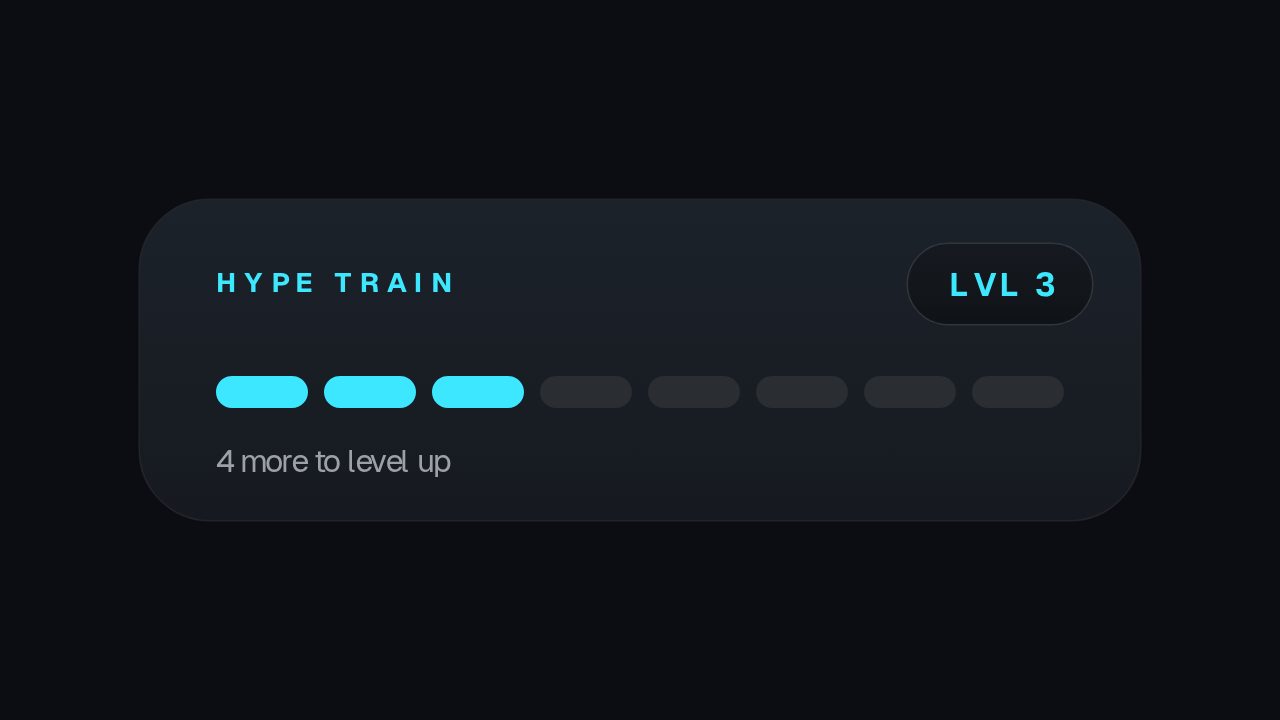
Follow, sub, gift, cheer, hype train and the live badge, all drawn in the same language so a busy moment does not look like four different overlays.
A file, or a browser source URL
Export the alert and play it in whatever you use today, or arrange the set on a live overlay and give OBS one URL for all of them.
The animations
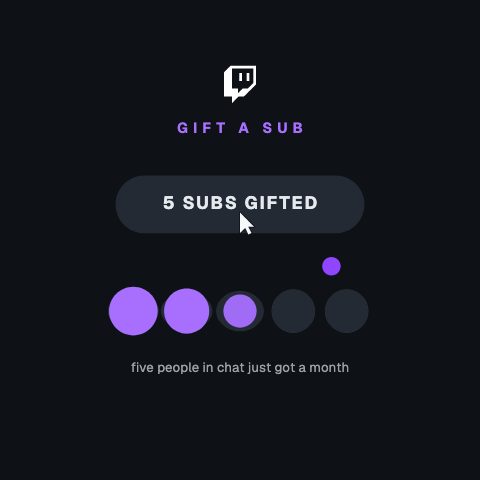
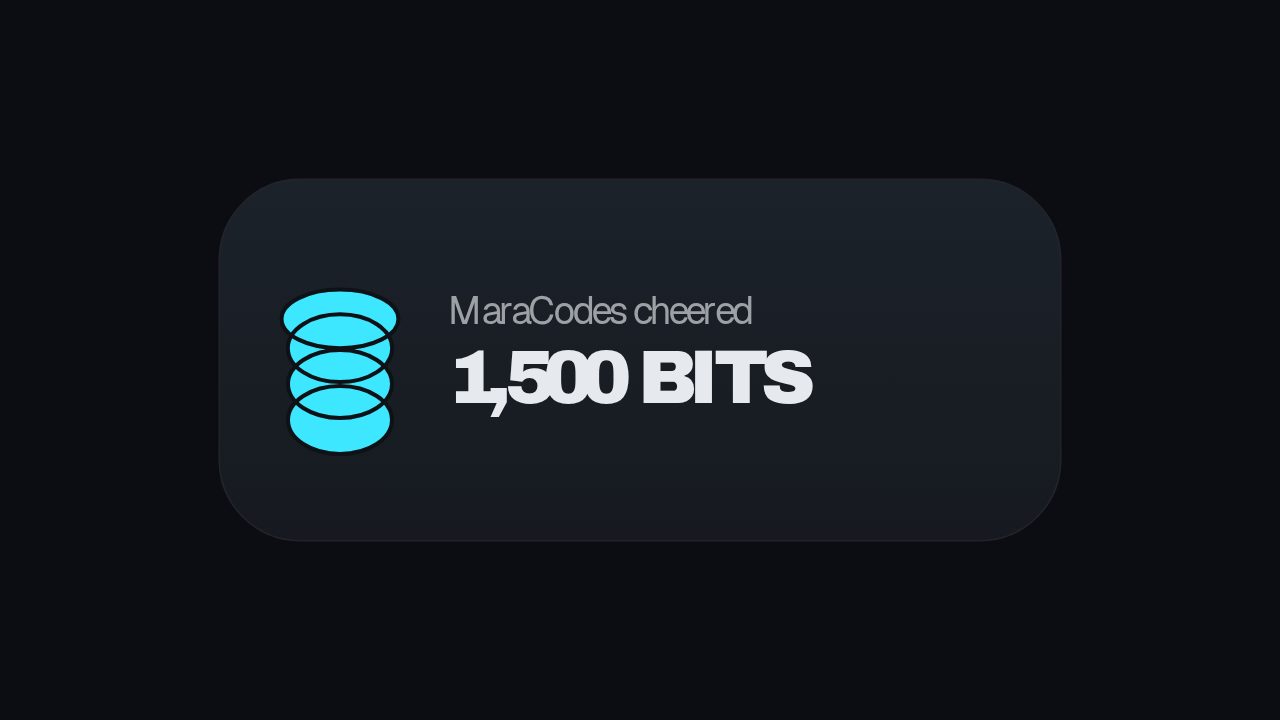
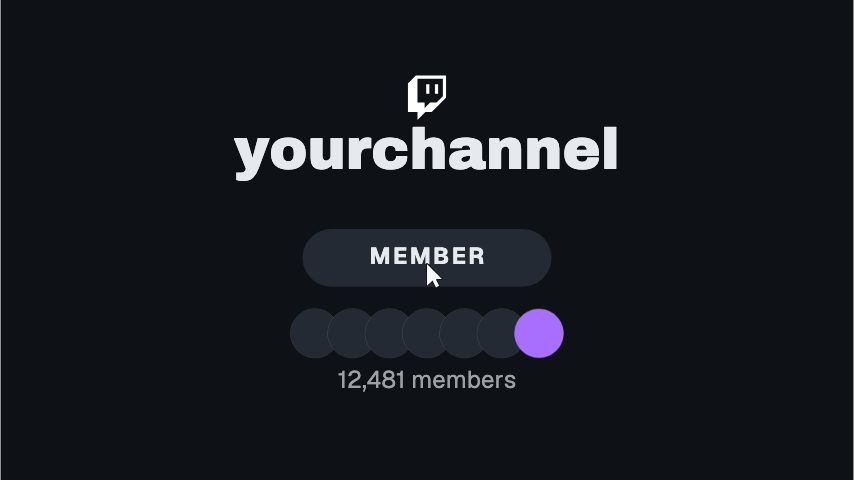
Follow, sub, gift and bit alerts, branded to your channel.
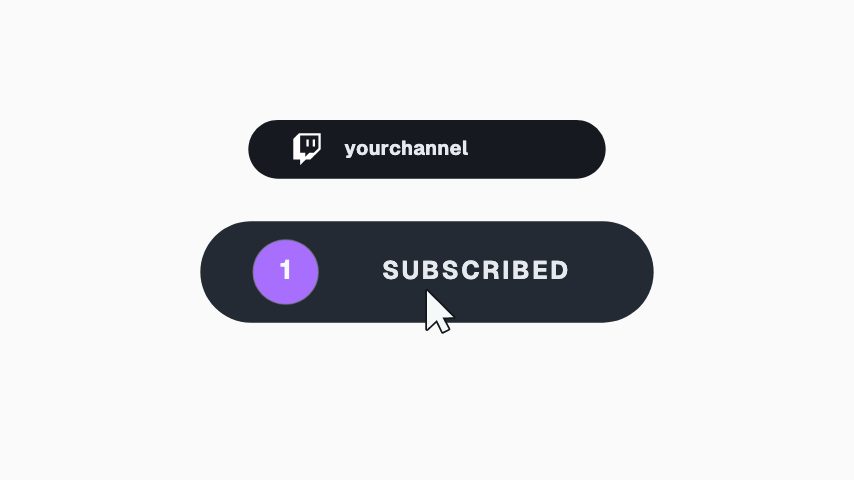
How to make a branded Twitch alert overlay
- 01
Pick the moment
One alert per event you want to celebrate: a follow, a subscription, a run of gifted subs, a bit cheer. They are different animations because they are different sizes of moment.
- 02
Brand it
Your two colours, your typeface and your logo. Set them once in a brand kit and every alert after this one already matches.
- 03
Export transparent and load it in OBS
MOV with a real alpha channel, then add it as a media source in OBS or point your alert software at the file. Nothing behind it, so gameplay carries on underneath.
What comes out of it
Format for OBS
MOV with a real alpha channel. A media source in OBS plays it with the game visible underneath.
Also available
MP4 where the alert sits on a solid panel, GIF for a quick preview.
Frame rate
60 fps, matching a stream that runs at 60.
Length
Three to five seconds. Long enough to notice, short enough not to talk over.
Questions
Does this connect to my Twitch account?
Not directly. Nothing here watches your channel for follows or subs. What it gives you instead is a cue URL per alert: anything that can open a URL, including a chat bot, a Stream Deck button or the alert service you already use, fires the alert on your overlay.
Can the alert show the follower's name?
On the live overlay, yes. Values sent with the cue are merged over the widget's own copy for that one playthrough, so one alert serves every follower. In an exported file the text is fixed at export, because a file has nothing to read a name from.
How do I load a transparent MOV into OBS?
Add a Media Source, point it at the file, and leave it un-looped. OBS reads the alpha channel, so the alert plays over your game capture with nothing behind it.
Why not just use an animated GIF?
GIF transparency is one bit, so a pixel is either fully on or fully off and every soft edge and shadow gets a hard fringe. A MOV with a real alpha channel keeps the soft edges, which is the difference between an alert that looks made and one that looks cut out.
Nearby
Starting soon screen templates
Branded starting soon, be right back and setup screens.
6 animationsLower third templates for podcasters
Guest plates, quote bars and idents for episodes and clips.
6 animationsMake your stream look made, not defaulted.
Give a first-time viewer a channel worth staying in. Alerts, starting-soon screens, camera frames, goal meters and follow prompts, exported as transparent files your streaming software can read.
The whole library for Twitch streamers
Brand your alerts in an afternoon
Two colours, your logo, six alerts, exported transparent and clean.
Start your trial