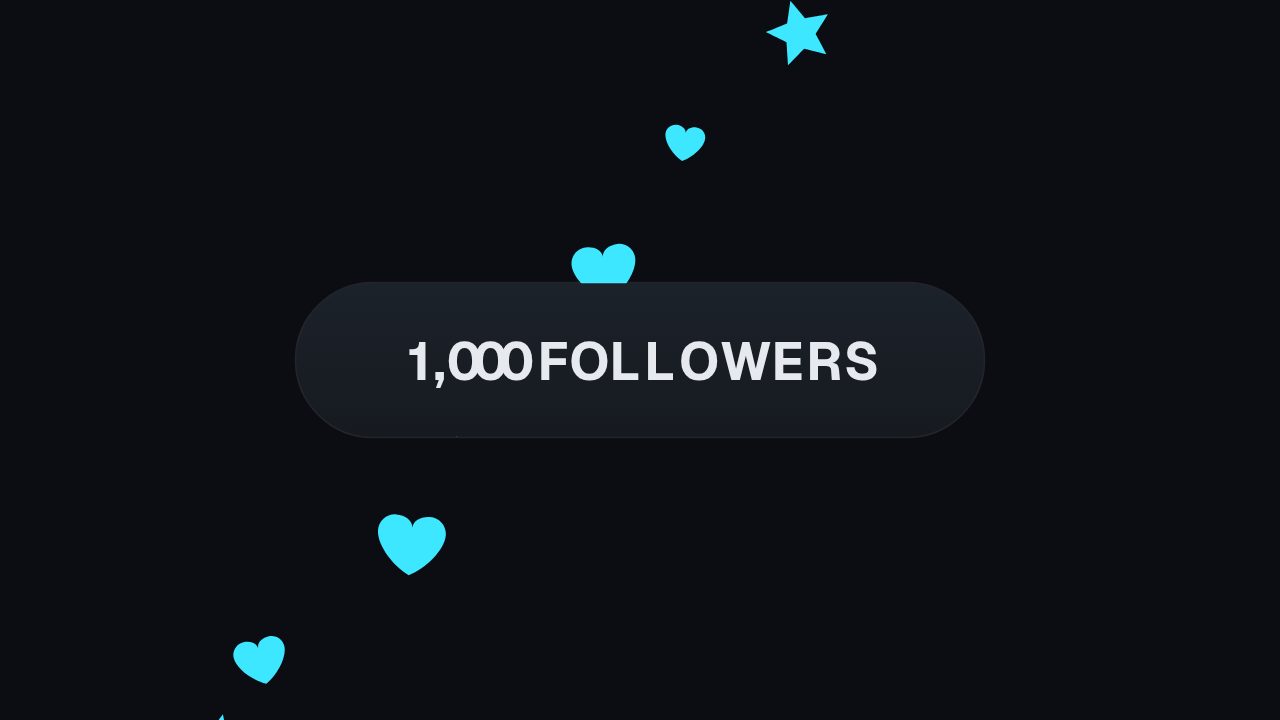
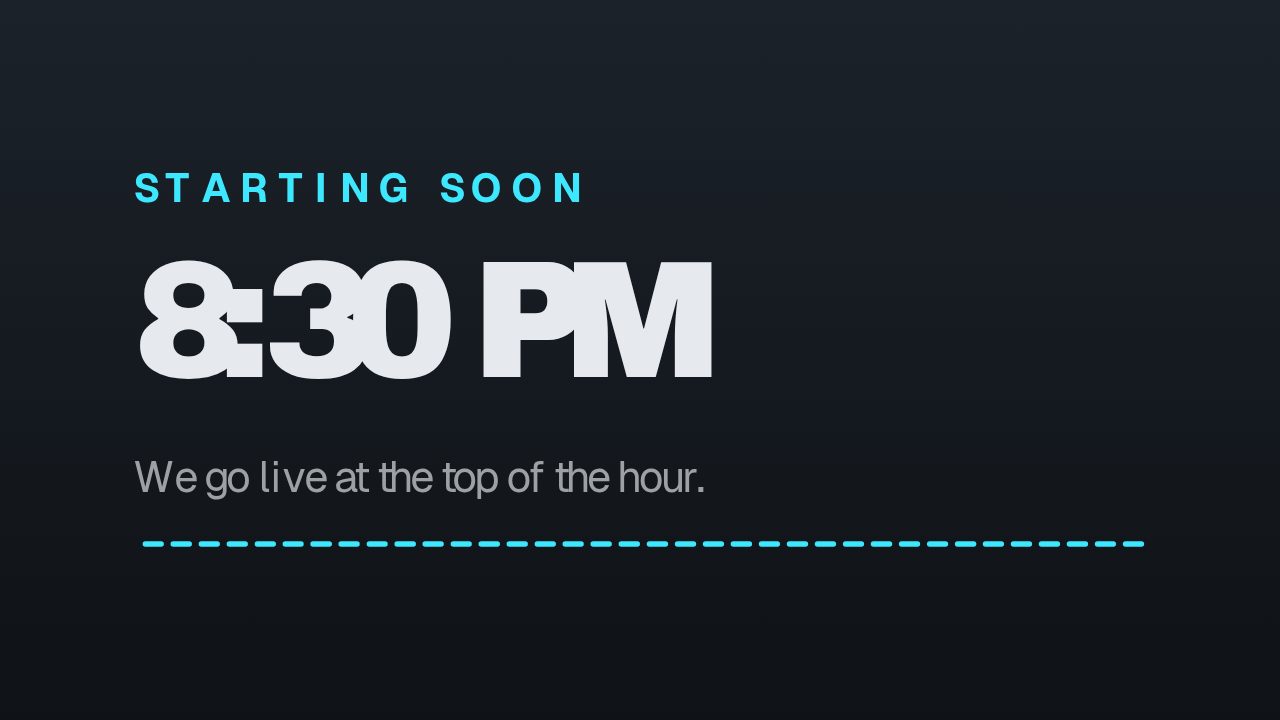
Hype Train is made for live community pushes on Twitch-style streams. Set the level and remaining count to the actual state, and use the kicker for the event or goal if needed. It can stay on screen during the final stretch, then hand off to a milestone animation when the next level lands.
Where it fits
Pinned to a corner of the live scene during the final stretch of a hype train, updated as the level climbs.
In a subathon recap that shows how far chat pushed the train on the biggest night.
Over a clip on TikTok or Shorts asking followers to come back for the next push.
Filling it in
Match the level to what Twitch is actually showing, and use the sub line for the remaining count in plain words: 4 more to level up reads faster than a fraction. The kicker can stay as HYPE TRAIN or become the goal itself, such as EMOTE UNLOCK, when the reward matters more than the mechanic.
Format and timing
Hype Train is built at 640 × 360, a 16:9 landscape frame, the shape of a YouTube video, a stream layout and most editing timelines, and runs 3 seconds at 30 frames per second. It arrives in 0.9 seconds, holds for 1.3 and clears in 0.8, so cue it a beat before the moment it labels. Export it as an MP4 for a timeline or a feed, a GIF where video will not embed, or a MOV with an alpha channel to lay it over footage with nothing behind it. Renders go up to 4K on a paid plan, and Pro opens it free for the first seven days.
No. The level is a text field, so each state is one export. Most streamers render three or four versions before going live, one per level they expect to reach, and swap them as the train moves.
Can I use it for a goal that is not a hype train?
Yes. Rename the kicker to whatever the push is, a follower goal or a charity total, and put the current stage in the level field. The train styling is only the default text.