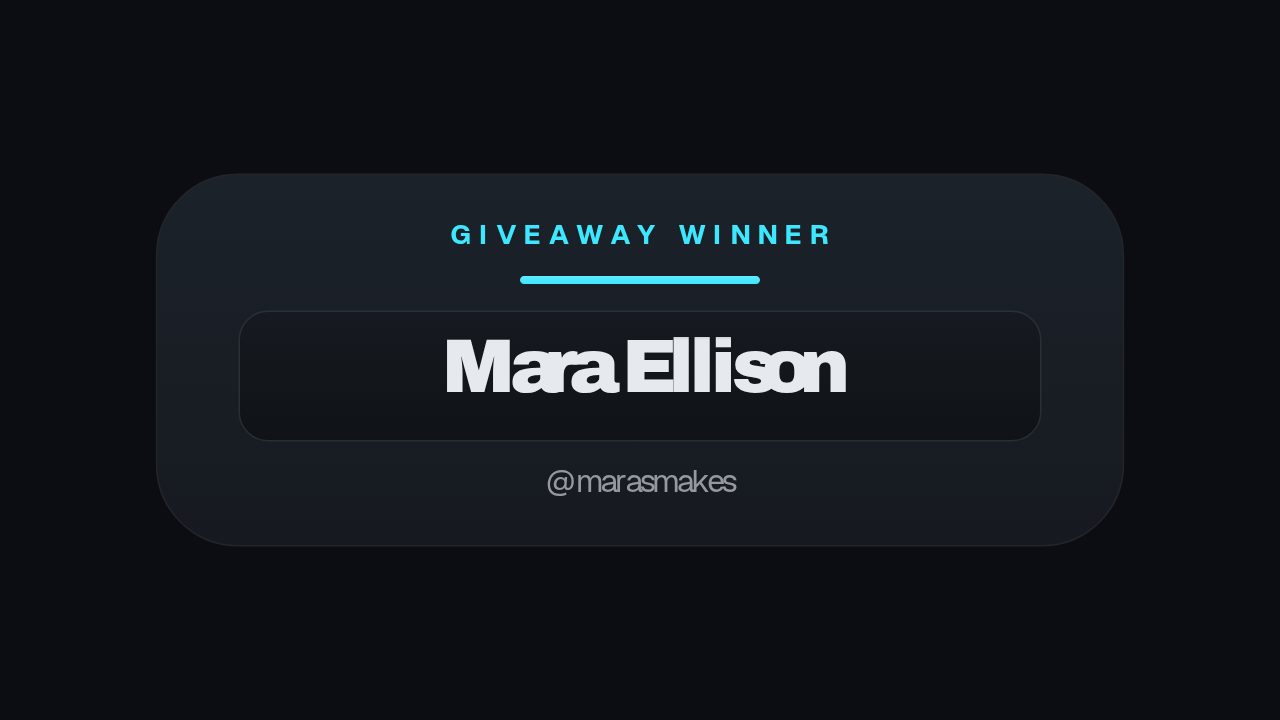
Cheer Alert is made for the few seconds after a viewer spends Bits. Use it as a stream overlay or cut it into a highlight to preserve who cheered and how much they sent. The compact layout leaves the gameplay readable while the bright accent supplies the celebration.
Where it fits
As a browser source in OBS or Streamlabs, triggered when a viewer cheers so the moment is on the stream itself.
Cut into a Twitch highlight or a YouTube VOD to preserve who cheered during a big play.
In a month-end thank-you post that names the top cheerers one after another.
Filling it in
Put the username in the first field with a verb after it, so MaraCodes cheered rather than the name alone. Keep the amount as a figure with the word BITS, since the number is what people read first. Change the accent to the channel colour rather than leaving Twitch purple in place, so the alert looks like yours.
Format and timing
Cheer Alert is built at 640 × 360, a 16:9 landscape frame, the shape of a YouTube video, a stream layout and most editing timelines, and runs 3 seconds at 30 frames per second. It arrives in 1.1 seconds, holds for 1.3 and clears in 0.6, so cue it a beat before the moment it labels. Export it as an MP4 for a timeline or a feed, a GIF where video will not embed, or a MOV with an alpha channel to lay it over footage with nothing behind it. Renders go up to 4K on a paid plan, and Pro opens it free for the first seven days.
Yes. Both fields are plain text, so write the amount as $20 and the first line as who sent it. Nothing in the artwork is Twitch specific apart from the default colour.
Can I run it live rather than in an edit?
Export it as a MOV with alpha and load it in your streaming software as a media source. Most alert tools accept a transparent video and play it when the event fires.