Twitch alert maker
Your biggest stream moments, celebrated in your own colours. Follows, subs, gifts and bits, branded today and live tonight.

In short
Every follow, sub, gift and cheer is a moment your channel gets to celebrate, and a Twitch alert is how you celebrate it in your own colours instead of the stock set every other stream runs. Pick an alert for the event, put your colours, typeface and logo on it, preview it at the size it will play, and export. The whole set takes an afternoon and no After Effects. Every paid plan exports without a watermark and includes MOV with a real alpha channel, which is the format you want for an alert that has to sit over gameplay. There is a second route too: arrange the alerts on a live overlay canvas, give OBS that one browser source URL, and fire each alert with its own cue URL from a Stream Deck button, a chat command or the alert software you already run.
- 6
- Animations here
- 989
- In the library
- MP4, GIF, MOV
- Export
- 16:9 · 4:5 · 1:1 · 9:16
- Ratios
- 720p to 4K
- Resolution
- In the browser
- Editing
What you get
Build the whole set in one sitting
Four alerts, one brand kit, one afternoon. All four export clean, and the same colours carry into the overlays and the highlights.
Motion graphics without a motion designer
It runs in the browser. No After Effects to learn, no plugin, no render queue, no template project to open.
Works with the alert software you already use
Export the files and play them wherever you do now, or point whatever fires your alerts at the overlay's cue URL. Anything that can open a URL can trigger one.
The alert floats over the game
MOV with a real alpha channel, so the alert sits above gameplay rather than on a black box.
The animations
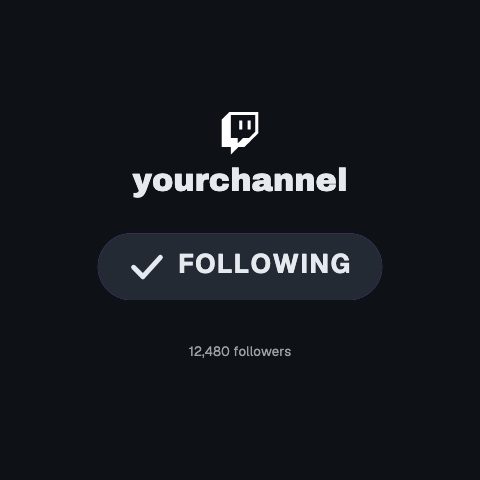
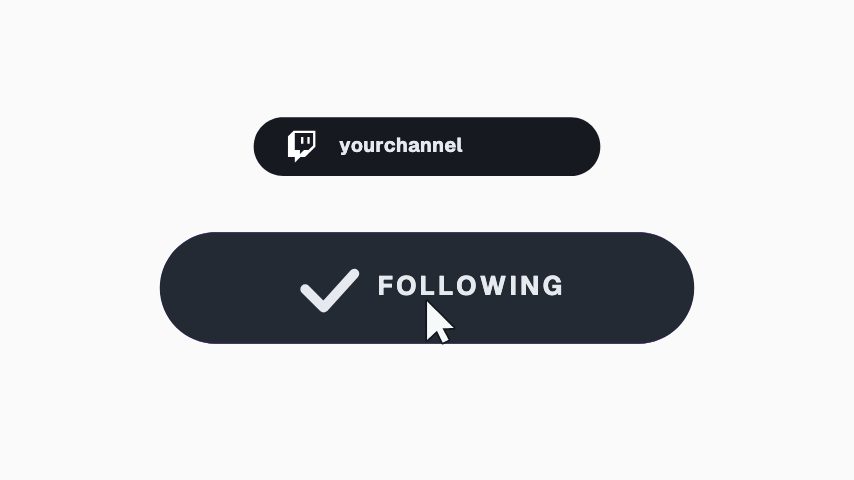
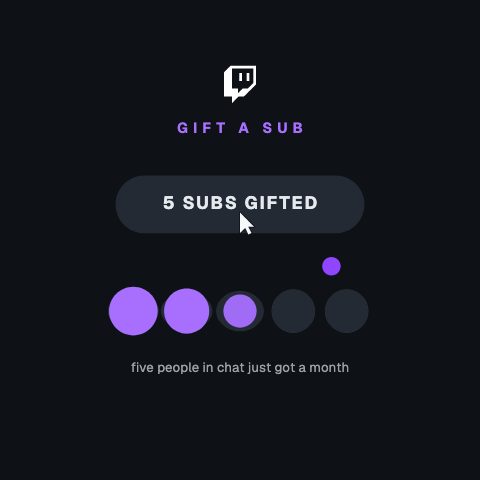
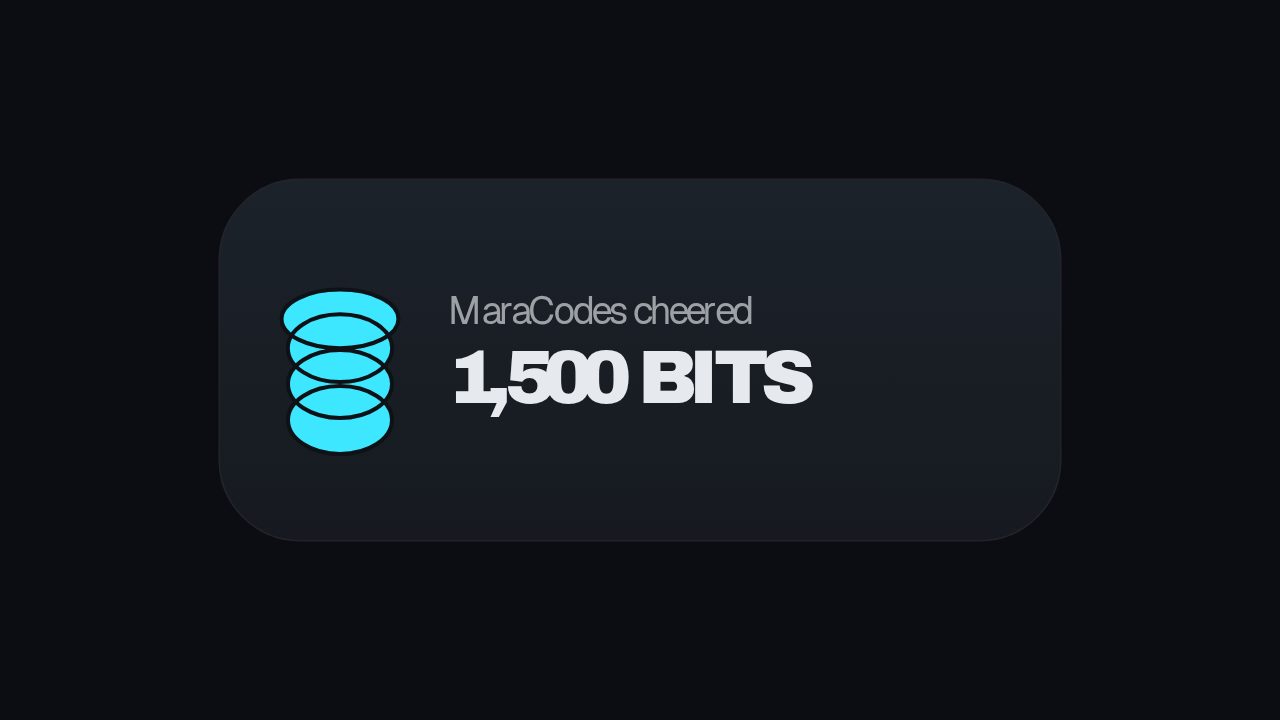
Follow, sub, gift and bit alerts, branded in your own colours.
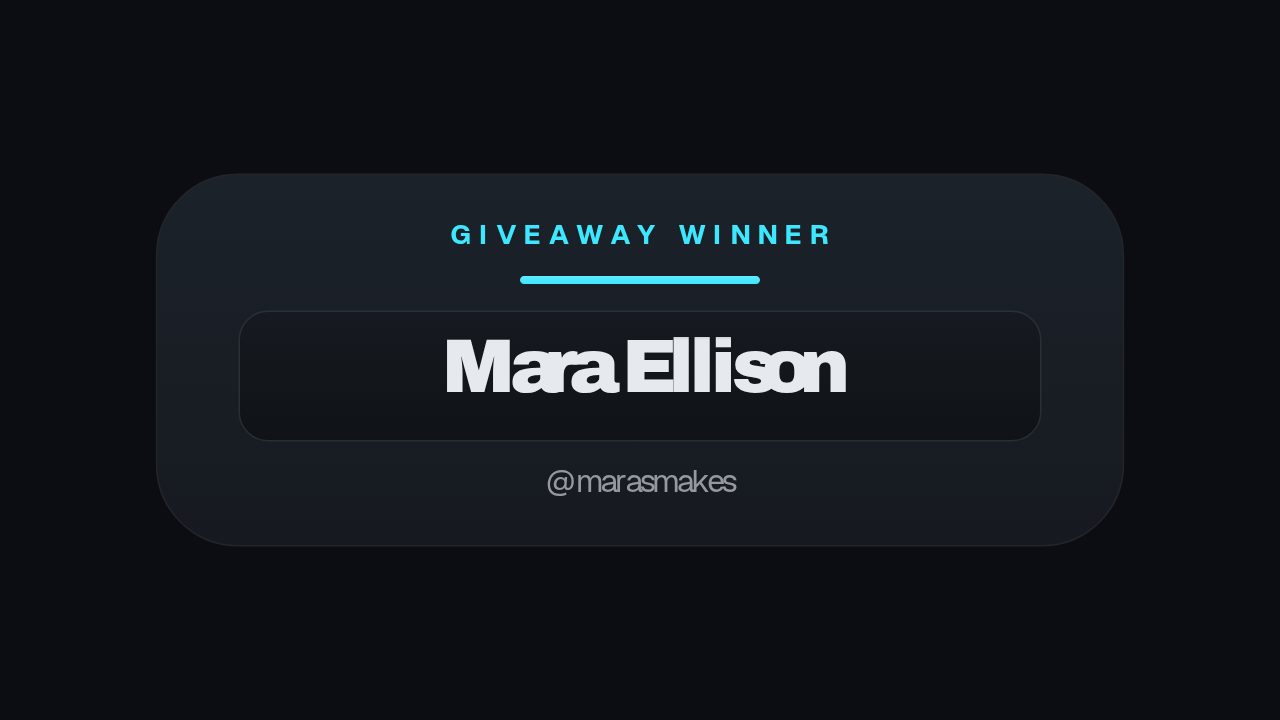
How to make a Twitch alert
- 01
Start from an alert
One per event: follow, subscription, gifted subs, bits. Each is a different length because each is a different size of moment.
- 02
Put your channel on it
Two colours, a typeface and your logo. Saved as a brand kit, so the fourth alert takes about a minute.
- 03
Export and load it into OBS
Export with no watermark, at up to 60 fps, as the transparent MOV that composites over gameplay. Add it to OBS as a media source.
What you get
Free trial
Every animation in your brand for 7 days, with clean exports. Cancel before it ends and nothing is charged.
Every paid plan
No watermark, MP4, GIF and MOV with a real alpha channel, up to 60 fps. 4K and 8K on Studio.
No account needed to look
Browse and preview the whole library before signing up.
Trigger
Each overlay alert has a cue URL, so the bot or Stream Deck button you already run fires it.
Questions
Is there a free trial?
Yes. Every plan starts with a 7-day trial of the whole plan: every animation, clean exports, every ratio. Cancel before it ends and nothing is charged. Then Pro keeps clean exports and the transparent MOV, for $9 a month.
Do I need OBS?
You need something that plays a video file over your stream, which for most people is OBS or Streamlabs. Add the export as a media source and it plays over the game.
Can it show the follower's name automatically?
On the live overlay, yes: values sent with the cue that fires the alert are merged over its copy for that one playthrough, so one alert widget serves every follower. In an exported file the text is fixed when you export it.
How long does it take to make one?
A few minutes for the first, less for the ones after it. The colours, typeface and logo are stored in a brand kit and applied to the next alert in one step.
Nearby
Free stream overlay maker
One browser source in OBS, every graphic in your colours.
6 animationsTwitch alert overlay templates
Follow, sub, gift and bit alerts, branded to your channel.
6 animationsMake your stream look made, not defaulted.
Give a first-time viewer a channel worth staying in. Alerts, starting-soon screens, camera frames, goal meters and follow prompts, exported as transparent files your streaming software can read.
The whole library for Twitch streamers
Brand your alerts today
Your colours on every follow, sub and cheer, ready for tonight, exported clean as a transparent MOV.
Start your trial