Podcast quote video templates
The sentence that travels, on screen, recognisable as your show before the audio starts.

In short
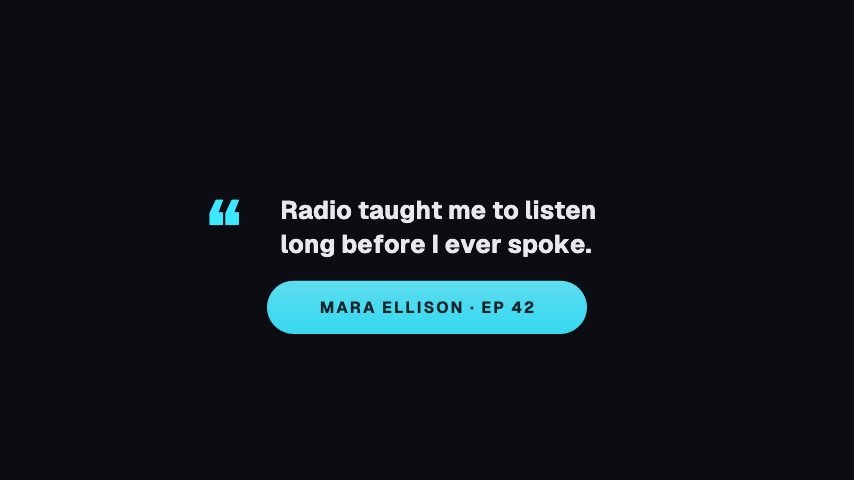
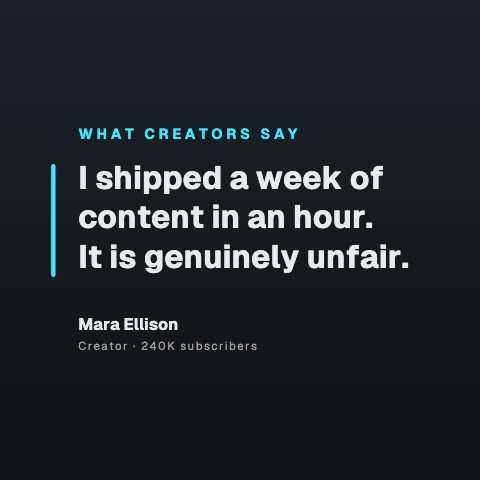
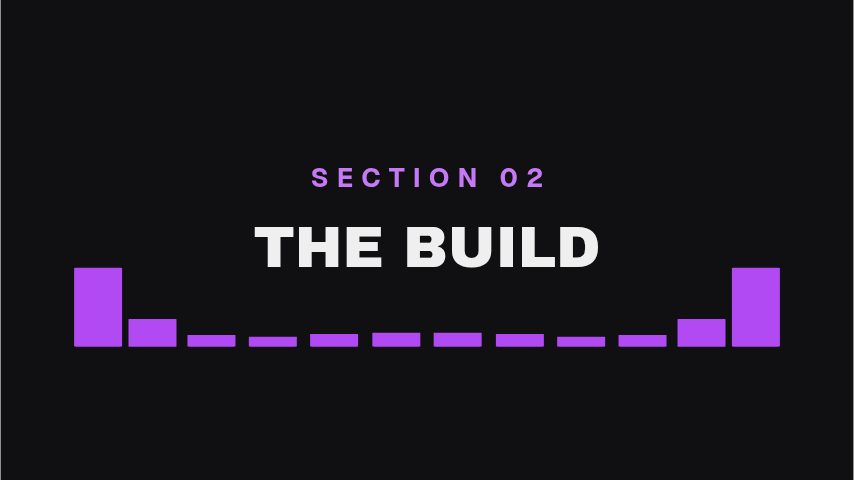
A podcast clip lives or dies on one sentence, and most of the audience watches it muted, so the sentence has to be on screen. These are animated quote cards for that job: a pull quote bar, a full quote card, a now playing plate and a divider that carries your show's name, all editable in the browser and exportable at 9:16 or 1:1 for the feeds clips actually get posted to. Type the sentence and the speaker, set your colours, export. Twenty clips a month is twenty retypes, and the same design on all of them is what makes the show recognisable.
- 6
- Animations here
- 989
- In the library
- MP4, GIF, MOV
- Export
- 16:9 · 4:5 · 1:1 · 9:16
- Ratios
- 720p to 4K
- Resolution
- In the browser
- Editing
What you get
Built for muted viewing
Large type, strong contrast, one sentence. Most podcast clips are watched with the sound off, and a design that ignores that is a design that gets scrolled.
The same look on every clip
A show that posts twenty clips a month gets recognised by the card before the name. One brand kit keeps them identical.
Composites over your waveform or video
Transparent MOV lays over whatever you already generate: an audiogram, camera footage, or a still.
Cut for every feed clips go to
9:16 and 1:1 from the same edit, rather than one export cropped twice and cropped badly.
The animations
Quote cards and now playing plates that read with the sound off.
How to make a podcast quote video
- 01
Find the sentence
One sentence, not a paragraph. A clip that needs three lines of type to make its point is a clip nobody finishes.
- 02
Type it in with the speaker
The quote, who said it, and your show's name. Your brand kit puts the colours and typeface on automatically.
- 03
Export at the shape you are posting
9:16 for Reels, Shorts and TikTok, 1:1 for a feed post. MOV with alpha if you are laying it over waveform footage.
What comes out of it
Ratios
9:16 for Reels, Shorts and TikTok; 1:1 for a feed post; 16:9 for the episode itself.
Formats
MP4 to post, MOV with alpha to lay over an audiogram or camera footage.
Length
Five to thirty seconds, long enough for the sentence and the beat after it.
Resolution
1080p on Pro, 4K on Studio.
Questions
Does this generate the waveform?
No. There is no audio import and nothing here draws a waveform from your file. These are the typographic layer, the quote, the speaker and the show name, designed to sit over whatever audiogram or footage you already produce.
How long should a podcast clip be?
Under sixty seconds for a vertical feed, and usually under thirty. The quote card holds for the sentence; the clip should end shortly after the point does.
Can I keep the same card across every episode?
That is the intent. Save the colours and typeface as a brand kit and every clip after the first one is retyping the quote and exporting.
Will the text fit if the quote is long?
The card sets type to fit, but a long quote at story size is unreadable regardless. Cut to the sentence that carries the point and let the clip's audio do the rest.
Nearby
Lower third templates for podcasters
Guest plates, quote bars and idents for episodes and clips.
6 animationsYouTube subscribe animation templates
Subscribe buttons, bells and counters in your channel's colours.
6 animationsTurn an episode into a week of clips.
Get an audio show seen in a feed that plays silently. Guest intros, pull quotes, chapter markers, audiograms and sponsor slates, for the video feed and for the clips account.
The whole library for podcasters
Clip the sentence that travels
One sentence, your colours, sized for the feed. Every clip exports clean.
Start your trial