Property listing video maker
A listing goes live in the morning and the video post goes out the same afternoon.

In short
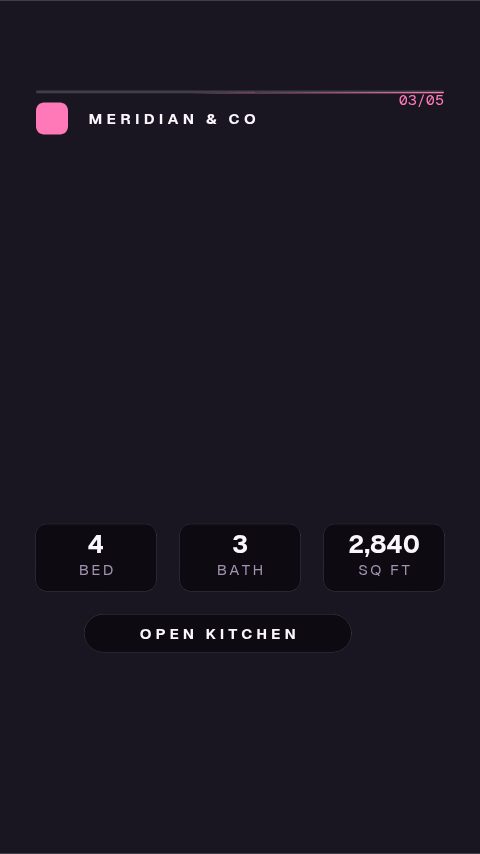
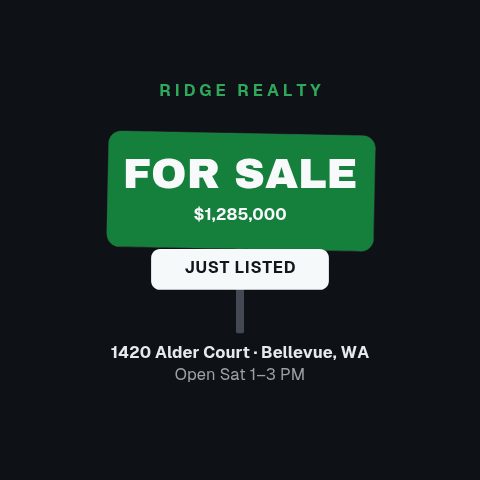
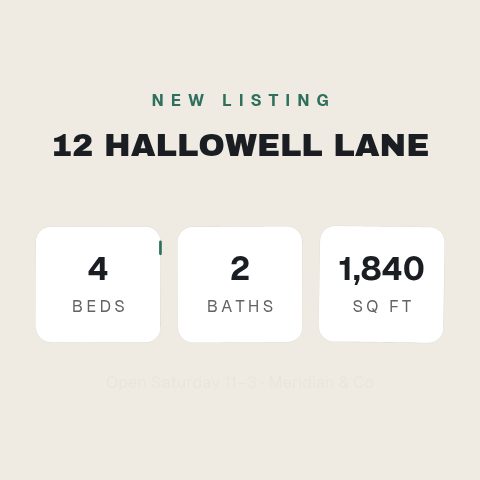
Listings sell faster when they are seen, and a property listing video maker gets a new one onto social the day it lists. It makes the whole run of posts: a just listed reel, a specs card with beds, baths and square footage, an open house announcement, a price reveal and a sold stamp. You type the address and the numbers, drop in the photos, and export at the shape you are posting. Everything on screen is what you typed. There is no MLS connection and no feed, which is deliberate: the numbers on a listing post are a claim about a property, and they should be checked by the person making the claim.
- 6
- Animations here
- 989
- In the library
- MP4, GIF, MOV
- Export
- 16:9 · 4:5 · 1:1 · 9:16
- Ratios
- 720p to 4K
- Resolution
- In the browser
- Editing
What you get
A listing's whole run of posts, one design
Just listed, specs, open house, price change and sold, drawn in the same language so the feed looks like one agent rather than five apps.
Your photos, sized for the frame
Media slots crop the listing photos to the post's shape rather than letterboxing a wide photo into a vertical frame.
Every number is one you typed
No feed and no integration. What is on the post is what you checked, which is the only version of this that is safe to publish.
Minutes per listing, not an evening
The brand kit carries your colours and logo. A new listing is the address, the numbers and the photos.
The animations
Every post a listing needs, out the day it goes live.

How to make a property listing video
- 01
Pick the post the listing needs today
Just listed on day one, specs and neighbourhood through the week, open house before the weekend, sold when it closes.
- 02
Type the address and the numbers
Price, beds, baths, square footage. They are fields, so the next listing is retyping rather than rebuilding.
- 03
Add the photos and export
Media slots take your listing photos. Export 9:16 for a reel or story, 1:1 for a feed post.
What you get
Free trial
Every animation in your brand for 7 days, with clean exports. Cancel before it ends and nothing is charged.
Every paid plan
No watermark, MP4, GIF and MOV with a real alpha channel, up to 60 fps. 4K and 8K on Studio.
Ratios
9:16 for reels and stories, 1:1 and 4:5 for the feed, 16:9 for a portal.
No MLS connection
Every figure is typed in and checked by you before it is published.
Questions
Does it pull the listing from the MLS?
No. There is no MLS integration and no data feed. You type the address, price and specifications, which means the numbers on the post are ones you have checked, the only version of this that is safe to publish.
Can I use my own listing photos?
Yes. The templates with media slots take your photos and crop them to the shape of the post, so a wide listing photo works in a vertical reel.
What should I post for a listing?
Just listed on the day it goes live, the specifications and neighbourhood through the week, the open house before the weekend, and sold when it closes. One design across all of them is what makes the feed read as one agent.
Is the export good enough for a client-facing post?
Yes. It exports with no watermark, at 1080p on Pro and up to 4K on Studio, so the post a vendor sees is the post that goes out.
Nearby
Twitch alert maker
Follow, sub, gift and bit alerts, branded in your own colours.
6 animationsFree stream overlay maker
One browser source in OBS, every graphic in your colours.
6 animationsEvery listing on screen the day it goes live
One photo shoot, a week of listing content. Just-listed reels, room tours, floorplan walks and price reveals, each about twenty minutes of typing and a vertical MP4.
The whole job, end to endTurn a listing into a week of posts that get seen.
Cover a listing from the day it goes live to the day it closes, built for a phone screen. Just listed, open house, price drop and sold, in the shapes buyers actually scroll.
The whole library for real estate agents
Get the listing posted
Address, numbers, photos, export. Clean, listing after listing.
Start your trial