Flash sale video maker
Decide the offer at lunch and have the sale running by the evening.

In short
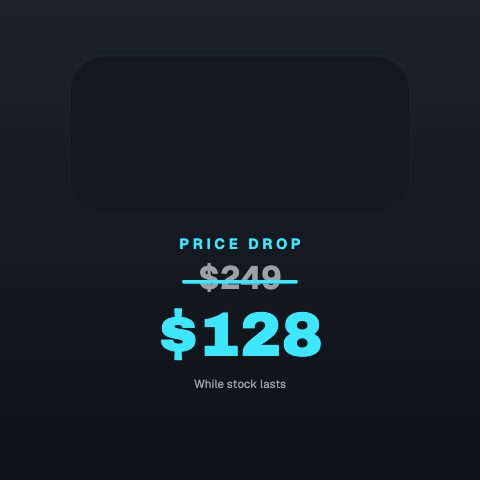
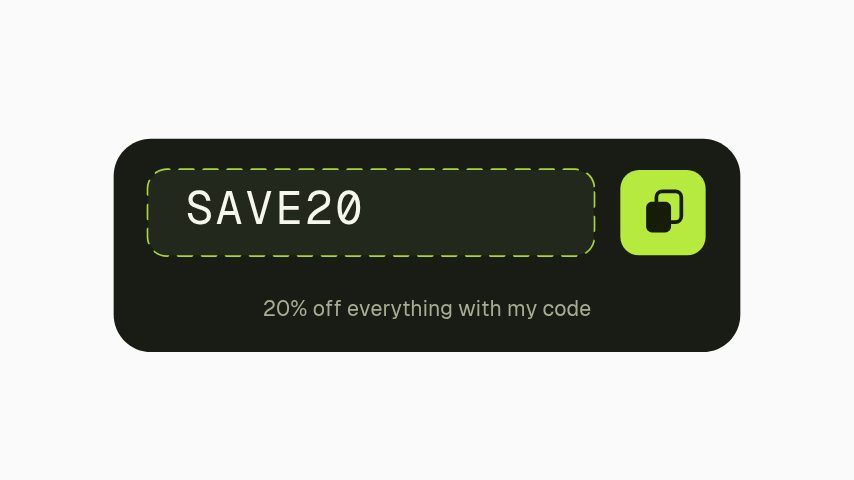
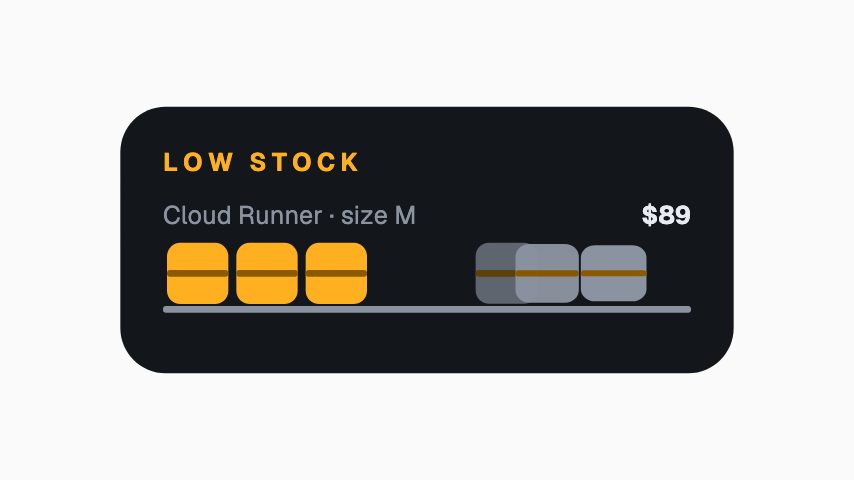
A sale moves on what people see, and a flash sale video maker puts the offer on screen the same day you decide it: a flash sale card, a price drop with the old figure struck through, a discount code, a stock counter and a free shipping bar. You type the figures and the code, drop the product photo in, and export at the shape the sale is being posted in. If you would rather not retype them, a Shopify or WooCommerce storefront connects with its web address alone and lists your products and the ones already reduced, so opening a row starts the animation with that product's name, prices and photo already in it. The connection is read-only, and nothing is written back to your shop.
- 6
- Animations here
- 989
- In the library
- MP4, GIF, MOV
- Export
- 16:9 · 4:5 · 1:1 · 9:16
- Ratios
- 720p to 4K
- Resolution
- In the browser
- Editing
What you get
The whole sale, one visual language
Announcement, price drop, code, low stock and last call, drawn as one set so a week of posts is recognisably one campaign.
Your product photo in it
Media slots take the product shot and crop it to the post's shape rather than sitting it in a letterbox.
Your real prices, without retyping them
Connect a Shopify or WooCommerce storefront by address and the product name, price and photo arrive filled in. Read-only, and nothing is written back.
Fast enough to be worth doing for a one-day sale
Minutes per post with a brand kit applied, so a one-day sale gets a full set and ten products get ten posts.
The animations
Price drops, codes, stock counters and shipping bars, posted today.

How to make a flash sale video
- 01
Pick the offer's shape
A percentage, a struck-through price, a code, or scarcity. They are different arguments and they do not all work on the same product.
- 02
Type the numbers and the code
Old price, new price, the code, the deadline. Fields, so the next sale is a retype.
- 03
Export for the feed and the story
1:1 or 4:5 for the feed, 9:16 for stories and reels. Same edit, both shapes.
What you get
Free trial
Every animation in your brand for 7 days, with clean exports. Cancel before it ends and nothing is charged.
Every paid plan
No watermark, MP4, GIF and MOV with a real alpha channel, up to 60 fps. 4K and 8K on Studio.
Ratios
1:1 and 4:5 for the feed, 9:16 for stories and reels, 16:9 for a site banner.
Store connection
Shopify or WooCommerce by web address, read-only. Optional API keys add your coupon codes.
Questions
Does it connect to Shopify?
Yes, and to WooCommerce. Both connect with the storefront address alone and are read-only: the store tab lists your products and the ones already reduced, and opening one starts an animation with its name, prices and photo filled in. Coupon codes need an optional API key, because neither platform publishes those.
Can I use it for a paid ad?
Yes. Exports carry no watermark and run at 1080p on Pro and up to 4K on Studio, which is what you want behind ad spend.
What ratio works best for a sale post?
4:5 takes the most feed height on Instagram, 1:1 is the safe default across feeds, and 9:16 is what stories and reels want. Export the two you are actually posting.
Should I use a countdown or a stock counter?
A deadline is easier to keep honest than a stock number. Use scarcity only when the number is real. A stock count that never moves is the fastest way to lose the audience you built it for.
Nearby
Testimonial video maker
Reviews turned into quote cards, spotlights and UGC frames.
5 animationsTwitch alert maker
Follow, sub, gift and bit alerts, branded in your own colours.
6 animationsFlash sale graphics, changed as fast as the offer does
A whole sale week of assets from one offer, and the offer can still change on Sunday night. Countdowns, codes, price drops and stock warnings: twenty percent becomes thirty in the time it takes to retype it.
The whole job, end to endGo from product photo to campaign-ready motion.
Ship the creative a campaign needs this week, without waiting on a designer. Flash sales, discount codes, price drops, reviews and social proof, the small, frequent assets a shop actually posts.
The whole library for ecommerce brands
Get the sale posted
Numbers in, post out, same afternoon, clean and ready for ad spend.
Start your trial