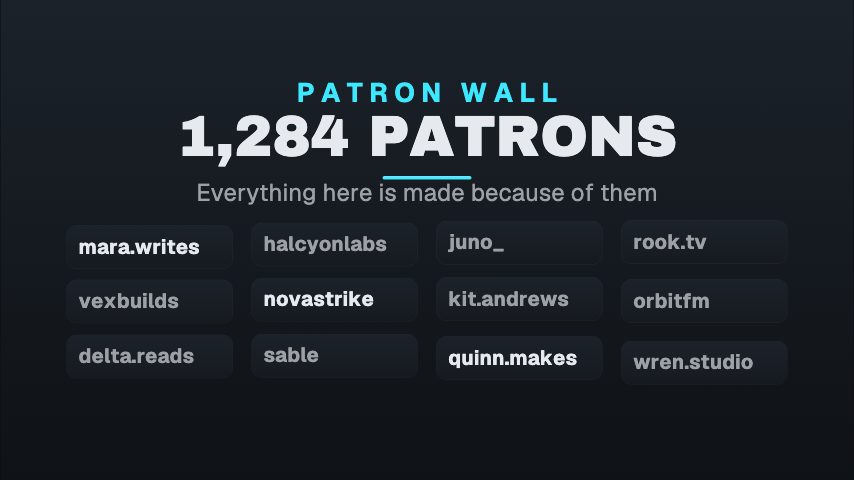
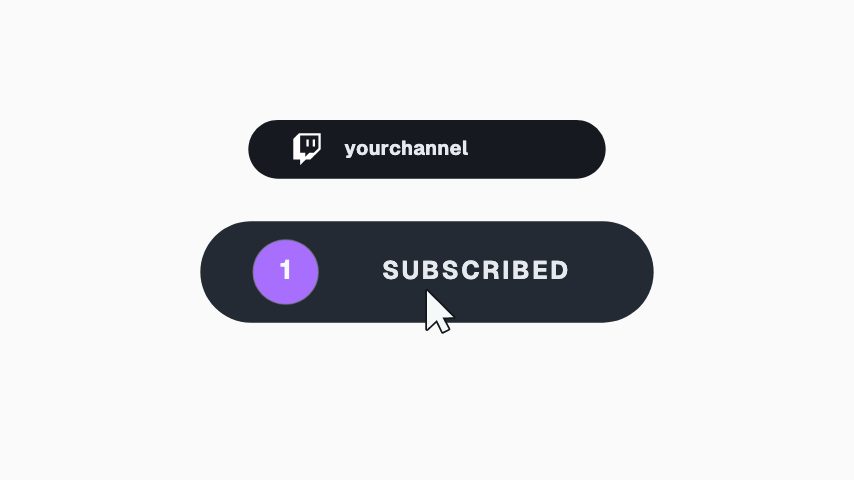
Everything above the control is static until contact. Use it for a milestone, passing a hundred patrons or a thousand, where the number is the news and the button is the ask. The detail line is the place to name what patrons actually get.
Where it fits
As a milestone post when the page passes a hundred or a thousand patrons.
In a project update, with the count as the news and the button as the ask.
On a video about what patrons get, as the end card.
Filling it in
The counter rolls to the figure you type once the press lands, so set it to your real number. The detail line is where you name what patrons actually get: early access, and the group chat. The button colour is Patreon's coral by default and can be your own.
Format and timing
Patreon Join Count is built at 1080 × 1080, a square frame, which sits in a feed post without cropping and centres neatly over wider footage, and runs 4 seconds at 30 frames per second. It arrives in 0.9 seconds, holds for 1.9 and clears in 1.2, so cue it a beat before the moment it labels. Export it as an MP4 for a timeline or a feed, a GIF where video will not embed, or a MOV with an alpha channel to lay it over footage with nothing behind it. Renders go up to 4K on a paid plan, and Pro opens it free for the first seven days.
What you can edit
Patronscounter
Kickertext
Buttontext
Detailtext
Button colourcolor
Questions about Patreon Join Count
Does the count move before the button is pressed?
No. Everything above the control is static until contact. The number starting on the press is what makes it read as a patron joining rather than a stat rolling.
Can I use it for Ko-fi or a membership site?
Yes. Change the kicker to MEMBERS or SUPPORTERS, set the colour to that platform's, and the card reads as a join for anything with a count.