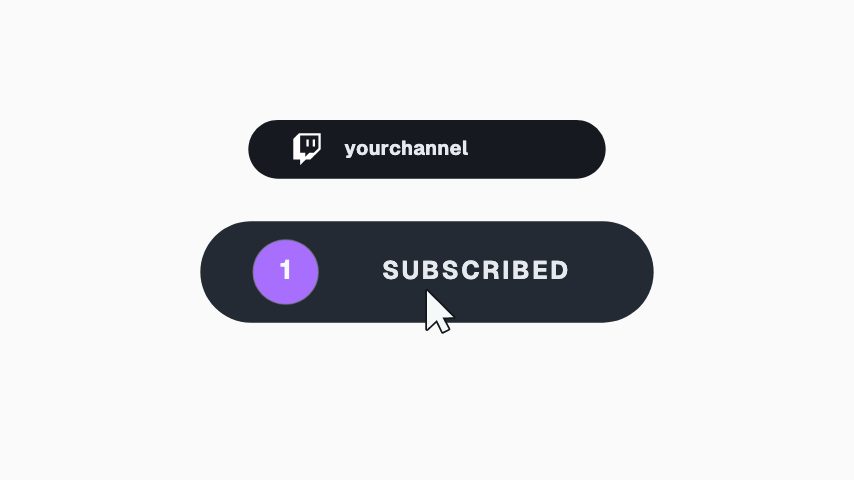
The invite overlay for a community post, showing the action you want rather than describing it. The flood runs out from the contact point, so the chip reads as pressed instead of recoloured, which is what makes the ask legible with no cursor in the frame. Keep the confirmed label to a word someone would actually tap.
Where it fits
As the invite overlay on a community post.
In an event Story, showing the action you want.
On a meetup announcement, cut over footage of the last one.
Filling it in
Keep the confirmed label to a word someone would actually tap: GOING, IN, COUNT ME IN. The event and date are the two lines above the chip. No colour field; the flood takes its colour from the source.
Format and timing
RSVP Chip Press is built at 640 × 360, a 16:9 landscape frame, the shape of a YouTube video, a stream layout and most editing timelines, and runs 3 seconds at 30 frames per second. It arrives in 1.1 seconds, holds for 1.5 and clears in 0.4, so cue it a beat before the moment it labels. Export it as an MP4 for a timeline or a feed, a GIF where video will not embed, or a MOV with an alpha channel to lay it over footage with nothing behind it. Renders go up to 4K on a paid plan, and Pro opens it free for the first seven days.
What you can edit
Eventtext
Datetext
Chip idletext
Chip confirmedtext
Questions about RSVP Chip Press
Why is there no cursor?
Because the flood runs out from the contact point, so the chip reads as pressed rather than recoloured. That is enough to make the ask legible without a pointer.
Is the RSVP real?
No. Video cannot take a tap. Pair it with the event link or the platform's own RSVP button in the caption.