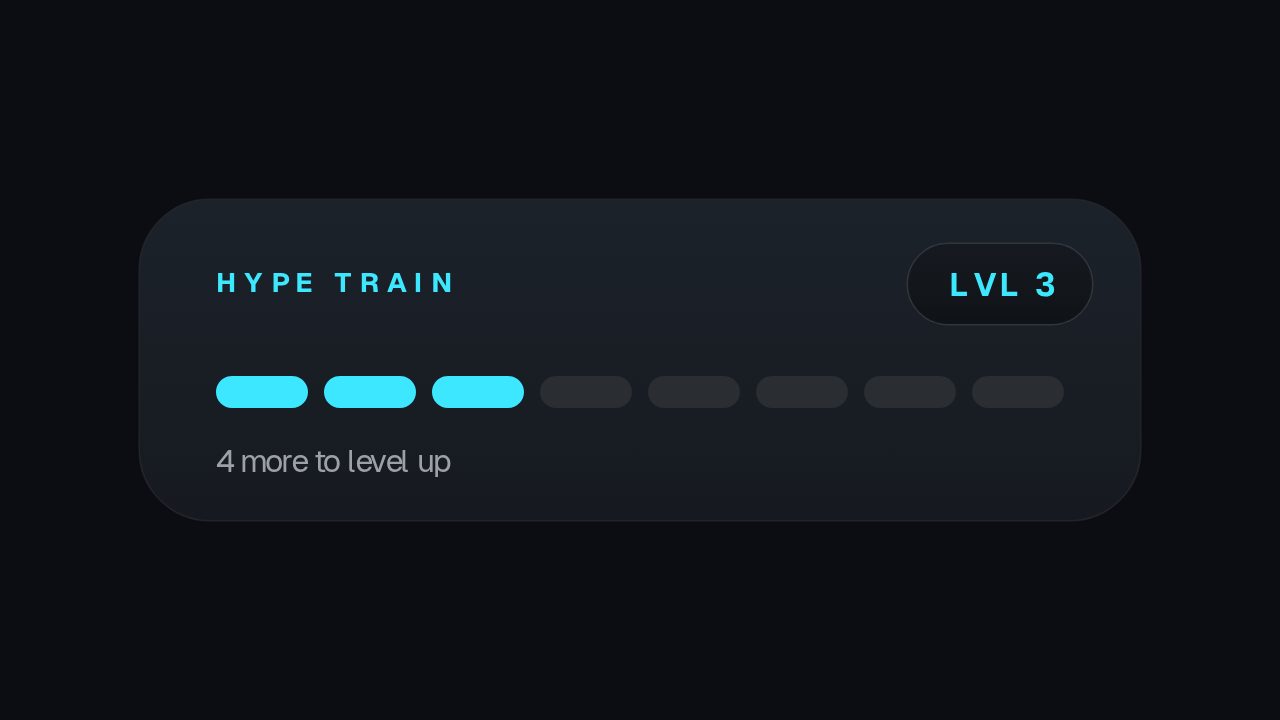
During a fundraiser stream, it shows the progress in a corner of the screen. A ribbon draws in, the raised amount counts up towards the goal, and the latest donation appears. Change Kicker, Raised, Goal and Latest before each clip or scene. Values don't update on their own, so refresh Raised and Latest whenever you post a new clip.
Where it fits
In the corner of a charity stream, as a progress card between segments.
In a highlights clip after the fundraiser, to show how much was raised.
In a pre-stream announcement, to share the goal before you go live.
Filling it in
Write Goal with of in front, like of $10,000, so it reads on from the Raised figure. Keep Latest to one donor and amount, and check the donor is happy to be named. Change Kicker to the cause, like FOR THE SHELTER.
Format and timing
Charity Goal is built at 640 × 360, a 16:9 landscape frame, the shape of a YouTube video, a stream layout and most editing timelines, and runs 4 seconds at 30 frames per second. It arrives in 1.8 seconds, holds for 1.4 and clears in 0.8, so cue it a beat before the moment it labels. Export it as an MP4 for a timeline or a feed, a GIF where video will not embed, or a MOV with an alpha channel to lay it over footage with nothing behind it. Renders go up to 4K on a paid plan. The free plan shows a watermarked preview.
What you can edit
Kickertext
Raisedcounter
Goaltext
Latesttext
Questions about Charity Goal
Does it connect to a donation platform?
No. You type each value, and Raised counts up to the amount you enter.
What size is it?
640 x 360, a 16:9 overlay with a transparent background, so it sits over your footage. It runs for 4 seconds.