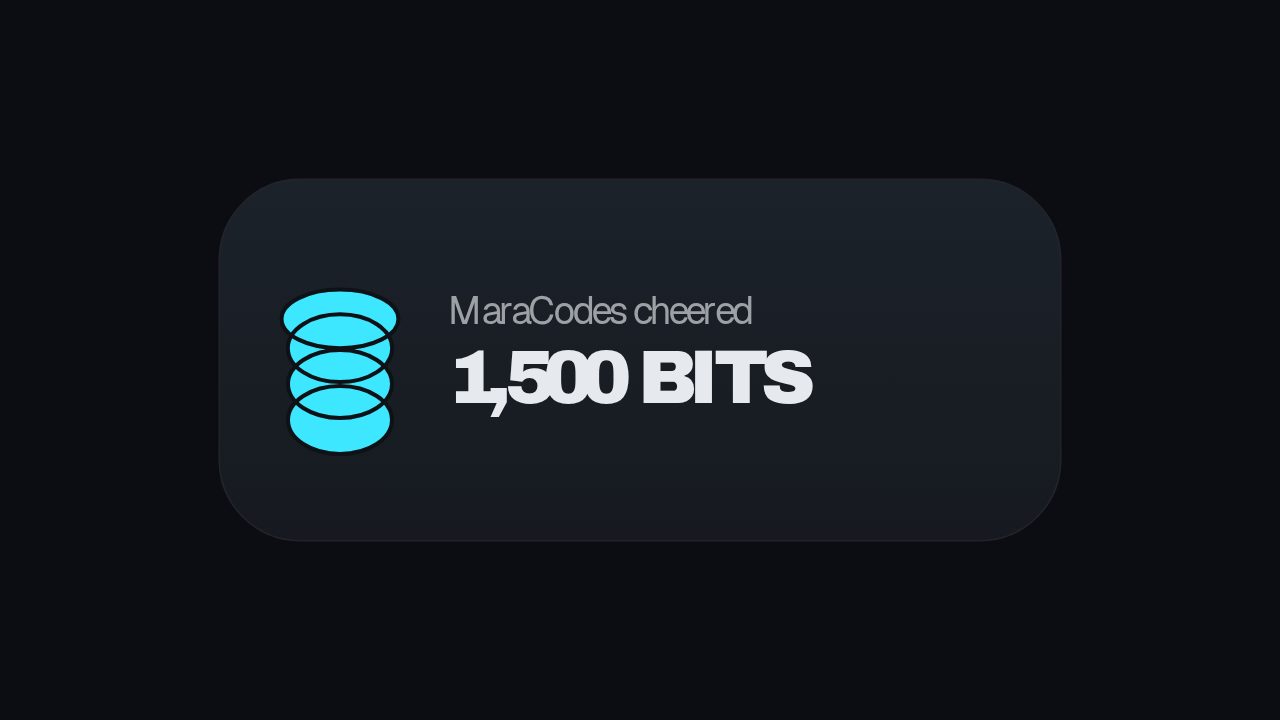
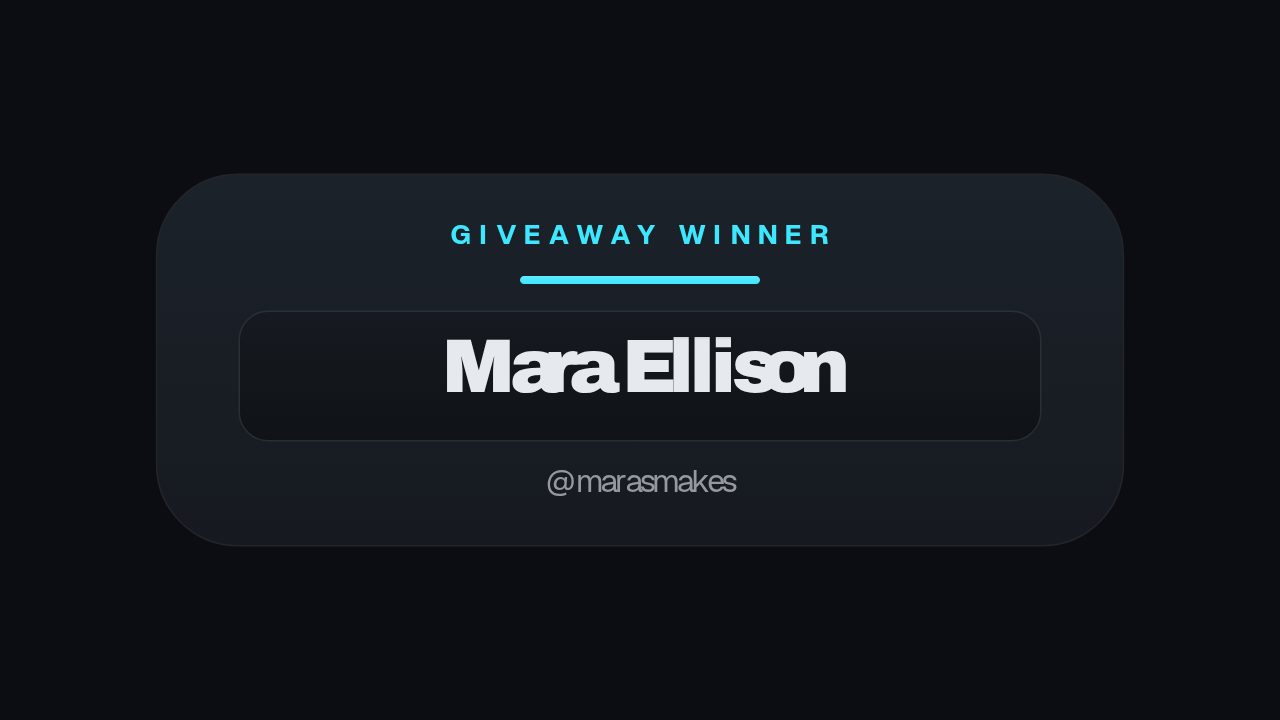
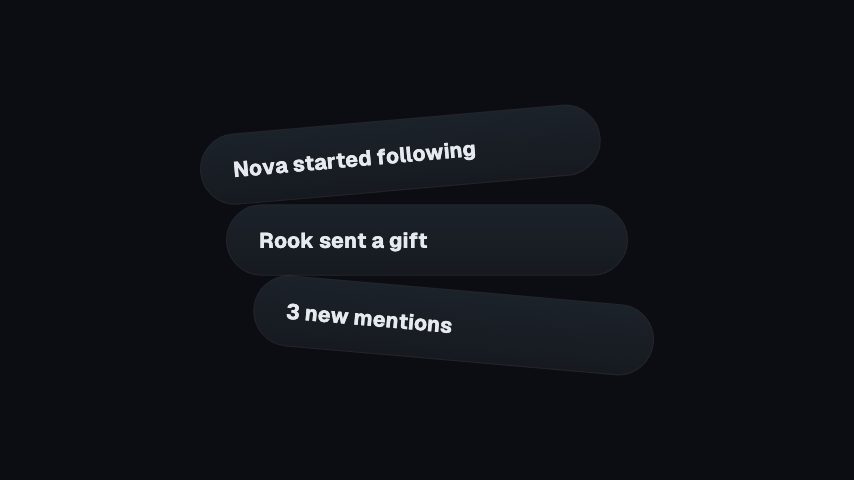
Use it the moment a new product goes on sale, so viewers know where to look. A card opens, a bag icon pops into its tile, then Title, Line and the button settle in turn. Change Title, Line and Button, and set Button colour to match your store. Keep Button to one short word so it fits the chip. The button is drawn into the video, so people still shop through your link or the platform's shopping tags.
Where it fits
At the start of a product video, announcing that a new collection is on sale.
Over a packing or unboxing clip, as a reminder that stock is limited.
In the final seconds of a short clip, pointing viewers to your shop link.
Filling it in
Keep Title under five words so it stays on one line. Line works best as a reason to act now, such as Only 40 made. A Button colour that contrasts with your footage keeps the chip readable.
Format and timing
Notify Drop CTA is built at 640 × 360, a 16:9 landscape frame, the shape of a YouTube video, a stream layout and most editing timelines, and runs 3.5 seconds at 30 frames per second. It arrives in 0.9 seconds, holds for 1.5 and clears in 1.2, so cue it a beat before the moment it labels. Export it as an MP4 for a timeline or a feed, a GIF where video will not embed, or a MOV with an alpha channel to lay it over footage with nothing behind it. Renders go up to 4K on a paid plan. The free plan shows a watermarked preview.
What you can edit
Titletext
Linetext
Buttontext
Button colourcolor
Questions about Notify Drop CTA
What can I change?
Title, Line, Button and Button colour. The bag icon stays as it is.
What size is it?
640 x 360, a 16:9 overlay with a transparent background, so it sits over your footage. It runs for 3.5 seconds.
Does the Shop button open my store?
No. It's part of the picture. Add your real link in the caption or tag the product with the platform's own tools.