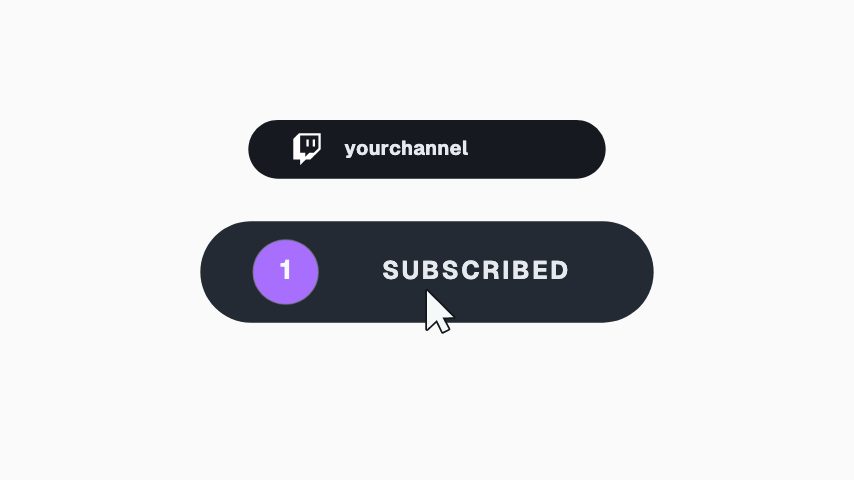
Tell your audience a collab is coming and when to tune in. Chat bubbles float up, two of them turn into avatars, and the row builds and re-centres with the handles, details and a Watch chip. Add Your avatar and Collab avatar, then change Handles, Details, Chip and Button colour. Pick photos with faces centred, as the avatars are small. The chip is a graphic, and viewers still watch or follow through the app.
Where it fits
At the end of a video, to tease a collab dropping later that week.
In the corner of a stream, when you announce a joint session.
Over a behind-the-scenes clip from the shoot, to name the release date.
Filling it in
Write both names in Handles and keep the pair short so it fits the row. Put the day and time in Details so the date is clear. Change Chip to Live or Soon if the collab isn't a video.
Format and timing
Collab Announce is built at 640 × 360, a 16:9 landscape frame, the shape of a YouTube video, a stream layout and most editing timelines, and runs 4 seconds at 30 frames per second. It arrives in 2.7 seconds, holds for 0.5 and clears in 0.7, so cue it a beat before the moment it labels. Export it as an MP4 for a timeline or a feed, a GIF where video will not embed, or a MOV with an alpha channel to lay it over footage with nothing behind it. Renders go up to 4K on a paid plan. The free plan shows a watermarked preview.
What you can edit
Your avatarimage
Collab avatarimage
Handlestext
Detailstext
Chiptext
Button colourcolor
Questions about Collab Announce
Can I use our own photos?
Yes. There are two photo slots: Your avatar and Collab avatar.
What size is it?
640 x 360, a 16:9 overlay with a transparent background, so it sits over your footage. It runs for 4 seconds.
Does the Watch chip link anywhere?
No. It's part of the video. Share the link in your caption or bio.