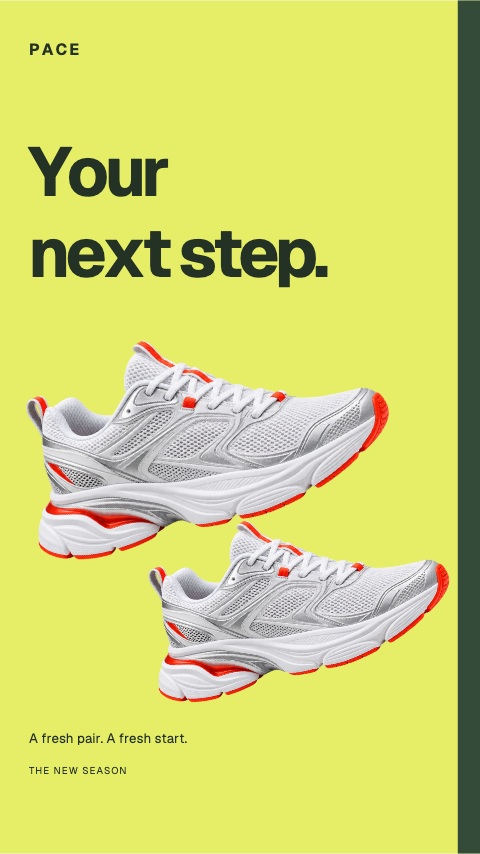
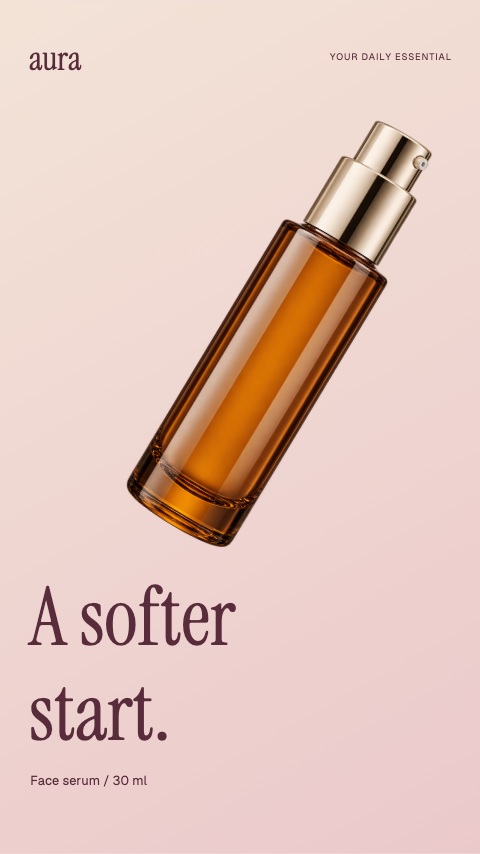
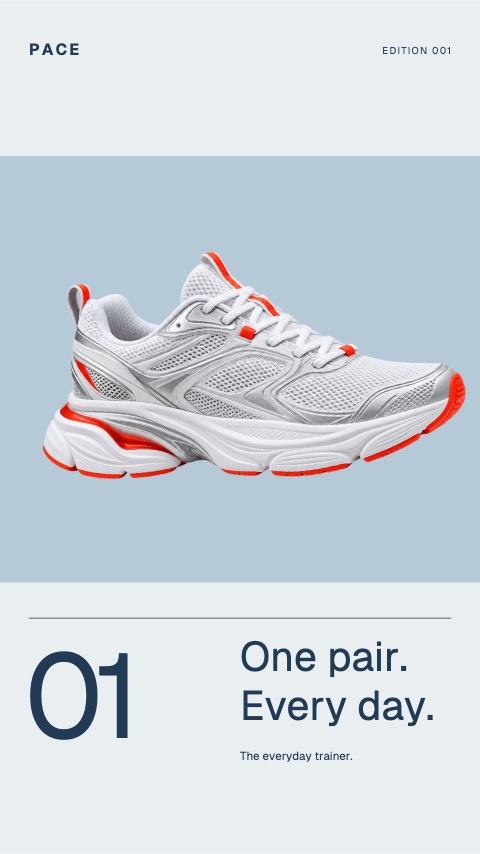
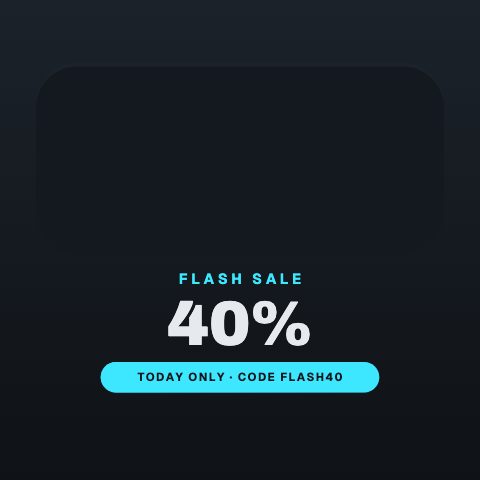
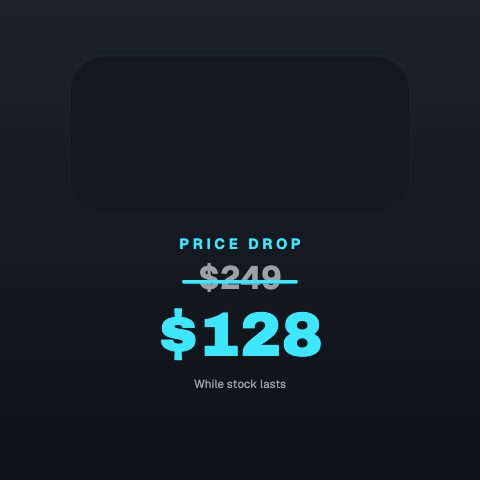
A spare typographic opening cuts to a huge discount and a trainer crossing the frame. Pale blue, ink and vermilion give the offer its own visual language.
The weekend edit is an eight-second product animation with editable photos, text and colours. A spare typographic opening cuts to a huge discount and a trainer crossing the frame. Pale blue, ink and vermilion give the offer its own visual language. Add a product photo and choose Remove background to place a cutout in the scene. Sample prices and product details are illustrative.
Where it fits
A spare typographic opening cuts to a huge discount and a trainer crossing the frame. Pale blue, ink and vermilion give the offer its own visual language.
Product launches, shop updates and vertical social ads.
Filling it in
Use a sharp product photo with a clear edge. Select the photo in the editor, then choose Remove background. Keep the headline short and check the cutout before exporting.
Format and timing
The weekend edit is built at 1080 × 1920, a 9:16 portrait frame, the shape Reels, TikTok, Shorts and Stories fill from edge to edge, and runs 8 seconds at 30 frames per second. It arrives in 3.2 seconds, holds for 2.8 and clears in 2.0, so cue it a beat before the moment it labels. Export it as an MP4 for a timeline or a feed, a GIF where video will not embed, or a MOV with an alpha channel to lay it over footage with nothing behind it. Renders go up to 4K on a paid plan.
What you can edit
Call to actiontext
Closing brandtext
Product photoimage
Brandtext
Kickertext
Offer detailtext
Captiontext
Discounttext
Discount suffixtext
Headlinetext
Opening captiontext
Background colourcolor
Accent colourcolor
Questions about The weekend edit
Can I use my own product photo?
Yes. Replace the sample photo, then remove its background in the editor. You can restore the original photo or undo the change.
Can I change the offer?
Yes. Product details, price, headline, brand and call to action are editable. Replace the sample details with your own.