In short
An OBS browser source is a web page drawn over your stream, with everything outside the graphics left transparent. To run animated overlays from one, build the layout on a canvas the same size as your stream, usually 1920 by 1080, add one browser source in OBS with the overlay's address, and set the source's width and height to match the canvas. OBS creates browser sources at 800 by 600 by default, which is why so many overlays show up small and pushed into a corner. In CaliberVisual the layout is arranged at /livestream, each animation is set to loop, repeat on a timer or wait for a trigger, and the whole scene is served at one URL. Alerts play from a trigger URL, so the bot or Stream Deck button you already run fires them, and every one of them carries your brand kit instead of a stock pack's.
What a browser source is
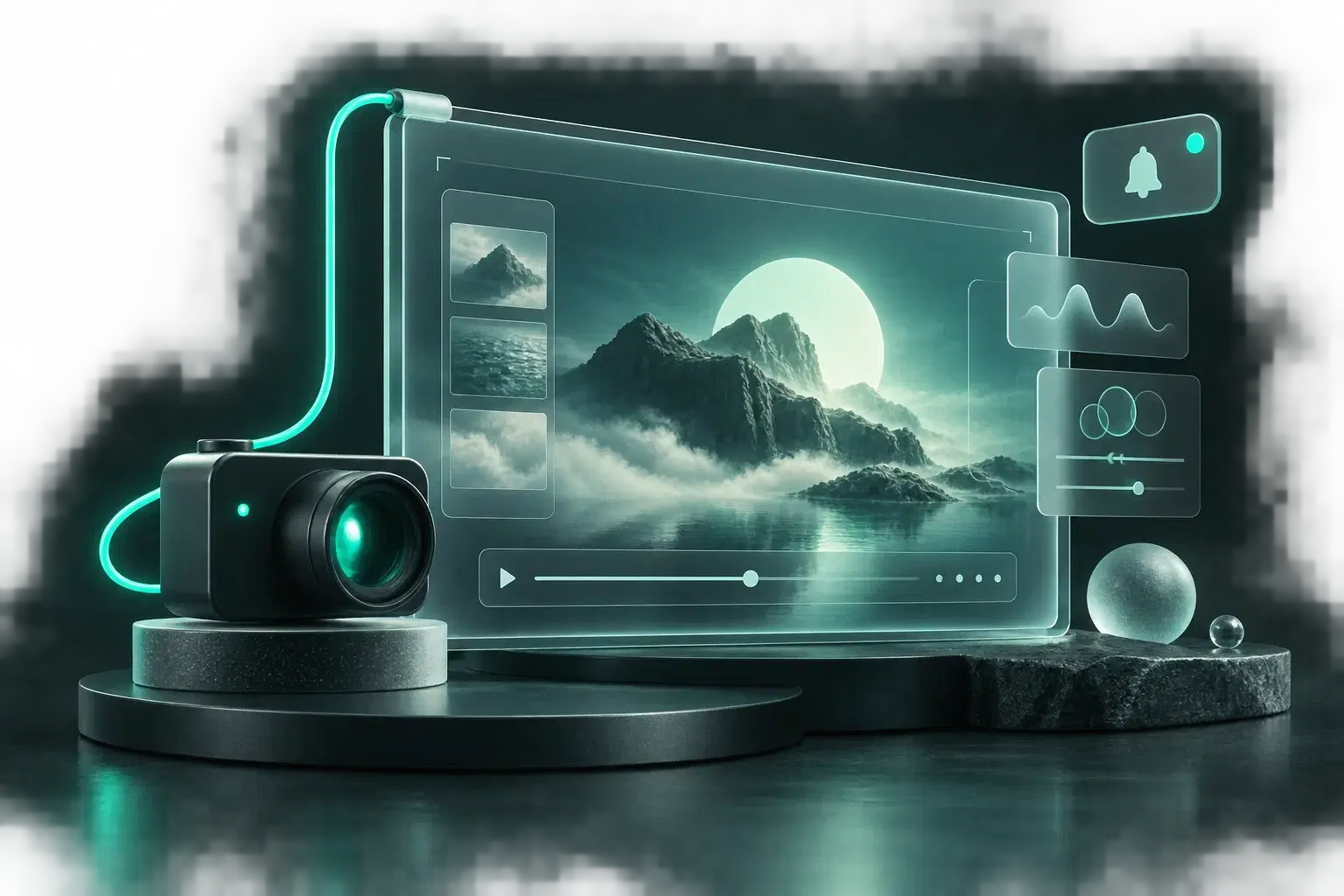
It is a web page with no background. OBS loads an address, draws whatever the page draws, and treats the empty parts as see-through. That is the whole trick, and it is why a browser source can hold a camera frame, a follower prompt and an alert at once without three separate video files looping in your scene.
The practical gain is that the overlay lives somewhere you can change it. Edit the text on the page and the stream shows the new text. Nobody re-exports a file at ten to eight because the schedule moved.
The 800 by 600 mistake
Add a browser source in OBS and it arrives at 800 by 600. An overlay authored at 1920 by 1080 and loaded into that box shows up as a shrunken corner of itself, or gets cropped, depending on how the page scales. People then drag the red handles to stretch it back, which softens every edge and puts the lower third somewhere it was never placed.
The fix takes ten seconds. Open the source's properties and type the canvas size into width and height. 1920 and 1080 for most streams. If you stream at 1440p, author at 2560 by 1440 and type that instead. Then leave the transform alone.
Decide when each piece plays
An overlay that is always on screen is scenery. An overlay that comes and goes is a message. Mixing the two up is how a stream ends up with a follow prompt that viewers stopped seeing in the first five minutes.
CaliberVisual gives every animation on the canvas one of three modes.
- Always on. A camera frame, a starting soon card, a be right back screen. It loops for as long as the source is open.
- On a timer. A follow or subscribe prompt that plays, leaves, and comes back after the number of seconds you set.
- Triggered. An alert. Nothing shows until a cue arrives, then it plays once.
How the alerts fire
Each triggered overlay has its own trigger URL. The alert plays when something opens that address: a Stream Deck button, the bot you already run, a line in a script. It is one setting, made once.
What you get for that setting is the look. The alerts, the prompts and the lower thirds in your edited videos all come from one library and carry one brand kit, so the stream, the highlights and the Shorts stop looking like three different channels. Stock alert packs cannot do that, because they were drawn in somebody else's colours.
A setup that works
Start with three things and add more only when you miss them: a starting soon screen set to always on, a follow prompt on a four-minute timer, and one triggered alert for the event you care about most. Apply your brand kit once so all three share colours and a typeface.
Then paste the URL into OBS, set the size, and watch ten minutes of your own test recording before you go live. You will move the timer. Everybody does.
Questions
What size should an OBS browser source be?
The same size as the canvas the overlay was built on, which for most streams is 1920 by 1080. OBS defaults to 800 by 600, so set width and height by hand in the source's properties.
Does a browser source overlay slow the stream down?
One browser source holding the whole layout is lighter than several, since each source is its own page. Vector animations are small, and an overlay that is waiting for a trigger draws nothing.
Can CaliberVisual alerts fire on a Twitch follow automatically?
Through its trigger URL. Each alert has an address, and whatever already hears your Twitch events, such as a bot or a Stream Deck action, opens it. One setting, and the alert that plays is on your brand rather than a stock design.
Does it work with software other than OBS?
Yes. Anything that accepts a browser source URL can show the overlay, because it is a web page with a transparent background.