In short
A transparent video overlay is a clip whose background is empty instead of black or green, so it sits on top of your footage with nothing behind it. The transparency is stored in an alpha channel, and MP4 cannot carry one. The usual container is MOV. Green screen overlays work around this by asking your editor to remove the green with a chroma key, which often leaves a coloured fringe on soft edges, shadows and glows. To get a true transparent overlay without After Effects, make it in a browser tool that exports MOV with alpha. In CaliberVisual you pick an animation such as a lower third or a subscribe prompt, change the text, colours and logo, and export MOV with an alpha channel on Pro and above. Premiere Pro, Final Cut and DaVinci Resolve read it on a track above your footage.
What an alpha channel is
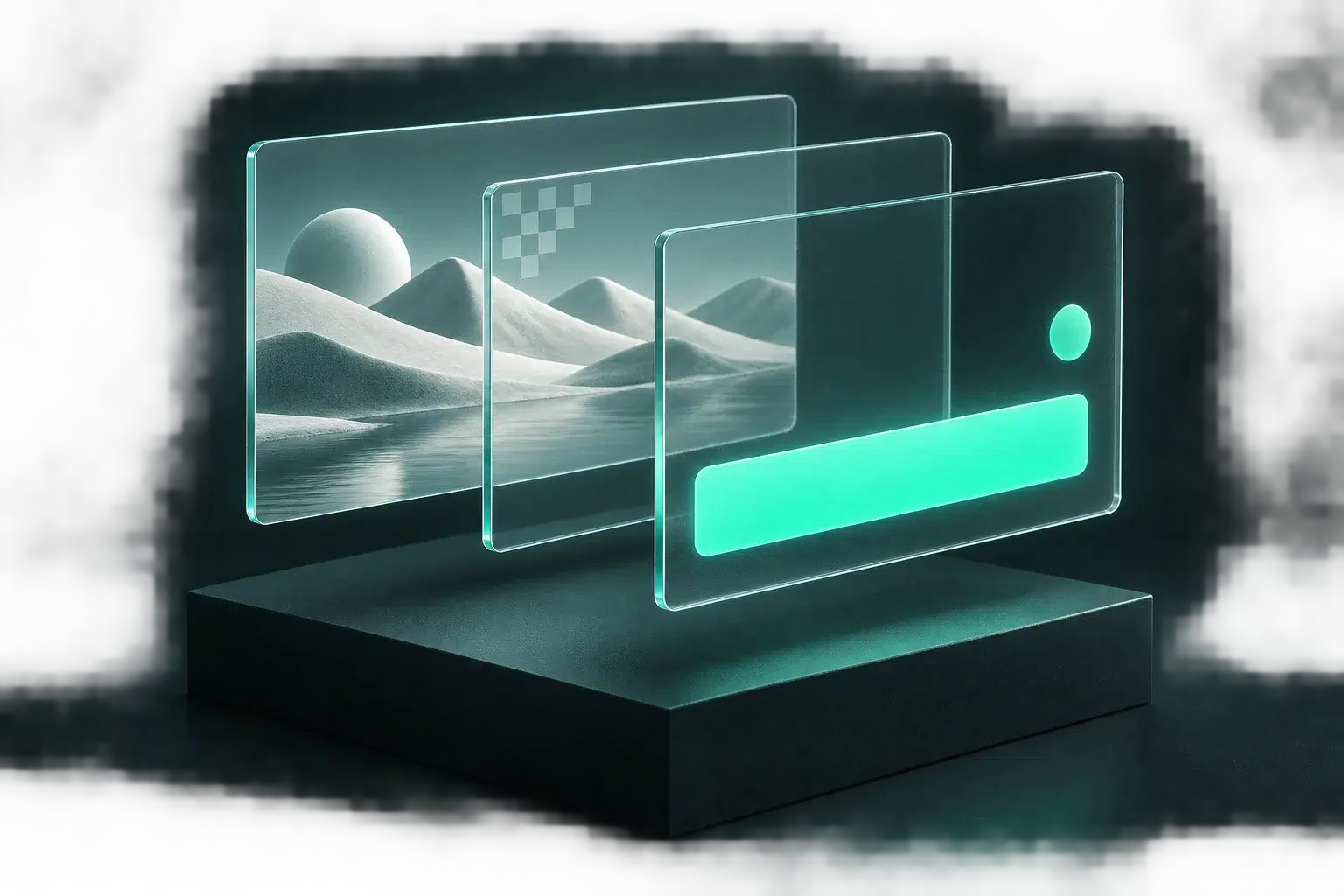
Every pixel in a normal video has three values: red, green and blue. An alpha channel adds a fourth, which says how see-through that pixel is. Fully opaque where the graphic is, fully clear where it is not, and partly clear along soft edges and shadows. That last part is the one that matters.
MP4 with H.264, the format almost everything exports by default, has no room for the fourth value. That is why an overlay saved as MP4 arrives with a black rectangle around it. It is not a setting you missed.
Why green screen overlays look slightly off
Free overlay packs mostly ship on green because green MP4s play anywhere. Your editor then has to guess which pixels were background. On a hard-edged shape it guesses well. On a drop shadow, a glow or an anti-aliased curve, the edge pixels are part green and part graphic, and the key either eats into the shape or leaves a green rim.
You can fight it with spill suppression and edge feathering. People do, every week, on the same subscribe button. With an alpha file there is nothing to key, because the file already knows where it is clear.
Which editors read a transparent MOV
Most desktop editors do, with no extra steps. Put the clip on a track above your footage.
- Premiere Pro. Reads the alpha automatically. If you see black, check Interpret Footage and make sure alpha is not set to ignore.
- Final Cut Pro. Drop it above the main storyline. Nothing to set.
- DaVinci Resolve. Place it on V2. The alpha is read on import.
- OBS. For live use a browser source is simpler than a video file.
Making one in a browser
Pick an animation, change the text, set your colours and logo, choose MOV, export. The file comes out with a real alpha channel on Pro and above. There is no project to open and nothing renders on your machine beyond the browser tab.
The motion is already authored, so what you are deciding is the wording and where it sits in your edit, which is where an editor's attention should be going anyway.
When MP4 or GIF is the better choice
Alpha files are large, and phones and social platforms mostly cannot use them. If the graphic is the whole frame, such as a sale post or a listing Reel, export MP4. If it is going into an email, export GIF. Transparent MOV is for one job: a graphic that sits on top of other footage inside an editor.
Questions
Can an MP4 have a transparent background?
Not in the H.264 form nearly everything uses. It has no alpha channel. Transparent video is normally delivered as MOV, or as WebM for the web.
Is a transparent overlay better than a green screen overlay?
For anything with soft edges, shadows or glows, yes. There is no chroma key step and no green fringe. A green screen file is only easier when your editor cannot read alpha.
Do I need After Effects to make a transparent overlay?
No. CaliberVisual exports MOV with an alpha channel from the browser on Pro and above, with the motion already authored and your brand kit applied. Building the same overlay by hand in After Effects or DaVinci Resolve is an afternoon and a render.
Why does my transparent MOV show a black background?
Either the file was exported without alpha, or the editor is set to ignore it. In Premiere Pro, check Interpret Footage. If the clip is an MP4, it never had alpha to begin with.